First milestone
A new customer needs to complete one workflow. Show the path that turns onboarding advice into a step they can practice.
Customer success
Give customers guided demos they can replay during onboarding, lifecycle programs, renewals, and expansion conversations.
Customer success work continues after the call. Make the next milestone clear for the account, the new stakeholder, and the CSM who owns the handoff.
A new customer needs to complete one workflow. Show the path that turns onboarding advice into a step they can practice.
An account adds a teammate who missed the original session. Give them a replayable explanation without another calendar hold.
An account is weighing a broader workflow. Use a focused product path to support the conversation without promising an outcome.
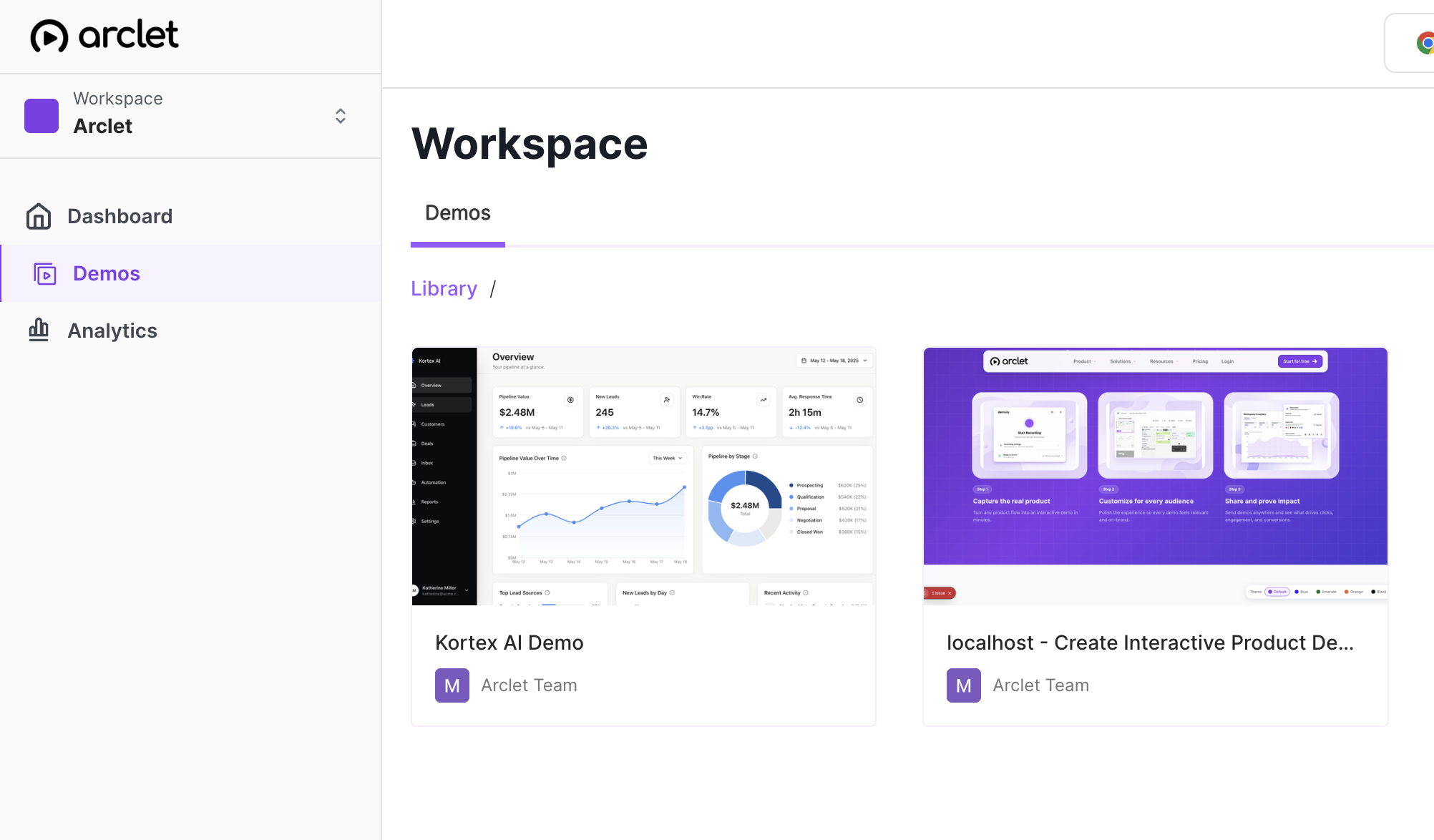
Use the mapped workspace onboarding demo as an adoption example. Inspect the path a teammate can revisit after the CSM conversation.
Adoption step
Replace a long recap with a short guided path customers can follow in their own time. The next step stays visible when the meeting is over.
Account handoff
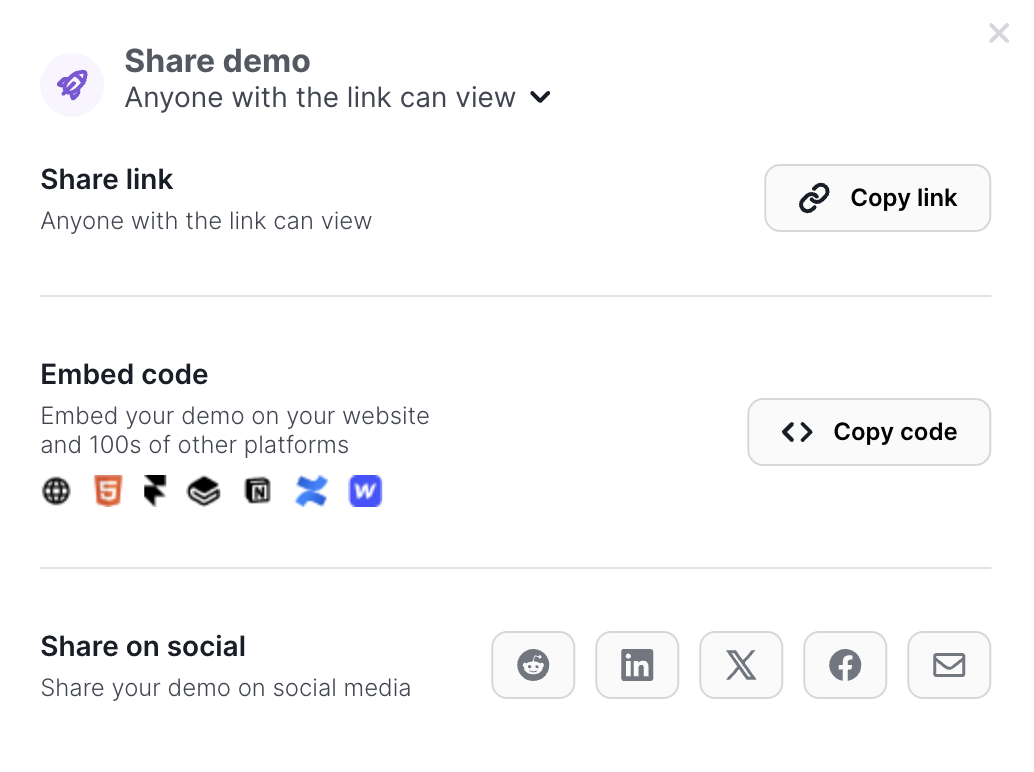
A shared link or embed gives new teammates a concrete explanation. Surround it with account context so the path stays relevant to the milestone.
Improvement loop
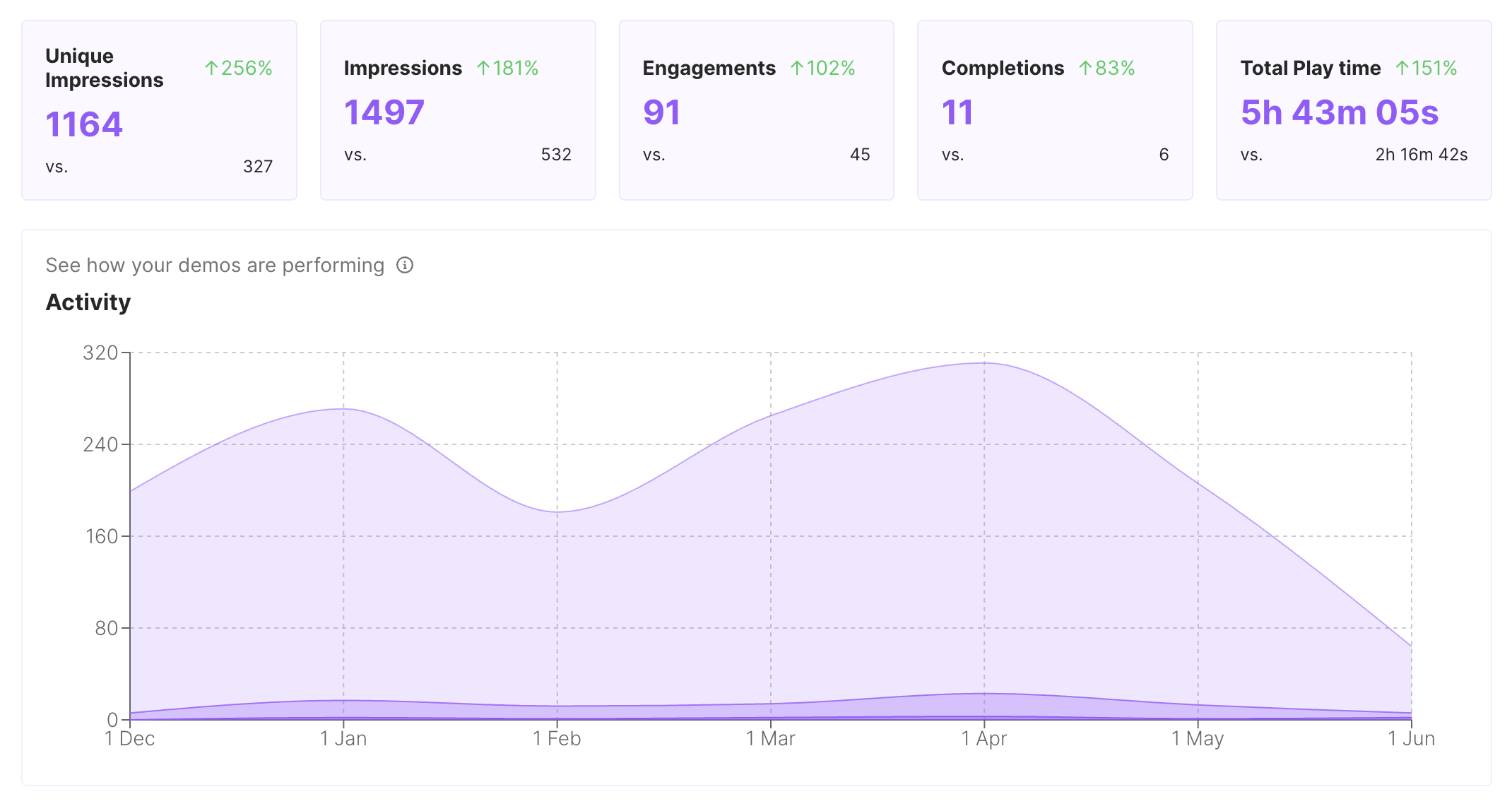
Available engagement and completion signals can show where viewers pause or stop. Use that context to improve guidance and decide where a human should step in.
Keep the demo tied to the account outcome, not a generic product tour.
1
Start with the workflow the account needs to complete next, not every feature it could explore.
2
Keep only the steps that help a customer practice the milestone with confidence.
3
Tell the viewer what to try next and when the CSM will reconnect.
Judge formats by replayability, context, accessibility between meetings, and maintenance. The right format depends on the milestone.
| Criterion | Interactive demo (highlighted format) | Help article | Live call |
|---|---|---|---|
| Customer can do | Practice a focused workflow | Read steps and reference details | Ask questions in real time |
| Between meetings | Replay the guided path | Return to written instructions | Requires another shared slot |
| Maintenance tradeoff | Edit step guidance and blur data | Rewrite screenshots and prose | Repeat the explanation live |
Use the same path in the account surfaces where a customer needs a refresher.
Place the workflow beside the customer checklist and success milestone.
Send a short replayable path when the next adoption step is due.
Give new stakeholders a concrete explanation they can review before the next conversation.
Interactive demos work across every team workflow.
Give reps and champions a clickable product story that sets context before discovery, keeps the live walkthrough focused, and remains useful after the call.
Put interactive demos in landing pages, launch notes, nurture, and paid campaigns so visitors can explore the workflow before they convert.
Capture product paths once and share interactive context for roadmap reviews, release handoffs, and cross-functional launch work.
Build clickable walkthroughs for tickets, macros, and help articles so customers can solve common issues without another reply.
Create self-paced interactive demos for SOPs, enablement, onboarding, customer education, and partner training.
Start free, record a real workflow, and publish a demo people can click through.
Everything you need to know to get started today.