Old demosTraditional
Static videos, slides, and docs
- Viewers watch passively and miss the key moment
- One product change means a full re-recording
- Lives in one campaign, call, or help article
- View counts tell you almost nothing useful
Create guided, clickable product demos that help buyers understand your product faster, without booking a call or waiting for a live walkthrough.
Comparison
See how interactive demos compare with static screenshots, videos, and decks when it comes to clarity, engagement, and conversion.
How it works
Record your product, tailor the experience, and share demos that drive action.

Step 1
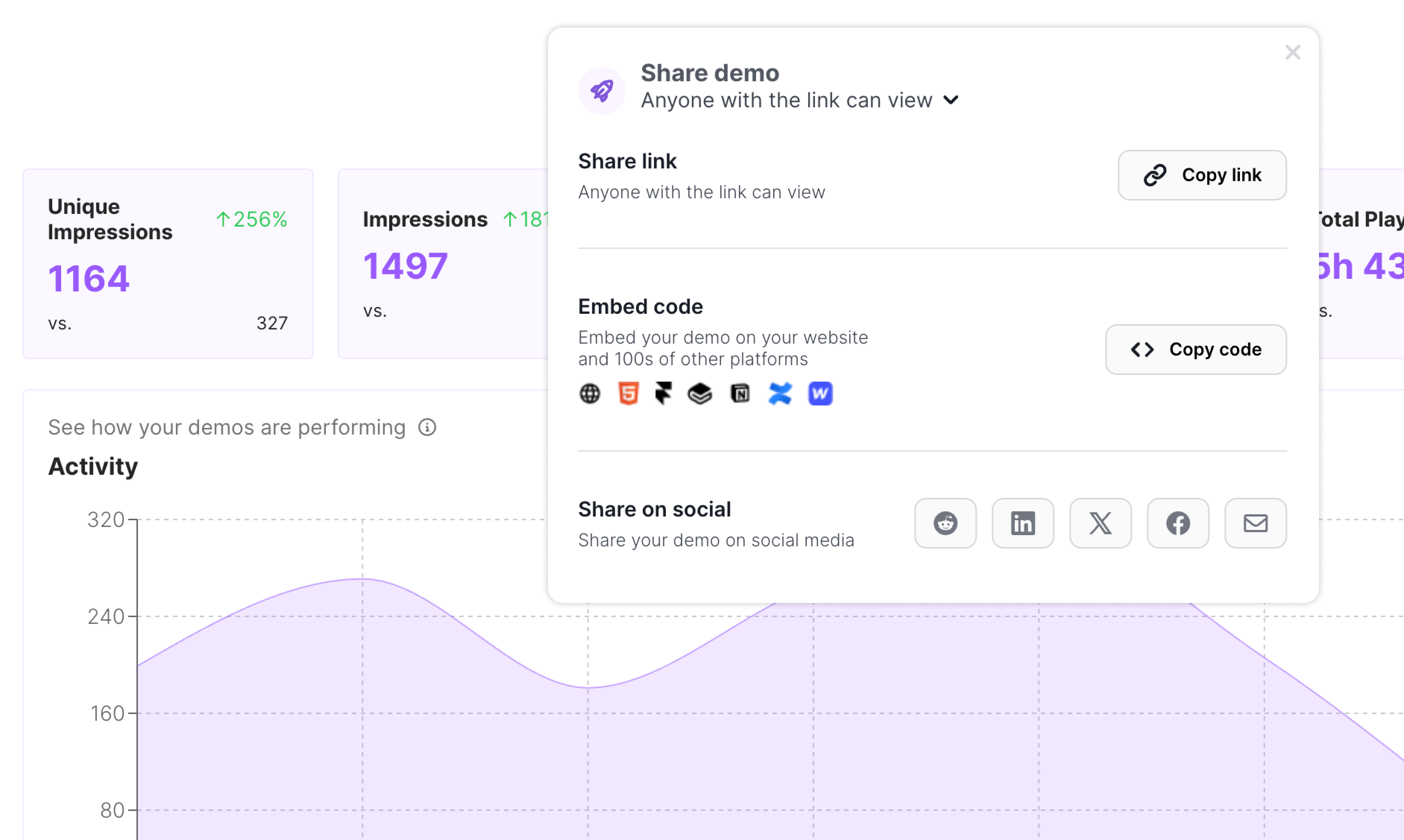
Turn any product flow into an interactive demo in minutes.

Step 2
Polish the experience so every demo feels relevant and on-brand.
Step 3
Send demos anywhere and see what drives clicks, engagement, and conversions.
Arclet follows the practical workflow teams already need: capture the product, clean up the story, publish it, and learn from engagement.
Capture
Start with the real browser workflow instead of a deck, static screenshots, or a stitched-together video.
Refine
Edit the explanation, highlight the right interface details, and protect sensitive data before the demo goes live.
Publish
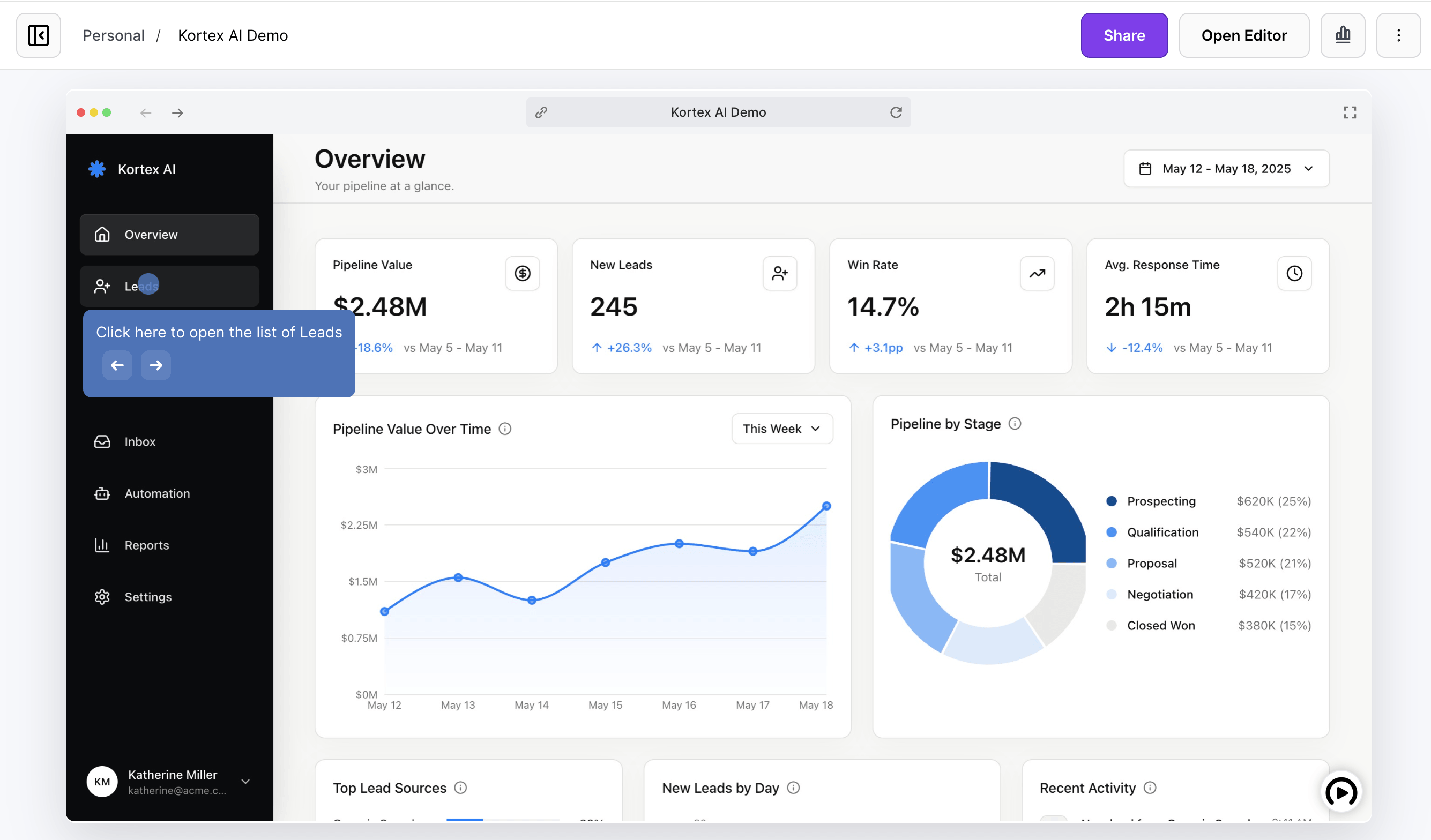
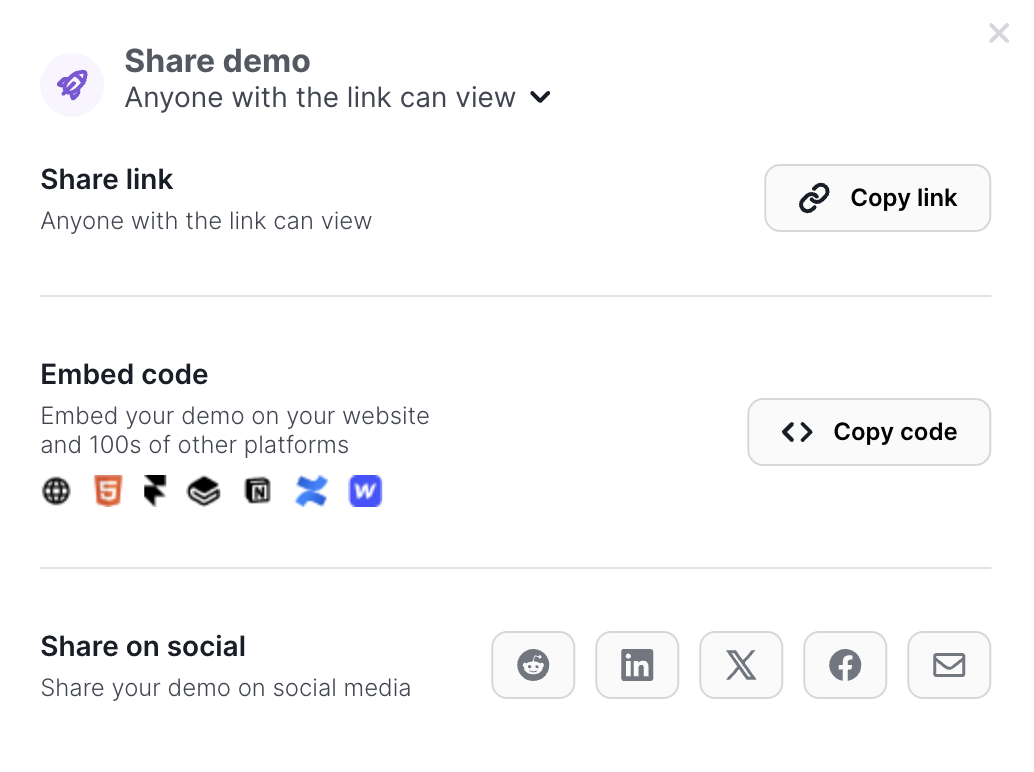
Use one interactive experience anywhere a product explanation has to travel without you in the room.
Measure
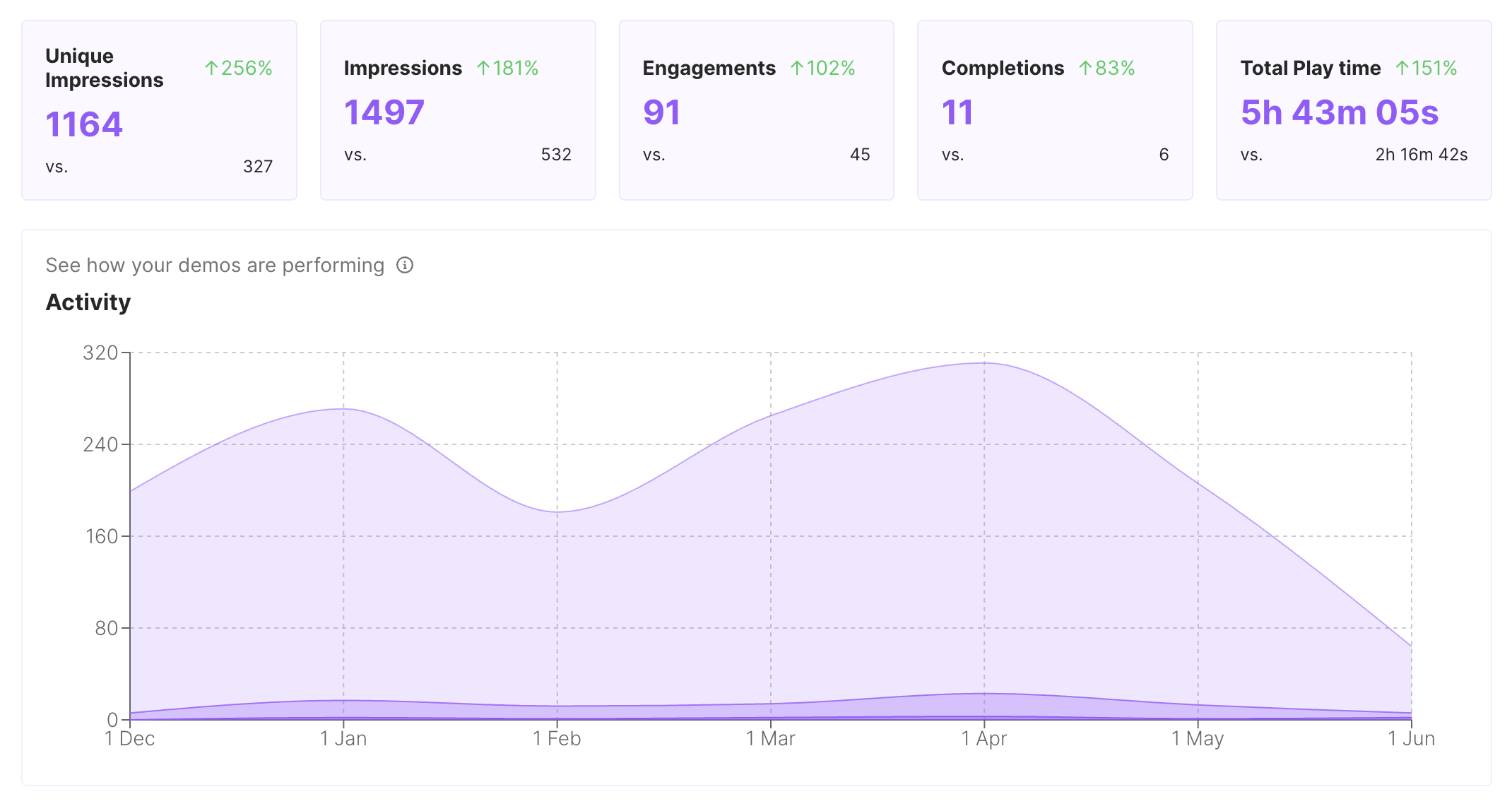
Use engagement signals to improve the flow and focus follow-up on what viewers actually explored.
Every path links into a focused use-case page so visitors can move from the homepage into the workflow closest to their job.
Give reps and champions a clickable product story that sets context before discovery, keeps the live walkthrough focused, and remains useful after the call.
Put interactive demos in landing pages, launch notes, nurture, and paid campaigns so visitors can explore the workflow before they convert.
Give customers guided demos they can replay during onboarding, lifecycle programs, renewals, and expansion conversations.
Capture product paths once and share interactive context for roadmap reviews, release handoffs, and cross-functional launch work.
Build clickable walkthroughs for tickets, macros, and help articles so customers can solve common issues without another reply.
Create self-paced interactive demos for SOPs, enablement, onboarding, customer education, and partner training.
Use Arclet wherever a static screenshot, passive video, or repeated meeting leaves too much work for the viewer.
Turn a recording into a guided demo people can understand in minutes, not after another calendar hold.
Put the same hands-on workflow in landing pages, follow-up emails, support docs, onboarding hubs, and launch notes.
Use step engagement to see which workflows people explored before sales, success, or support follows up.
Tailor tooltip copy, CTAs, and supporting context for a segment while keeping the core demo consistent.
Give sales, marketing, customer success, product, support, and training teams reusable demos from one product workflow.
Use demos to explain launches, handoffs, adoption plays, support answers, and process training when static screenshots fall short.
Give visitors a clickable demo they can explore on their own, share with their team, and come back to when they're ready to convert.
Five short guides match interactive demo software to the job you're solving — capture, sales calls, SaaS lifecycle, or in-product tours.
Start free, record a real workflow, and publish a clickable demo your next buyer, customer, or teammate can explore on their own.
Everything you need to know to get started today.
