Browser mockup generator
Drop in a screenshot and it sits in a browser window on a background that's ready for a landing page, slide or social post. It's the same window frame Arclet's interactive demos use.
Bring your screenshots to life as an interactive demo, free to get started.
Start for freeHow it works
Make a browser mockup
Drop in a screenshot and it sits in a browser window on a background that's ready for a landing page, slide or social post. It's the same window frame Arclet's interactive demos use.
Step 1
Add your screenshot
Paste, drop or choose a screenshot of your app or site. It opens in a light browser window on a purple gradient.
Step 2
Style the window
Switch between light and dark browser frames, pick one of five gradients or your own color, and set the padding, corner radius and shadow.
Step 3
Size it for where it goes
Keep the natural size, or choose 16:9 for slides, 1:1 for social feeds, or 1200×630 for link previews. Then download a 2× PNG.
Before and after
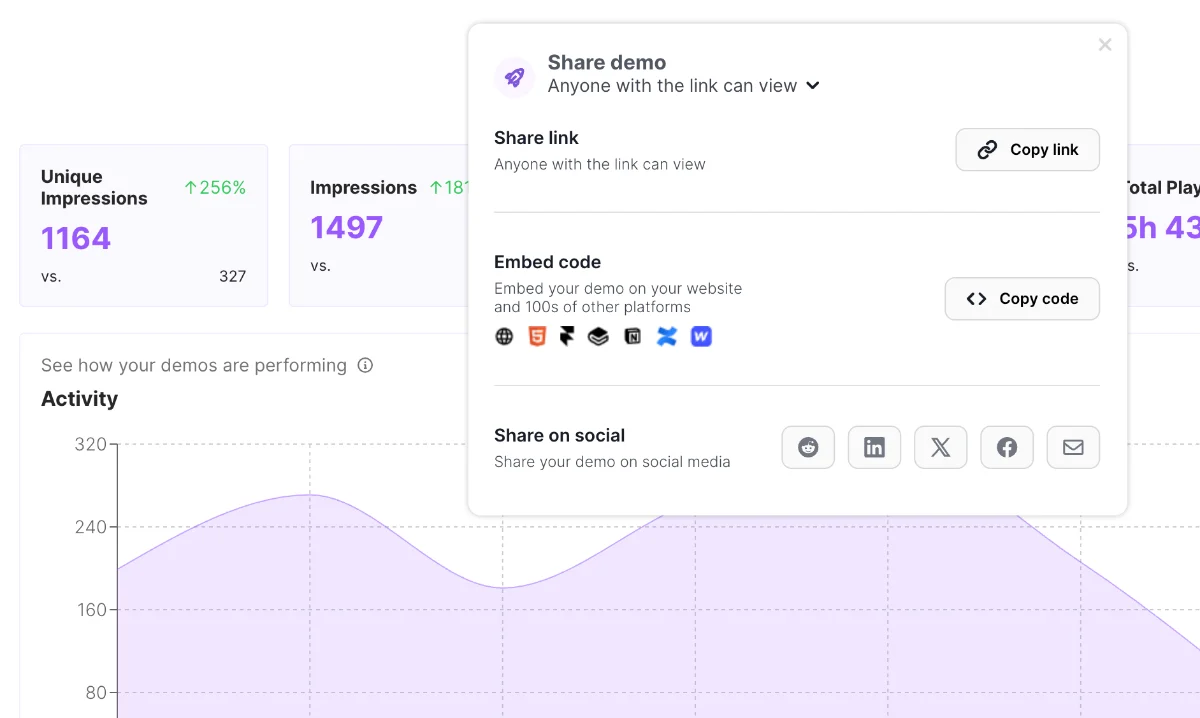
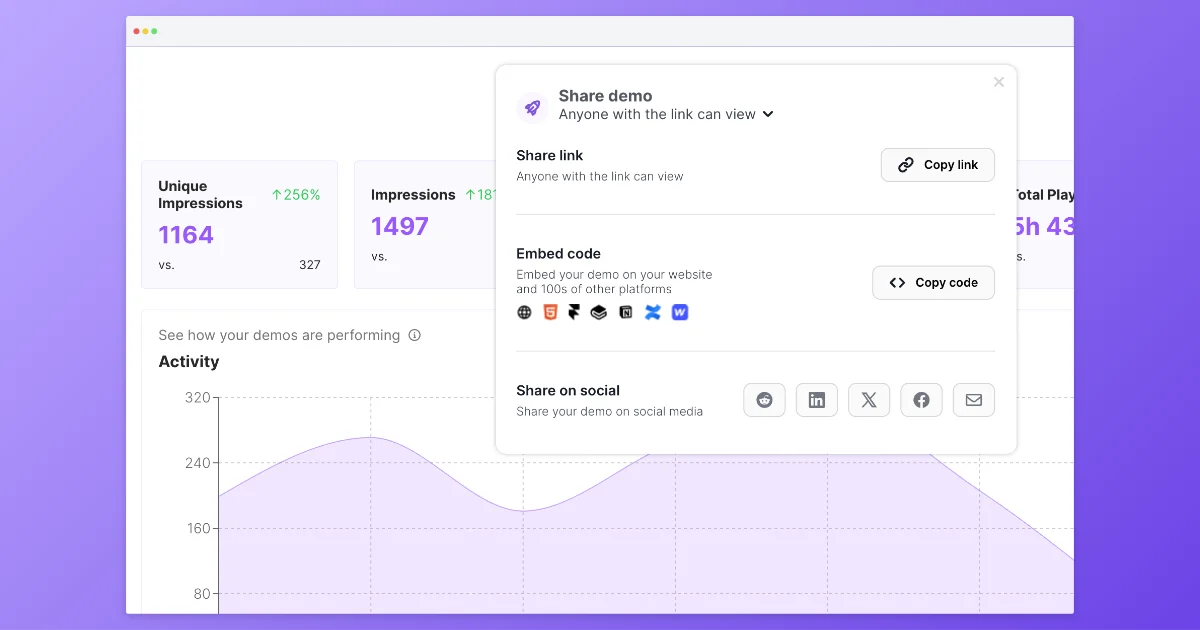
A raw capture becomes a visual ready for a landing page: browser frame, gradient, padding and shadow.
Frequently asked questions
Everything you need to know to get started today.
More free tools
Screenshots show a moment. Demos show the whole flow.
Record a workflow once in your browser and share a demo people can click through.