First-run onboarding
A new teammate needs to complete a browser workflow. Let them practice the sequence before the live check-in.
Training
Create self-paced interactive demos for SOPs, enablement, onboarding, customer education, and partner training.
Training teams have to teach a first run, a process refresh, and a partner handoff. Give each learner a path they can click through and replay.
A new teammate needs to complete a browser workflow. Let them practice the sequence before the live check-in.
A team needs to repeat an SOP after a change. Give them a short lesson that keeps the action and reason together.
An external team needs the same process context. Share a replayable path without booking another session.
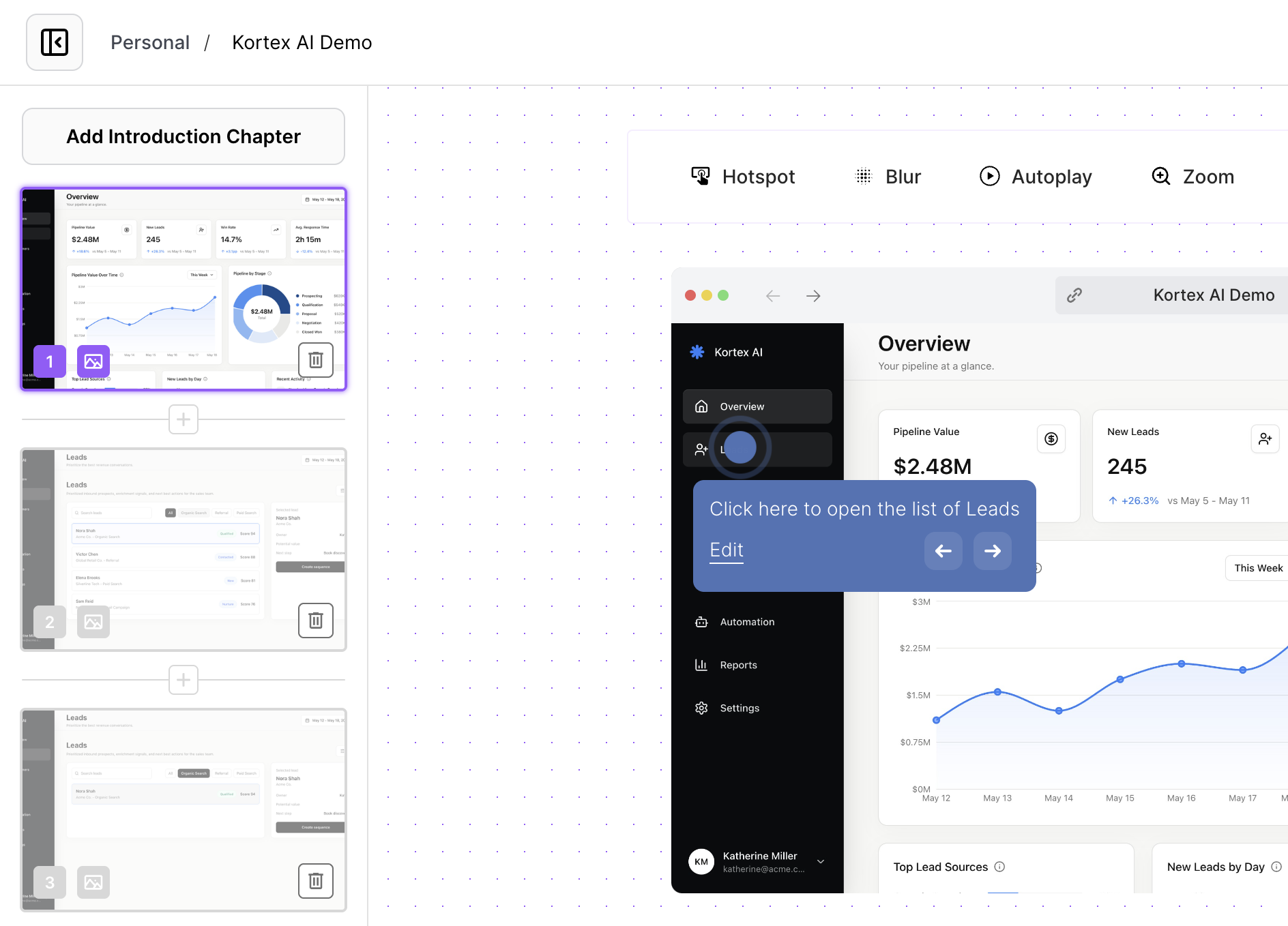
Use the mapped onboarding workflow as a training example. Inspect how a learner can click through the process and return to it later.
Guided practice
Learners click through the process in their own time. The demo shows what to do, where to click, and why each step matters.
Learning surfaces
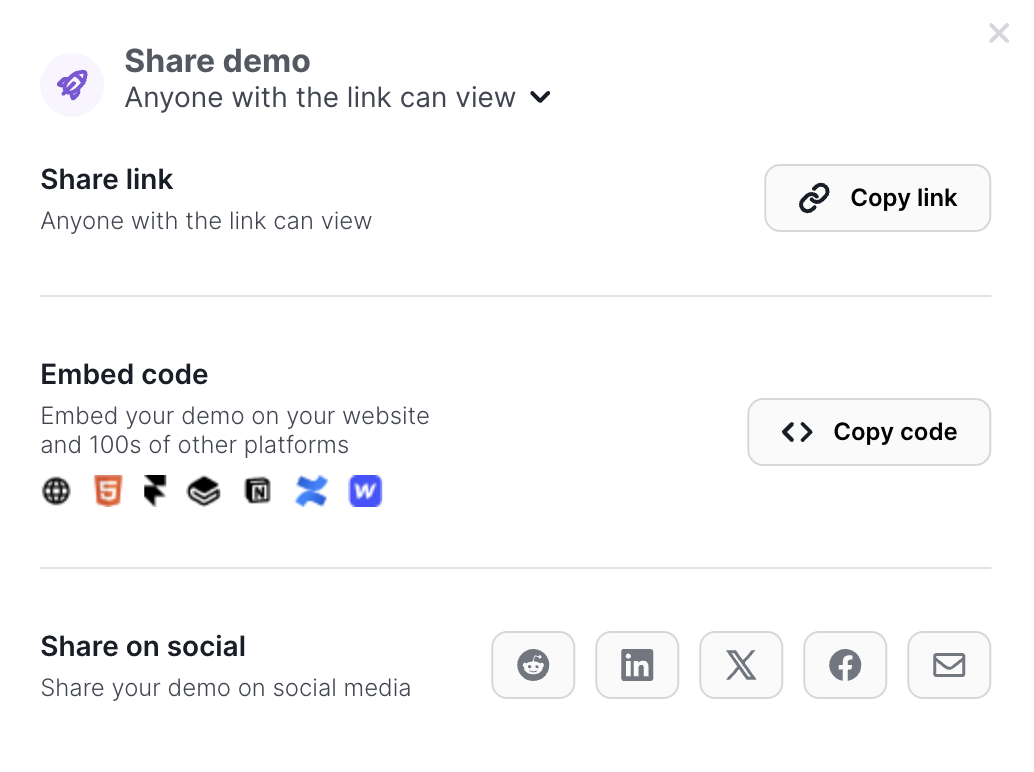
Share the demo in an LMS, onboarding hub, academy, partner portal, or enablement page. Keep the written SOP as a reference layer around practice.
Lesson improvement
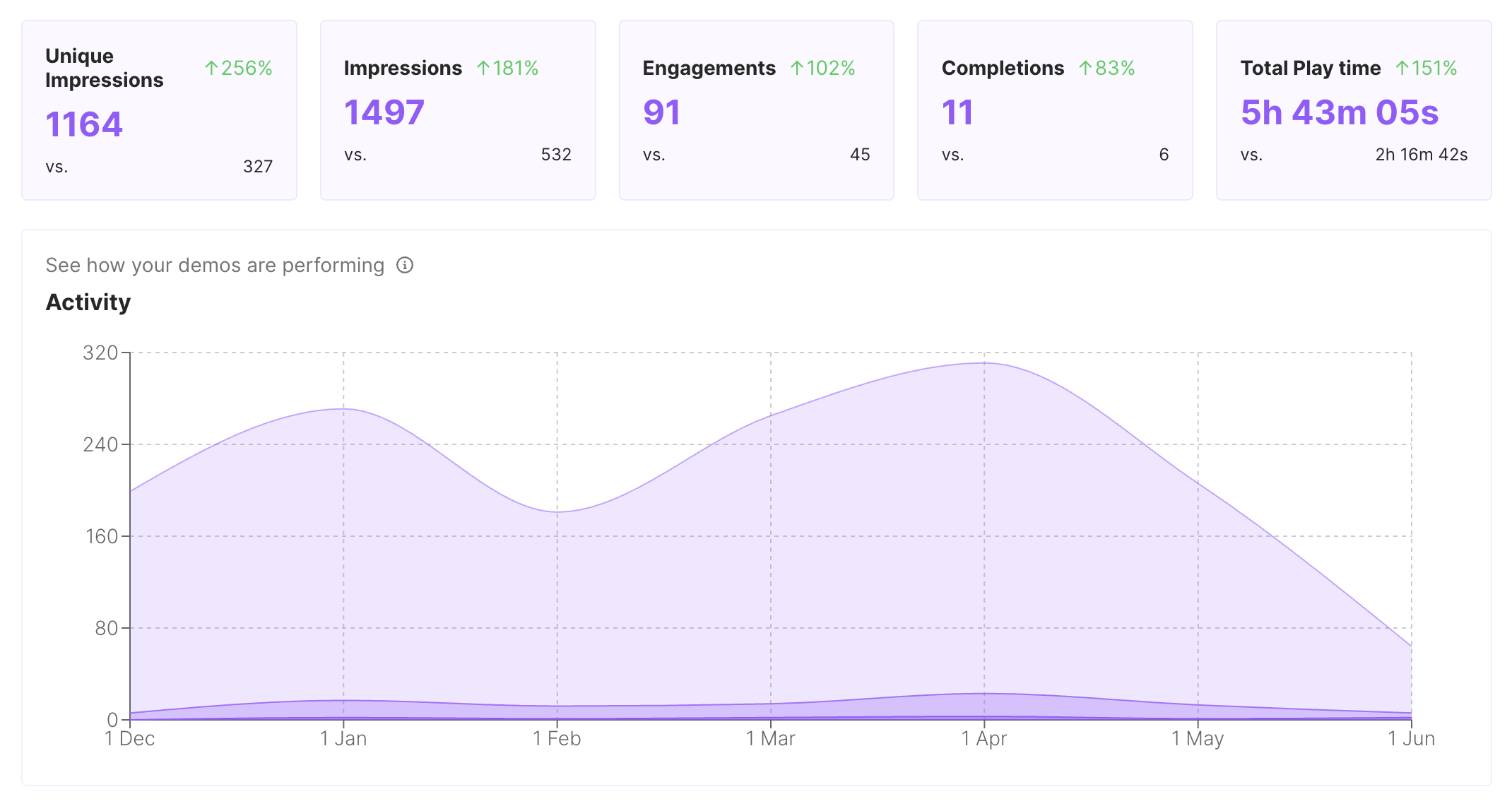
Available engagement and completion signals can show where learners slow down or stop. Rewrite the unclear step and keep the lesson current.
Turn one browser workflow into a short lesson someone can complete alone.
1
Choose the browser workflow learners need to perform accurately, not the whole product.
2
Use step guidance to teach what to do and why it matters at the moment of action.
3
Place the lesson in the LMS, academy, onboarding hub, or partner portal that owns the process.
Compare formats by practice, replayability, placement, and maintenance. Keep written documentation available for durable reference.
| Criterion | Interactive demo (highlighted format) | SOP document | Live workshop |
|---|---|---|---|
| Learner does | Practices the captured workflow | Reads and follows instructions | Performs with a facilitator |
| Replay mode | Return to any guided step | Scan the reference again | Schedule another session |
| Maintenance tradeoff | Edit step guidance and context | Rewrite screenshots and prose | Repeat the workshop |
Use one approved process lesson wherever learners and partners already complete training.
Put practice directly inside the course module beside the written objective.
Standardize a first-run workflow for every new teammate.
Let external teams revisit the process asynchronously when they need a refresher.
Interactive demos work across every team workflow.
Give reps and champions a clickable product story that sets context before discovery, keeps the live walkthrough focused, and remains useful after the call.
Put interactive demos in landing pages, launch notes, nurture, and paid campaigns so visitors can explore the workflow before they convert.
Give customers guided demos they can replay during onboarding, lifecycle programs, renewals, and expansion conversations.
Capture product paths once and share interactive context for roadmap reviews, release handoffs, and cross-functional launch work.
Build clickable walkthroughs for tickets, macros, and help articles so customers can solve common issues without another reply.
Start free, record a real workflow, and publish a demo people can click through.
Everything you need to know to get started today.