Record

Capture a real product flow before the moment passes.

Use the Arclet Chrome extension to walk through any browser workflow. Every click and screen state becomes a step in a clickable interactive demo.

See a recorded demo in action.

Walk through a real product workflow captured with the Arclet Chrome extension.

Capture

Open any product tab. Click record. Walk through the workflow.

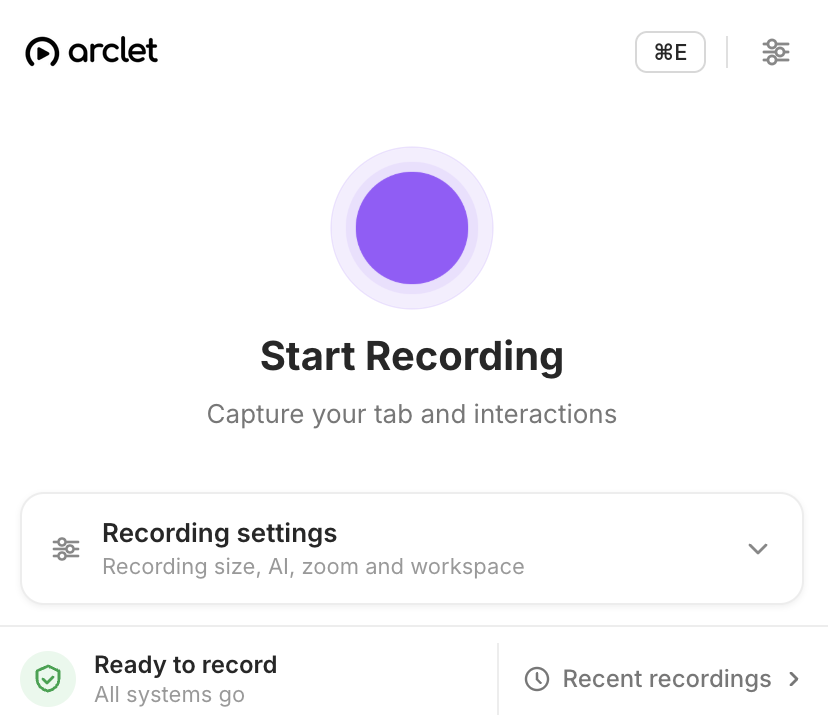
Install the Arclet Chrome extension once. When you're ready to record, open the product in Chrome, activate the extension, and walk through the exact workflow your viewer needs to understand. Arclet captures every click and screen state as it happens.

  • One install, any browser tab
  • Real product interface captured
  • No separate recording environment
Arclet Chrome extension recording state in the browser toolbar

Steps

Every step becomes a clickable moment.

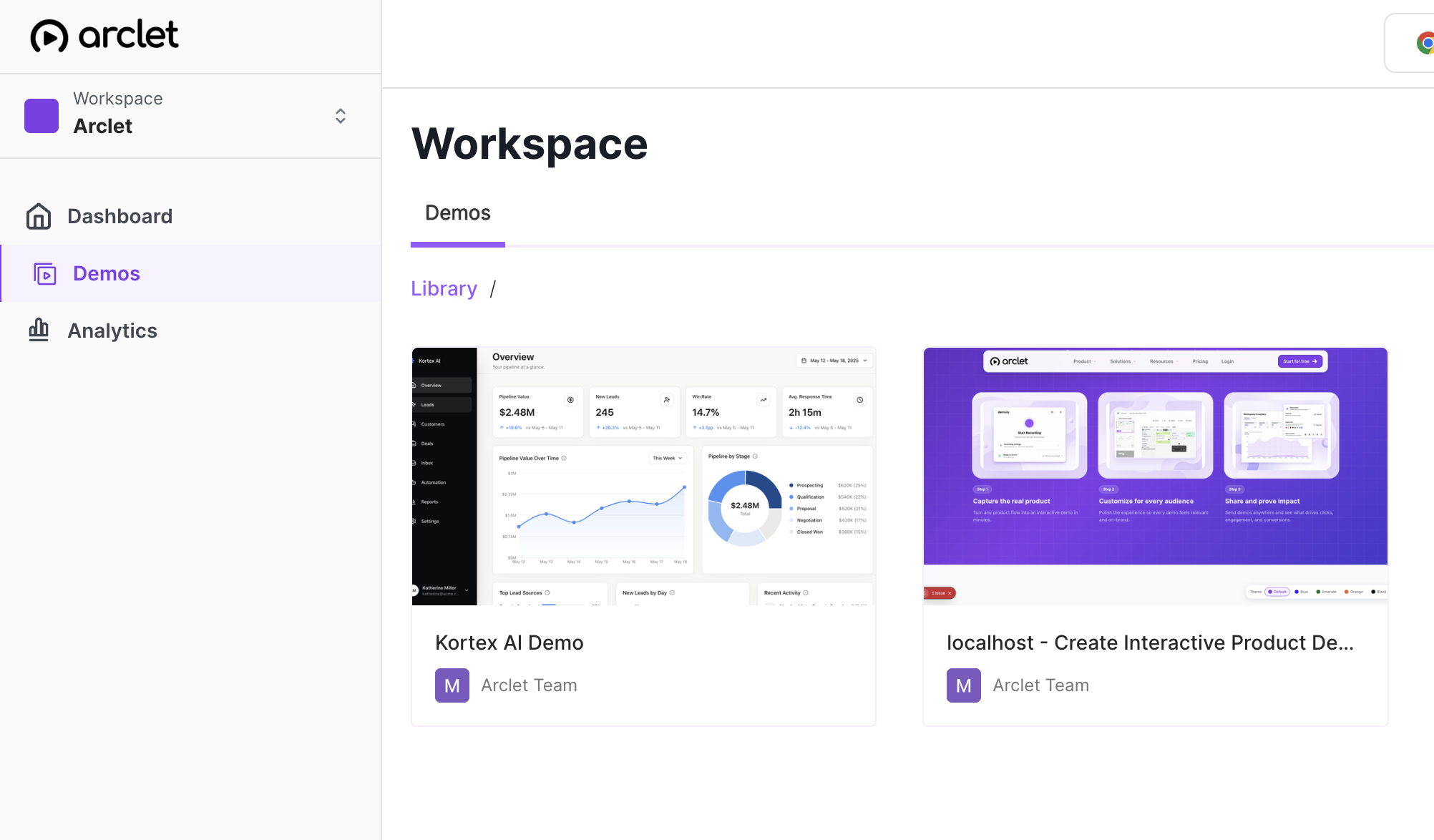
As you navigate, Arclet builds the demo one interaction at a time. Each click becomes a discrete step with its own screen state. The resulting demo plays back exactly the workflow you recorded — no editing required before sharing.

  • Step-by-step capture
  • Preserves real UI state
  • Ready to share after recording
Arclet demo library showing a list of captured interactive demos

Simplicity

No screen capture software required.

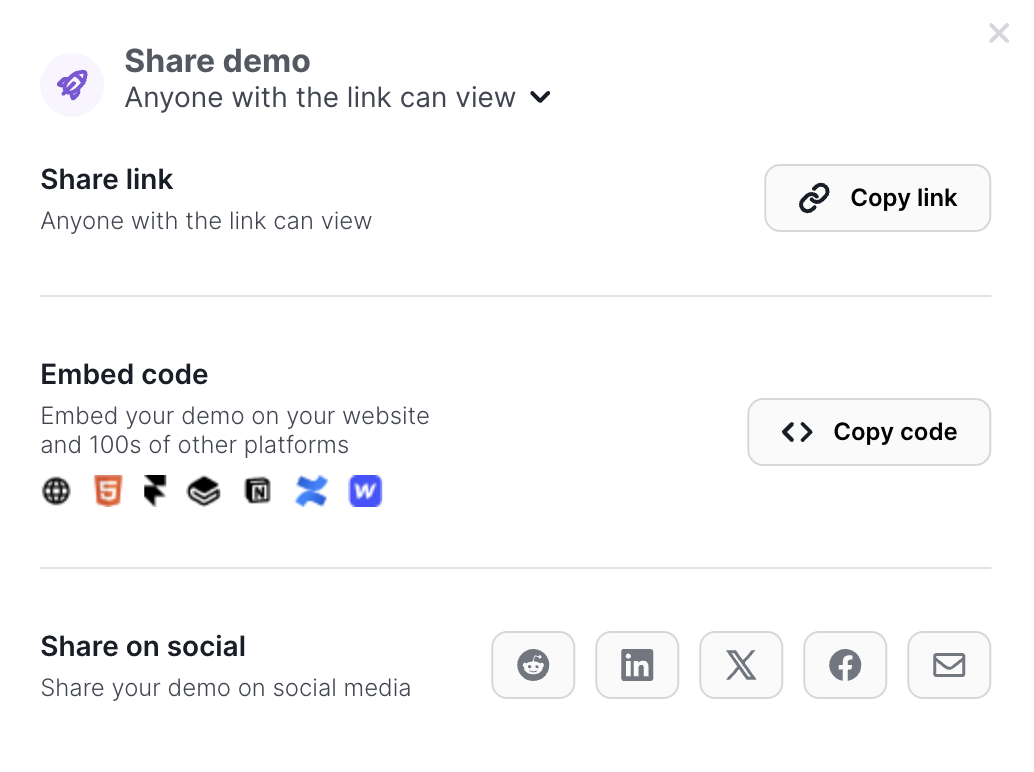
Traditional demo recordings require video tools, compression software, and a separate editing pass. Arclet creates an interactive walkthrough directly from your browser session — no render times, no upload limits, no editing before you can share.

  • Browser-native recording
  • Instant publish after capture
  • No export or render step
Arclet sharing modal with public link ready to copy

Explore other features.

Your first demo is 5 minutes away.

Start free, record a real workflow, and publish a demo people can click through.

Frequently asked questions

Everything you need to know to get started today.

Arclet captures click interactions and screen states from any Chrome browser tab. Each interaction becomes a discrete step in the final demo.
No. Install the Arclet extension once from the Chrome Web Store, and recording is available in any tab.
Yes. If it runs in Chrome, you can record it.
Yes. The editor lets you refine tooltip copy, reorder or delete steps, blur sensitive data, and add your brand before sharing.
Most workflows are captured in the same time it takes to walk through them manually — usually two to five minutes.