Repeated ticket
A customer asks the same “where do I click?” question. Show the exact path instead of rewriting the reply.
Support
Build clickable walkthroughs for tickets, macros, and help articles so customers can solve common issues without another reply.
Support teams need answers that work under pressure. Make the repeated ticket, agent macro, and help article point to the same clear action.
A customer asks the same “where do I click?” question. Show the exact path instead of rewriting the reply.
An agent needs a reusable answer that stays accurate. Give the macro a focused walkthrough and a short explanation.
A self-serve reader needs to see the interface. Put the guided path beside the written answer.
Use the mapped support workflow as a guided-answer example. Inspect the steps a customer could follow from a ticket or help article.
Reusable answer
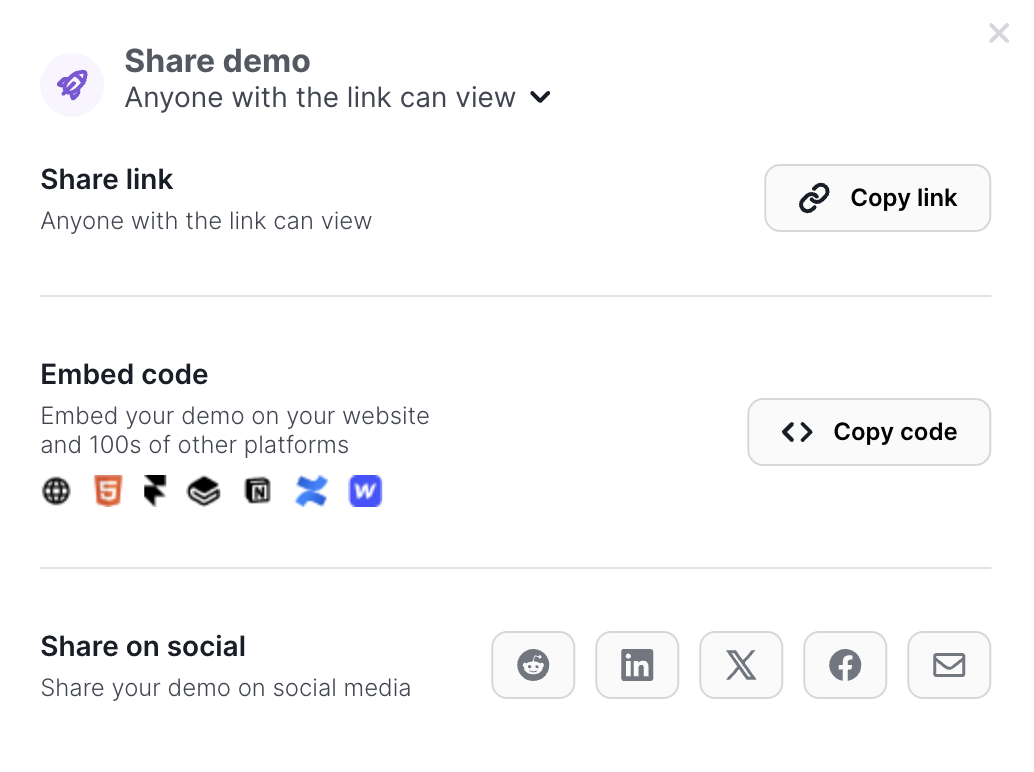
Record a common support answer as a clickable path. Customers can follow the interface instead of translating a long written reply.
Safe publishing
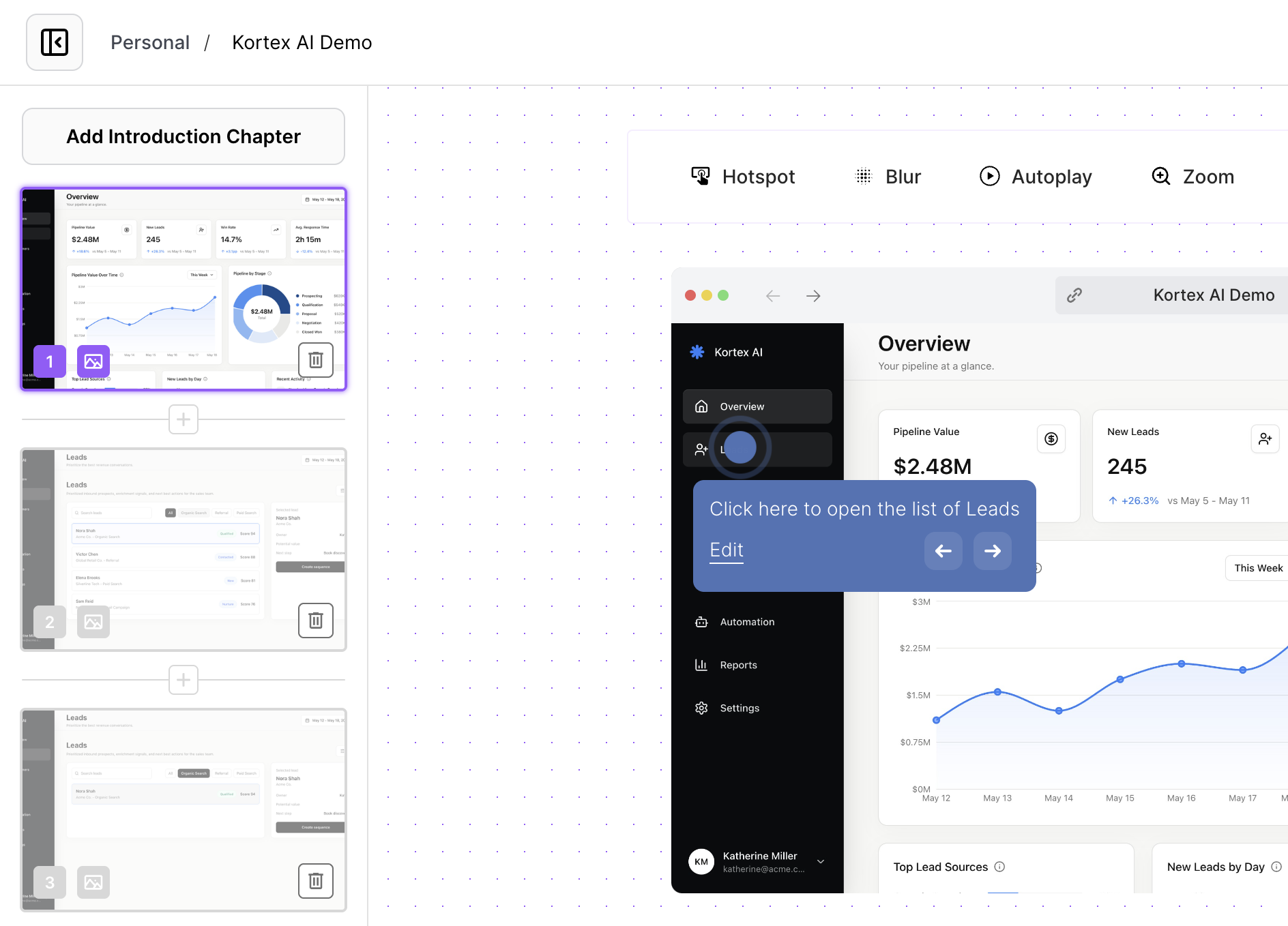
Use the editor to blur account numbers, personal data, or internal details. The answer stays instructive without exposing private information.
Answer quality
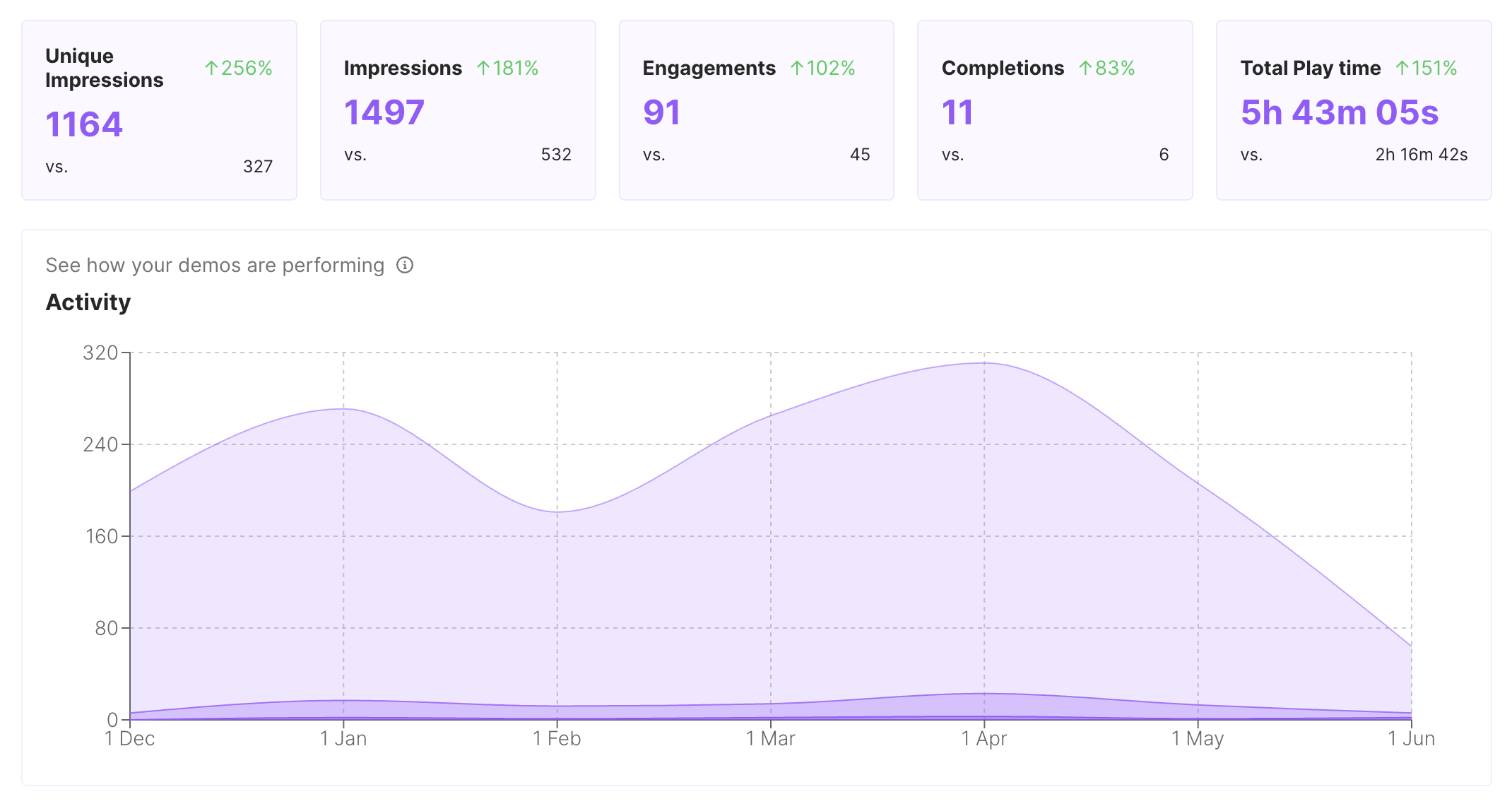
Available engagement and completion context can show where a support demo loses readers. Use that prompt to rewrite the unclear step.
Keep the path short, safe, and easy for an agent to reuse.
1
Start with the exact task a customer cannot complete from the current written answer.
2
Blur or remove private values and keep only the interface details needed to solve the issue.
3
Tell the customer what to try after the walkthrough and when to reply for help.
Judge formats by clarity under pressure, reuse across channels, safety, and maintenance. A written answer remains useful beside the interactive path.
| Criterion | Interactive demo (highlighted format) | Help article | Recording |
|---|---|---|---|
| Customer follows | Clicks the exact interface path | Reads and references steps | Watches a fixed sequence |
| Where it travels | Ticket, macro, article, or email | Article, portal, or macro | Video player or link |
| Maintenance tradeoff | Update guidance and blur data | Rewrite prose and media | Re-record a changed path |
Use one approved walkthrough wherever customers or agents need the same fix.
Embed the walkthrough beside the written answer and troubleshooting notes.
Give agents a reusable link for repeated issues and common follow-up.
Show the recovery workflow after a known issue is resolved.
Interactive demos work across every team workflow.
Give reps and champions a clickable product story that sets context before discovery, keeps the live walkthrough focused, and remains useful after the call.
Put interactive demos in landing pages, launch notes, nurture, and paid campaigns so visitors can explore the workflow before they convert.
Give customers guided demos they can replay during onboarding, lifecycle programs, renewals, and expansion conversations.
Capture product paths once and share interactive context for roadmap reviews, release handoffs, and cross-functional launch work.
Create self-paced interactive demos for SOPs, enablement, onboarding, customer education, and partner training.
Start free, record a real workflow, and publish a demo people can click through.
Everything you need to know to get started today.