Before discovery
A prospect needs product context before a first or technical call. Share one focused path so the buyer can arrive with concrete questions.
Sales
Give reps and champions a clickable product story that sets context before discovery, keeps the live walkthrough focused, and remains useful after the call.
Sales teams repeat the same product explanation across discovery, follow-up, and internal handoffs. Name the moment first, then choose the smallest proof that helps the buyer move.
A prospect needs product context before a first or technical call. Share one focused path so the buyer can arrive with concrete questions.
A champion needs to explain the product to finance, security, or an executive sponsor. Give them a guided recap they can revisit and forward.
Several reps explain the same workflow in different ways. Start from one editable path while leaving room for deal-specific context.
Use the mapped sandbox demo as an example of a buyer-facing path. Inspect the steps, then ask where this explanation would help before or after a call.
Workflow context
Arclet can capture browser click interactions and screen states as editable steps. Start with the product path a buyer needs to understand, then refine the guidance.
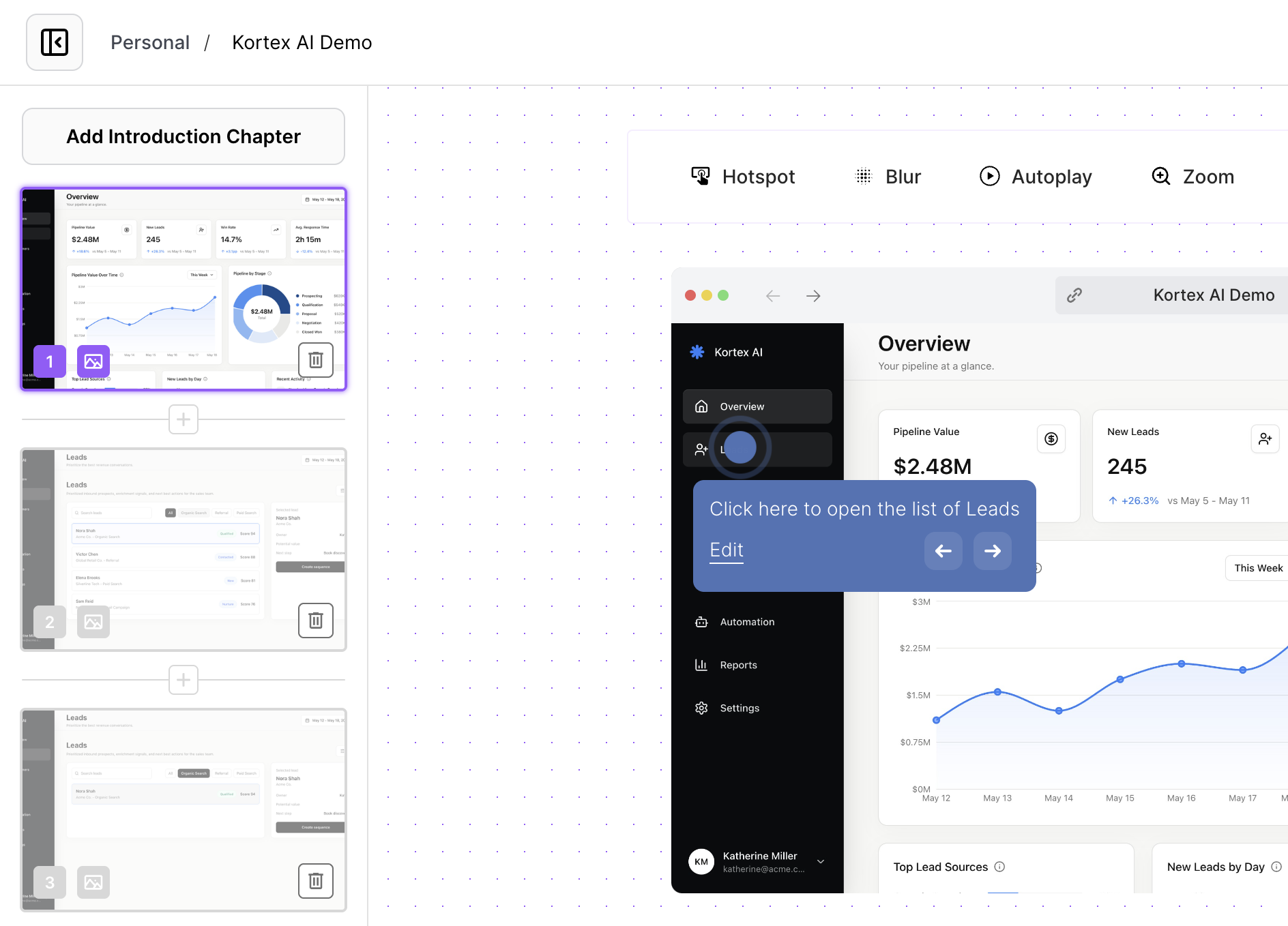
Champion handoff
Published demos can travel as a public link or iframe embed. Put the product explanation beside the follow-up question so a champion can share it with people who missed the call.
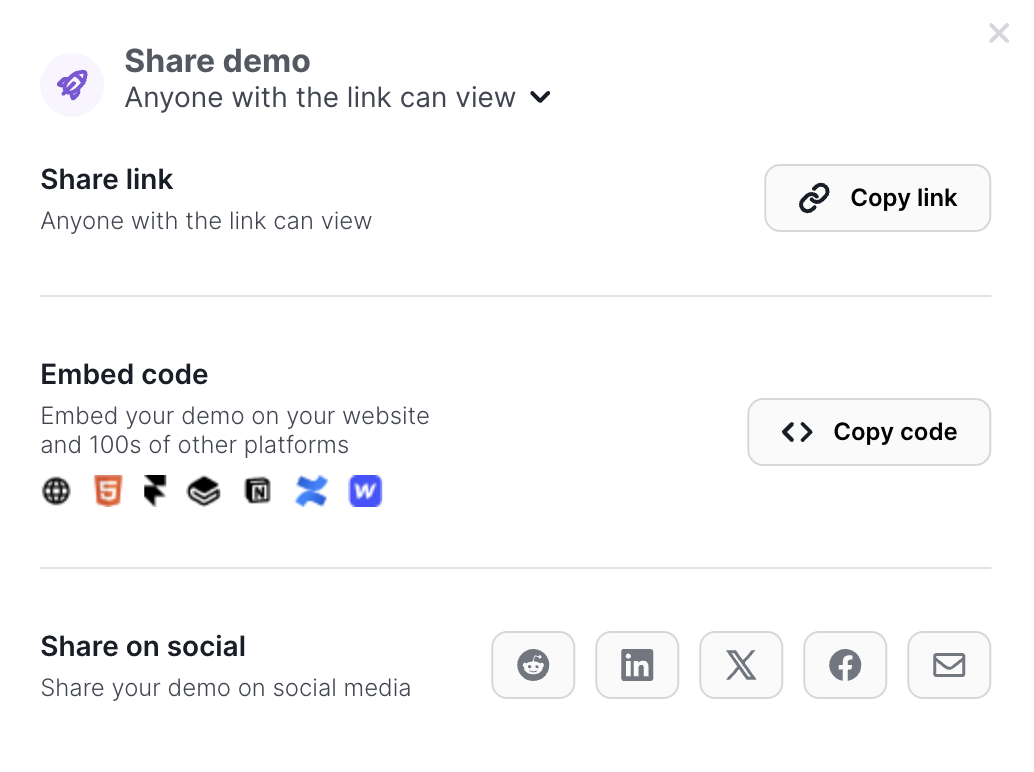
Repeatable motion
Keep related demos organized and adjust copy or step order when the explanation changes. Consistency means starting from the same useful path.
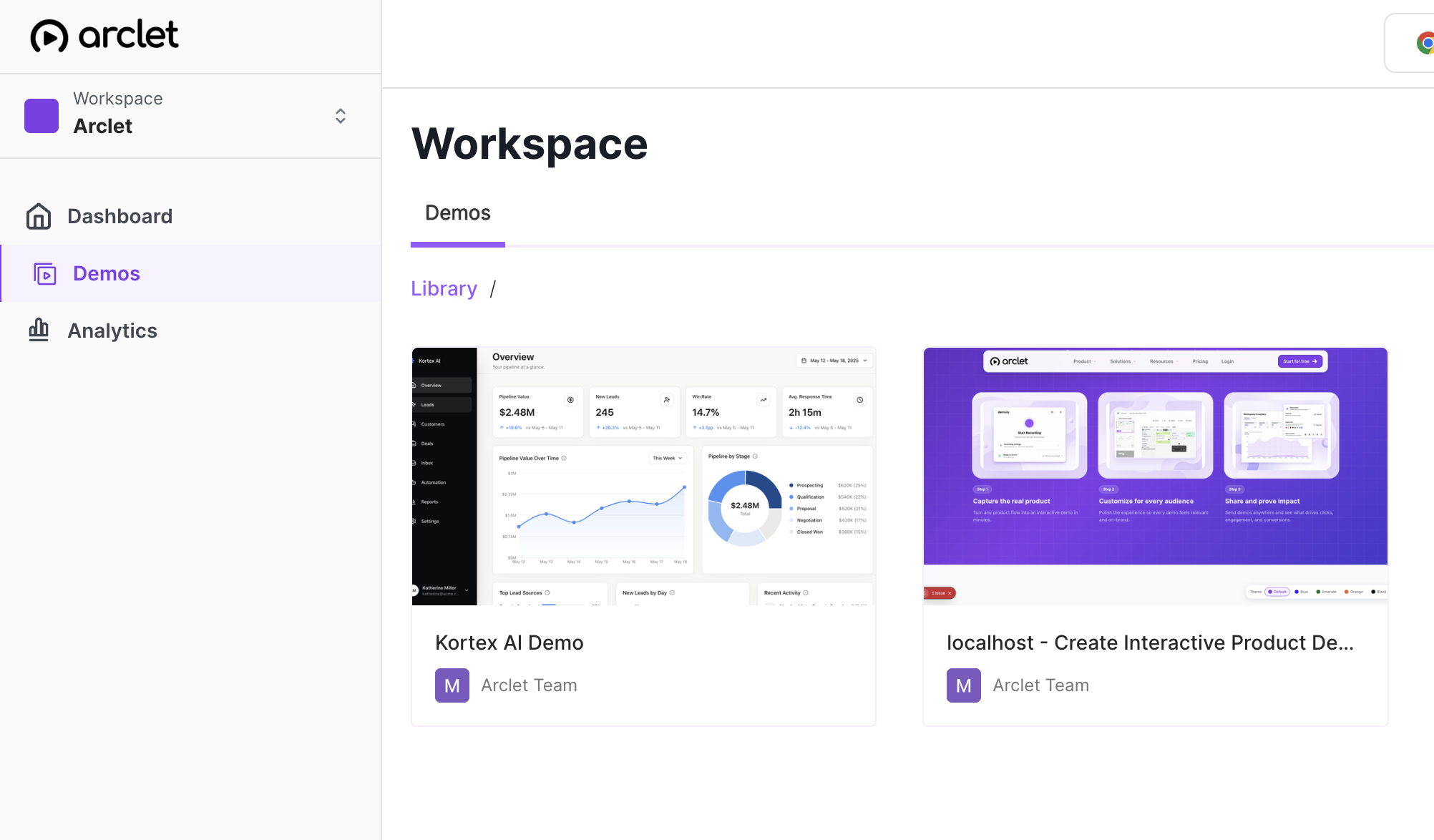
Keep the demo short enough to understand and specific enough to hand off.
1
Name the buyer, the question, and the product path that needs context before you record or share anything.
2
Keep the interactive steps focused on the proof that supports the next sales conversation.
3
End the surrounding note with what to review, who to forward it to, and what happens next.
Judge formats by buyer control, context before and after the call, reuse, and maintenance. No format wins every sales moment.
| Criterion | Interactive demo (highlighted format) | Recording | Slides | Live call |
|---|---|---|---|---|
| Buyer control | Click through a focused workflow at their own pace | Watch a fixed sequence | Scan a narrative | Ask questions and adapt |
| Handoff context | Give context before and a recap after | Set a broad story | Align on a high-level story | Handle decisions needing judgment |
| Maintenance tradeoff | Maintain a clear path | The viewer cannot change the path | Slides cannot let buyers try | Requires shared time |
Use one mapped workflow in several sales contexts, with a note that explains why the buyer is seeing it.
Warm up discovery with one workflow and a question the buyer can answer before the meeting.
Give the champion a concise link or embed they can forward after the call.
Keep product proof beside mutual action plans and buyer-owned next steps.
Interactive demos work across every team workflow.
Put interactive demos in landing pages, launch notes, nurture, and paid campaigns so visitors can explore the workflow before they convert.
Give customers guided demos they can replay during onboarding, lifecycle programs, renewals, and expansion conversations.
Capture product paths once and share interactive context for roadmap reviews, release handoffs, and cross-functional launch work.
Build clickable walkthroughs for tickets, macros, and help articles so customers can solve common issues without another reply.
Create self-paced interactive demos for SOPs, enablement, onboarding, customer education, and partner training.
Start free, record a real workflow, and publish a demo people can click through.
Everything you need to know to get started today.