How-to guides for the tools you use
Step-by-step walkthroughs with interactive demos. Follow along in your browser or create your own guide in minutes.

All guides
 Coda7 steps3 min read
How to Create Your First Coda Doc
Learn how to create, name, and structure your first Coda doc, from starting a blank page to adding tables and sharing it.
 Coda6 steps3 min read
How to Export Data from Coda
Learn how to export data from Coda as PDF documents, CSV table files, or a complete workspace backup using built-in export menus and account settings.
 Coda7 steps2 min read
How to Filter Data in Coda
Learn how to filter data in Coda tables step by step, from opening the Options menu to adding multiple filter rules for precise views.
 Coda7 steps2 min read
How to Create Interactive Dashboards in Coda
Learn how to build interactive dashboards in Coda using tables, charts, progress trackers, and buttons to visualize live data.
 Coda6 steps3 min read
How to Create Templates in Coda
Learn how to build reusable Coda templates using building blocks and doc publishing, from quick /commands to full workspace template galleries.
 Coda7 steps3 min read
How to Create Views in Coda
Learn how to create, customize, and manage multiple views of the same Coda table using filters, sorts, and layouts like Board or Calendar.
 Miro7 steps2 min read
How to add a frame in Miro
Learn how to add, resize, and organize frames in Miro to structure boards, group content, and prep sections for presentations.
 Notion7 steps2 min read
How to add a relation between databases in Notion
Learn how to link two Notion databases with a relation property so records like customers and orders stay connected.
 Notion3 steps2 min read
How to change Notion to dark mode
Learn how to enable dark mode in Notion on desktop, web, and mobile — adjust appearance settings to switch themes in a few clicks.
Interactive demo Google Sheets7 steps2 min read
How to create a filter in Google Sheets
Learn how to create a filter in Google Sheets to sort, hide, and analyze data quickly using the built-in filter tool on any free account.
 Notion7 steps2 min read
How to create a table in Notion
Learn how to create a table in Notion using slash commands, customize columns and rows, and turn it into a full database view.
 Google Sheets4 steps3 min read
How to open a CSV file in Google Sheets
Learn how to open a CSV file in Google Sheets from Drive or by importing it — preserve formatting and keep your column structure.
Interactive demo Google Sheets4 steps3 min read
How to search in Google Sheets
Learn how to search for text, numbers, or formulas in Google Sheets using Ctrl+F to find matches and Ctrl+H to replace them.
Interactive demo Coda7 steps3 min read
How to Create Action Buttons in Coda
Learn how to create action buttons in Coda to automate tasks, update table rows, and trigger workflows directly inside your docs.
 Coda6 steps2 min read
How to Create Basic Formulas in Coda
Learn how to create basic formulas in Coda tables using the formula editor, column references, and operators for automatic calculations.
 Coda7 steps2 min read
How to Create Charts in Coda
Learn how to build interactive charts in Coda from any table, choose chart types, and configure axes to visualize your data instantly.
 Google Docs5 steps3 min read
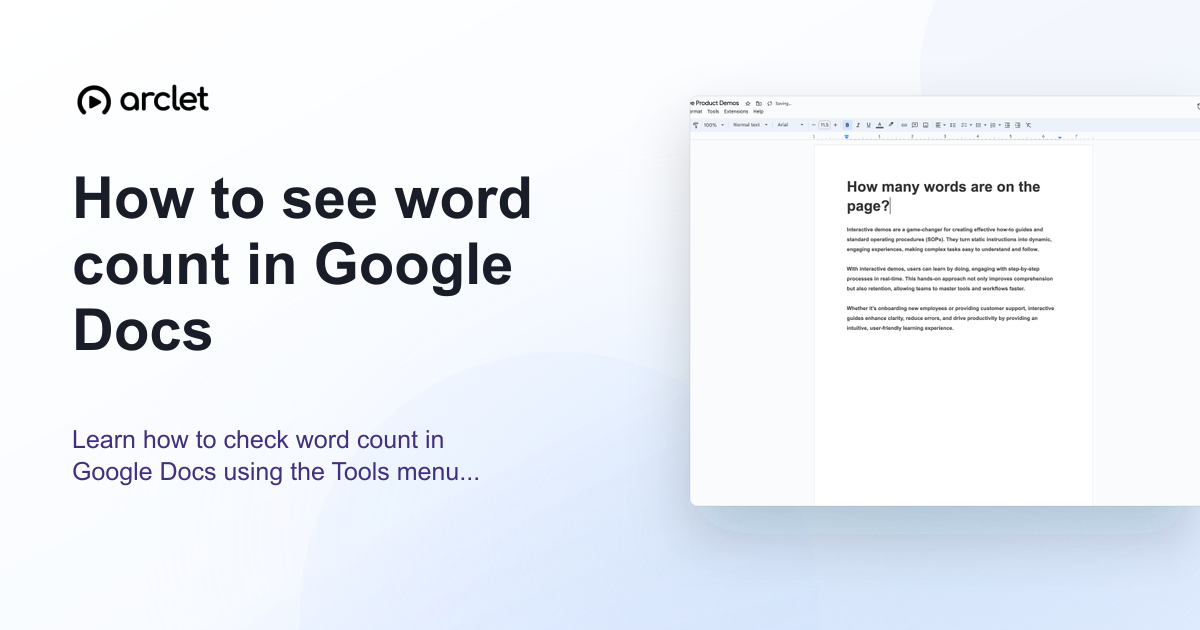
How to check word count in Google Docs
Learn how to see word count in Google Docs quickly using the Tools menu, keyboard shortcut, or live counter while you write.
Interactive demo Coda7 steps3 min read
How to Create a Project Tracker in Coda
Learn how to build a fully functional project tracker in Coda using tables, columns, views, and automation on the free plan.
 Coda7 steps2 min read
How to Create a Table in Coda
Learn how to create a table in Coda using the slash command or plus button, then customize columns and rows for your data.
 Coda7 steps3 min read
How to Create a Task Management System in Coda
Learn to build a fully functional task management system in Coda using tables, columns, statuses, and views to track your team's work.
 Google Docs5 steps5 min read
How to do a hanging indent in Google Docs
Learn how to do a hanging indent in Google Docs for citations with the Format menu or ruler, including the correct 0.5-inch settings.
Interactive demo Google Docs4 steps3 min read
How to double space in Google Docs
Learn how to double space in Google Docs on desktop, iPhone, iPad, or with a keyboard shortcut while keeping paragraph spacing consistent.
Interactive demo Google Docs4 steps4 min read
How to remove a blank page in Google Docs
Learn how to remove a blank page in Google Docs by deleting a page break, extra paragraphs, or the space left after a table.
Interactive demo Coda7 steps2 min read
How to Create a Kanban Board in Coda
Learn how to turn any Coda table into a drag-and-drop Kanban board with status columns, custom colors, and grouped cards.
 Coda7 steps2 min read
How to Create a Knowledge Base in Coda
Learn how to build a searchable, well-organized knowledge base in Coda using tables, pages, filters, and collaboration tools—free plan included.
 Coda7 steps2 min read
How to Create a Product Roadmap in Coda
Learn how to build a collaborative, editable product roadmap in Coda using tables, a timeline view, and free-plan doc tools.
 Coda7 steps2 min read
How to Create a Calendar View in Coda
Learn how to turn any Coda table into a visual Calendar View to track dates, deadlines, and events in your doc.
 Coda7 steps3 min read
How to Create a CRM System in Coda
Learn how to build a fully functional CRM system in Coda using tables, relation columns, and automation to track leads, deals, and tasks.
 Coda7 steps2 min read
How to Create a Gallery View in Coda
Learn how to turn any Coda table into a visual Gallery view with image cards, perfect for portfolios, catalogs, and team directories.
 Coda7 steps3 min read
How to Assign Tasks in Coda
Learn how to assign tasks in Coda using Person-type columns, filters, and sharing settings so every team member sees exactly what they own.
 Coda7 steps3 min read
How to Automate Tasks with Buttons in Coda
Learn how to create Coda buttons that automatically add, update, or assign tasks with pre-filled data to speed up your workflow.
 Coda7 steps3 min read
How to Connect Coda to Google Sheets
Learn how to sync Coda tables with Google Sheets using the official Pack, including setup, refresh settings, and pushing data back.
 Coda6 steps2 min read
How to Add Columns to a Coda Table
Learn how to add, rename, and configure new columns in a Coda table using the built-in plus button and column type menu.
 Coda7 steps2 min read
How to Add Pages in Coda
Learn how to add, place, and organize pages and subpages in Coda using the page list panel, right-click menu, and New Page button.
 Coda7 steps2 min read
How to Add Rows to a Coda Table
Learn how to add rows to a Coda table using the plus icon, keyboard shortcuts, or right-click menu for precise row placement.
 Miro7 steps2 min read
How to hide frames in Miro
Learn how to hide frames in Miro to declutter your board, focus on active work, and manage frame visibility for you and your team.
 Miro7 steps2 min read
How to use cursor chat in Miro
Learn how to send quick, disappearing messages next to your cursor in Miro so teammates see your input live during collaboration.
 Miro7 steps3 min read
How to zoom in and out on a Miro board
Learn every way to zoom in and out on a Miro board, including toolbar controls, keyboard shortcuts, and trackpad gestures.
 Miro7 steps3 min read
How to use presenter mode in Miro
Learn how to launch Miro's Interactive Presentation Mode, arrange frames into a slideshow, and guide viewers through your board live.
 Miro7 steps3 min read
How to use Talktrack in Miro
Learn how to record, edit, and share a Talktrack in Miro to walk teammates through your board with narrated video.
 Miro7 steps3 min read
How to use voting in Miro
Learn how to set up, run, and analyze a voting session in Miro to help your team prioritize ideas and make faster decisions.
 Miro7 steps2 min read
How to integrate Miro with Jira
Learn how to connect Miro with Jira to sync issues, turn sticky notes into tickets, and keep boards and projects aligned.
 Miro6 steps2 min read
How to lock elements on a Miro board
Learn how to lock shapes, sticky notes, frames, and other elements on a Miro board to prevent accidental moves, edits, or deletions.
 Miro7 steps2 min read
How to use grid layout in Miro
Learn how to turn on the background grid and use the Grid widget in Miro to organize content and align objects precisely.
 Miro7 steps2 min read
How to add an image to a Miro board
Learn how to upload, paste, drag, or AI-generate images on a Miro board, then resize and position them for your project.
 Miro7 steps3 min read
How to draw on a Miro board
Learn how to sketch freehand lines, shapes, and annotations on a Miro board using the Pen tool, plus tips for editing and sharing drawings.
 Miro7 steps2 min read
How to embed a Miro board
Learn how to embed one Miro board inside another using a simple link paste, plus tips on permissions and resizing embedded cards.
 Miro7 steps2 min read
How to export a Miro board
Learn how to export a Miro board to PDF, image, or CSV format using the built-in export menu available on Miro's free plan, with format and scope tips.
 Miro6 steps3 min read
How to group objects in Miro
Learn how to group objects in Miro so you can move, resize, and organize sticky notes, shapes, images, and text together as a single unit on your board.
 Google Sheets7 steps2 min read
How to add a comment in Google Sheets
Learn how to add, tag, reply to, and resolve comments in Google Sheets to give feedback without changing cell data.
 Notion7 steps2 min read
How to add images to a Notion page
Learn how to upload, embed, or drag-and-drop images into any Notion page, including free-plan file size limits and captions.
 Notion7 steps2 min read
How to create a linked database in Notion
Learn how to create a linked database in Notion to display the same data across multiple pages without duplicating content.
 Google Sheets7 steps3 min read
How to customize a chart in Google Sheets
Learn how to customize a chart in Google Sheets by editing titles, colors, legends, gridlines, and data labels in the Chart Editor.
 Notion7 steps3 min read
How to filter a database in Notion
Learn how to filter a Notion database by property, condition, and logic to quickly find the exact pages you need.
 Google Sheets6 steps2 min read
How to remove duplicates in Google Sheets
Learn how to find and remove duplicate rows in Google Sheets using the built-in Remove Duplicates tool in just a few clicks.
 Notion7 steps3 min read
How to use Notion AI
Learn how to use Notion AI to write, summarize, search your workspace, and answer questions directly inside any page.
 Notion7 steps3 min read
How to use timeline view in Notion
Learn how to add, customize, and manage Notion's Timeline view to visualize project schedules, track dependencies, and hit deadlines.
 Miro7 steps2 min read
How to add a comment in Miro
Learn how to add, reply to, and manage comments on a Miro board to give feedback and collaborate with your team in real time.
 Miro7 steps3 min read
How to add a table in Miro
Learn how to add, resize, and format a table in Miro using the built-in Tables app on any free board.
 Miro7 steps2 min read
How to add a timer in Miro
Learn how to add and run a countdown timer on your Miro board to keep meetings, workshops, and retrospectives on schedule.
 Miro6 steps2 min read
How to add a video to a Miro board
Learn how to embed or upload a video on a Miro board, including link embedding, file uploads, resizing, and sharing with teammates.
 Miro7 steps2 min read
How to flip an image in Miro
Learn how to mirror or flip an image in Miro with the drag-handle technique, since there's no dedicated flip button on the free plan.
 Miro7 steps3 min read
How to import draw.io diagrams into Miro
Learn how to bring draw.io diagrams into Miro by exporting and importing files, plus how to rebuild them for full editing.
 Miro7 steps2 min read
How to integrate Google Images in Miro
Learn how to install and use the Google Images app in Miro to search and drag images onto your board without switching tabs.
 Miro7 steps2 min read
How to set invite-only access in Miro
Learn how to restrict a Miro board to invite-only access so only people you explicitly add can view or edit its content.
 Miro7 steps3 min read
How to upload a file to a Miro whiteboard
Learn how to upload files, images, and documents to your Miro whiteboard using drag-and-drop, URL import, or the toolbar upload option.
 Miro7 steps2 min read
How to add flows to sticky notes in Miro
Learn how to connect sticky notes with flow lines in Miro to map relationships, sequences, and dependencies during any session.
 Miro7 steps3 min read
How to align objects in Miro
Learn how to align objects in Miro using multi-select, the alignment toolbar, snapping guides, and Quick Arrange for clean, professional boards.
 Miro6 steps2 min read
How to change board background color in Miro
Learn how to change your Miro board's background color in a few clicks to improve clarity, focus, and visual organization.
 Miro6 steps2 min read
How to copy a Miro board
Learn how to duplicate a Miro board in a few clicks, including where to find copy settings and how to move copies between teams.
 Miro7 steps3 min read
How to use templates in Miro
Learn how to find, preview, customize, and save Miro templates to speed up brainstorming, planning, and team workflows for any project.
 Miro7 steps3 min read
How to create a user journey map in Miro
Learn how to create a user journey map in Miro with ready-made templates, stages, emotions, sticky notes, and shareable collaborative boards.
 Miro7 steps3 min read
How to create an agile board in Miro
Learn how to set up a Scrum or Kanban agile board in Miro using free templates, custom columns, and team sharing.
 Miro7 steps2 min read
How to invite collaborators to a Miro board
Learn how to invite collaborators to a Miro board using email invites or share links, and set the right permission level for each teammate.
 Miro7 steps3 min read
How to share a Miro board
Learn how to share a Miro board with teammates or external guests, set permission levels, and control access using shareable links or invites.
 Miro7 steps2 min read
How to use Miro AI Assist
Learn how to use Miro AI Assist to generate sticky notes, diagrams, mind maps, and summaries directly on your board.
 Miro7 steps2 min read
How to add sticky notes in Miro
Learn how to add, customize, and organize sticky notes in Miro for brainstorming, retrospectives, and visual planning sessions.
 Miro7 steps2 min read
How to create a flowchart in Miro
Learn how to build a flowchart in Miro using shapes, connectors, and text labels to map out processes, decisions, and workflows.
 Miro7 steps2 min read
How to create a mind map in Miro
Learn how to build a mind map in Miro using the built-in template, branch nodes, and formatting tools to organize ideas visually.
 Miro7 steps3 min read
How to create a presentation in Miro
Learn how to turn a Miro board into a slide-style presentation using frames, and present them directly from your browser.
 Miro7 steps2 min read
How to create a retrospective board in Miro
Learn how to set up a retrospective board in Miro using templates, sticky notes, voting, and timers to run effective team retros.
 Notion7 steps2 min read
How to embed Spotify in Notion
Learn how to embed a Spotify playlist, album, or track in Notion using the embed block, plus tips on playback and permissions.
 Notion7 steps3 min read
How to sort a database in Notion
Learn how to sort any Notion database by one or more properties using the Sort menu, quick column shortcuts, and custom sort orders.
 Notion7 steps2 min read
How to use a formula field in Notion
Learn how to add a formula field in Notion, write expressions with properties and functions, and automate database calculations.
 Notion7 steps2 min read
How to use a rollup field in Notion
Learn how to add a rollup field in Notion to pull and summarize data from a related database automatically.
 Notion7 steps2 min read
How to export a Notion page to PDF
Step-by-step instructions for exporting a Notion page to PDF using the built-in export menu, plus tips for formatting and troubleshooting.
 Notion7 steps2 min read
How to lock a page in Notion
Learn how to lock a page in Notion to prevent accidental edits, deletions, or block moves while keeping content visible to your team.
 Notion7 steps2 min read
How to move a page in Notion
Learn how to move a page in Notion using drag-and-drop or the Move To command, including moves across workspaces.
 Notion7 steps3 min read
How to add a table of contents in Notion
Learn how to add a self-updating table of contents in Notion using heading blocks, so readers can jump to any section instantly.
 Notion7 steps2 min read
How to add a toggle block in Notion
Learn how to add a toggle block in Notion to hide details, organize notes, and keep pages clean with collapsible content.
 Notion7 steps3 min read
How to duplicate a page in Notion
Learn how to duplicate a page in Notion using the ••• menu, sidebar right-click, or when copying public pages into your workspace.
 Notion7 steps3 min read
How to embed content in a Notion page
Learn how to embed videos, PDFs, maps, and other online content directly into a Notion page using the embed block or slash command.
 Notion7 steps3 min read
How to integrate apps in Notion
Learn how to connect apps like Slack, Loom, and Datadog to Notion, then link them to pages and databases on any plan.
 Notion7 steps2 min read
How to set reminders in Notion
Learn how to set reminders in Notion using @remind tags and database date properties, plus tips for desktop and mobile notifications.
 Notion6 steps3 min read
How to undo changes in Notion
Learn every way to undo changes in Notion, from keyboard shortcuts to Page History, on desktop, iOS, and Android.
 Notion7 steps3 min read
How to add templates in Notion
Learn how to find, preview, and add Notion templates to your workspace, plus how to customize and set them as database defaults.
 Notion7 steps2 min read
How to create a gallery view in Notion
Learn how to create a gallery view in Notion to display databases as visual cards, complete with cover images, sizing, and filters.
 Notion7 steps2 min read
How to export a Notion page
Learn how to export any Notion page as a PDF, HTML, or Markdown file for backups, sharing, or offline access in minutes.
 Notion7 steps2 min read
How to import a document into Notion
Learn how to import Word, PDF, CSV, Markdown, and HTML files into Notion using the built-in importer or slash command.
 Notion7 steps3 min read
How to create a form in Notion
Learn how to build a native form in Notion, customize its questions, and share it to collect responses directly into a database.
 Notion7 steps3 min read
How to create a task tracker in Notion
Learn how to build a customizable task tracker in Notion using databases, properties, and views to organize work and collaborate free.
 Notion7 steps3 min read
How to create a to-do list in Notion
Learn how to build a checkbox to-do list in Notion using slash commands, then organize, customize, and share it for free.
 Notion7 steps3 min read
How to create a calendar in Notion
Learn how to build a calendar in Notion using database views, add events with date properties, and sync with the Notion Calendar app.
 Notion7 steps3 min read
How to create a database in Notion
Learn how to build a Notion database from scratch, add properties, choose views, and organize information into structured, linkable pages.
 Notion7 steps3 min read
How to create a kanban board in Notion
Learn how to create a kanban board in Notion to organize tasks visually, track progress across stages, and manage projects with drag-and-drop cards.
 Notion7 steps3 min read
How to share a Notion page
Learn how to share a Notion page with teammates, set permission levels, copy a link, or publish it publicly on the web.
 Notion7 steps3 min read
How to use Notion Calendar
Learn how to set up Notion Calendar, connect your Notion workspace, sync other calendars, and manage events with linked pages.
 Notion7 steps2 min read
How to add members to a Notion workspace
Learn how to invite new members to your Notion workspace by email, assign permission levels, and manage collaborator access.
 Google Sheets7 steps3 min read
How to use IFERROR in Google Sheets
Learn how to use IFERROR in Google Sheets to catch formula errors like #N/A and #DIV/0! and replace them with clean, custom values.
 Google Sheets7 steps3 min read
How to use INDEX MATCH in Google Sheets
Learn how to combine INDEX and MATCH in Google Sheets to look up data in any direction, with exact-match syntax and troubleshooting tips.
 Google Sheets7 steps3 min read
How to use sparklines in Google Sheets
Learn how to build compact in-cell sparkline charts in Google Sheets using the SPARKLINE function to visualize trends fast.
 Google Sheets7 steps2 min read
How to use the QUERY function in Google Sheets
Learn how to use the QUERY function in Google Sheets to filter, sort, and summarize data with a single SQL-like formula.
 Google Sheets7 steps2 min read
How to protect a range in Google Sheets
Learn how to protect a range in Google Sheets to stop accidental edits, control permissions, and keep shared data accurate.
 Google Sheets7 steps2 min read
How to subtract in Google Sheets
Learn how to subtract numbers, cells, and dates in Google Sheets using formulas, the MINUS function, and cell references.
 Google Sheets7 steps3 min read
How to use Apps Script in Google Sheets
Learn how to open, write, and run Apps Script in Google Sheets to automate tasks, build custom functions, and add menus.
 Google Sheets7 steps2 min read
How to use ARRAYFORMULA in Google Sheets
Learn how to use ARRAYFORMULA in Google Sheets to apply one formula across an entire range without copying it into every cell.
 Google Sheets7 steps3 min read
How to use CONCATENATE in Google Sheets
Learn how to combine text from multiple cells in Google Sheets using the CONCATENATE function, with syntax, examples, and formatting tips.
 Google Sheets7 steps3 min read
How to add checkboxes in Google Sheets
Learn how to insert, customize, and use checkboxes in Google Sheets for to-do lists, tracking, and dynamic charts.
 Google Sheets7 steps3 min read
How to create a filter view in Google Sheets
Learn how to create a filter view in Google Sheets to sort, filter, and analyze data privately without changing what collaborators see in the file.
 Google Sheets7 steps2 min read
How to find duplicates in Google Sheets
Learn how to find and highlight duplicate entries in Google Sheets using conditional formatting and COUNTIF formulas.
 Google Sheets7 steps2 min read
How to highlight duplicates in Google Sheets
Learn how to highlight duplicate values in Google Sheets using conditional formatting and COUNTIF, covering single columns, rows, and multiple columns.
 Google Sheets7 steps2 min read
How to use SUMIF in Google Sheets
Learn how to use the SUMIF function in Google Sheets to total values that meet a specific condition, with syntax and real examples.
 Google Sheets6 steps2 min read
How to move or swap rows in Google Sheets
Learn to move, reorder, or swap rows in Google Sheets using drag-and-drop, cut-and-insert, and keyboard shortcuts without losing data.
 Google Sheets7 steps3 min read
How to remove a filter in Google Sheets
Learn how to remove a filter in Google Sheets using the toolbar icon, Data menu, or column header to restore your full dataset.
 Google Sheets7 steps2 min read
How to resize all columns in Google Sheets
Learn how to resize all columns in Google Sheets at once using select-all, right-click menus, and Fit to data for a clean layout.
 Google Sheets7 steps2 min read
How to shift cells down in Google Sheets
Learn how to shift cells down in Google Sheets using the right-click menu, Insert menu, or keyboard shortcuts to make space for new rows.
 Google Sheets6 steps2 min read
How to use COUNTIF in Google Sheets
Learn how to use the COUNTIF function in Google Sheets to count cells matching a condition, with text, number, and date examples.
 Google Sheets6 steps2 min read
How to edit row size in Google Sheets
Learn how to resize rows in Google Sheets by dragging, entering exact pixel heights, or auto-fitting rows to match your content.
 Google Sheets7 steps2 min read
How to filter by color in Google Sheets
Learn to filter by fill color or text color in Google Sheets to quickly isolate highlighted rows in any dataset.
 Google Sheets7 steps2 min read
How to format numbers as currency in Google Sheets
Learn how to format numbers as currency in Google Sheets using the toolbar, Format menu, and custom currency options.
 Google Sheets7 steps3 min read
How to lock cells in Google Sheets
Learn how to lock cells, ranges, or entire sheets in Google Sheets so collaborators can view data without accidentally editing it.
 Google Sheets6 steps2 min read
How to make a column wider in Google Sheets
Learn how to widen columns in Google Sheets by dragging, using the Resize column dialog, or auto-fitting to content.
 Google Sheets7 steps2 min read
How to add a text box in Google Sheets
Learn how to insert, resize, and format a text box in Google Sheets using the Drawing tool to add labels, callouts, or extra notes to any spreadsheet.
Interactive demo Google Sheets7 steps2 min read
How to add an X axis in Google Sheets
Learn how to add, label, and customize the X axis on a Google Sheets chart using the Chart editor's axis settings.
 Google Sheets7 steps2 min read
How to count cells with text in Google Sheets
Learn how to count cells with text in Google Sheets using COUNTA, COUNTIF, and wildcards for exact or partial text matches.
 Google Sheets7 steps2 min read
How to do multiplication in Google Sheets
Learn how to multiply numbers, cells, and columns in Google Sheets using the asterisk operator, the MULTIPLY function, and fill handles.
 Google Sheets7 steps2 min read
How to add a legend to a chart in Google Sheets
Learn how to add, edit, and reposition a legend on any Google Sheets chart using the Chart editor's Customize tab.
 Google Sheets7 steps3 min read
How to use AI features in Google Sheets
Learn how to use the AI function in Google Sheets to generate text, summarize data, categorize entries, and analyze sentiment.
 Google Sheets7 steps3 min read
How to use IMPORTRANGE in Google Sheets
Learn how to use IMPORTRANGE to pull live data between Google Sheets files, grant access permissions, and fix common import errors.
 Google Sheets7 steps3 min read
How to use VLOOKUP in Google Sheets
Learn how to write a VLOOKUP formula in Google Sheets to search a table and pull matching values into any cell automatically.
 Google Sheets7 steps3 min read
How to make a pie chart in Google Sheets
Learn how to build, format, and customize a pie chart in Google Sheets to visualize parts of a whole using your own spreadsheet data in minutes.
 Google Docs5 steps4 min read
How to remove a page break in Google Docs
Learn how to remove a page break in Google Docs with Backspace or Delete, then keep your text together without an unwanted blank page.
Interactive demo Google Sheets7 steps3 min read
How to use conditional formatting in Google Sheets
Learn to highlight cells, rows, or columns automatically in Google Sheets using conditional formatting rules, color scales, and custom formulas.
 Google Sheets7 steps3 min read
How to use data validation in Google Sheets
Learn how to set up data validation in Google Sheets to restrict entries, build dropdowns, add checkboxes, and enforce custom rules.
 Google Sheets7 steps2 min read
How to use the IF formula in Google Sheets
Learn how to write IF formulas in Google Sheets to test conditions, return custom results, and automate decisions in your data.
 Google Sheets7 steps3 min read
How to add columns in Google Sheets
Learn how to insert one or multiple columns in Google Sheets using right-click menus, the Insert menu, or keyboard shortcuts on any device.
 Google Sheets7 steps2 min read
How to connect Google Forms to Google Sheets
Step-by-step guide to connecting Google Forms responses to a Google Sheets spreadsheet, including creating a form directly from an existing sheet.
 Google Sheets7 steps3 min read
How to create a pivot table in Google Sheets
Learn how to create a pivot table in Google Sheets to summarize, filter, and analyze large data sets quickly, without any formulas.
 Google Sheets6 steps3 min read
How to make a bar graph in Google Sheets
Learn how to turn spreadsheet data into a clear bar graph in Google Sheets, from selecting your data to customizing colors and labels.
 Google Sheets7 steps3 min read
How to make a line graph in Google Sheets
Learn how to build and customize a line graph in Google Sheets, from selecting data to styling axes, legends, and colors on the free plan.
 Google Sheets7 steps2 min read
How to add a dropdown list in Google Sheets
Learn how to add a dropdown list in Google Sheets using data validation, so cells only accept approved values from a list.
 Google Sheets7 steps3 min read
How to add a new sheet in Google Sheets
Learn how to add, rename, duplicate, and organize new sheets in Google Sheets on desktop and mobile, including shortcuts and templates.
- Google Sheets7 steps2 min read
How to share a Google Sheet for editing
Learn how to share a Google Sheet for editing using email invites or shareable links, and control who can edit, comment, or view your data.
- Google Sheets7 steps2 min read
How to use the SUM formula in Google Sheets
Learn how to add up numbers in Google Sheets using the SUM formula, from single ranges to multiple columns and mobile edits.
- Google Sheets7 steps2 min read
How to wrap text in Google Sheets
Learn how to wrap text in Google Sheets so long cell content displays on multiple lines instead of overflowing into neighboring cells.
- Google Sheets7 steps2 min read
How to create a chart in Google Sheets
Learn how to turn spreadsheet data into a chart in Google Sheets, plus how to pick chart types, edit styles, and fix common display issues.
- Google Sheets6 steps2 min read
How to download a Google Sheet as Excel
Learn how to convert and download any Google Sheet as a Microsoft Excel (.xlsx) file for free, with offline editing and formatting intact.
- Google Sheets6 steps2 min read
How to filter data in Google Sheets
Learn how to filter data in Google Sheets using column filters, filter by condition, and filter by values on the free plan.
- Google Sheets7 steps2 min read
How to freeze rows in Google Sheets
Learn how to freeze rows in Google Sheets so headers stay visible while scrolling, plus how to adjust or remove frozen rows.
- Google Sheets7 steps2 min read
How to merge cells in Google Sheets
Learn how to merge cells in Google Sheets horizontally, vertically, or all at once, plus how to unmerge and avoid data loss.
 Trello4 steps2 min read
How to add a list in Trello
Learn how to add a new list to a Trello board, name and reorder lists, and use them to structure your project workflow stages.
Interactive demo Google Docs5 steps4 min read
How to add a textbox to Google Docs
Learn how to insert a text box in Google Docs using the Drawing tool and position it independently of the document flow.
Interactive demo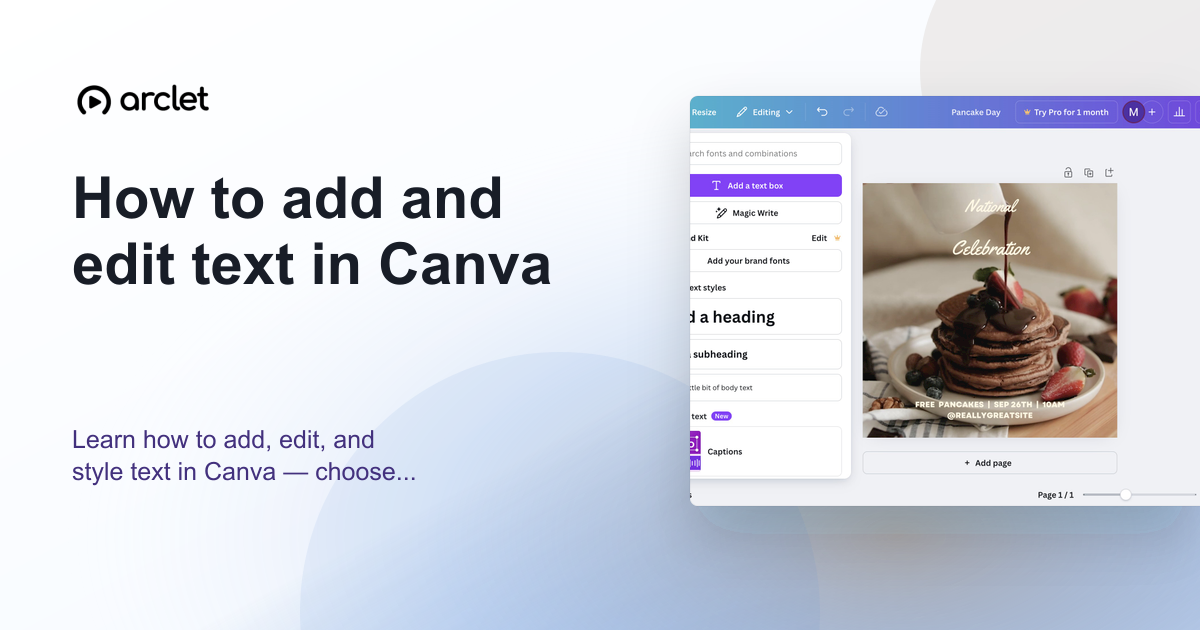 Canva5 steps4 min read
How to add and edit text in Canva
Learn how to add, edit, and style text in Canva — choose fonts, adjust size and spacing, and align text blocks in your design.
Interactive demo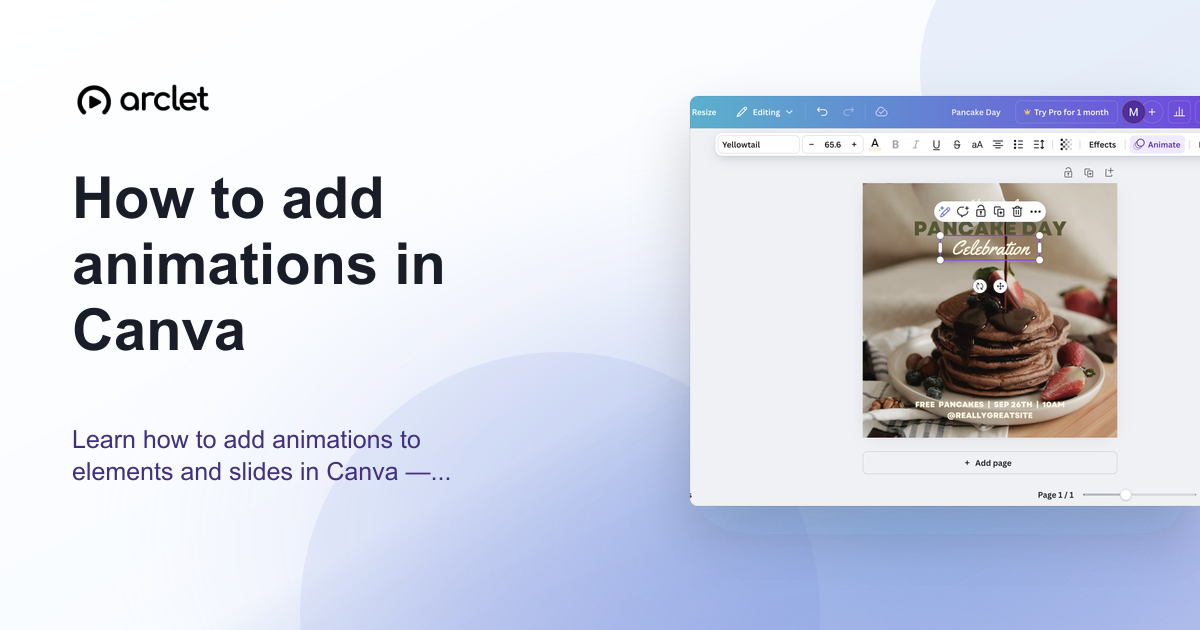 Canva5 steps4 min read
How to add animations in Canva
Learn how to add animations to elements and slides in Canva — apply entrance, exit, and continuous motion effects in a few clicks.
Interactive demo Notion5 steps3 min read
How to add blocks in Notion
Learn how to add blocks in Notion using the slash command menu to insert text, headings, images, databases, and 50+ block types.
Interactive demo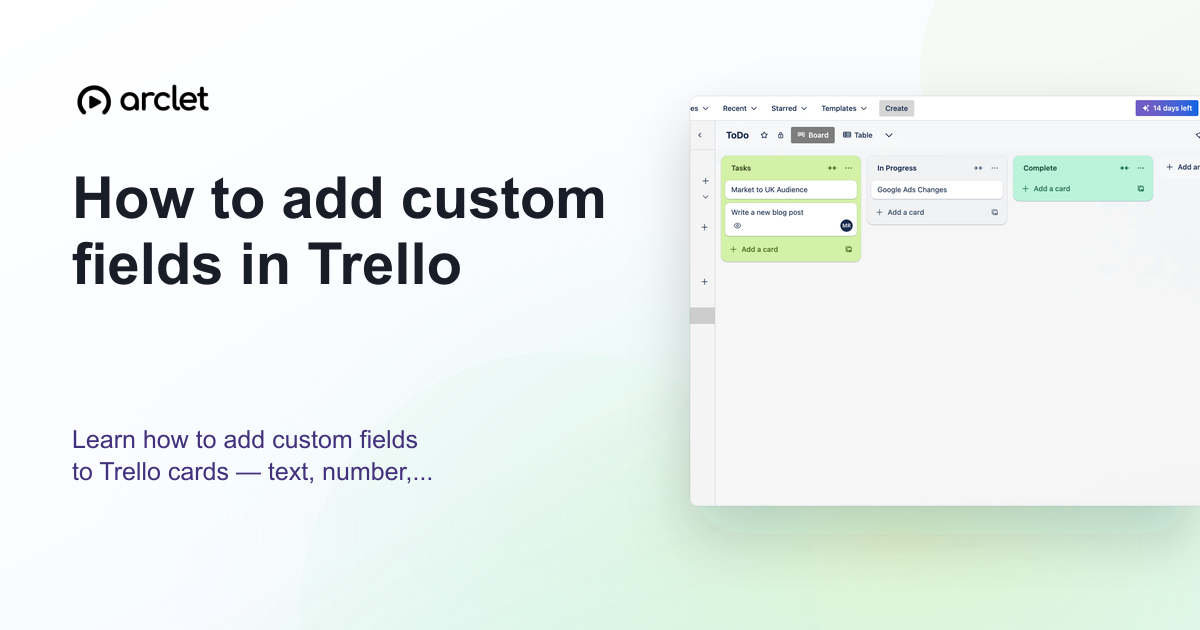 Trello5 steps4 min read
How to add custom fields in Trello
Learn how to add custom fields to Trello cards — text, number, date, checkbox, and dropdown types — to track extra card data.
Interactive demo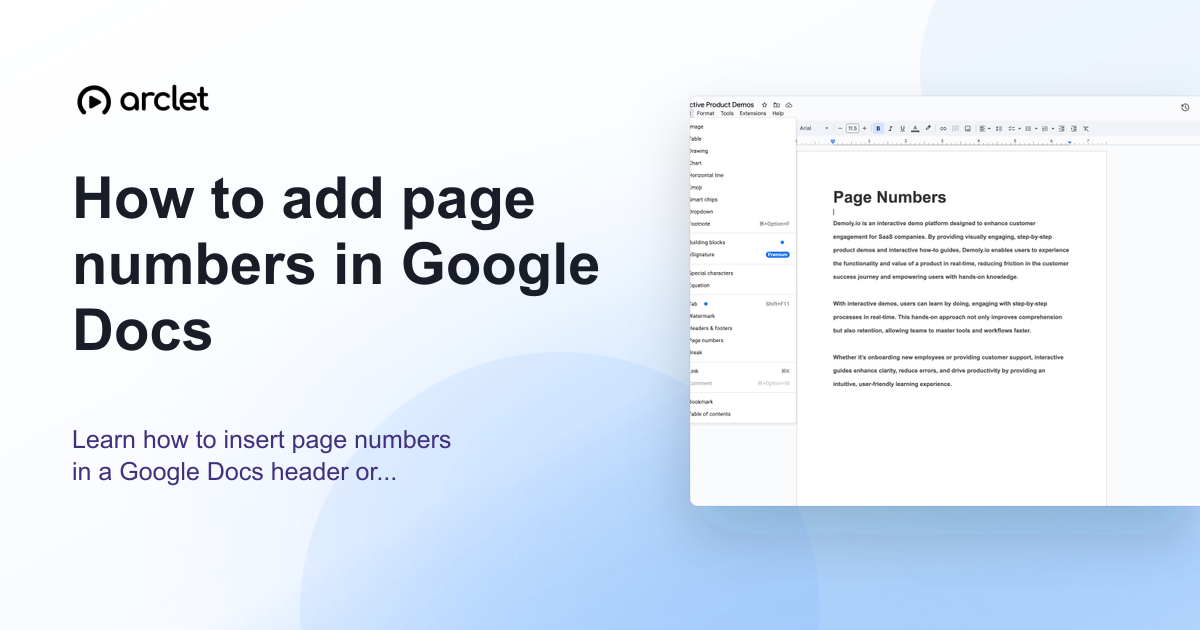 Google Docs4 steps3 min read
How to add page numbers in Google Docs
Learn how to insert page numbers in a Google Docs header or footer, and how to control the starting number and position.
Interactive demo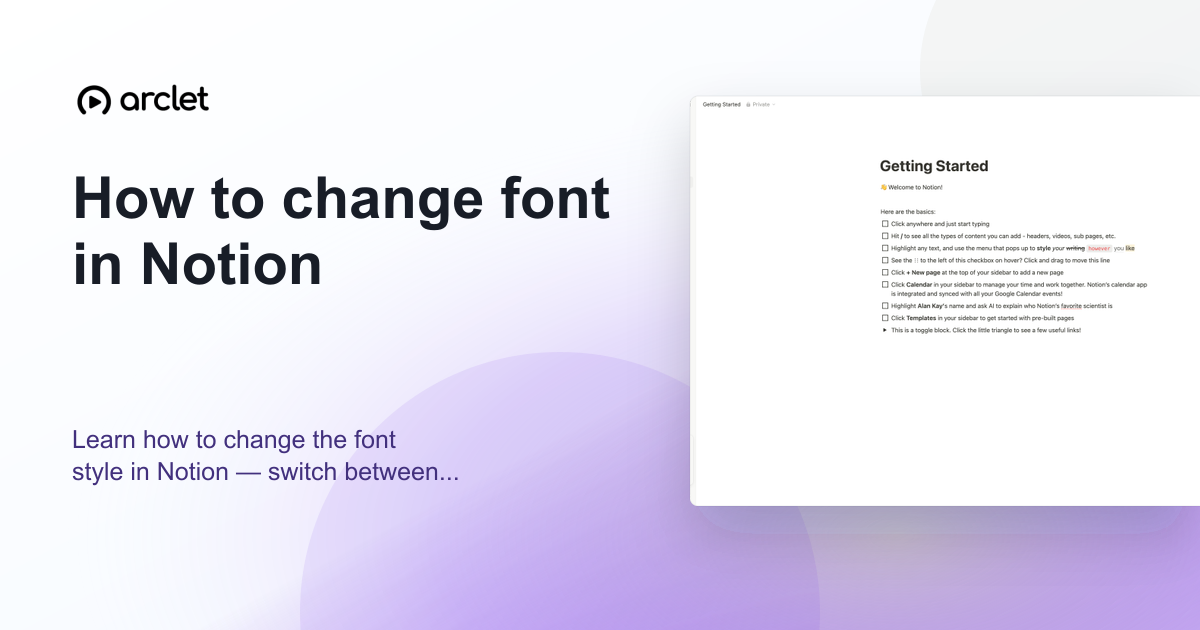 Notion4 steps3 min read
How to change font in Notion
Learn how to change the font style in Notion — switch between Default, Serif, and Mono typefaces and toggle small text mode on.
Interactive demo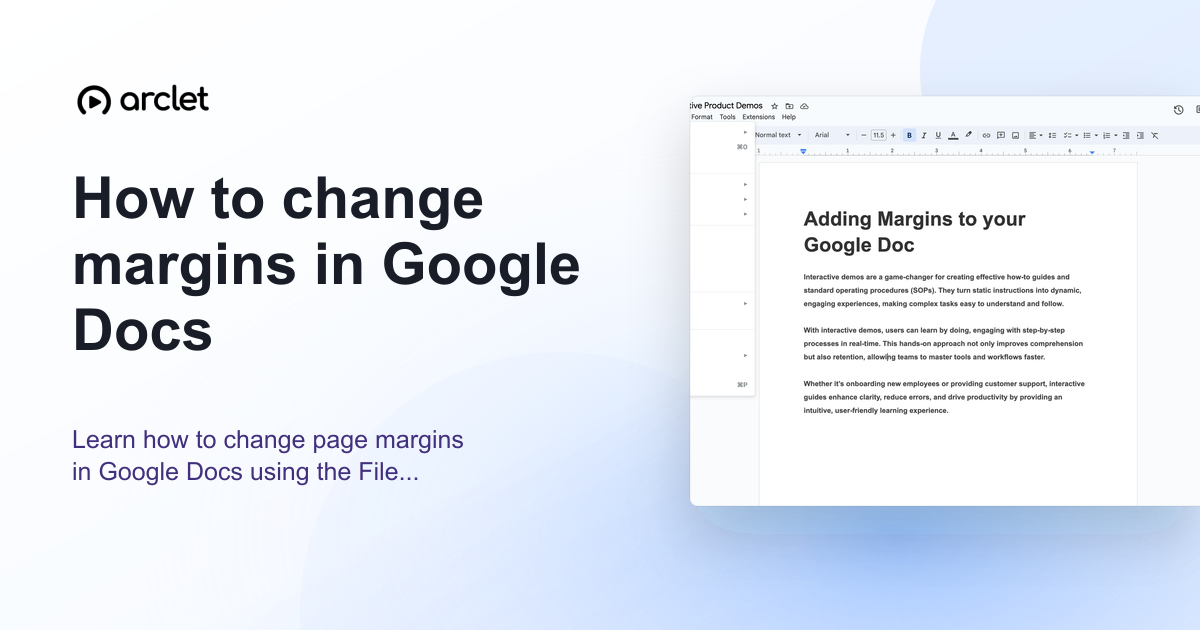 Google Docs5 steps4 min read
How to change margins in Google Docs
Learn how to change page margins in Google Docs using the File menu or the ruler — set custom margins in inches or centimetres.
Interactive demo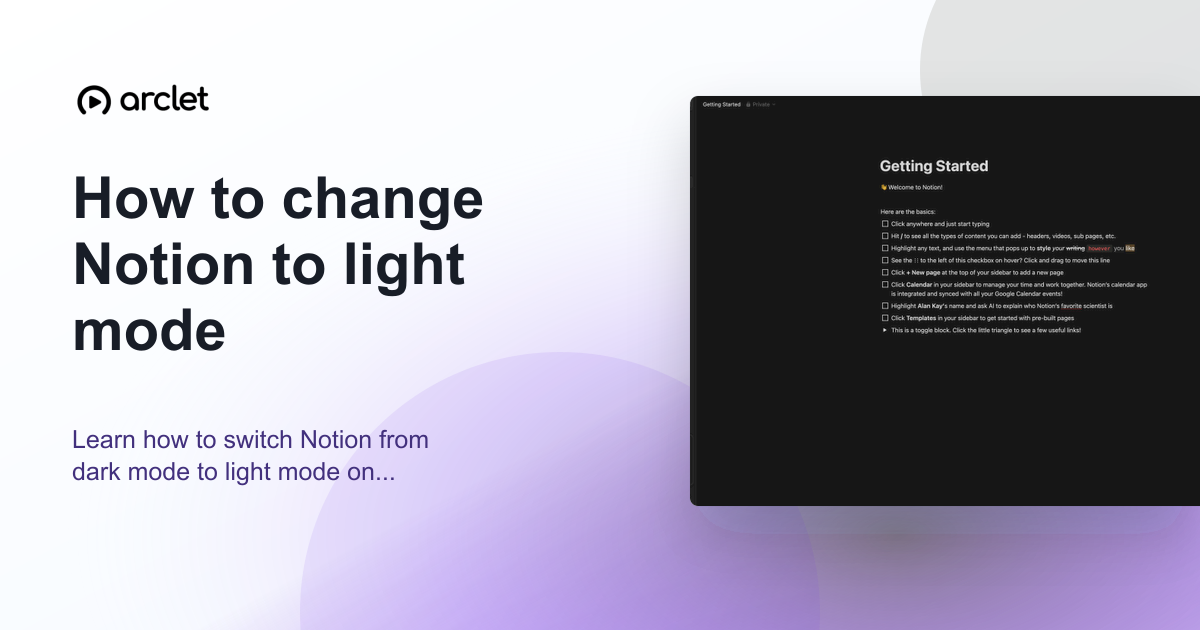 Notion3 steps2 min read
How to change Notion to light mode
Learn how to switch Notion from dark mode to light mode on desktop, web, and mobile using the appearance settings panel.
Interactive demo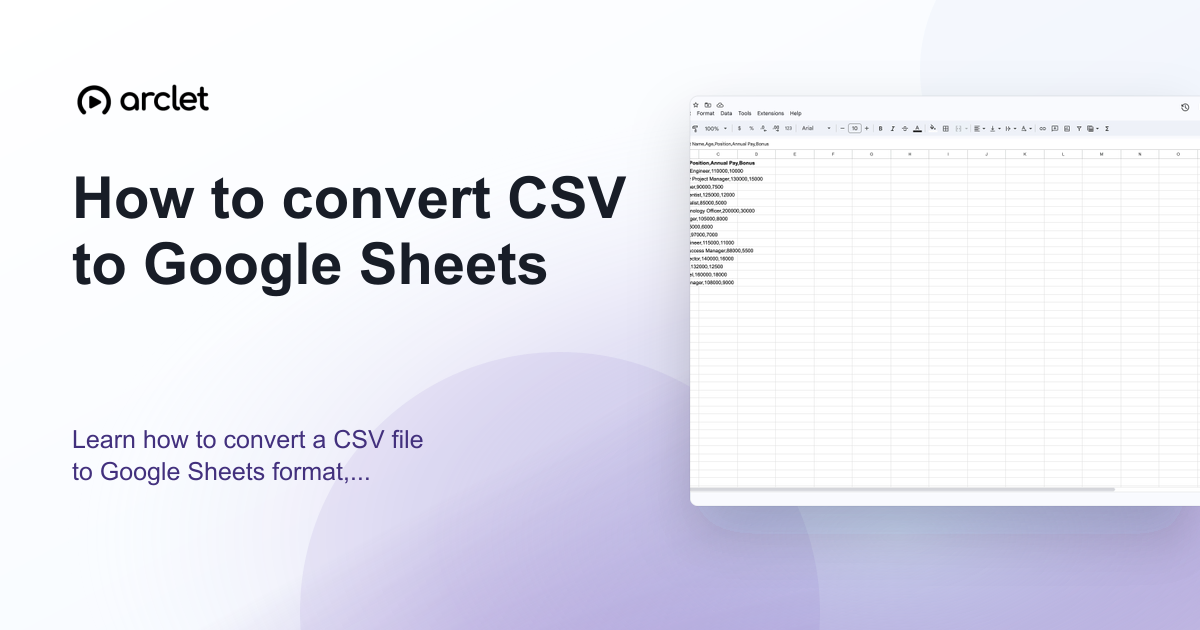 Google Sheets4 steps3 min read
How to convert CSV to Google Sheets
Learn how to convert a CSV file to Google Sheets format, preserve your column structure, and save it as a native Sheets file.
Interactive demo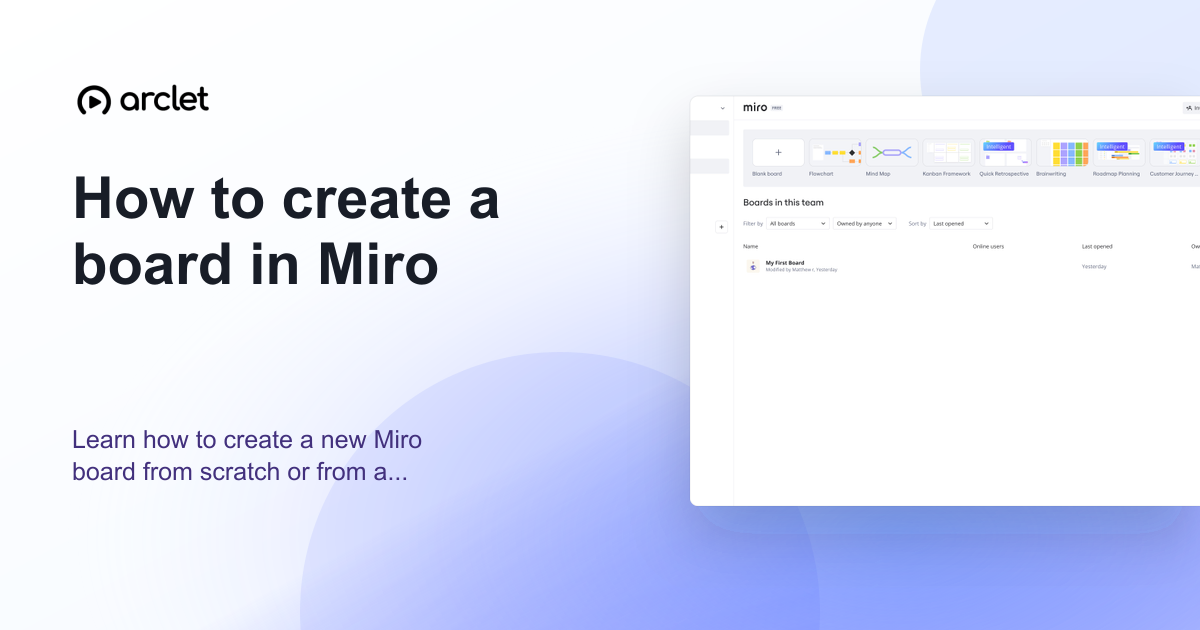 Miro5 steps3 min read
How to create a board in Miro
Learn how to create a new Miro board from scratch or from a template — name it, choose a team, and start collaborating instantly.
Interactive demo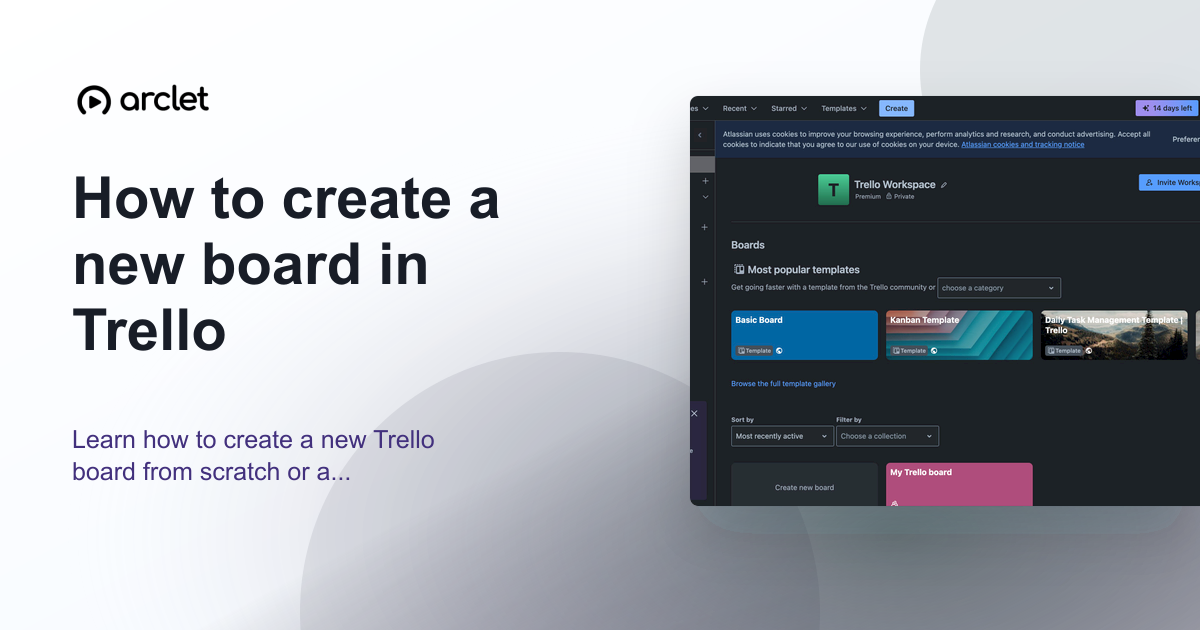 Trello5 steps3 min read
How to create a new board in Trello
Learn how to create a new Trello board from scratch or a template, set a background colour or image, and configure visibility.
Interactive demo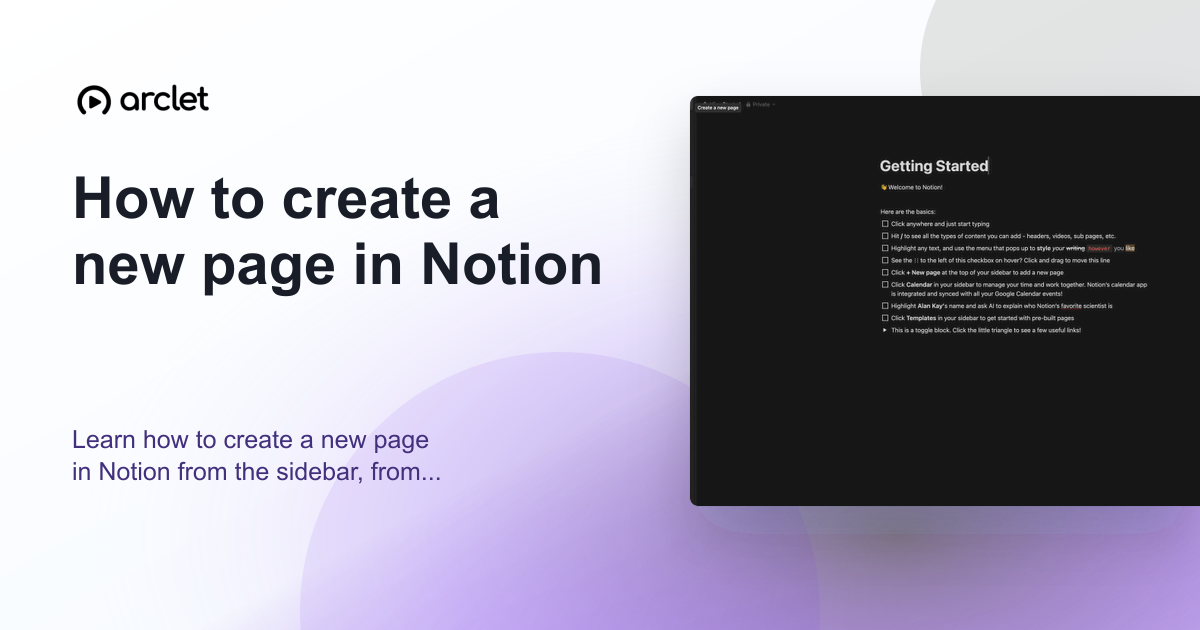 Notion4 steps3 min read
How to create a new page in Notion
Learn how to create a new page in Notion from the sidebar, from a template, or as a sub-page nested inside an existing page.
Interactive demo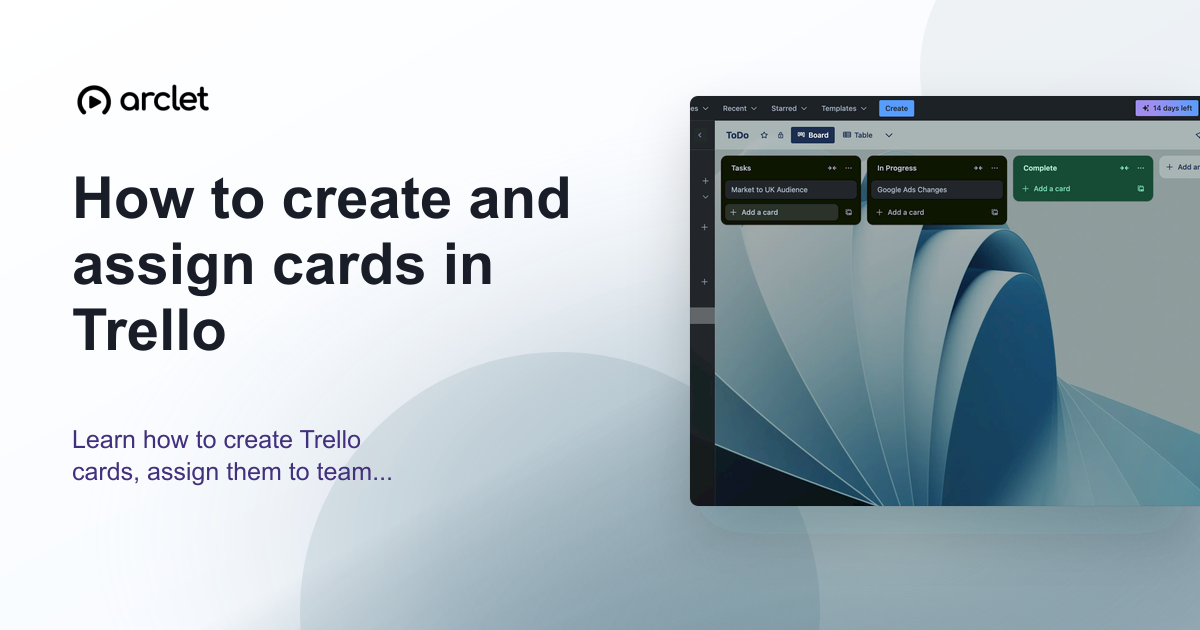 Trello5 steps4 min read
How to create and assign cards in Trello
Learn how to create Trello cards, assign them to team members, set due dates, and organise tasks across your board lists.
Interactive demo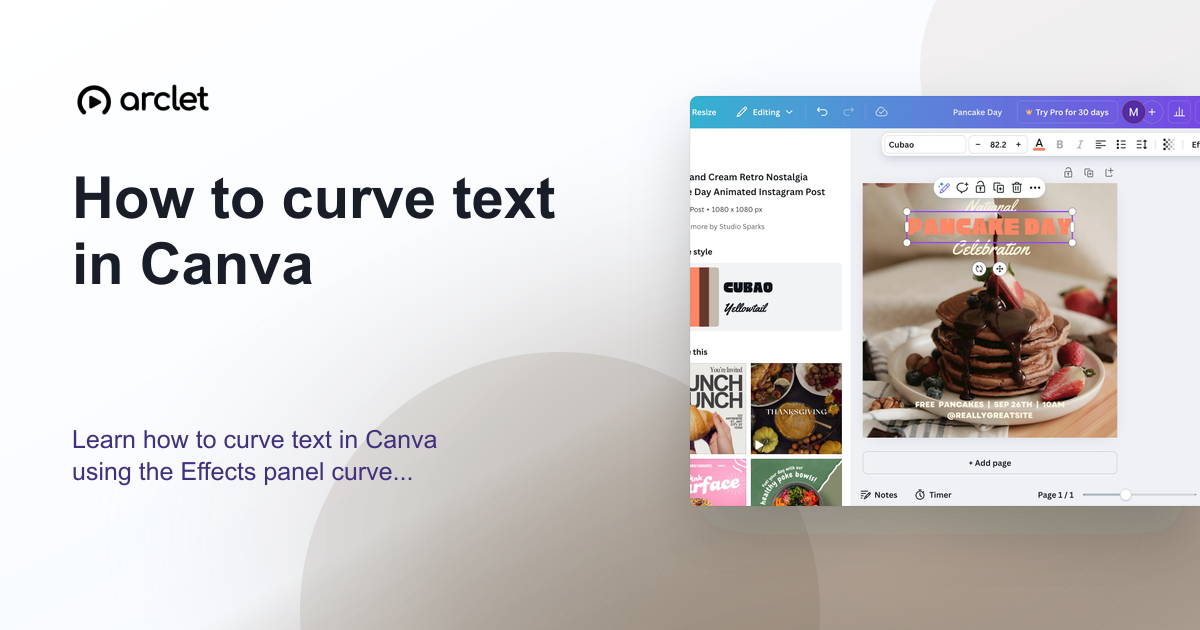 Canva4 steps4 min read
How to curve text in Canva
Learn how to curve text in Canva using the Effects panel curve slider — apply arc, bent, or wave styles to any text element.
Interactive demo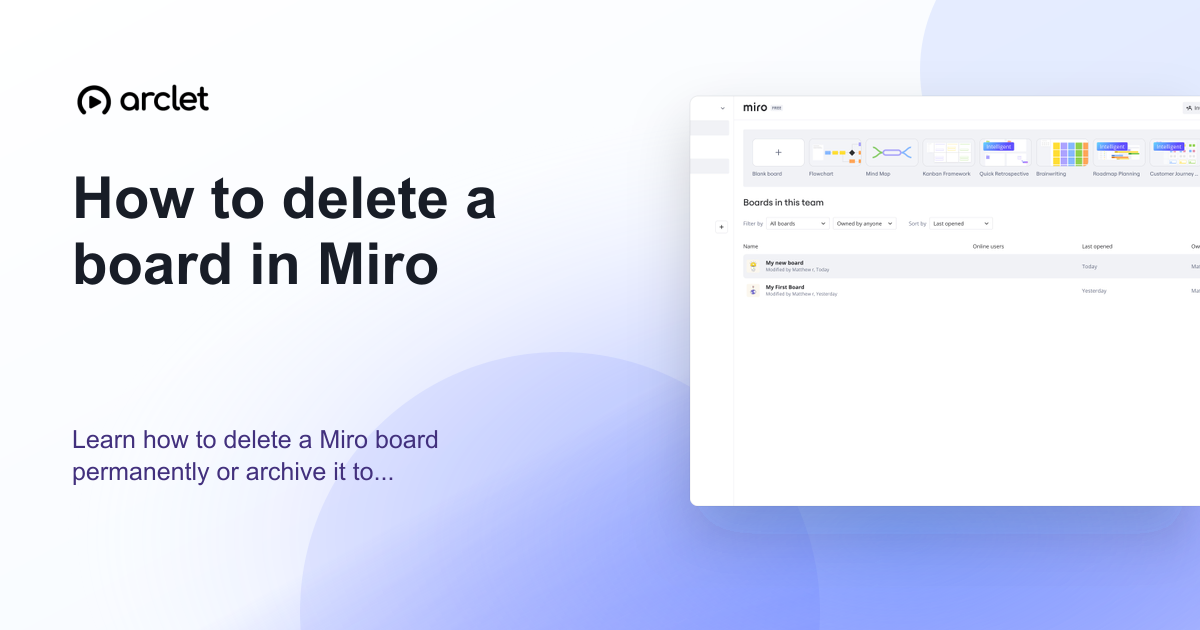 Miro4 steps3 min read
How to delete a board in Miro
Learn how to delete a Miro board permanently or archive it to free up your board limit without permanently losing the content.
Interactive demo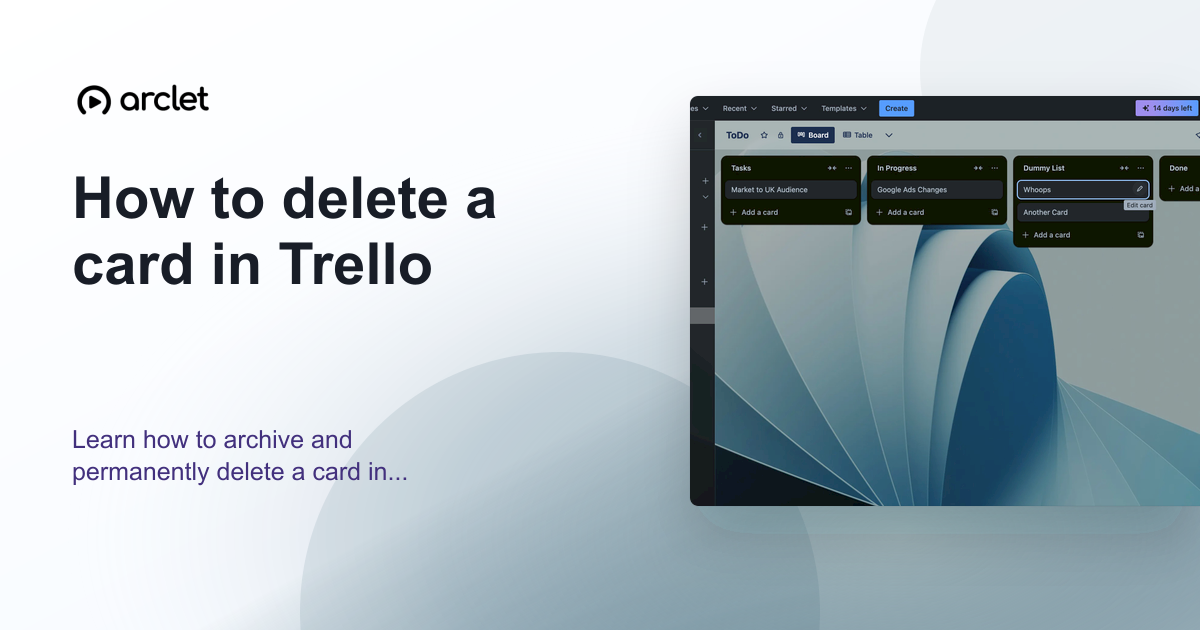 Trello3 steps3 min read
How to delete a card in Trello
Learn how to archive and permanently delete a card in Trello, and when to choose each option to keep your board organised.
Interactive demo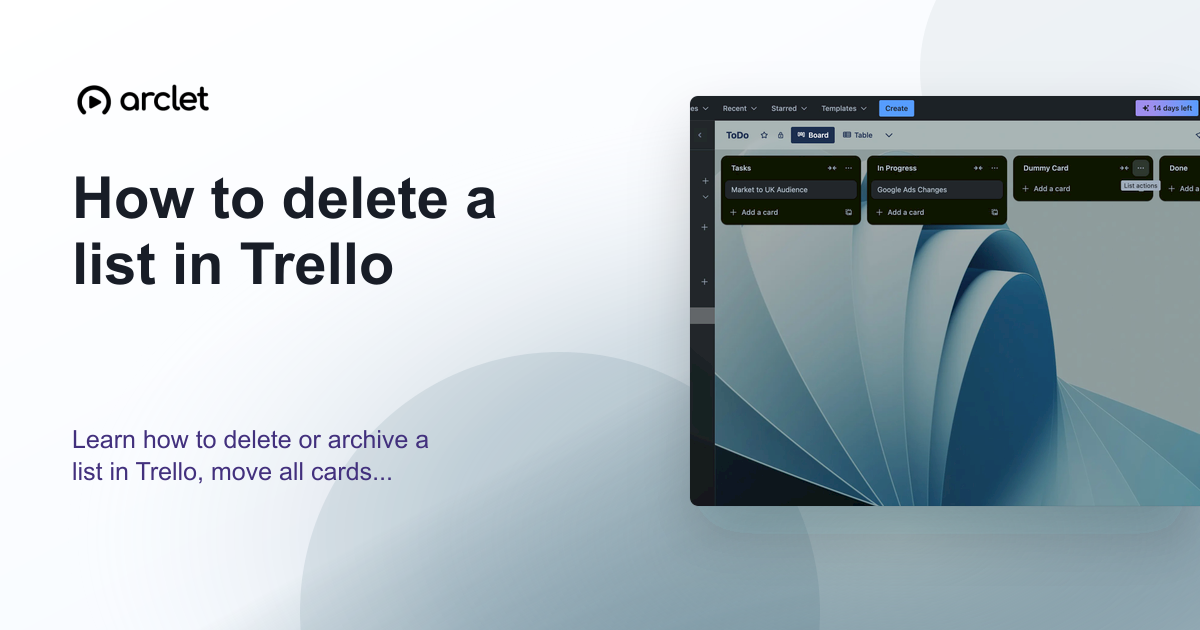 Trello4 steps3 min read
How to delete a list in Trello
Learn how to delete or archive a list in Trello, move all cards to another list first, and recover a list from the archive.
Interactive demo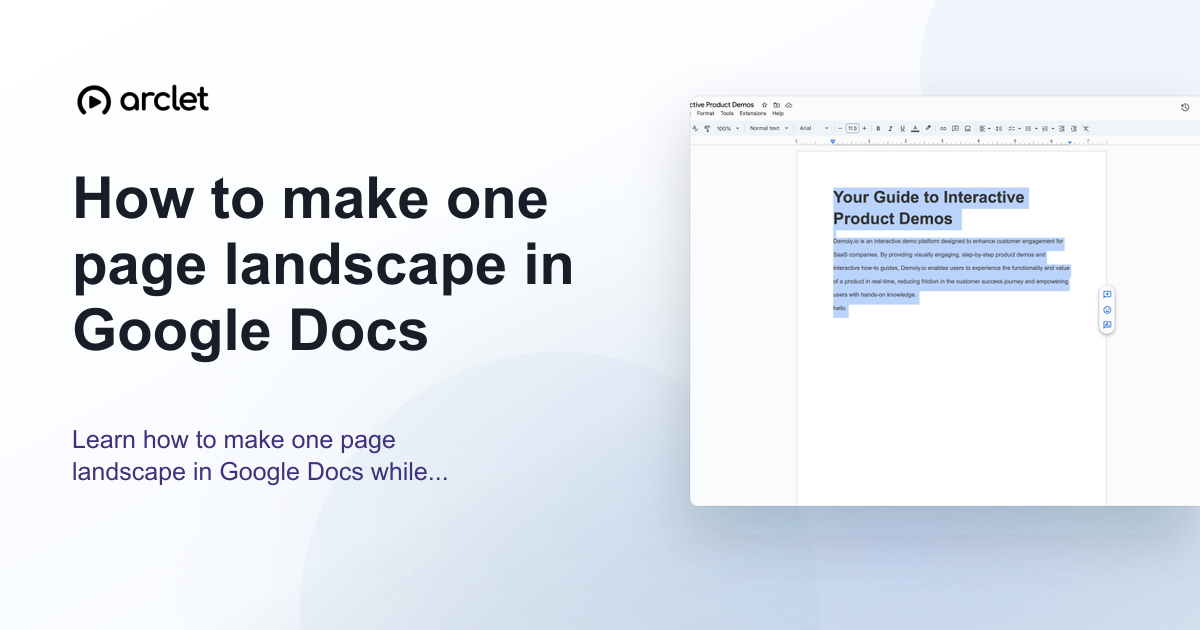 Google Docs5 steps4 min read
How to make one page landscape in Google Docs
Learn how to make one page landscape in Google Docs while keeping remaining pages in portrait — using section breaks and page setup.
Interactive demo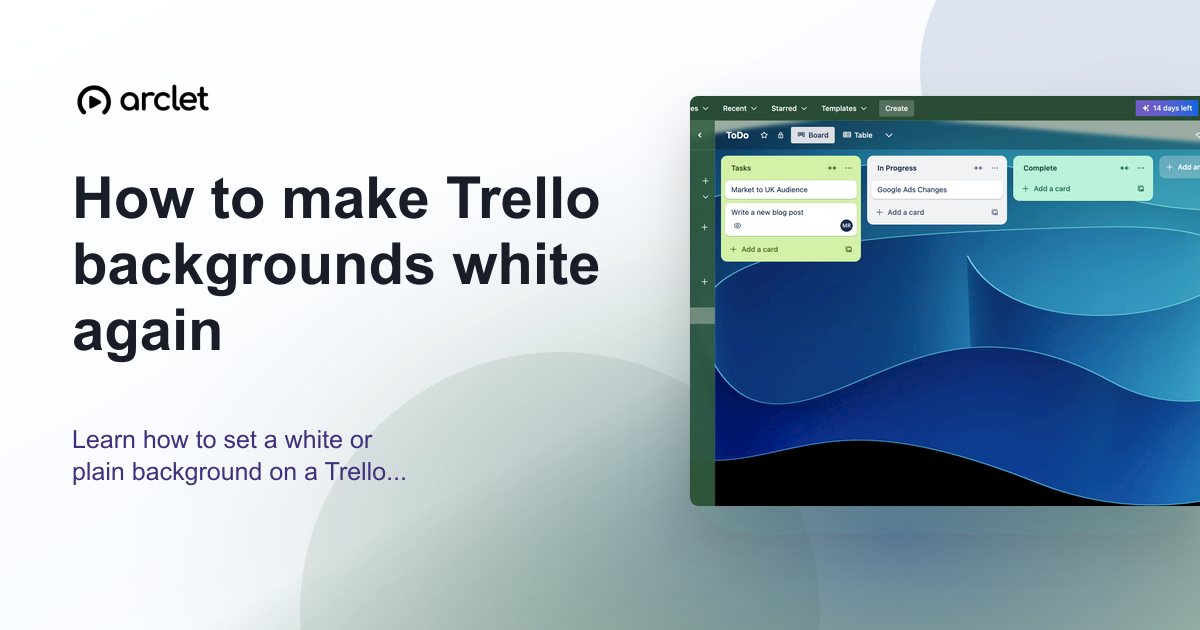 Trello4 steps3 min read
How to make Trello backgrounds white again
Learn how to set a white or plain background on a Trello board — remove the current colour or photo and restore the default.
Interactive demo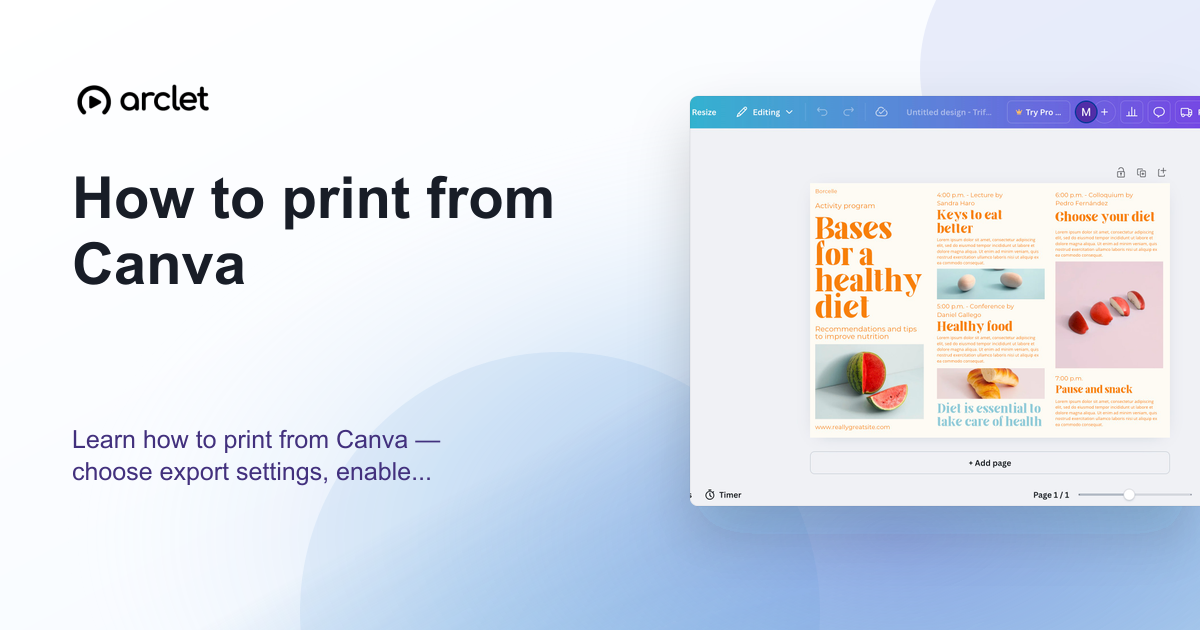 Canva5 steps5 min read
How to print from Canva
Learn how to print from Canva — choose export settings, enable bleed marks for professional results, and order prints directly.
Interactive demo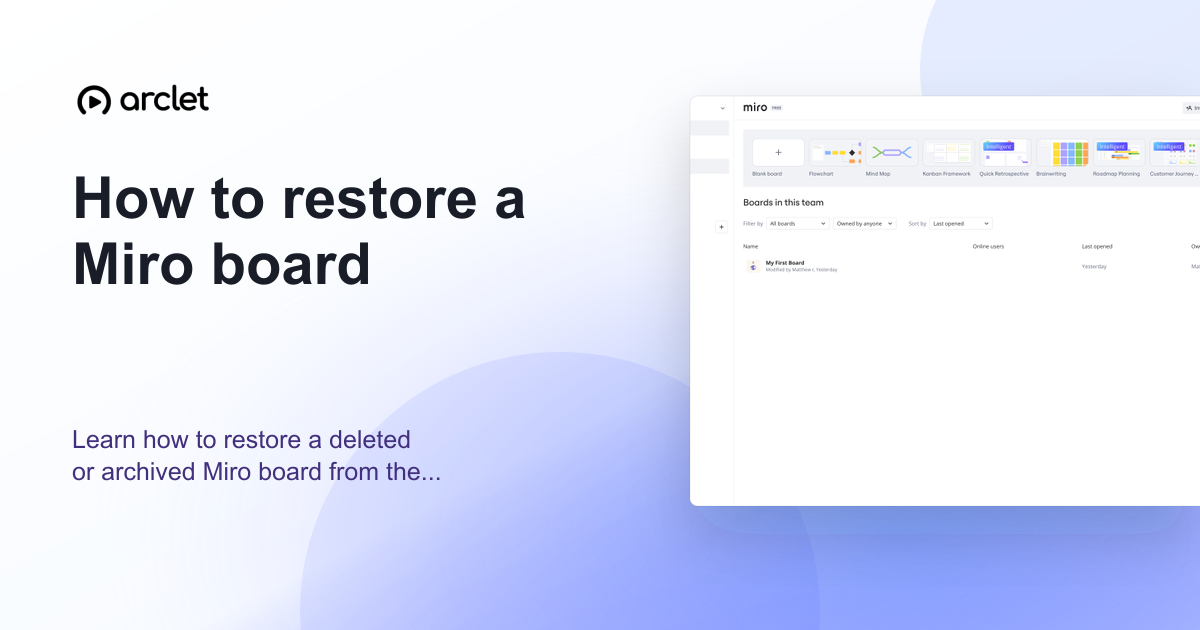 Miro3 steps3 min read
How to restore a Miro board
Learn how to restore a deleted or archived Miro board from the trash or archive panel and recover any board you no longer see.
Interactive demo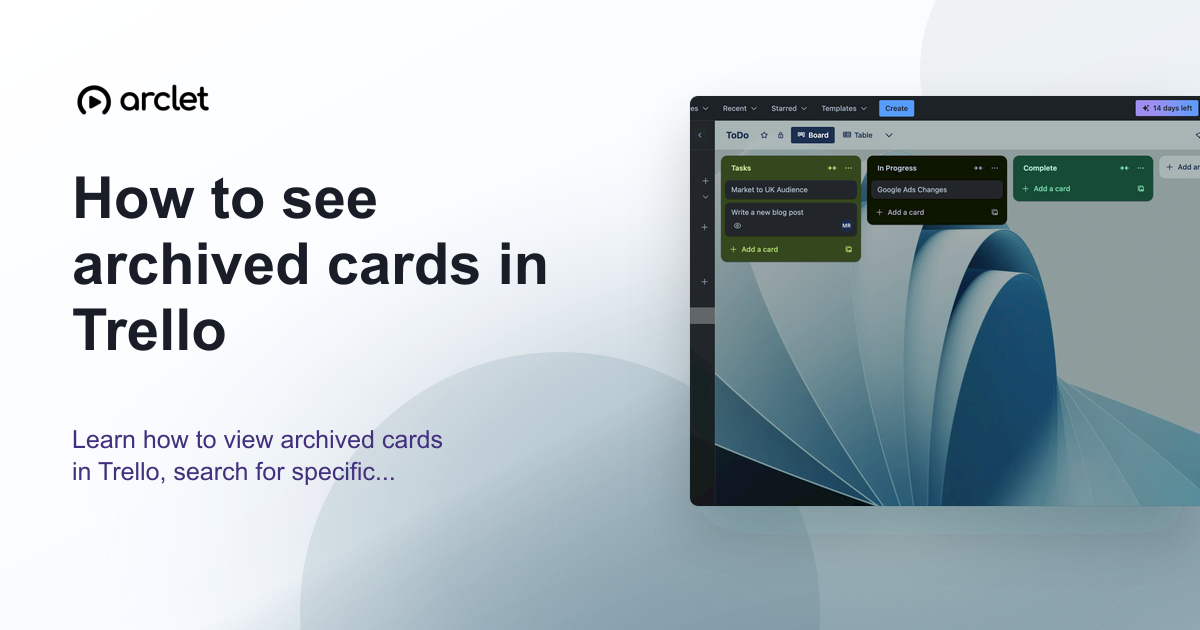 Trello5 steps3 min read
How to see archived cards in Trello
Learn how to view archived cards in Trello, search for specific ones, and restore or permanently delete them from the archive.
Interactive demo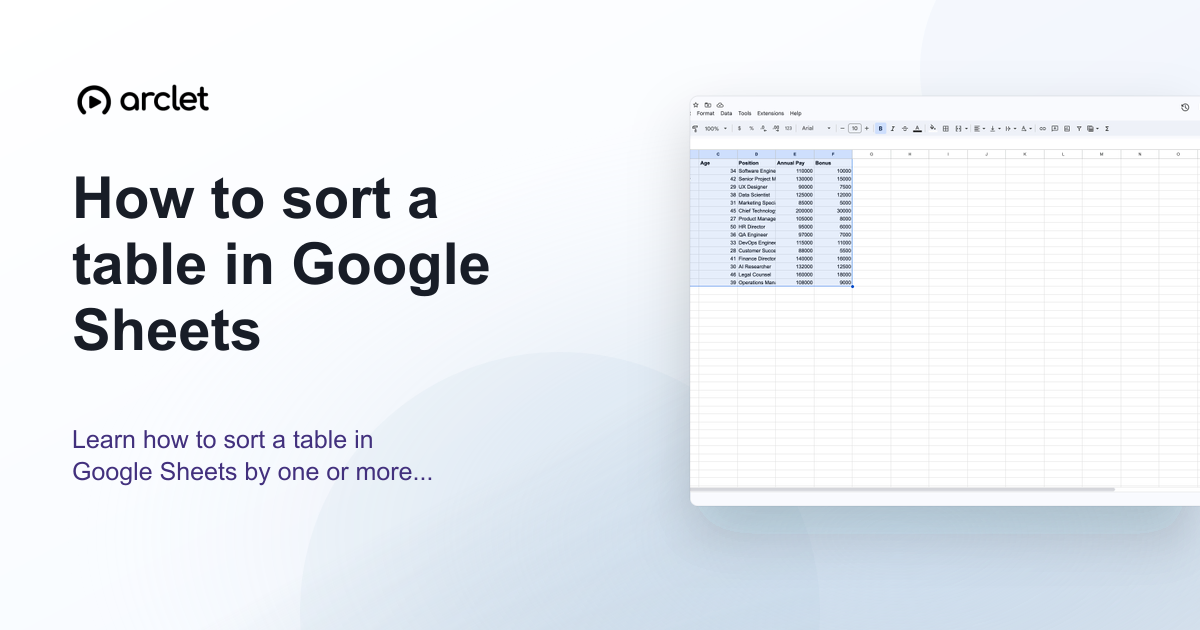 Google Sheets5 steps4 min read
How to sort a table in Google Sheets
Learn how to sort a table in Google Sheets by one or more columns, keep headers in place, and preserve row data correctly.
Interactive demo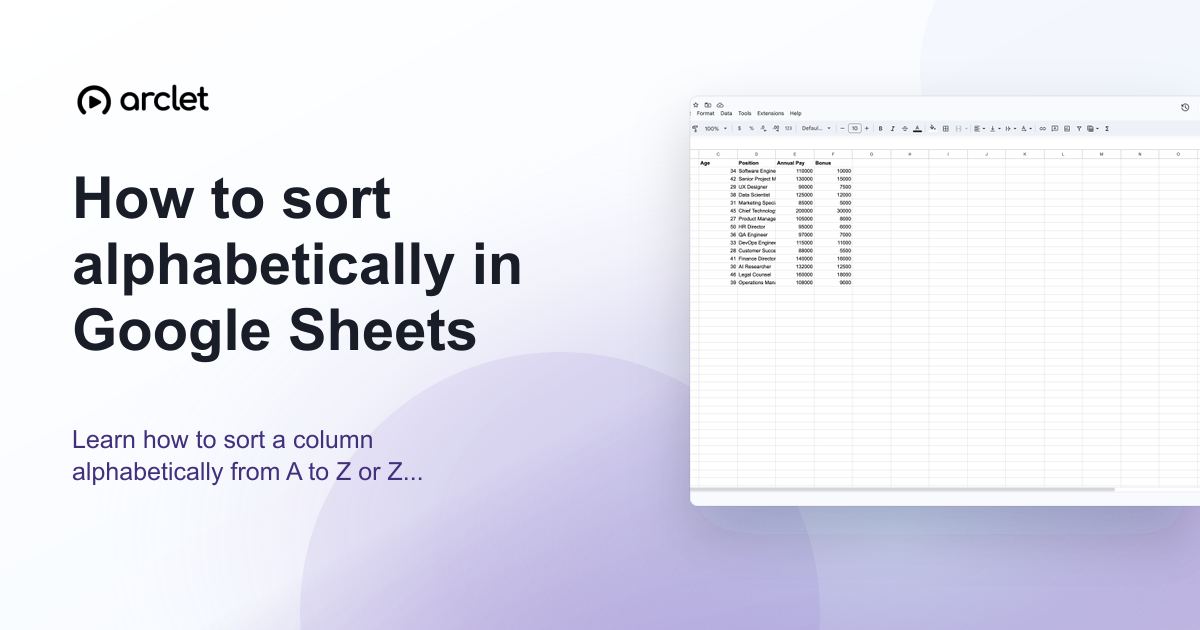 Google Sheets4 steps3 min read
How to sort alphabetically in Google Sheets
Learn how to sort a column alphabetically from A to Z or Z to A in Google Sheets using the Data menu and column header filters.
Interactive demo Google Docs3 steps3 min read
How to strikethrough in Google Docs
Learn how to add strikethrough text in Google Docs using the Format menu or keyboard shortcut, and how to remove it afterwards.
Interactive demo Canva5 steps4 min read
How to use the Canva color picker tool
Learn how to use the colour picker tool in Canva to sample exact colours from images, match brand colours, and build a palette.
Interactive demo