Launch page
A visitor wants to understand what changed. Let them try the relevant workflow beside the launch narrative.
Marketing
Put interactive demos in landing pages, launch notes, nurture, and paid campaigns so visitors can explore the workflow before they convert.
Marketing teams need more than an announcement. Give visitors a clear path from campaign promise to the product moment that explains it.
A visitor wants to understand what changed. Let them try the relevant workflow beside the launch narrative.
A prospect is not ready for a call. Give the email a self-paced product moment they can return to.
A marketer needs to improve the story. Use step-level attention as context for the next message, not a performance promise.
Use the mapped analytics workflow as a campaign proof example. Inspect how a visitor can learn the path before a sales handoff.
Campaign proof
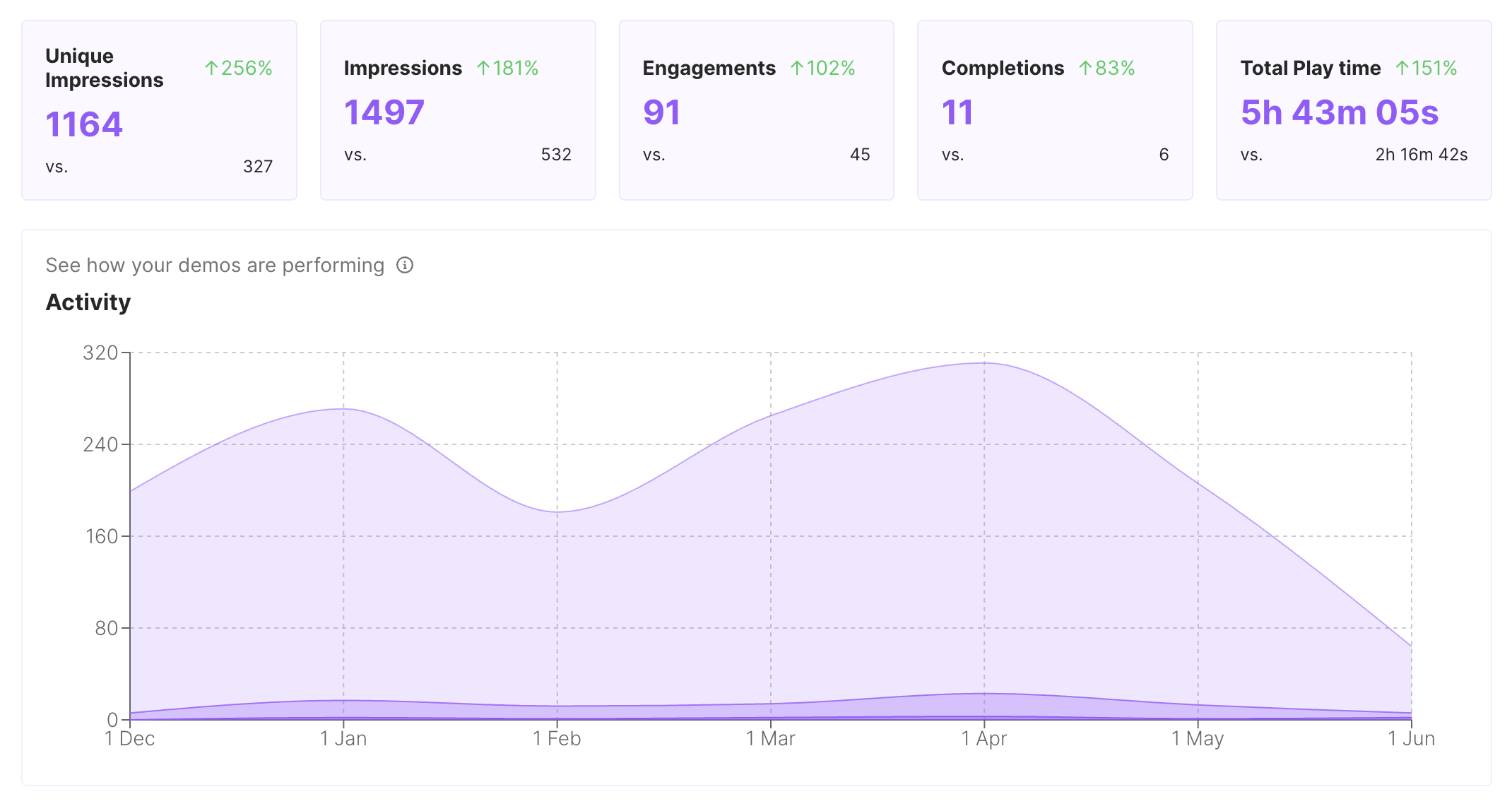
A launch page or announcement email can carry the real workflow. Visitors interact with the product path instead of imagining it from a headline.
Message iteration
Read available engagement context to see which steps deserve clearer guidance or a shorter explanation. Treat the signal as an editing prompt, not a campaign result.
Channel reuse
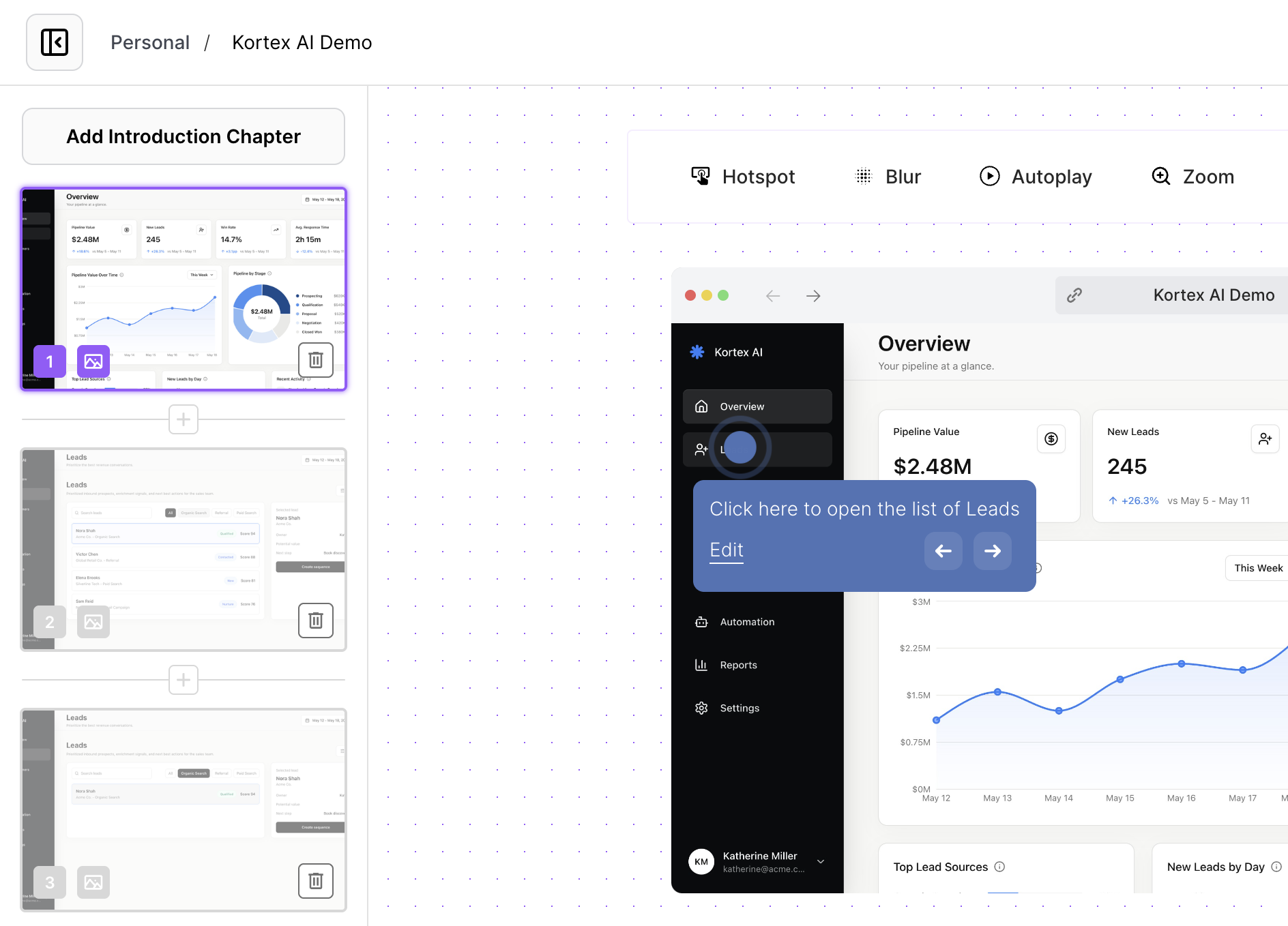
Record the workflow once, then tune the surrounding context for a landing page, release note, webinar follow-up, or lifecycle email.
Start with one product question and make the next action obvious.
1
Write the visitor question the workflow should answer before choosing the screens to capture.
2
Remove steps that explain the product broadly but do not help with this launch message.
3
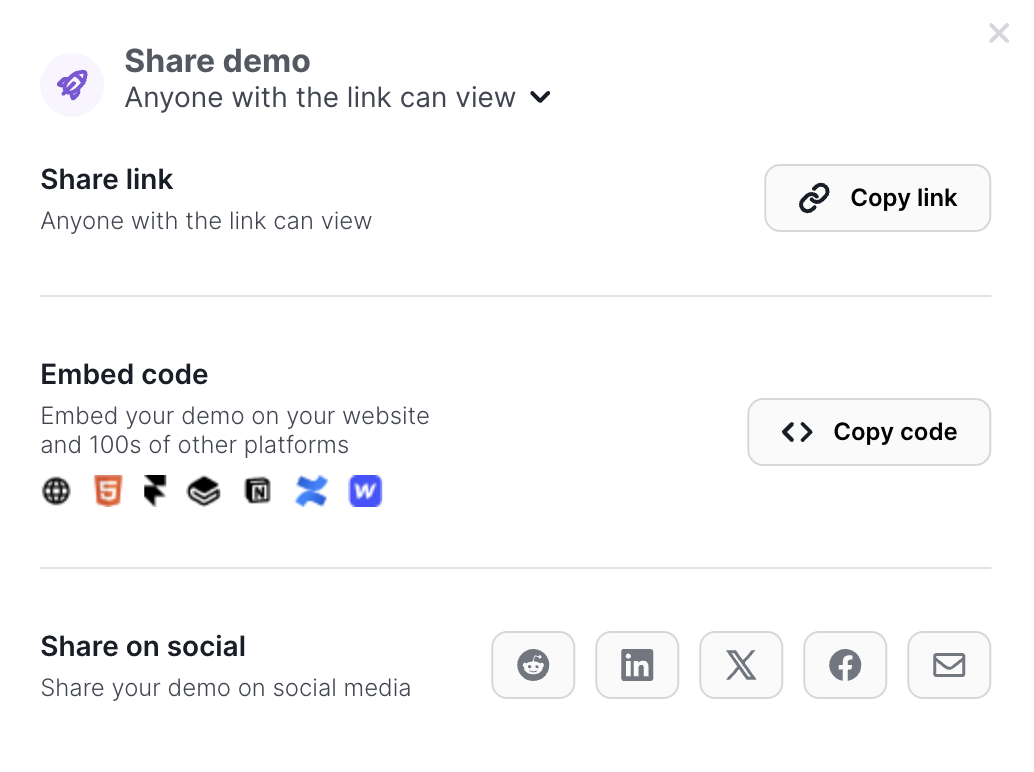
Add the link, embed, or CTA where the visitor naturally finishes the product explanation.
Compare formats by hands-on context, channel reuse, message control, and maintenance. A campaign can need more than one format.
| Criterion | Interactive demo (highlighted format) | Recording | Slides |
|---|---|---|---|
| Visitor learns | Tries a focused workflow | Watches a fixed explanation | Scans a narrative |
| Channel fit | Link or embed across launch surfaces | Video player and email link | Page, deck, or announcement |
| Editing tradeoff | Update guidance and context | Re-record for a changed path | Rewrite frames and layouts |
Use the same mapped workflow with a different note for each destination.
Let visitors try the workflow while the announcement explains why it matters.
Give nurture readers a concrete product moment before asking for a meeting.
Send a replayable path after the event while the product question is still fresh.
Interactive demos work across every team workflow.
Give reps and champions a clickable product story that sets context before discovery, keeps the live walkthrough focused, and remains useful after the call.
Give customers guided demos they can replay during onboarding, lifecycle programs, renewals, and expansion conversations.
Capture product paths once and share interactive context for roadmap reviews, release handoffs, and cross-functional launch work.
Build clickable walkthroughs for tickets, macros, and help articles so customers can solve common issues without another reply.
Create self-paced interactive demos for SOPs, enablement, onboarding, customer education, and partner training.
Start free, record a real workflow, and publish a demo people can click through.
Everything you need to know to get started today.