At a glance
Can one demo tool cover the whole SaaS lifecycle?
Most of it, as long as the demo lives outside your product. One interactive demo can answer evaluation, sales, and support questions from a link or an embed. Guidance inside the signed-in product, like an onboarding checklist, needs an in-app tool. See external demos versus in-app tours.
| Stage | The viewer's question | Format that answers it | Where it lives |
|---|---|---|---|
| Evaluation | How does this work? | Interactive demo | Homepage or pricing page |
| Sales | Will this work for my team? | Interactive demo, then a live call | Follow-up email |
| Onboarding | How do I do my first task? | Interactive demo, or an in-app checklist for signed-in steps | Welcome email or in-app |
| Support | Why can't I get this to work? | Help article with an embedded demo | Help center or ticket reply |
Research and trust
Five of the seven publish a free plan. Two of those let you publish five demos. The other three allow one, which covers a homepage demo but not one for each stage. Want the vendor-by-vendor limits? Compare interactive demo tools.
Why SaaS teams pick Arclet
Arclet lets one person cover every lifecycle stage on the free plan. Record each workflow with the Chrome extension, then publish it where that stage's question comes up. Every demo opens from a link or an embed, with no Arclet account.
Free covers one creator and five published demos. When you need more, Starter is $25 a month billed annually for unlimited demos, and Team is $69 billed annually with two creators. See how many demos each plan publishes.
Match the guidance to the viewer
A prospect needs the reason for each step. A customer needs the one step they're stuck on. Rewrite the tooltip, recolour the hotspot, and move it where that viewer will look.
See how to customise a hotspot in Arclet.
Recolour a hotspot and move its tooltip, and watch the demo repaint as you change it. It shows one hotspot on one step, not a whole demo rewritten for a new audience.
Embed demos in your help center
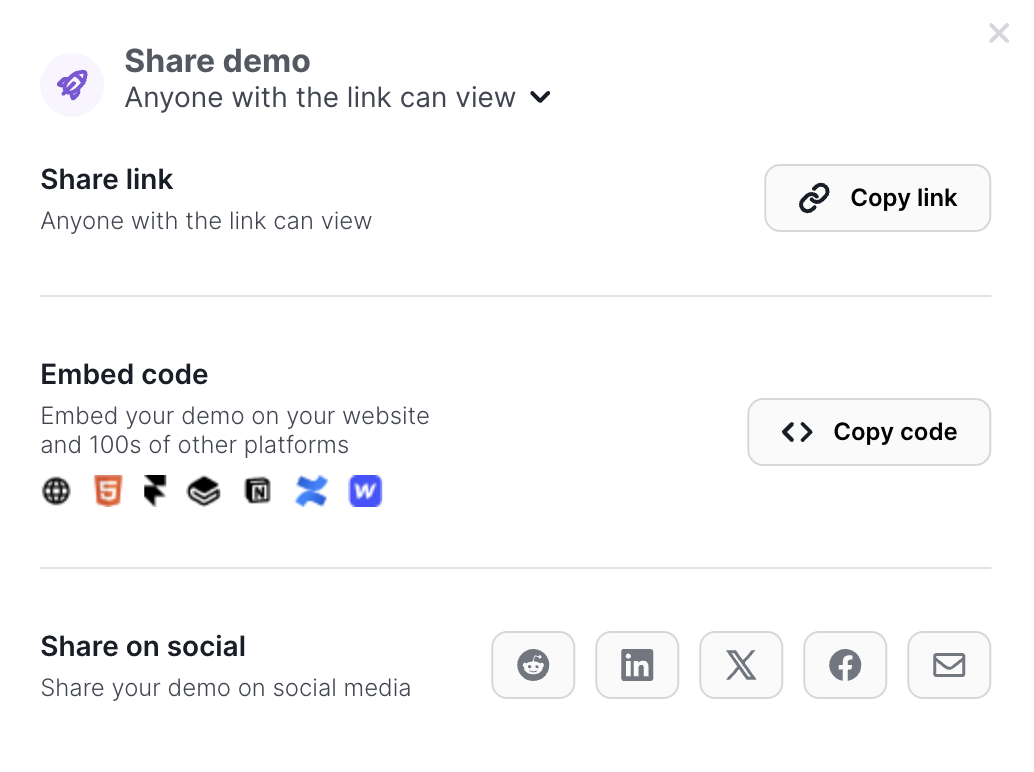
Paste the embed code into a help article, so customers click through the steps right next to the written answer.
Fix the demo people abandon
Every plan shows plays and completions for each demo. Starter adds step-level analytics, so you can find the step where people stop and cut it.
See how Arclet reports demo completions.
Change the date range on a demo's analytics and compare plays with completions. The recording shows demo-level analytics only. Step-level reporting, which comes with Starter, isn't shown.
When a SaaS team should use something else
A demo tool earns its place when one explanation serves several stages. Use something else in these cases.
Guidance that reacts to a user's account
Onboarding checklists and feature tips that change with each user's plan or progress need an in-app tour tool. Arclet demos run outside your product.
A screen you redesign every sprint
A demo of a screen that changes every two weeks goes stale fast. Budget time to edit those steps after each release, or wait until the screen settles.
A question one customer asked once
Reply with a written answer. Record a demo when the same question keeps coming back.
Choose by lifecycle stage
Start with the stage where the same question costs you the most time. Selling through a sales team too? Read product demo software for the sales call.
Self-serve evaluation
Put a demo on the pricing page for the workflow that decides the plan. Visitors see the paid features before they start a trial.
Onboarding emails
Link a demo of the first task in the welcome email. New users see the path before they log in for the first time.
Support and help center
Embed a demo in the help article support links to most. Customers follow the steps without waiting on a reply.
Shortlisting a tool for a SaaS team
Shortlist by the team that owns the demo, because the requirement changes with them: marketing needs the embed and the branding, sales needs the hand-off after the call, customer success needs the walkthrough to survive a redesign, and an early-stage team needs a free plan that publishes more than one demo. Named comparisons live in the team buying guides: marketing, sales, customer success, and startups.