Roadmap review
A decision depends on the user path, not a list of tickets. Let partners click through the current flow before the review.
Product
Capture product paths once and share interactive context for roadmap reviews, release handoffs, and cross-functional launch work.
Product teams need shared context before they debate a release. Make the workflow visible for roadmap review, launch readiness, and cross-functional handoff.
A decision depends on the user path, not a list of tickets. Let partners click through the current flow before the review.
GTM teams need to understand what changed. Give them a reusable path before they write enablement or launch copy.
Support, success, and marketing need the same product context. Share one editable explanation instead of scheduling another walkthrough.
Use the mapped issue-triage demo as product context. Inspect the path, then decide what each partner needs to know before launch.
Decision context
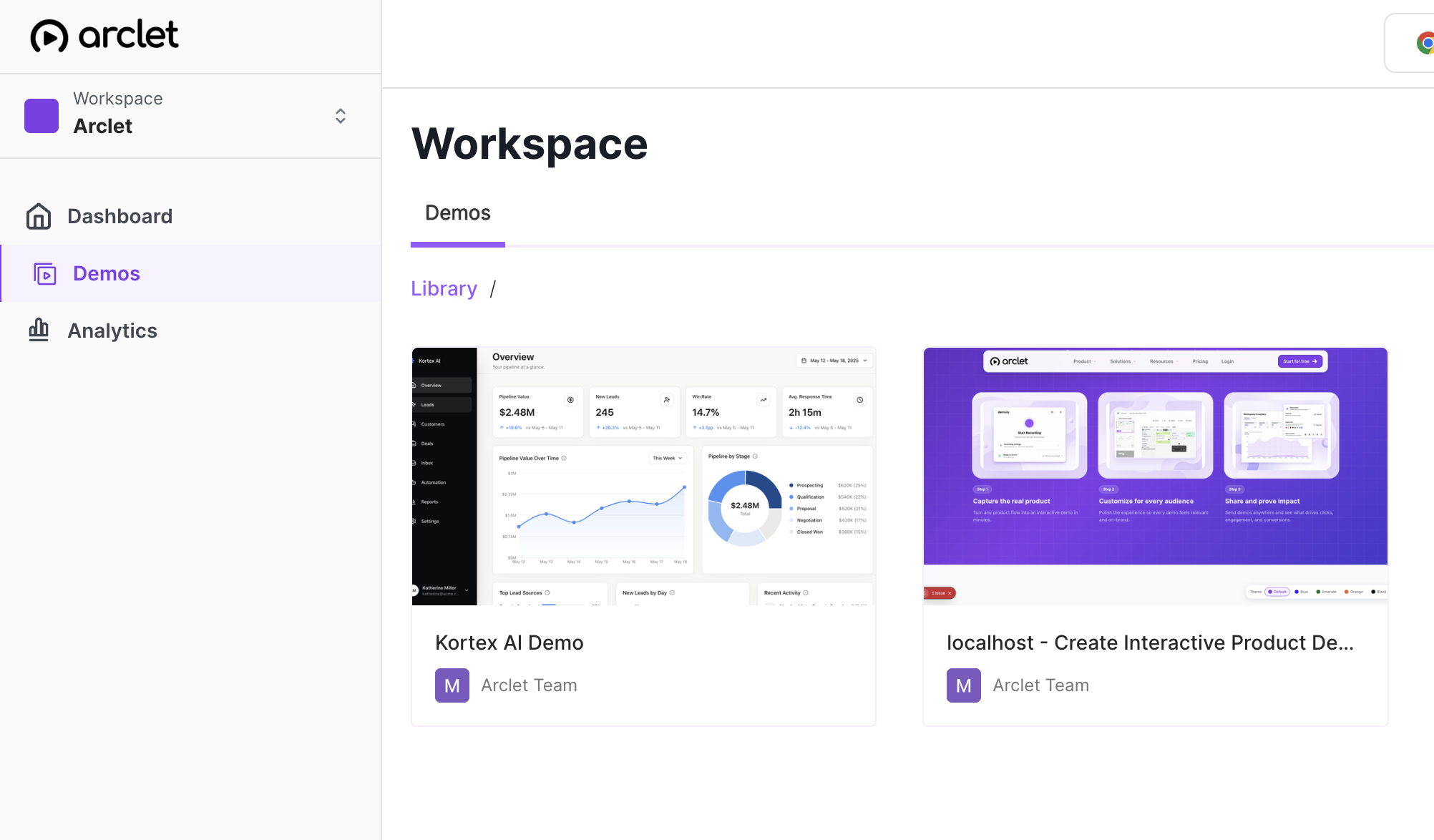
A recorded workflow gives product, design, engineering, and leadership the same context. Review the path asynchronously before discussing tradeoffs.
Release story
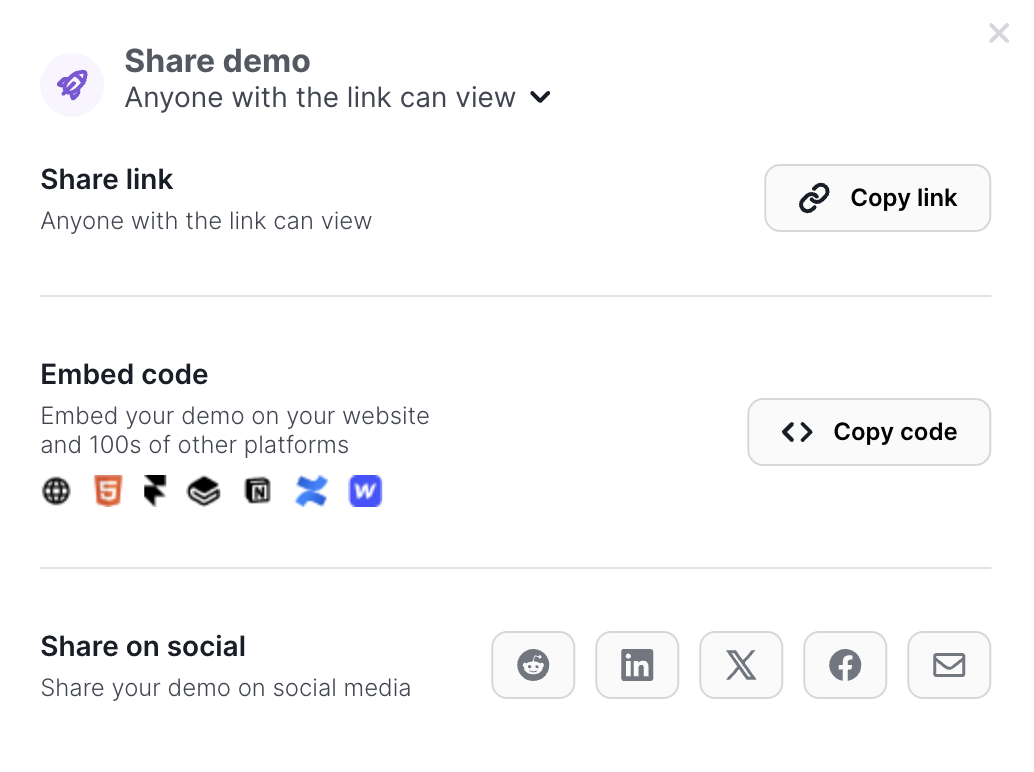
Turn a release workflow into a guided story for marketing, sales, success, and support. Each team can start from the same path and add its own context.
Living explanation
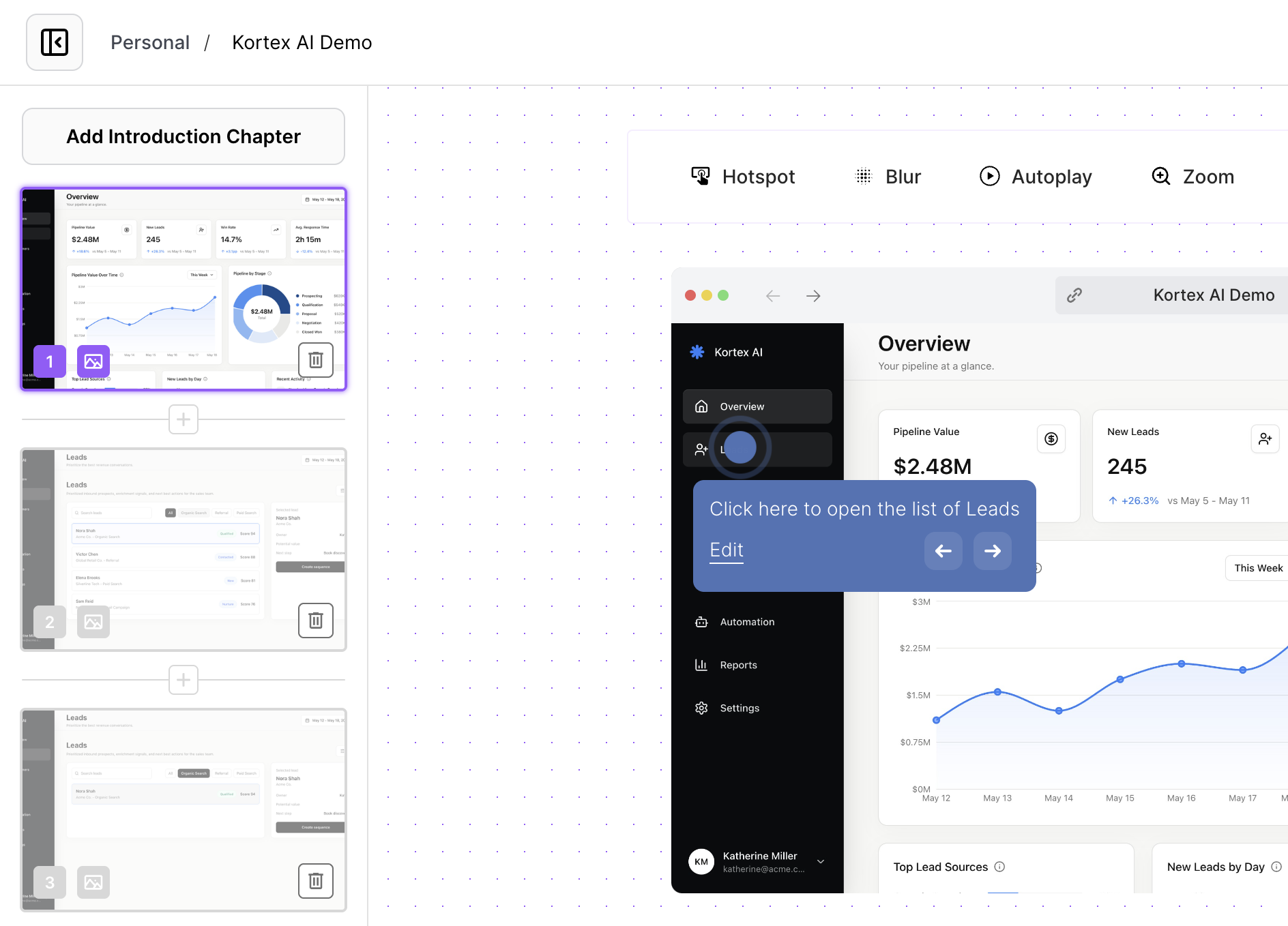
Refine step copy, labels, and calls to action in the browser as the release narrative becomes clearer. Keep the product flow intact while the explanation evolves.
A useful product demo gives cross-functional teams enough context to act without becoming a full product tour.
1
Choose the workflow people need to understand before they can weigh the product decision.
2
Explain what changed, why it matters, and which partners need to use the path.
3
Point each role toward the next asset, owner, or question after the workflow review.
Compare formats by context fidelity, async review, collaboration, and maintenance. Use the format that keeps the decision grounded in the path.
| Criterion | Interactive demo (highlighted format) | Prototype | Recording | Live review |
|---|---|---|---|---|
| Context fidelity | Shows a captured workflow with guidance | Shows an intended interaction model | Shows a presenter-selected sequence | Adapts as questions arise |
| Review mode | Click through before the meeting | Explore a design state | Watch a fixed explanation | Discuss in shared time |
| Handoff tradeoff | Maintain the captured story | Prototype needs design context | Re-record when the path changes | Requires a presenter |
Use one workflow with role-specific framing wherever a release needs shared understanding.
Give reviewers the path before the meeting so discussion starts with the user experience.
Keep the workflow beside release notes, owners, and enablement tasks.
Give support and success a concrete path they can use when customer questions arrive.
Interactive demos work across every team workflow.
Give reps and champions a clickable product story that sets context before discovery, keeps the live walkthrough focused, and remains useful after the call.
Put interactive demos in landing pages, launch notes, nurture, and paid campaigns so visitors can explore the workflow before they convert.
Give customers guided demos they can replay during onboarding, lifecycle programs, renewals, and expansion conversations.
Build clickable walkthroughs for tickets, macros, and help articles so customers can solve common issues without another reply.
Create self-paced interactive demos for SOPs, enablement, onboarding, customer education, and partner training.
Start free, record a real workflow, and publish a demo people can click through.
Everything you need to know to get started today.