Free screenshot editor
Paste a screenshot, blur what's private, point at what matters, and download it. Everything runs in your browser, so nothing is uploaded and there's no watermark.
Bring your screenshots to life as an interactive demo, free to get started.
Start for freeHow it works
Edit a screenshot in three steps
Paste a screenshot, blur what's private, point at what matters, and download it. Everything runs in your browser, so nothing is uploaded and there's no watermark.
Step 1
Paste, drop, or choose a screenshot
Press Ctrl+V (⌘V on a Mac) right after you capture, drag a file onto the editor, or choose one. PNG, JPEG and WebP up to 20 MB all work.
Step 2
Mark up what matters
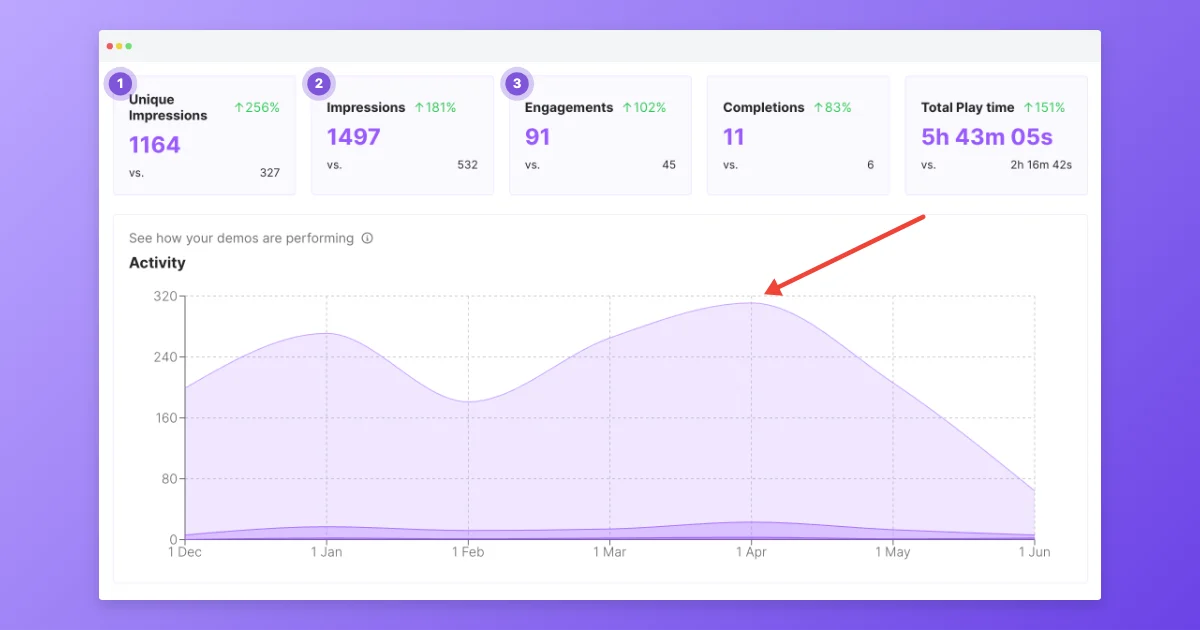
Blur names and emails, draw arrows and boxes, and drop numbered markers to walk someone through a sequence. Every annotation can be moved, resized or deleted.
Step 3
Frame it and download
Pick a background, padding and frame, then download a PNG or JPEG at 1× or 2×, or copy the image straight to your clipboard.
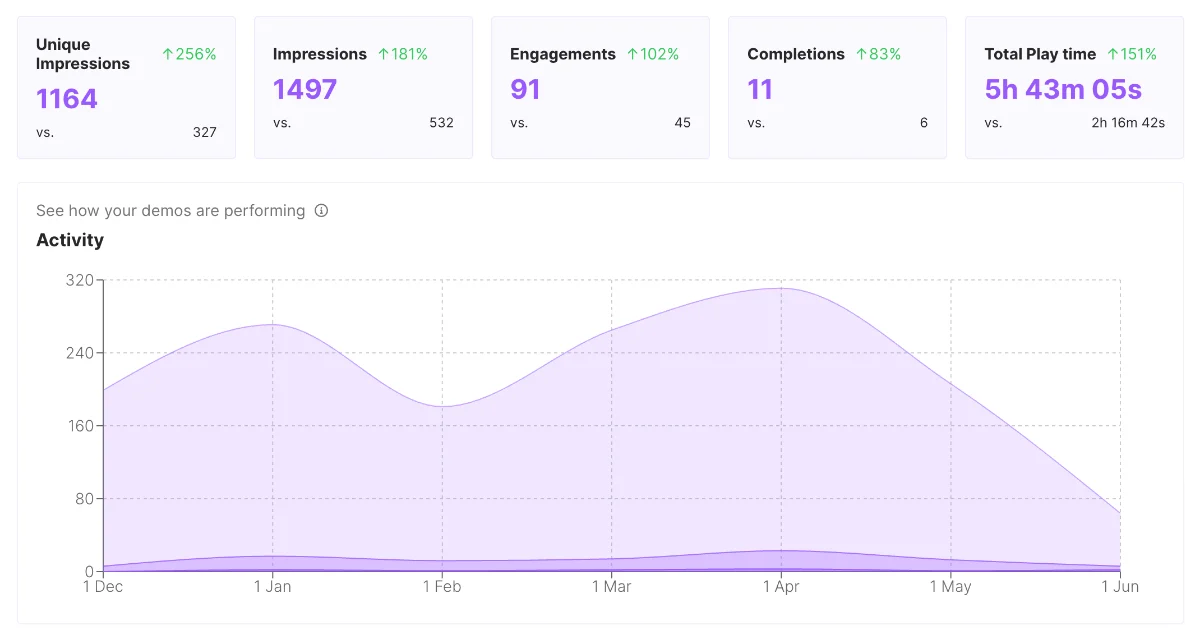
Before and after
Numbered steps, an arrow to the point that matters, and a frame that fits a help article or a slide.
Frequently asked questions
Everything you need to know to get started today.
Screenshots show a moment. Demos show the whole flow.
Record a workflow once in your browser and share a demo people can click through.