MacBook mockup generator
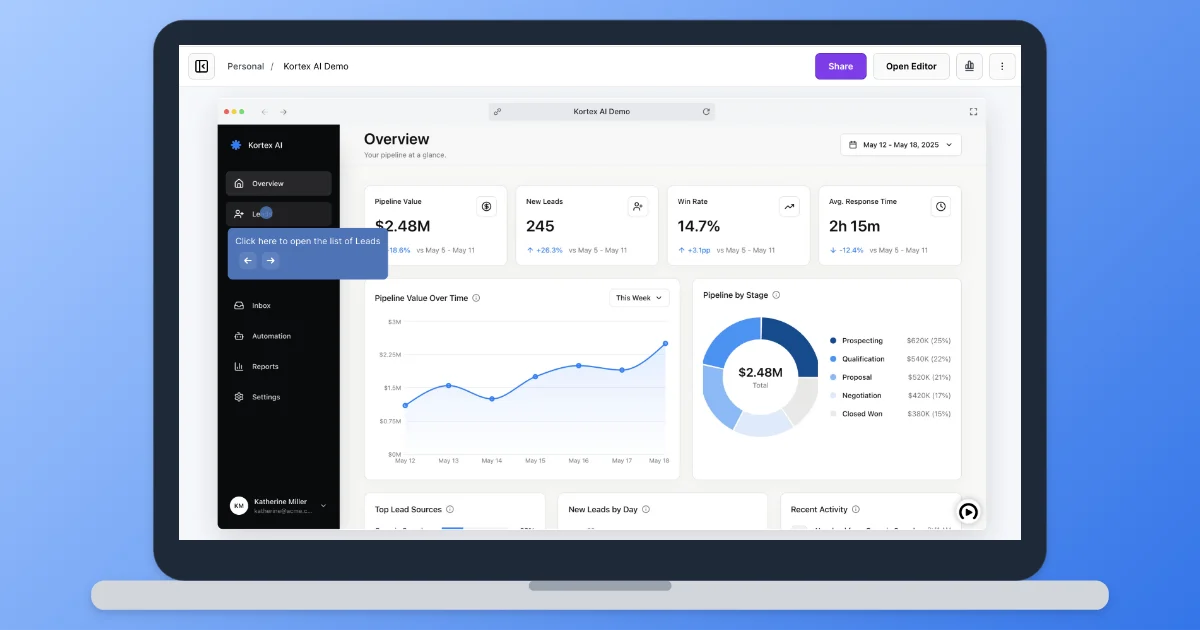
Place a screenshot on a laptop screen for a landing page, pitch deck or launch post. The laptop is original artwork drawn to fit your image: no stock photo, no logo, no license to check.
Bring your screenshots to life as an interactive demo, free to get started.
Start for freeHow it works
Make a laptop mockup
Place a screenshot on a laptop screen for a landing page, pitch deck or launch post. The laptop is original artwork drawn to fit your image: no stock photo, no logo, no license to check.
Step 1
Add a screenshot
A full-window capture works best, like 1440×900 or a 2880×1800 Retina screenshot. The laptop bezel scales to fit whatever you add.
Step 2
Pick the background
Choose one of five gradients, a solid color, or no background for a transparent PNG. Adjust the padding and shadow to taste.
Step 3
Download at 2×
Download a 2× PNG for sharp results on high-density screens, or copy it to paste straight into your slides. There's no watermark.
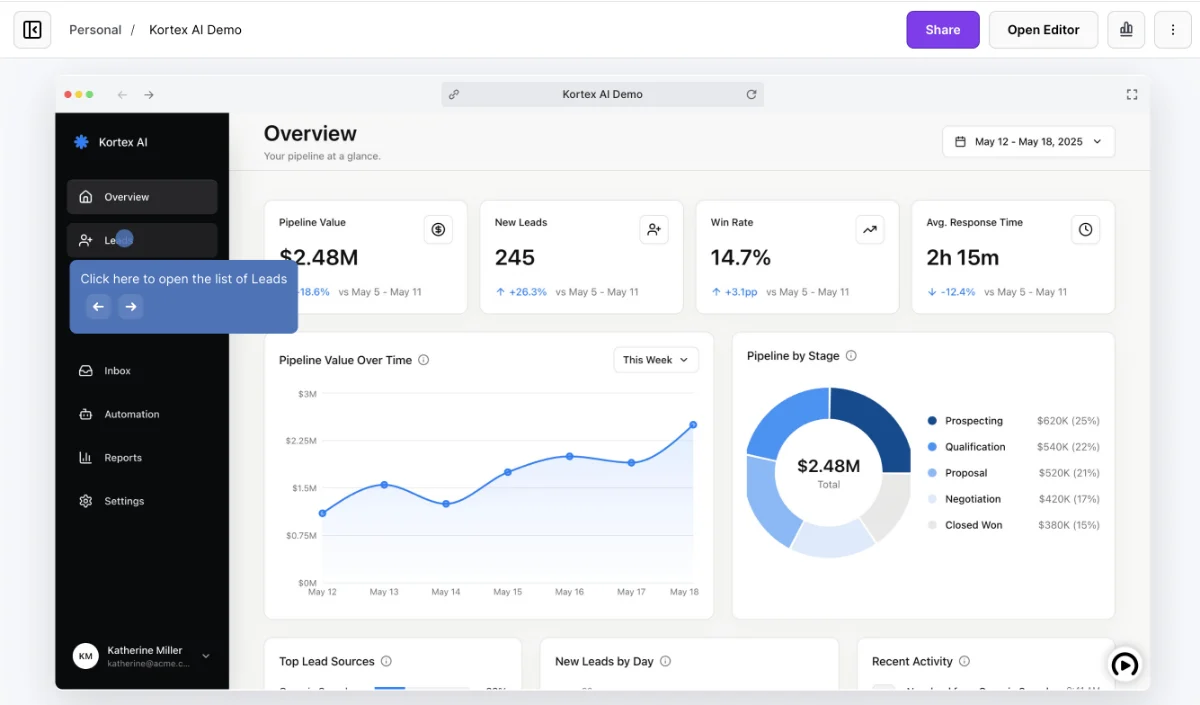
Before and after
Your screenshot on a laptop in one step, sized for decks, product pages and launch posts.
Frequently asked questions
Everything you need to know to get started today.
Screenshots show a moment. Demos show the whole flow.
Record a workflow once in your browser and share a demo people can click through.