Notion How-to Guides
Step-by-step Notion guides covering pages, blocks, fonts, and appearance settings. Follow interactive walkthroughs and create your own product demos.
Use these Notion guides to structure a workspace, connect databases, and keep pages organized as your team grows. Start with the task closest to what you're building, then follow the related guides to link data across databases, lock down finished pages, and turn a repeatable Notion workflow into a clear Arclet demo.
Notion guides
Structure pages and content
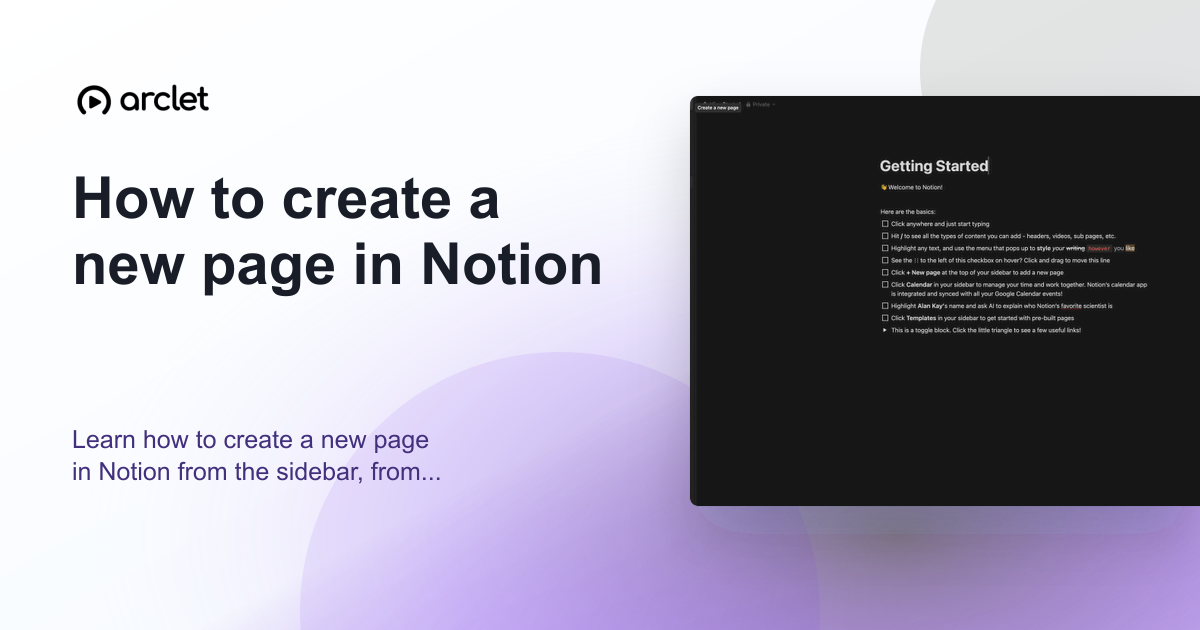
How to create a new page in Notion
Learn how to create a new page in Notion from the sidebar, from a template, or as a sub-page nested inside an existing page.
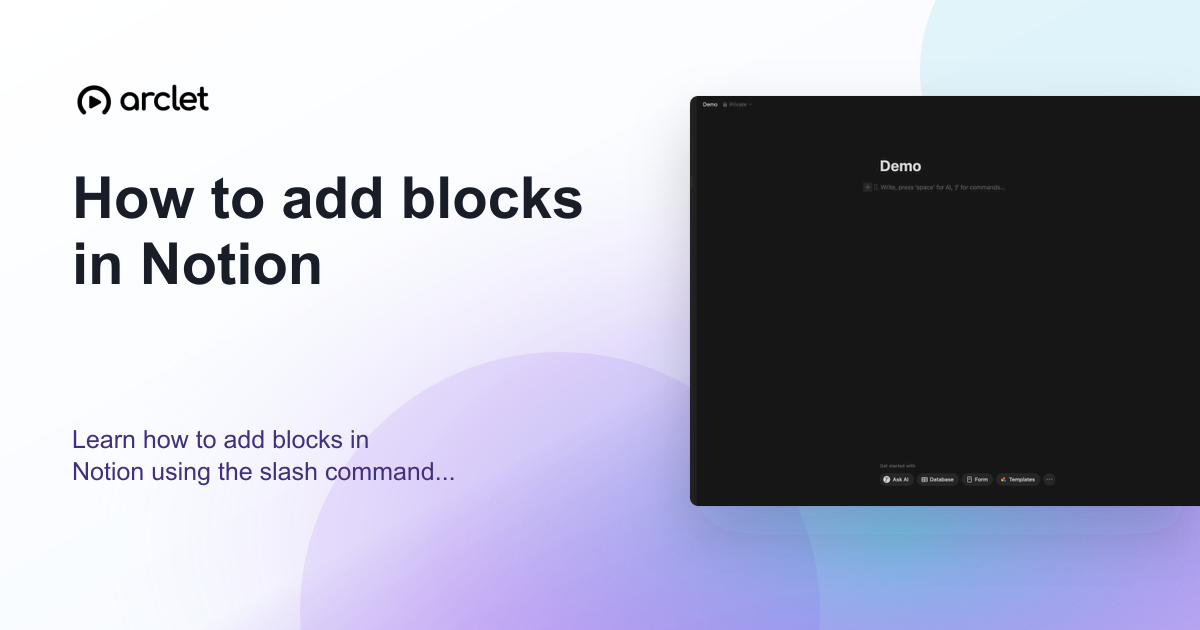
How to add blocks in Notion
Learn how to add blocks in Notion using the slash command menu to insert text, headings, images, databases, and 50+ block types.
How to create a table in Notion
Learn how to create a table in Notion using slash commands, customize columns and rows, and turn it into a full database view.
How to add a table of contents in Notion
Learn how to add a self-updating table of contents in Notion using heading blocks, so readers can jump to any section instantly.
How to add images to a Notion page
Learn how to upload, embed, or drag-and-drop images into any Notion page, including free-plan file size limits and captions.
How to add templates in Notion
Learn how to find, preview, and add Notion templates to your workspace, plus how to customize and set them as database defaults.
Connect and view databases
How to create a database in Notion
Learn how to build a Notion database from scratch, add properties, choose views, and organize information into structured, linkable pages.
How to add a relation between databases in Notion
Learn how to link two Notion databases with a relation property so records like customers and orders stay connected.
How to use a rollup field in Notion
Learn how to add a rollup field in Notion to pull and summarize data from a related database automatically.
How to filter a database in Notion
Learn how to filter a Notion database by property, condition, and logic to quickly find the exact pages you need.
How to create a kanban board in Notion
Learn how to create a kanban board in Notion to organize tasks visually, track progress across stages, and manage projects with drag-and-drop cards.
How to create a gallery view in Notion
Learn how to create a gallery view in Notion to display databases as visual cards, complete with cover images, sizing, and filters.
How to use timeline view in Notion
Learn how to add, customize, and manage Notion's Timeline view to visualize project schedules, track dependencies, and hit deadlines.
How to create a calendar in Notion
Learn how to build a calendar in Notion using database views, add events with date properties, and sync with the Notion Calendar app.
Collaborate and manage pages
How to add members to a Notion workspace
Learn how to invite new members to your Notion workspace by email, assign permission levels, and manage collaborator access.
How to share a Notion page
Learn how to share a Notion page with teammates, set permission levels, copy a link, or publish it publicly on the web.
How to lock a page in Notion
Learn how to lock a page in Notion to prevent accidental edits, deletions, or block moves while keeping content visible to your team.
How to move a page in Notion
Learn how to move a page in Notion using drag-and-drop or the Move To command, including moves across workspaces.
How to duplicate a page in Notion
Learn how to duplicate a page in Notion using the ••• menu, sidebar right-click, or when copying public pages into your workspace.
How to export a Notion page
Learn how to export any Notion page as a PDF, HTML, or Markdown file for backups, sharing, or offline access in minutes.
All guides
 Notion3 steps2 min read
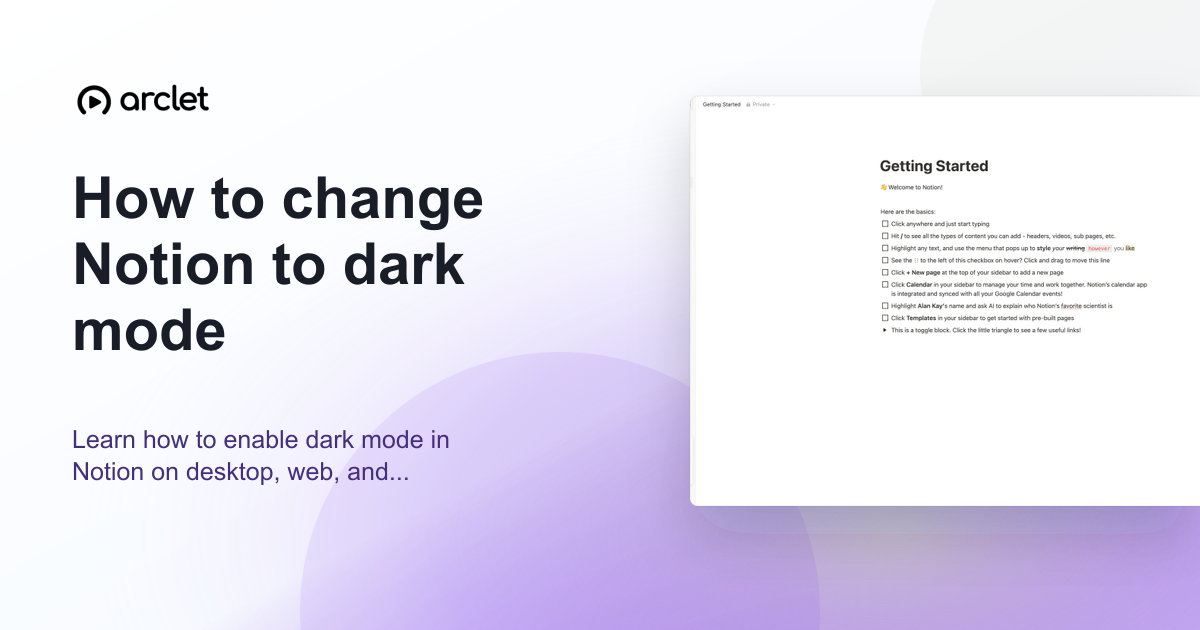
How to change Notion to dark mode
Learn how to enable dark mode in Notion on desktop, web, and mobile — adjust appearance settings to switch themes in a few clicks.
Interactive demo Notion7 steps2 min read
How to create a linked database in Notion
Learn how to create a linked database in Notion to display the same data across multiple pages without duplicating content.
 Notion7 steps3 min read
How to use Notion AI
Learn how to use Notion AI to write, summarize, search your workspace, and answer questions directly inside any page.
 Notion7 steps2 min read
How to embed Spotify in Notion
Learn how to embed a Spotify playlist, album, or track in Notion using the embed block, plus tips on playback and permissions.
 Notion7 steps3 min read
How to sort a database in Notion
Learn how to sort any Notion database by one or more properties using the Sort menu, quick column shortcuts, and custom sort orders.
 Notion7 steps2 min read
How to use a formula field in Notion
Learn how to add a formula field in Notion, write expressions with properties and functions, and automate database calculations.
 Notion7 steps2 min read
How to export a Notion page to PDF
Step-by-step instructions for exporting a Notion page to PDF using the built-in export menu, plus tips for formatting and troubleshooting.
 Notion7 steps2 min read
How to add a toggle block in Notion
Learn how to add a toggle block in Notion to hide details, organize notes, and keep pages clean with collapsible content.
 Notion7 steps3 min read
How to embed content in a Notion page
Learn how to embed videos, PDFs, maps, and other online content directly into a Notion page using the embed block or slash command.
 Notion7 steps3 min read
How to integrate apps in Notion
Learn how to connect apps like Slack, Loom, and Datadog to Notion, then link them to pages and databases on any plan.
 Notion7 steps2 min read
How to set reminders in Notion
Learn how to set reminders in Notion using @remind tags and database date properties, plus tips for desktop and mobile notifications.
 Notion6 steps3 min read
How to undo changes in Notion
Learn every way to undo changes in Notion, from keyboard shortcuts to Page History, on desktop, iOS, and Android.
 Notion7 steps2 min read
How to import a document into Notion
Learn how to import Word, PDF, CSV, Markdown, and HTML files into Notion using the built-in importer or slash command.
 Notion7 steps3 min read
How to create a form in Notion
Learn how to build a native form in Notion, customize its questions, and share it to collect responses directly into a database.
 Notion7 steps3 min read
How to create a task tracker in Notion
Learn how to build a customizable task tracker in Notion using databases, properties, and views to organize work and collaborate free.
 Notion7 steps3 min read
How to create a to-do list in Notion
Learn how to build a checkbox to-do list in Notion using slash commands, then organize, customize, and share it for free.
 Notion7 steps3 min read
How to use Notion Calendar
Learn how to set up Notion Calendar, connect your Notion workspace, sync other calendars, and manage events with linked pages.
 Notion4 steps3 min read
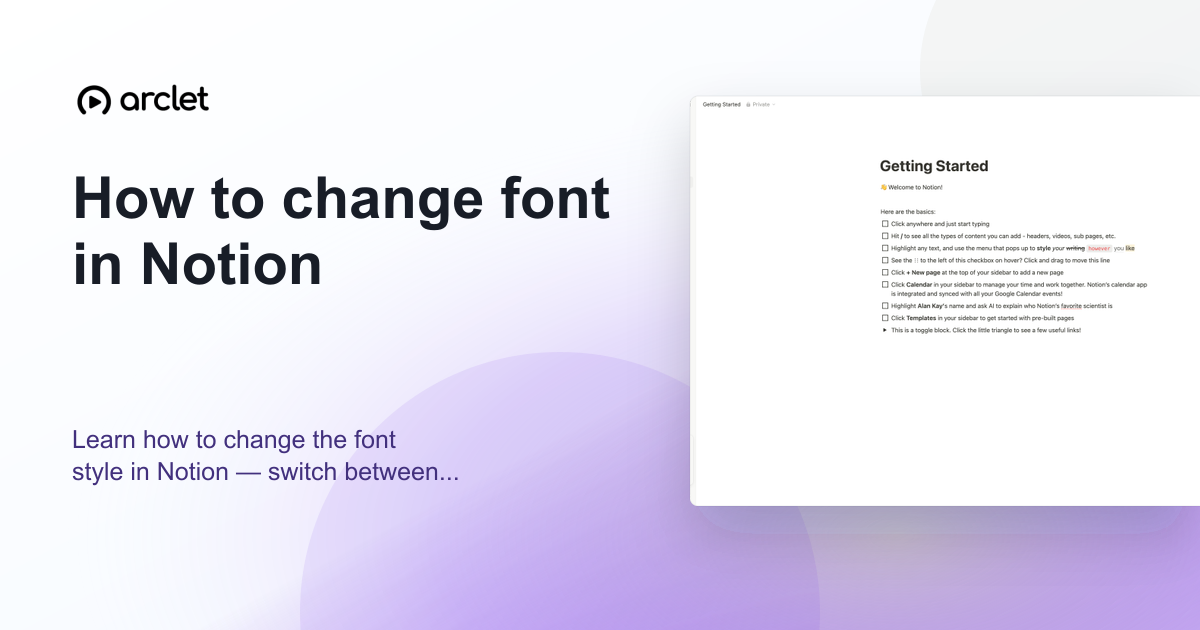
How to change font in Notion
Learn how to change the font style in Notion — switch between Default, Serif, and Mono typefaces and toggle small text mode on.
Interactive demo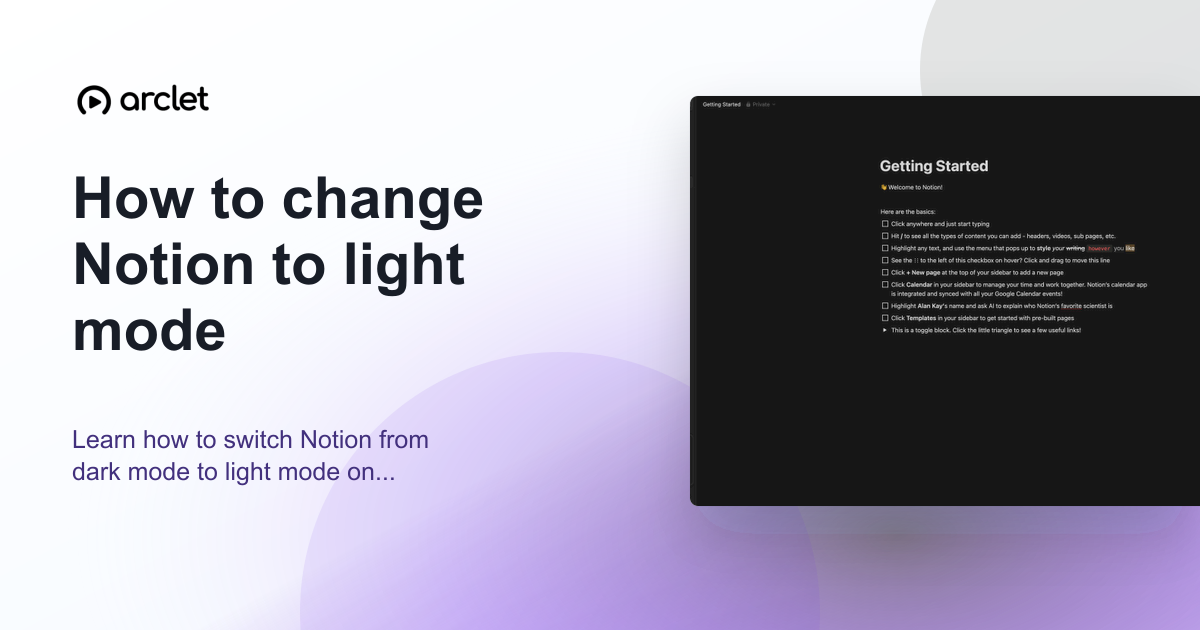 Notion3 steps2 min read
How to change Notion to light mode
Learn how to switch Notion from dark mode to light mode on desktop, web, and mobile using the appearance settings panel.
Interactive demo
Frequently asked questions
Is Notion free?
Notion has a free plan for personal use with unlimited pages and blocks. Paid plans (Plus, Business, Enterprise) unlock collaboration features, permissions, and API limits.
Can Notion be used offline?
Notion has limited offline support through its desktop and mobile apps. Pages you have previously viewed are cached and readable offline, but edits sync when you reconnect.