Canva How-to Guides
Step-by-step Canva guides covering design effects, text formatting, printing, and sharing. Follow interactive walkthroughs and create your own product demos.
Use these Canva guides to shape text, colour, and motion in a design without hunting through the editor. Start with the task closest to what you're making, then follow the related guides to finish the layout, get it print-ready, and turn a repeatable Canva workflow into a clear Arclet demo.
Canva guides
 Canva5 steps4 min read
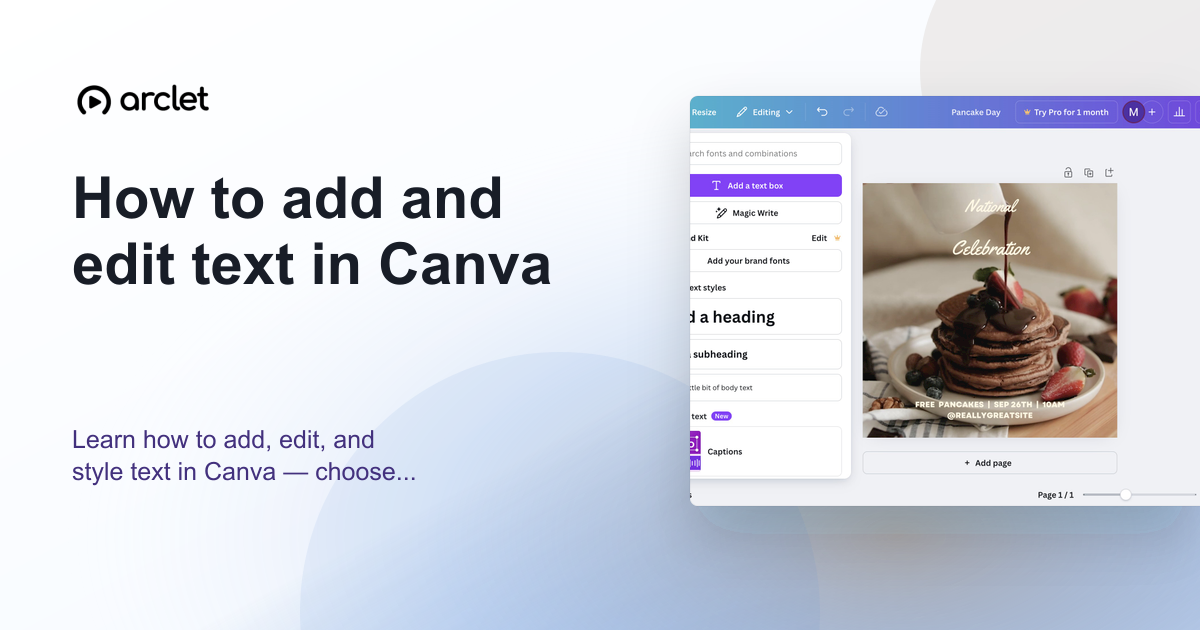
How to add and edit text in Canva
Learn how to add, edit, and style text in Canva — choose fonts, adjust size and spacing, and align text blocks in your design.
Interactive demo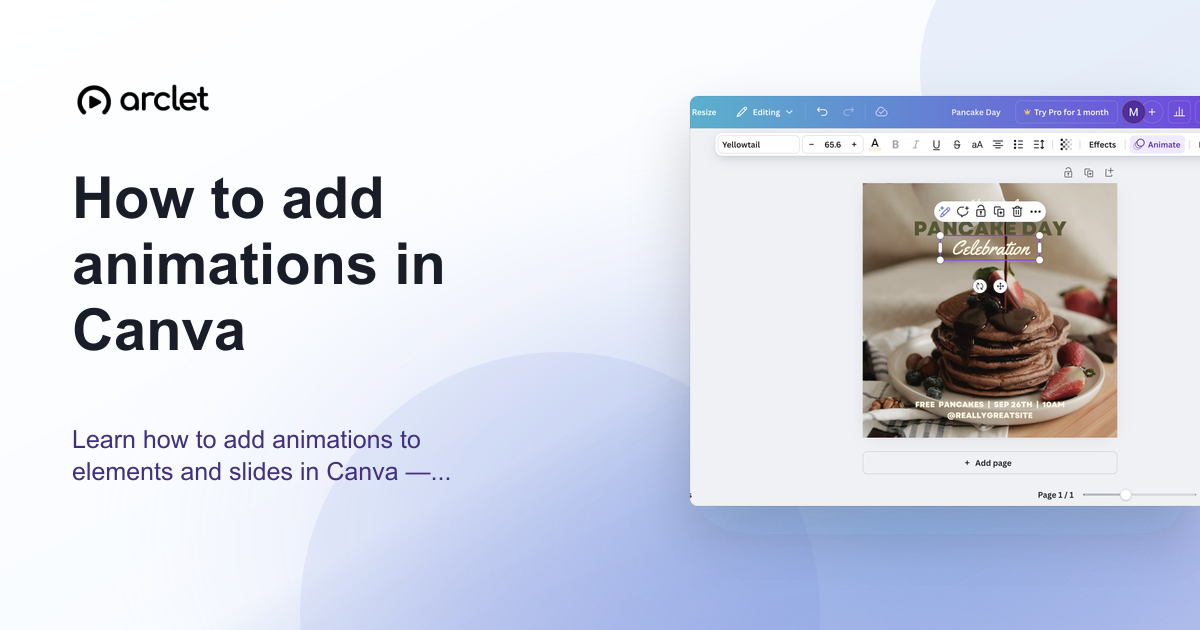 Canva5 steps4 min read
How to add animations in Canva
Learn how to add animations to elements and slides in Canva — apply entrance, exit, and continuous motion effects in a few clicks.
Interactive demo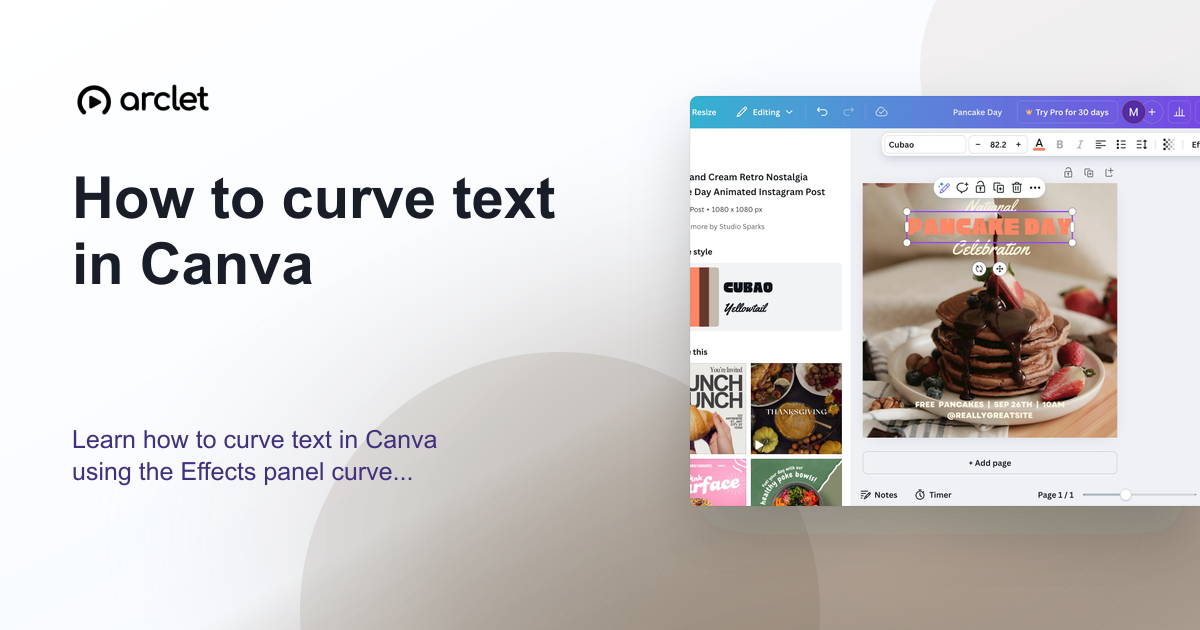 Canva4 steps4 min read
How to curve text in Canva
Learn how to curve text in Canva using the Effects panel curve slider — apply arc, bent, or wave styles to any text element.
Interactive demo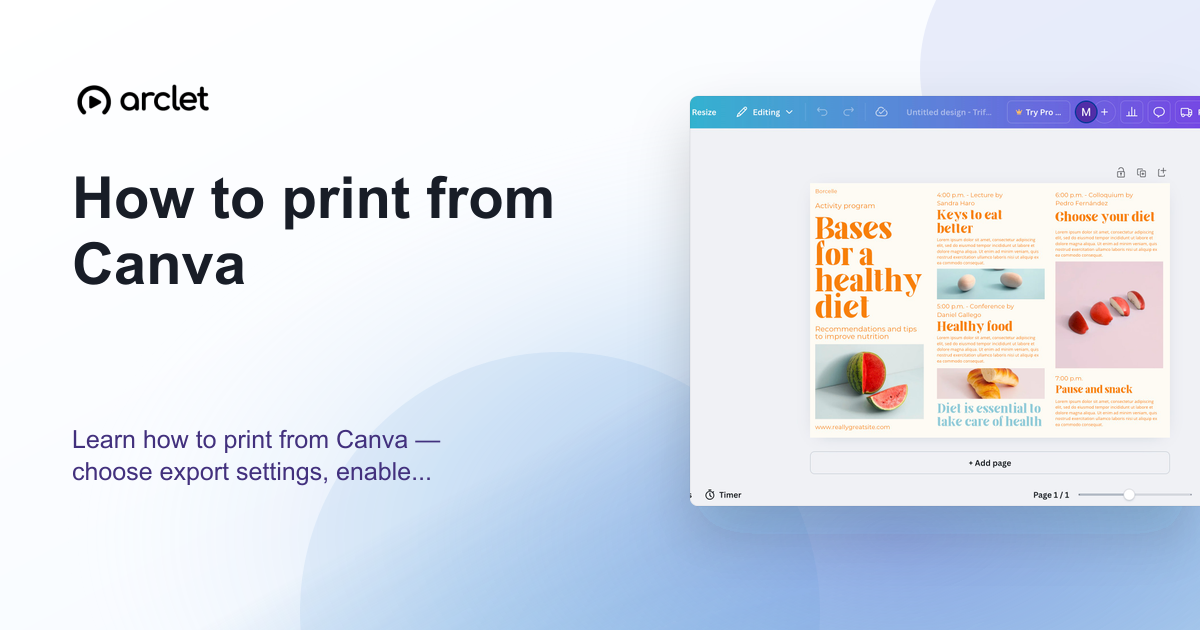 Canva5 steps5 min read
How to print from Canva
Learn how to print from Canva — choose export settings, enable bleed marks for professional results, and order prints directly.
Interactive demo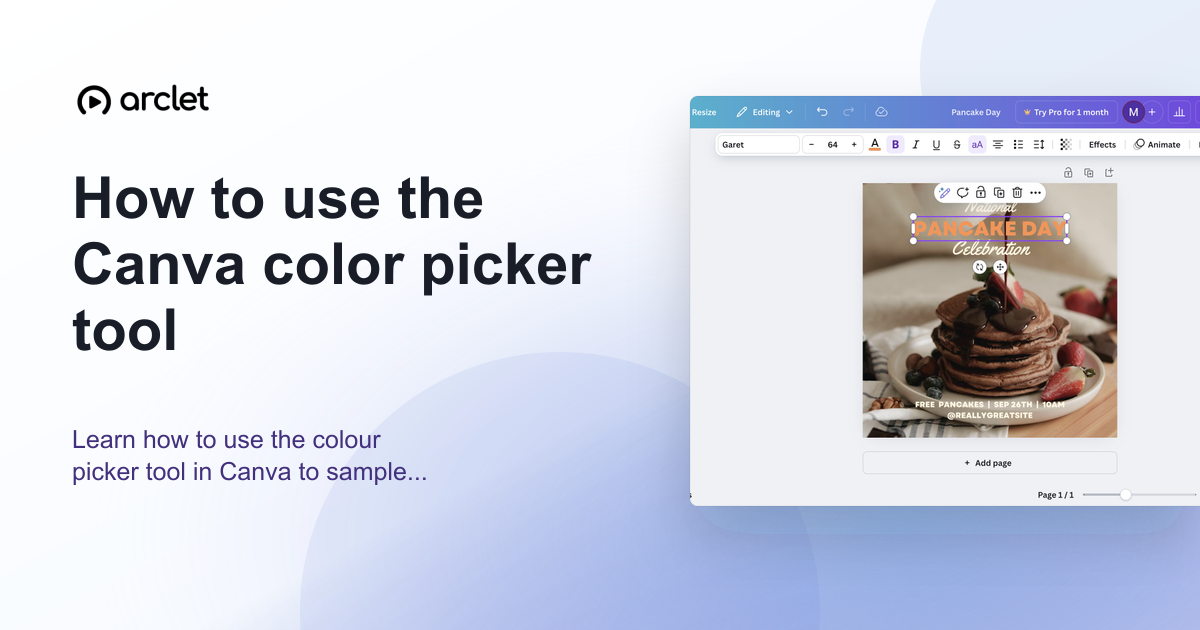 Canva5 steps4 min read
How to use the Canva color picker tool
Learn how to use the colour picker tool in Canva to sample exact colours from images, match brand colours, and build a palette.
Interactive demo
Frequently asked questions
Is Canva free to use?
Canva has a free plan with access to most basic design tools, plus paid Pro and Teams plans that unlock premium elements and brand features.
Can I use Canva for print projects?
Yes. Canva supports print-ready PDF export with bleed and crop marks, and integrates with several print-on-demand services.