How to add a texture to a design in Canva
Add a texture to a Canva design: search the Elements panel, pick a free texture from Graphics, and soften it with the Transparency control in minutes.

Quick answer
Open a design, select the Elements tab, and search for texture in the Search elements box. Switch to Graphics, then click a result without a crown icon to place it on the page. With the texture selected, open Transparency in the toolbar and lower the value until it blends with your design.
Steps at a glance
- Open the Elements tab in the side panel.
- Type texture into Search elements and press Enter.
- Switch to the Graphics results.
- Click a texture without a crown icon.
- Open Transparency in the toolbar.
- Lower the slider until the texture blends in.
Interactive demo
Summary
Textures add depth and a tactile feel to flat designs, such as paper grain, grunge or noise. Canva keeps them in the Elements panel, so you can search, add and soften one without leaving the editor.
Step-by-step guide
Step 1
Open the Elements tab
In the editor, look at the side panel on the left and click Elements. The panel switches from templates to search and browsing for graphics, photos and shapes you can drop onto the page.
Step 2
Search for texture
Click Search elements, type texture and press Enter. Canva also suggests related searches such as textured background and grain texture while you type, which helps if you want a specific look.
Step 3
Pick a texture without a crown
Open the Graphics results to see texture options. Some thumbnails show a crown badge, which marks them as paid, so choose one without it. Click the thumbnail to add it to the page.
Step 4
Open Transparency to soften the texture
With the texture selected on the canvas, a toolbar appears above the page. Click Transparency in that toolbar to open its slider.
Step 5
Lower the transparency
The Transparency slider starts at 100. Drag it left, or press the left arrow key while it is focused, to make the texture lighter so the content beneath it shows through.
Why this matters
You have a clean but flat design and want it to feel more like printed paper or a worn poster. Adding a texture and dialing back its strength gives you that depth without importing files or editing images elsewhere.
Frequently asked questions
Can I find free textures in Canva?
Yes. Searching Elements for texture returns many results, and the ones without a crown badge can be added without paying.
How do I make a texture less intense?
Select the texture, open Transparency in the toolbar above the page and lower the slider from its starting value of 100.
Related guides
Continue with more step-by-step guides for getting work done.
 How to add a background in CanvaAdd a solid background colour to any Canva design: select the page, open the colour picker in the toolbar, pick a swatch, and close the panel.
 How to add text to a design in CanvaAdd text to a Canva design: open a blank design, use the Text panel to insert a heading, type your own words, and style them with the toolbar.
 How to add a border to a design in CanvaAdd a border to a Canva design: search Elements for a border, pick a free one, add it to the page, and resize it to frame your design.
 How to add a video to a Canva designAdd a free stock video to your Canva design from the Elements tab, then trim the clip with the toolbar so only the part you want plays in your page.
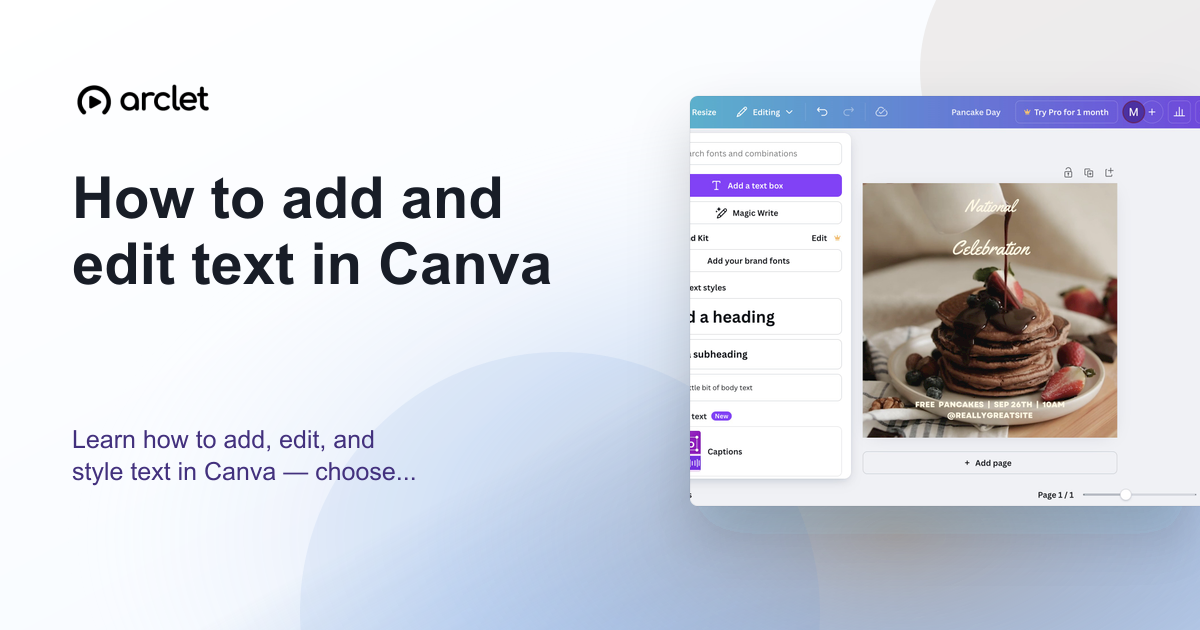 How to add and edit text in CanvaLearn how to add, edit, and style text in Canva — choose fonts, adjust size and spacing, and align text blocks in your design.
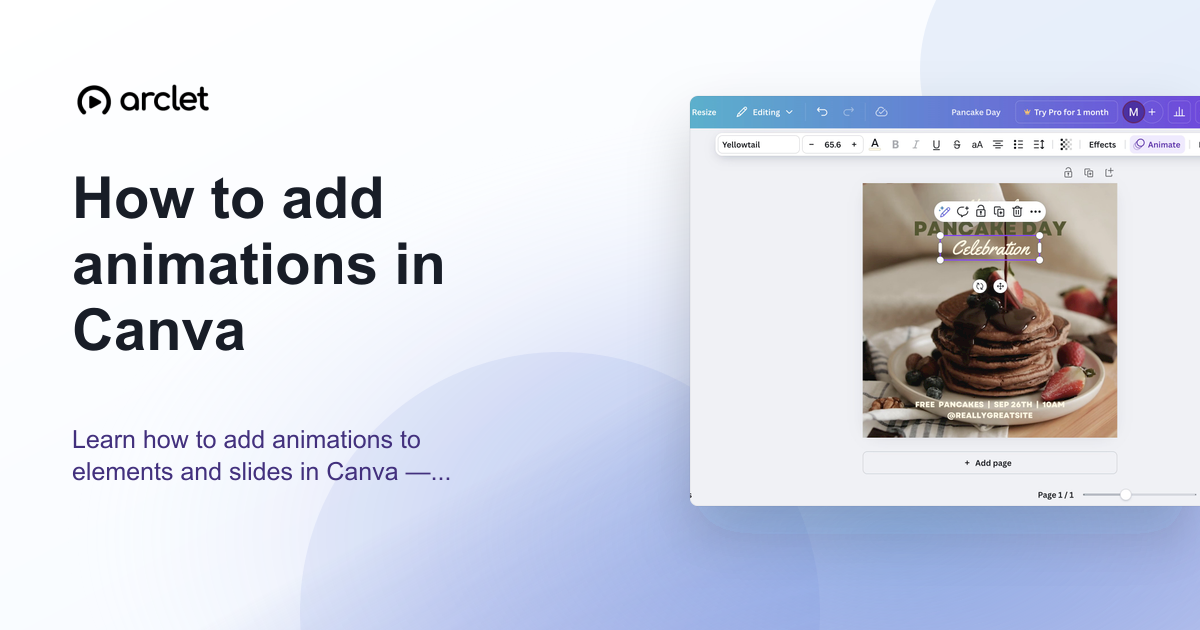 How to add animations in CanvaAnimate elements or whole pages in Canva: select, click Animate, pick an entrance, exit or continuous effect, then set speed. Includes an interactive demo.
Create interactive demos like this one — free, no coding required.
Start for free →