How to add a border to a design in Canva
Add a border to a Canva design: search Elements for a border, pick a free one, add it to the page, and resize it to frame your design.
Quick answer
Open the Elements tab, search for "border", and switch to the Graphics results. Click a border without a crown icon to add it to the page, then drag its corner handles to resize it until it frames your design. Pro-only borders show a crown and need a paid plan.
Steps at a glance
- Open the Elements tab in the editor side panel.
- Type border into the search box.
- Switch to the Graphics results.
- Click a free border to add it to the page.
- Drag a corner handle to resize the border.
Interactive demo
Summary
Canva has no single border switch, so a border is a graphic you add from Elements and stretch around your page. It gives a design a finished edge in a few clicks.
Step-by-step guide
Step 1
Open the Elements tab
In your open design, click Elements in the side panel on the left. This is where Canva keeps graphics, shapes, photos and frames you can add to the page.
Step 2
Search Elements for a border
Click the Search elements box at the top of the panel and type border. Press Enter to run the search. Results appear grouped by type.
Step 3
Show only graphics results
Click Graphics under the search box to see only graphic borders and frames. Some results carry a crown icon, which marks them as paid, so look for ones without it.
Step 4
Click a free border to add it to the page
Click a border without a crown icon, such as Gold Square Border. Canva adds it to your page and selects it, and the editor shows controls for the selected element.
Step 5
Drag a corner handle to resize the border
Drag a corner handle, such as Resize selection from bottom right corner, toward the edge of the page so the border surrounds your content. Repeat on the opposite corner until it fits.
Why this matters
You have a flyer or social post that looks unfinished at the edges. A border frames the content and draws the eye inward, and you can add one in under a minute without leaving the editor or touching a design tool.
Frequently asked questions
Where do I find borders in Canva?
Open the Elements tab, search for border, and choose the Graphics results. Each result can be clicked to add it to your page.
Can I resize a border after adding it?
Yes. After you add a border it stays selected, and you can drag its corner handles to resize it.
Related guides
Continue with more step-by-step guides for getting work done.
 How to add a background in CanvaAdd a solid background colour to any Canva design: select the page, open the colour picker in the toolbar, pick a swatch, and close the panel.
 How to add text to a design in CanvaAdd text to a Canva design: open a blank design, use the Text panel to insert a heading, type your own words, and style them with the toolbar.
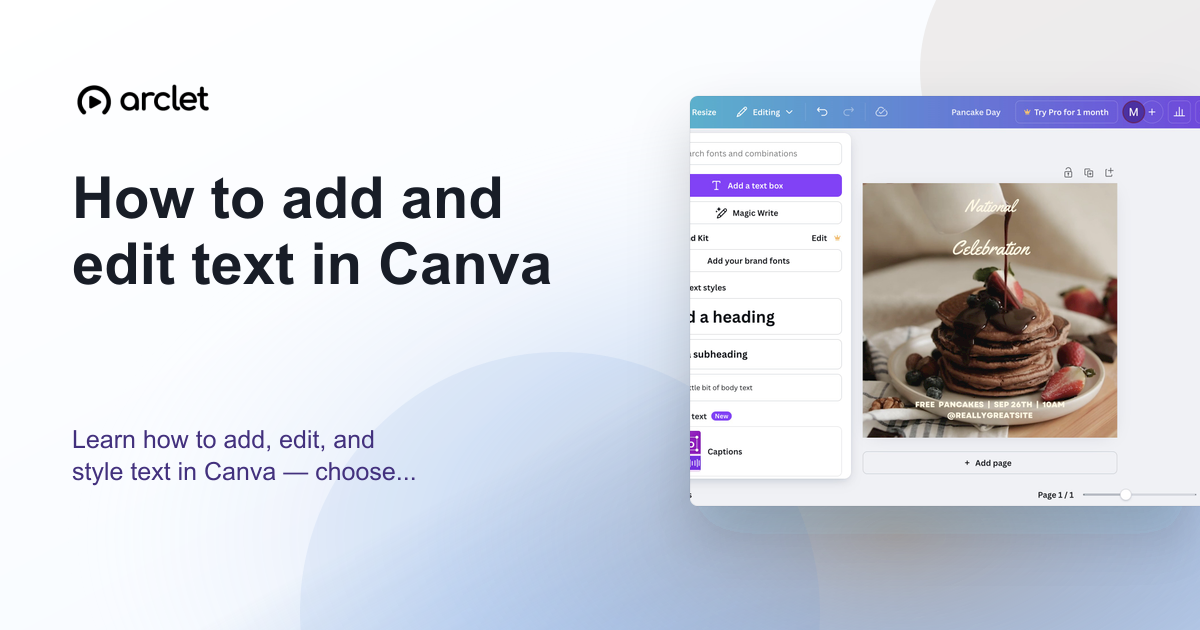 How to add and edit text in CanvaLearn how to add, edit, and style text in Canva — choose fonts, adjust size and spacing, and align text blocks in your design.
 How to add a drop shadow in CanvaAdd a drop shadow to text in Canva: open Effects, choose Drop, tune the Offset slider, and pick a shadow colour to make your heading stand out.
 How to add a frame in CanvaAdd a frame to a Canva design from the Elements tab, then fill it with a free stock photo using Replace. Steps work on the free plan, no upgrade needed.
 How to add a QR code in CanvaAdd a QR code to a Canva design in minutes: open the Static QR codes app, enter a web address, and generate a scannable code on your page.
Create interactive demos like this one — free, no coding required.
Start for free →