How to create an infographic in Canva
Create an infographic in Canva: search for the Infographic design size, pick a free template, and replace the title text with your own heading.
Quick answer
Open the Create a design dialog in Canva, search for infographic, and choose Infographic to open a new design. Then pick a template without a crown icon from the Templates panel, click its title text on the canvas, and type your own heading. The free templates apply straight to the page.
Steps at a glance
- Click Create a design and search for infographic.
- Choose Infographic from the results.
- Pick a template without a crown icon.
- Click the title text on the page.
- Type your own heading over the template title.
Interactive demo
Summary
An infographic in Canva starts from a tall 800 x 2000 px page and a template that already has the layout. You only swap in your own words. That gets a structured, readable graphic without designing from scratch.
Step-by-step guide
Step 1
Search for an infographic
Click Create a design on the Canva home page to open the dialog. Click the search box labelled "What would you like to create?" and type infographic.
Step 2
Choose Infographic
Pick Infographic from the results. Canva opens a new design that is 800 x 2000 px, with a Templates panel on the left listing infographic templates.
Step 3
Pick a free template
Scroll the Templates panel and choose one without a crown icon, since crowns mark Pro templates. The template fills the blank page with its layout and text.
Step 4
Edit the title text
Click the title text at the top of the page, then type your own heading, such as Northwind Coffee: how we roast. The font and colour of the template stay in place, and the rest of the layout is ready to edit.
Why this matters
You need a one-page visual to explain a process, such as how your team roasts coffee, and you do not want to lay it out by hand. Starting from a free template gives you structure, so you only write the content.
Frequently asked questions
What size is an Infographic design in Canva?
The Infographic size is 800 x 2000 px, a tall, narrow page suited to scrolling.
Can I use a free template for an infographic?
Yes. Templates without a crown icon apply to the page, and you can edit their text.
Related guides
Continue with more step-by-step guides for getting work done.
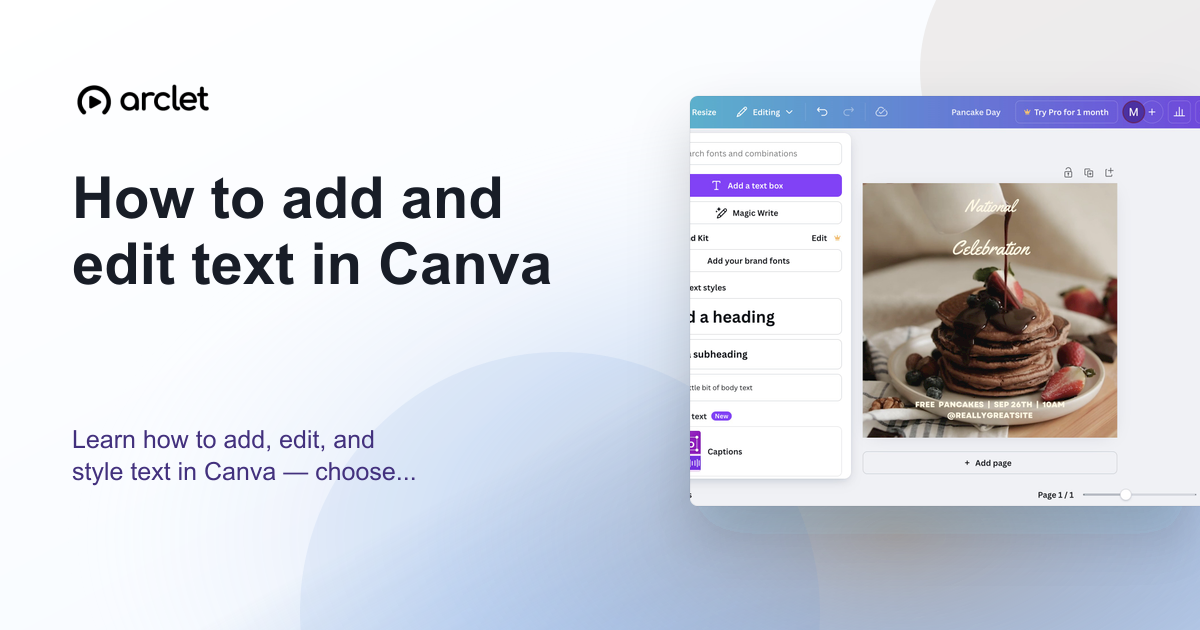 How to add and edit text in CanvaLearn how to add, edit, and style text in Canva — choose fonts, adjust size and spacing, and align text blocks in your design.
 How to add text to a design in CanvaAdd text to a Canva design: open a blank design, use the Text panel to insert a heading, type your own words, and style them with the toolbar.
 How to create a graphic in CanvaCreate a graphic in Canva: start from Create a design, choose a category, open the editor, and add your first heading with the Text panel.
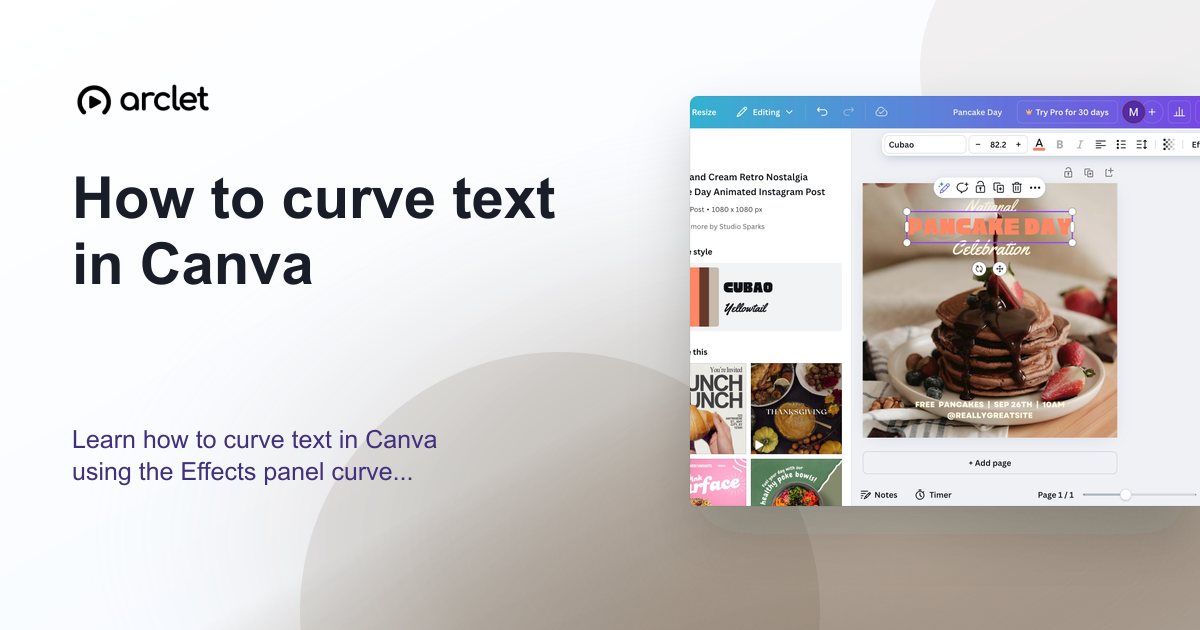 How to curve text in CanvaLearn how to curve text in Canva using the Effects panel curve slider — apply arc, bent, or wave styles to any text element.
 How to draw a line in CanvaLearn how to draw a line in Canva: add one from Elements, switch it to a dashed stroke, and drag the end point to stretch it across your design.
 How to flip an image in CanvaFlip a photo in Canva with the Flip option in the toolbar. Add a free photo, select it, and choose Flip horizontal to mirror it on your design.
Create interactive demos like this one — free, no coding required.
Start for free →