How to create a logo in Canva
Create a logo in Canva by starting from the home page, choosing a logo template, and replacing the placeholder name with your own brand name.
Quick answer
To create a logo in Canva, open Create a design on the home page, start a Logo design, and pick a template from the Templates panel. Select the large name text on the canvas and type your brand name over it. Canva saves the design automatically, so you can keep adjusting fonts and colors.
Steps at a glance
- Open Create a design on the Canva home page
- Choose Logo to start a new logo design
- Browse the logo templates in the side panel
- Click a template to apply it to the page
- Select the name text on the canvas
- Type your own brand name over the placeholder
Interactive demo
Summary
Canva opens a logo-sized design with a panel of ready-made logo templates. You apply a template and swap its placeholder name for your brand, which gets you to a usable logo without drawing anything from scratch.
Step-by-step guide
Step 1
Open Create a design
From the Canva home page, click Create a design in the top left. A panel of design types opens so you can pick the kind of design you want to start.
Step 2
Pick a logo template
Choose Logo to open a new logo design. The Templates panel lists logo templates and has a Search Logo templates box above them. Click a template such as Bakehouse Logo in Orange Black Organic Style to apply it to the page.
Step 3
Change the name text
Click the large name text on the canvas to select it, then type your own brand name, for example Northwind Coffee. The placeholder is replaced with your text, and the font controls appear in the toolbar above the canvas.
Why this matters
You are launching a small business or side project and need a logo today, not after a design brief. Starting from a template and changing the name gives you a presentable mark you can keep refining.
Frequently asked questions
Which design type should I choose for a logo?
Choose Logo in the Create a design panel. The editor opens with logo templates in the Templates panel.
Can I change the name on a template?
Yes. Select the name text on the canvas and type your own brand name over it.
Related guides
Continue with more step-by-step guides for getting work done.
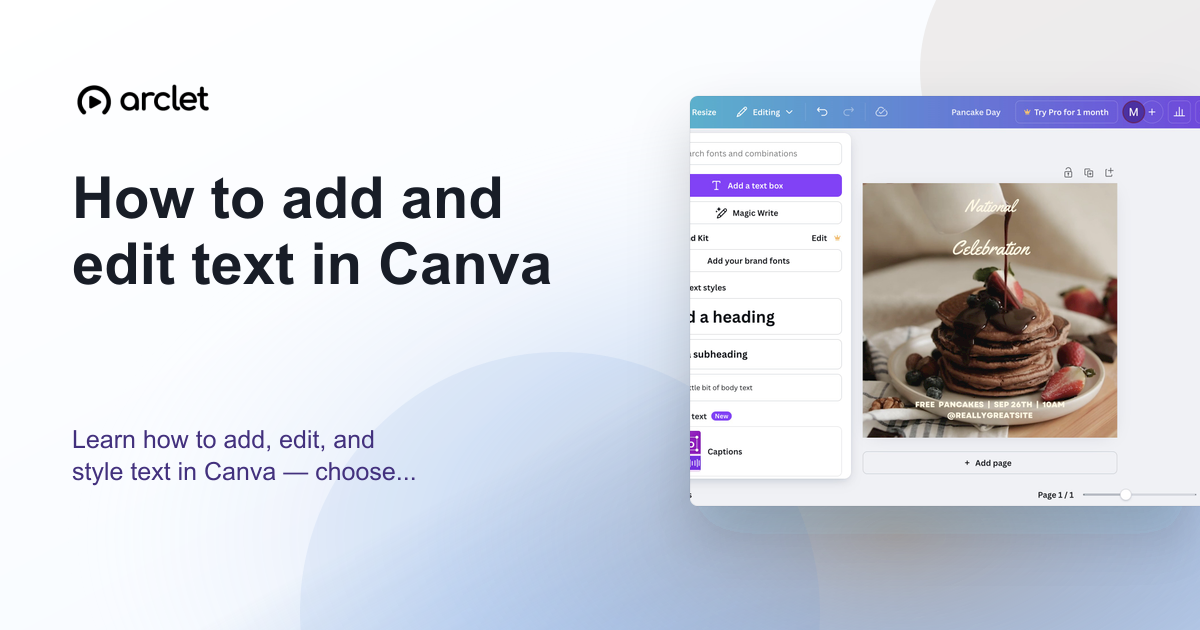 How to add and edit text in CanvaLearn how to add, edit, and style text in Canva — choose fonts, adjust size and spacing, and align text blocks in your design.
 How to add a background in CanvaAdd a solid background colour to any Canva design: select the page, open the colour picker in the toolbar, pick a swatch, and close the panel.
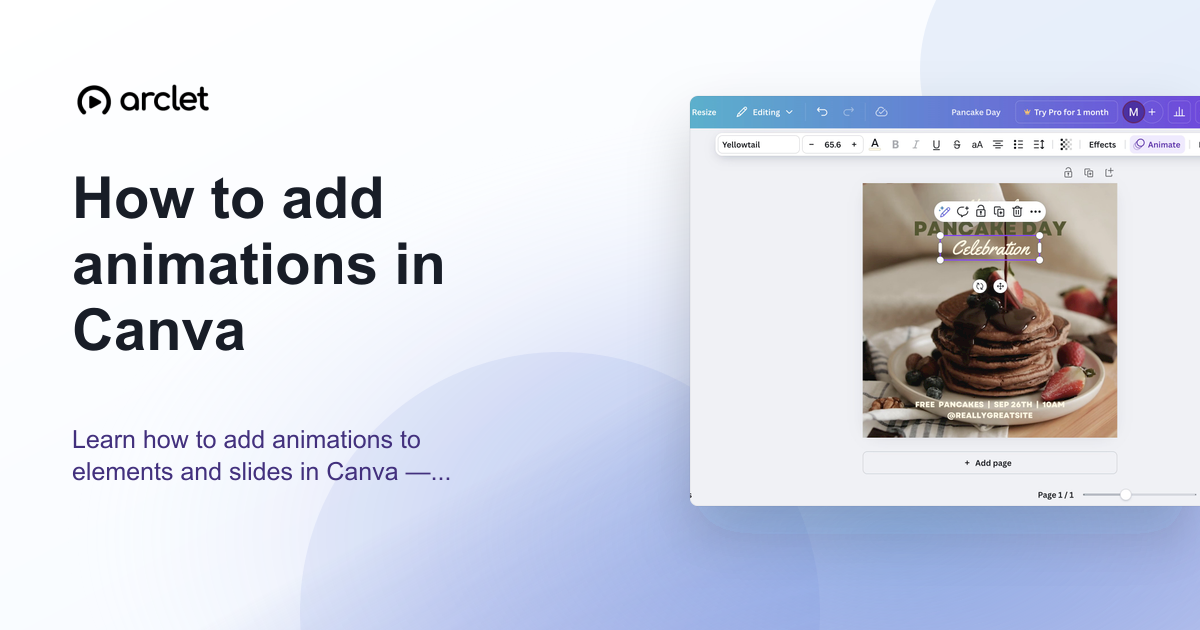 How to add animations in CanvaAnimate elements or whole pages in Canva: select, click Animate, pick an entrance, exit or continuous effect, then set speed. Includes an interactive demo.
 How to create a presentation in CanvaCreate a new presentation in Canva from the home page, add a title to the first slide with a heading, and add a second slide to your deck.
 How to create a social media post in CanvaLearn how to create a social media post in Canva: open Create a design, choose Social media, pick Instagram Post, and edit a template headline.
 How to create an infographic in CanvaCreate an infographic in Canva: search for the Infographic design size, pick a free template, and replace the title text with your own heading.
Create interactive demos like this one — free, no coding required.
Start for free →