Airtable guides
Step-by-step Airtable guides for common workflows, draft reviews, and Arclet demo planning.
Airtable guides
 Airtable5 steps2 min read
How to add a new field in Airtable
Add a new field to an Airtable table from grid view: open the add field menu, pick a field type, name it, and create the new column in seconds.
Interactive demo Airtable5 steps2 min read
How to add records in Airtable
Add records to an Airtable table in Grid view: click the plus under the last row, type a name into the new row, and check the record count.
Interactive demo Airtable6 steps2 min read
How to create a calendar view in Airtable
Add a calendar view to an Airtable table in a few clicks: open the views list, pick Calendar, name it, and choose the date field that places records.
Interactive demo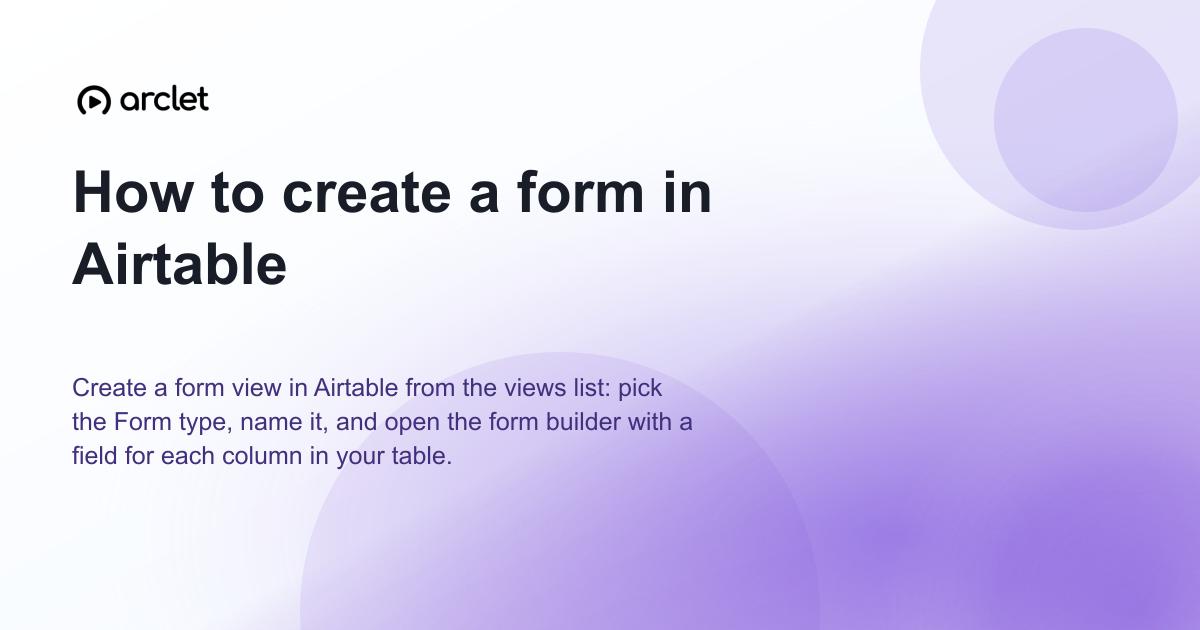 Airtable6 steps2 min read
How to create a form in Airtable
Create a form view in Airtable from the views list: pick the Form type, name it, and open the form builder with a field for each column in your table.
Interactive demo Airtable7 steps2 min read
How to create a kanban board in Airtable
Learn how to create a kanban board in Airtable: add a Kanban view, name it, and stack your records by the Status field to track work visually.
Interactive demo