Google Sheets How-to Guides
Step-by-step Google Sheets guides covering sorting, searching, CSV imports, and data formatting. Follow interactive walkthroughs and create your own product demos.

Use these Google Sheets guides to clean imported data, keep large spreadsheets readable, and prepare reliable reporting workflows. Start with the task closest to your current sheet, then use the related guides to tighten formatting, review formulas, and turn repeatable spreadsheet work into a clear Arclet demo.
Google Sheets guides
Enter and format cell data

How to add a text box in Google Sheets
Learn how to insert, resize, and format a text box in Google Sheets using the Drawing tool to add labels, callouts, or extra notes to any spreadsheet.

How to wrap text in Google Sheets
Learn how to wrap text in Google Sheets so long cell content displays on multiple lines instead of overflowing into neighboring cells.
How to format numbers as currency in Google Sheets
Learn how to format numbers as currency in Google Sheets using the toolbar, Format menu, and custom currency options.
How to merge cells in Google Sheets
Learn how to merge cells in Google Sheets horizontally, vertically, or all at once, plus how to unmerge and avoid data loss.
How to use conditional formatting in Google Sheets
Learn to highlight cells, rows, or columns automatically in Google Sheets using conditional formatting rules, color scales, and custom formulas.

How to add checkboxes in Google Sheets
Learn how to insert, customize, and use checkboxes in Google Sheets for to-do lists, tracking, and dynamic charts.

How to edit row size in Google Sheets
Learn how to resize rows in Google Sheets by dragging, entering exact pixel heights, or auto-fitting rows to match your content.

How to make a column wider in Google Sheets
Learn how to widen columns in Google Sheets by dragging, using the Resize column dialog, or auto-fitting to content.
How to resize all columns in Google Sheets
Learn how to resize all columns in Google Sheets at once using select-all, right-click menus, and Fit to data for a clean layout.
How to freeze rows in Google Sheets
Learn how to freeze rows in Google Sheets so headers stay visible while scrolling, plus how to adjust or remove frozen rows.
Organise rows, columns, and sheets

How to add a new sheet in Google Sheets
Learn how to add, rename, duplicate, and organize new sheets in Google Sheets on desktop and mobile, including shortcuts and templates.

How to add columns in Google Sheets
Learn how to insert one or multiple columns in Google Sheets using right-click menus, the Insert menu, or keyboard shortcuts on any device.
How to move or swap rows in Google Sheets
Learn to move, reorder, or swap rows in Google Sheets using drag-and-drop, cut-and-insert, and keyboard shortcuts without losing data.

How to shift cells down in Google Sheets
Learn how to shift cells down in Google Sheets using the right-click menu, Insert menu, or keyboard shortcuts to make space for new rows.
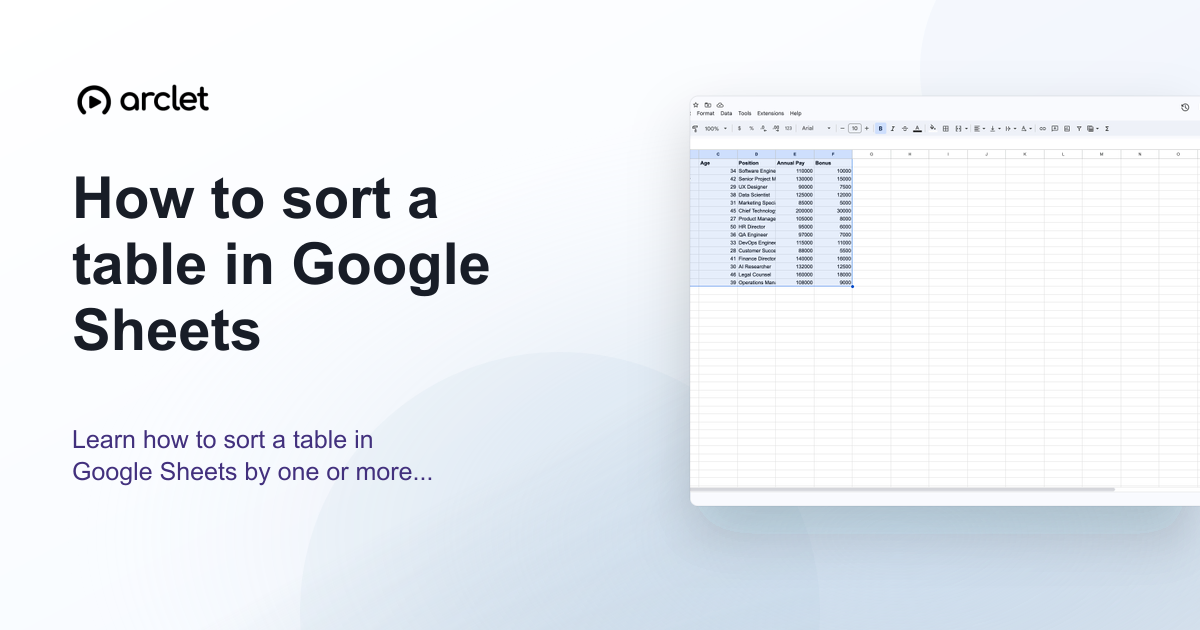
How to sort a table in Google Sheets
Learn how to sort a table in Google Sheets by one or more columns, keep headers in place, and preserve row data correctly.
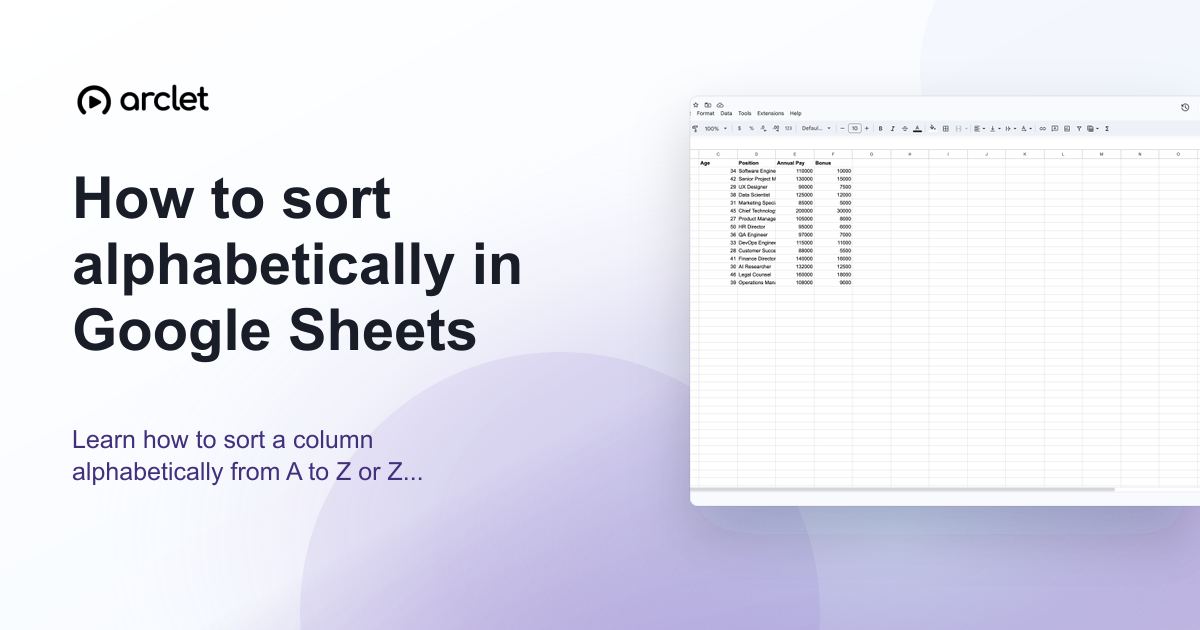
How to sort alphabetically in Google Sheets
Learn how to sort a column alphabetically from A to Z or Z to A in Google Sheets using the Data menu and column header filters.
Filter and find data
How to create a filter in Google Sheets
Learn how to create a filter in Google Sheets to sort, hide, and analyze data quickly using the built-in filter tool on any free account.

How to create a filter view in Google Sheets
Learn how to create a filter view in Google Sheets to sort, filter, and analyze data privately without changing what collaborators see in the file.

How to remove a filter in Google Sheets
Learn how to remove a filter in Google Sheets using the toolbar icon, Data menu, or column header to restore your full dataset.
How to filter data in Google Sheets
Learn how to filter data in Google Sheets using column filters, filter by condition, and filter by values on the free plan.

How to filter by color in Google Sheets
Learn to filter by fill color or text color in Google Sheets to quickly isolate highlighted rows in any dataset.
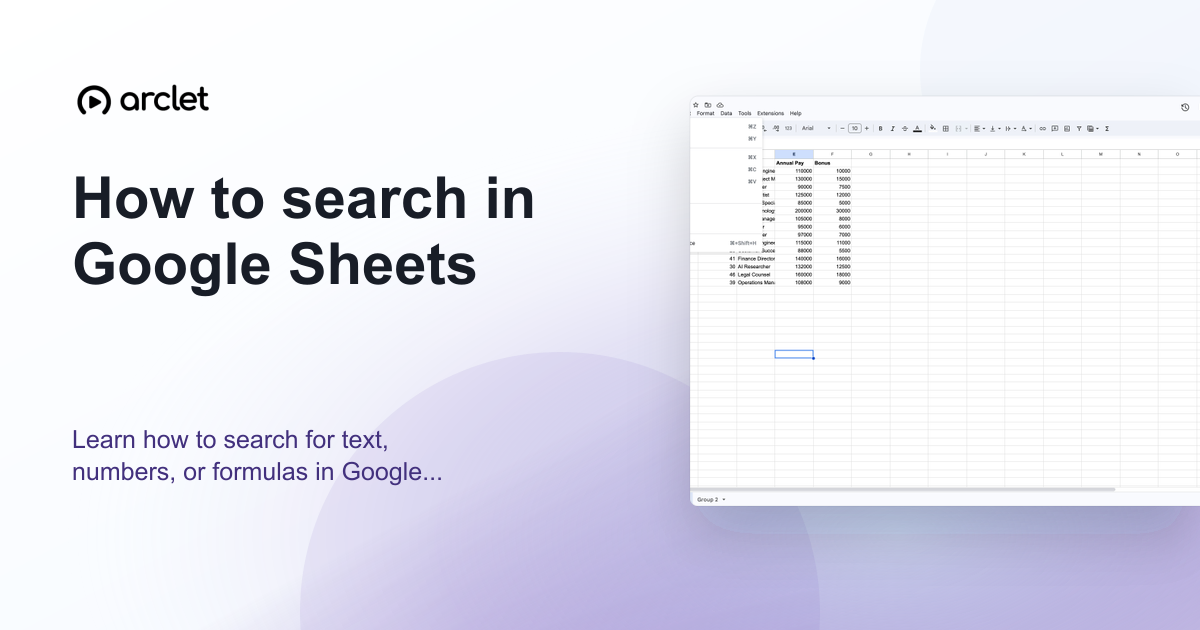
How to search in Google Sheets
Learn how to search for text, numbers, or formulas in Google Sheets using Ctrl+F to find matches and Ctrl+H to replace them.

How to find duplicates in Google Sheets
Learn how to find and highlight duplicate entries in Google Sheets using conditional formatting and COUNTIF formulas.

How to highlight duplicates in Google Sheets
Learn how to highlight duplicate values in Google Sheets using conditional formatting and COUNTIF, covering single columns, rows, and multiple columns.
How to remove duplicates in Google Sheets
Learn how to find and remove duplicate rows in Google Sheets using the built-in Remove Duplicates tool in just a few clicks.
Import, connect, and automate
How to open a CSV file in Google Sheets
Learn how to open a CSV file in Google Sheets from Drive or by importing it — preserve formatting and keep your column structure.
How to convert CSV to Google Sheets
Learn how to convert a CSV file to Google Sheets format, preserve your column structure, and save it as a native Sheets file.
How to download a Google Sheet as Excel
Learn how to convert and download any Google Sheet as a Microsoft Excel (.xlsx) file for free, with offline editing and formatting intact.
How to connect Google Forms to Google Sheets
Step-by-step guide to connecting Google Forms responses to a Google Sheets spreadsheet, including creating a form directly from an existing sheet.
How to use IMPORTRANGE in Google Sheets
Learn how to use IMPORTRANGE to pull live data between Google Sheets files, grant access permissions, and fix common import errors.

How to use Apps Script in Google Sheets
Learn how to open, write, and run Apps Script in Google Sheets to automate tasks, build custom functions, and add menus.

How to use AI features in Google Sheets
Learn how to use the AI function in Google Sheets to generate text, summarize data, categorize entries, and analyze sentiment.
Build charts and summaries
How to create a chart in Google Sheets
Learn how to turn spreadsheet data into a chart in Google Sheets, plus how to pick chart types, edit styles, and fix common display issues.

How to customize a chart in Google Sheets
Learn how to customize a chart in Google Sheets by editing titles, colors, legends, gridlines, and data labels in the Chart Editor.

How to make a bar graph in Google Sheets
Learn how to turn spreadsheet data into a clear bar graph in Google Sheets, from selecting your data to customizing colors and labels.

How to make a line graph in Google Sheets
Learn how to build and customize a line graph in Google Sheets, from selecting data to styling axes, legends, and colors on the free plan.

How to make a pie chart in Google Sheets
Learn how to build, format, and customize a pie chart in Google Sheets to visualize parts of a whole using your own spreadsheet data in minutes.

How to add a legend to a chart in Google Sheets
Learn how to add, edit, and reposition a legend on any Google Sheets chart using the Chart editor's Customize tab.

How to add an X axis in Google Sheets
Learn how to add, label, and customize the X axis on a Google Sheets chart using the Chart editor's axis settings.

How to use sparklines in Google Sheets
Learn how to build compact in-cell sparkline charts in Google Sheets using the SPARKLINE function to visualize trends fast.
How to create a pivot table in Google Sheets
Learn how to create a pivot table in Google Sheets to summarize, filter, and analyze large data sets quickly, without any formulas.
Write formulas
How to use the SUM formula in Google Sheets
Learn how to add up numbers in Google Sheets using the SUM formula, from single ranges to multiple columns and mobile edits.

How to use SUMIF in Google Sheets
Learn how to use the SUMIF function in Google Sheets to total values that meet a specific condition, with syntax and real examples.

How to use the IF formula in Google Sheets
Learn how to write IF formulas in Google Sheets to test conditions, return custom results, and automate decisions in your data.

How to use IFERROR in Google Sheets
Learn how to use IFERROR in Google Sheets to catch formula errors like #N/A and #DIV/0! and replace them with clean, custom values.
How to use COUNTIF in Google Sheets
Learn how to use the COUNTIF function in Google Sheets to count cells matching a condition, with text, number, and date examples.

How to count cells with text in Google Sheets
Learn how to count cells with text in Google Sheets using COUNTA, COUNTIF, and wildcards for exact or partial text matches.
How to use VLOOKUP in Google Sheets
Learn how to write a VLOOKUP formula in Google Sheets to search a table and pull matching values into any cell automatically.
How to use INDEX MATCH in Google Sheets
Learn how to combine INDEX and MATCH in Google Sheets to look up data in any direction, with exact-match syntax and troubleshooting tips.

How to use the QUERY function in Google Sheets
Learn how to use the QUERY function in Google Sheets to filter, sort, and summarize data with a single SQL-like formula.
How to use ARRAYFORMULA in Google Sheets
Learn how to use ARRAYFORMULA in Google Sheets to apply one formula across an entire range without copying it into every cell.
How to use CONCATENATE in Google Sheets
Learn how to combine text from multiple cells in Google Sheets using the CONCATENATE function, with syntax, examples, and formatting tips.

How to do multiplication in Google Sheets
Learn how to multiply numbers, cells, and columns in Google Sheets using the asterisk operator, the MULTIPLY function, and fill handles.

How to subtract in Google Sheets
Learn how to subtract numbers, cells, and dates in Google Sheets using formulas, the MINUS function, and cell references.
Validate, protect, and share
How to add a dropdown list in Google Sheets
Learn how to add a dropdown list in Google Sheets using data validation, so cells only accept approved values from a list.

How to use data validation in Google Sheets
Learn how to set up data validation in Google Sheets to restrict entries, build dropdowns, add checkboxes, and enforce custom rules.

How to lock cells in Google Sheets
Learn how to lock cells, ranges, or entire sheets in Google Sheets so collaborators can view data without accidentally editing it.

How to protect a range in Google Sheets
Learn how to protect a range in Google Sheets to stop accidental edits, control permissions, and keep shared data accurate.
How to share a Google Sheet for editing
Learn how to share a Google Sheet for editing using email invites or shareable links, and control who can edit, comment, or view your data.

How to add a comment in Google Sheets
Learn how to add, tag, reply to, and resolve comments in Google Sheets to give feedback without changing cell data.
Frequently asked questions
Is Google Sheets free to use?
Yes. Google Sheets is free for anyone with a Google account. Google Workspace (paid) adds advanced admin controls, storage, and collaboration features for teams.
Can Google Sheets open Excel files?
Yes. Google Sheets can open .xlsx and .xls files directly and converts them to the Google Sheets format. You can also export back to Excel format at any time.
Which Google Sheets guide should I start with?
Start with the guide that matches your immediate blocker: filtering for messy rows, freezing headers before review, importing CSV files, or formatting merged cells for a cleaner handoff.