Google Docs How-to Guides
Step-by-step Google Docs guides covering word count, formatting, strikethrough, margins, and more. Follow interactive walkthroughs and create your own demos.
Use these Google Docs guides to fix the formatting problems that show up late — a stray blank page, margins that don't match the template, indents that won't hold. Start with the task closest to your document, then follow the related guides to tidy layout and page numbering, and turn a repeatable document workflow into a clear Arclet demo.
Google Docs guides
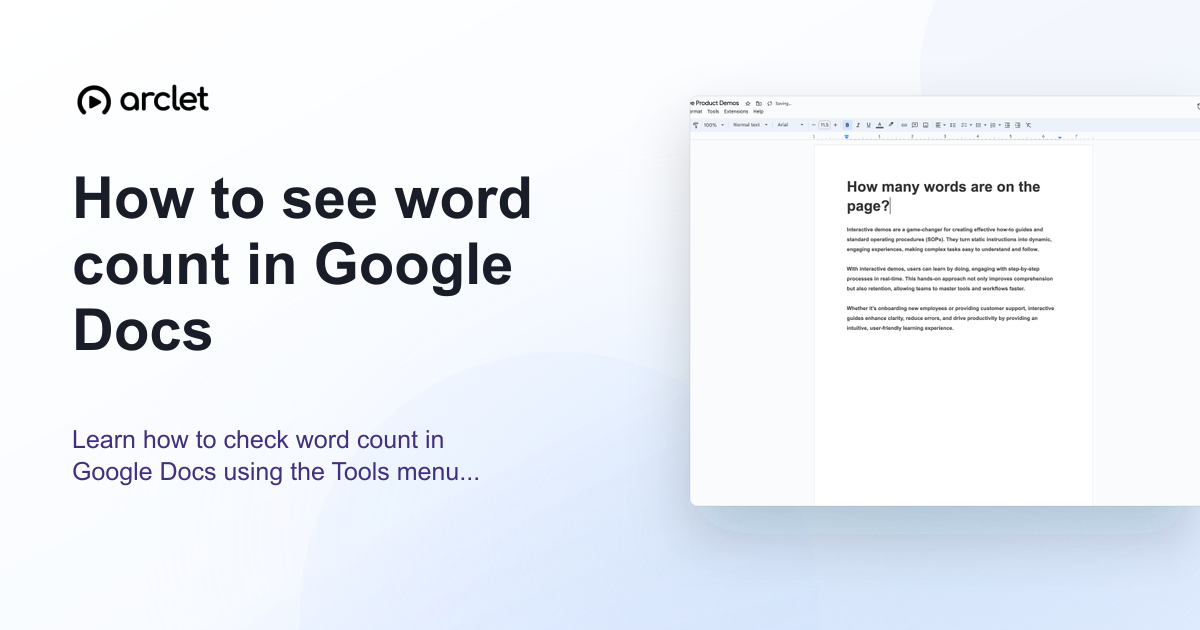 Google Docs5 steps3 min read
How to check word count in Google Docs
Learn how to see word count in Google Docs quickly using the Tools menu, keyboard shortcut, or live counter while you write.
Interactive demo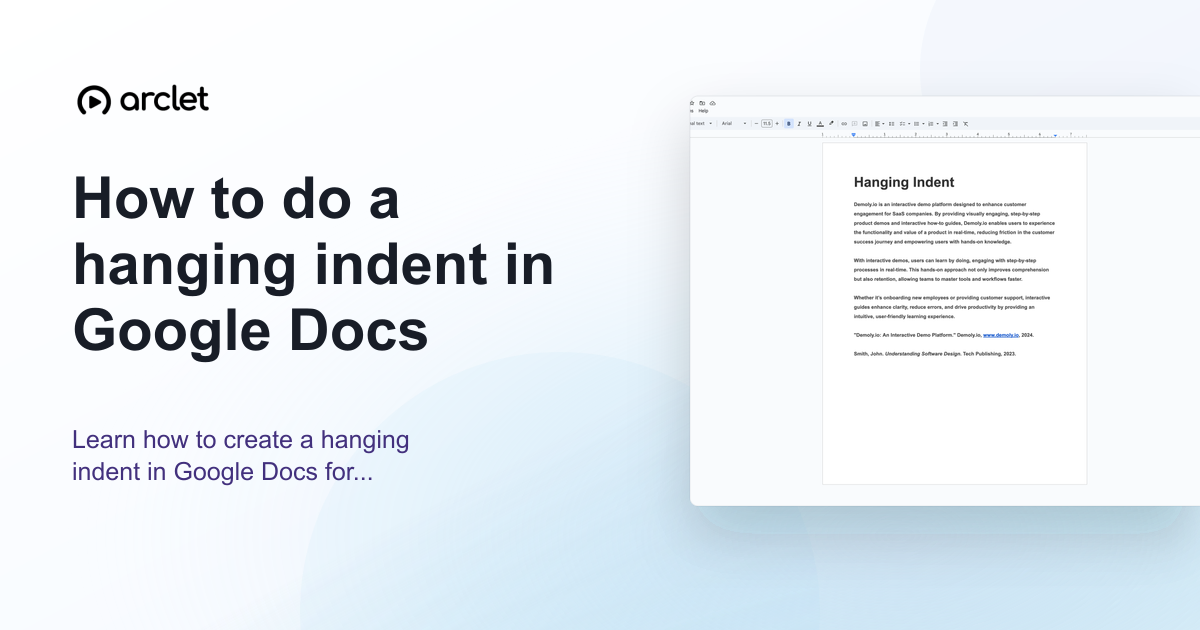 Google Docs5 steps5 min read
How to do a hanging indent in Google Docs
Learn how to do a hanging indent in Google Docs for citations with the Format menu or ruler, including the correct 0.5-inch settings.
Interactive demo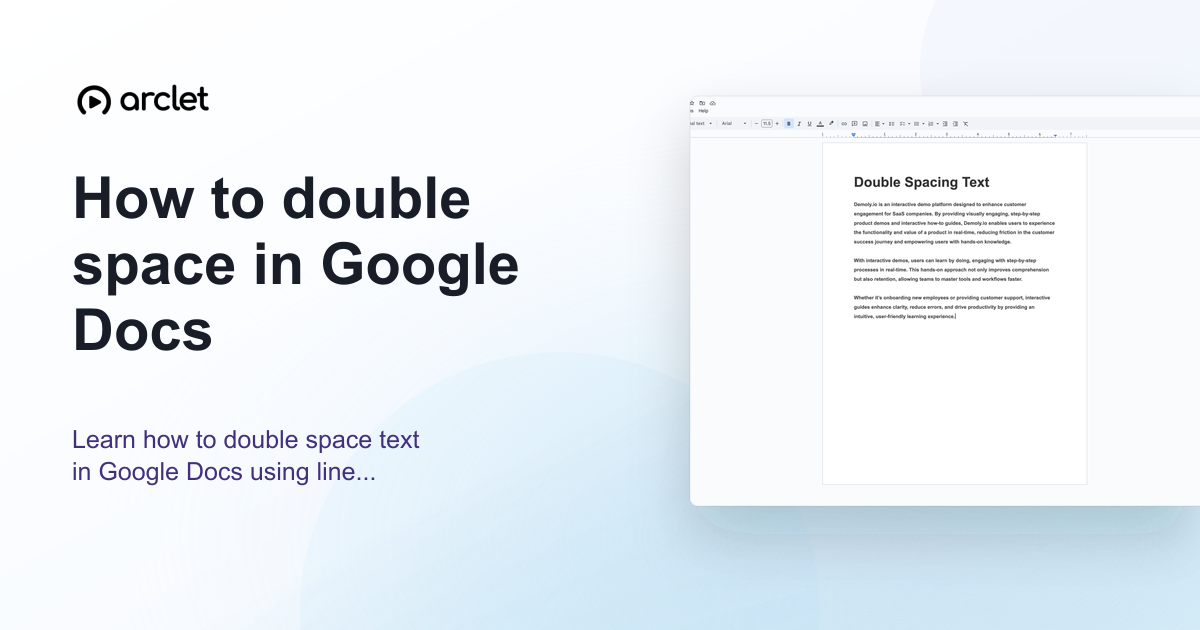 Google Docs4 steps3 min read
How to double space in Google Docs
Learn how to double space in Google Docs on desktop, iPhone, iPad, or with a keyboard shortcut while keeping paragraph spacing consistent.
Interactive demo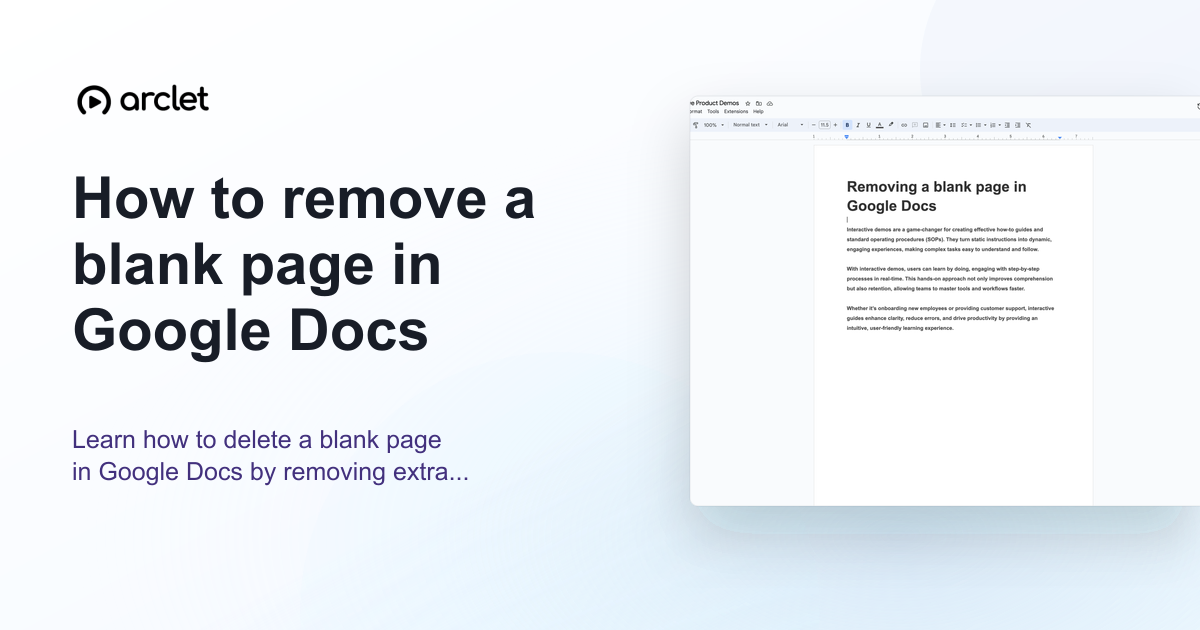 Google Docs4 steps4 min read
How to remove a blank page in Google Docs
Learn how to remove a blank page in Google Docs by deleting a page break, extra paragraphs, or the space left after a table.
Interactive demo Google Docs5 steps4 min read
How to remove a page break in Google Docs
Learn how to remove a page break in Google Docs with Backspace or Delete, then keep your text together without an unwanted blank page.
Interactive demo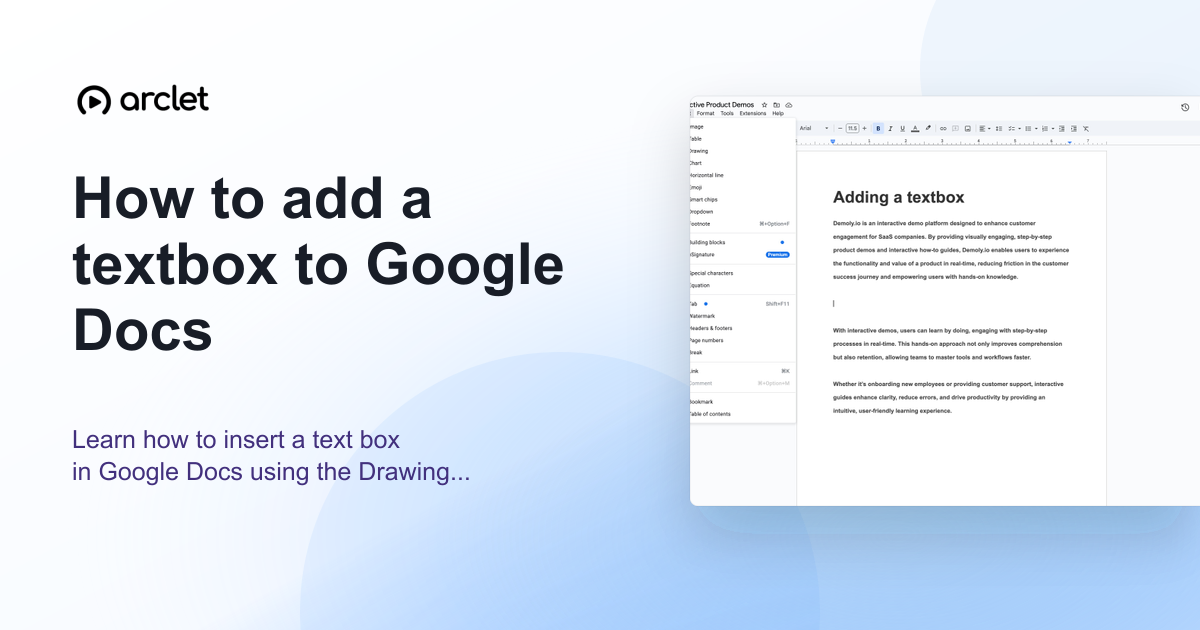 Google Docs5 steps4 min read
How to add a textbox to Google Docs
Learn how to insert a text box in Google Docs using the Drawing tool and position it independently of the document flow.
Interactive demo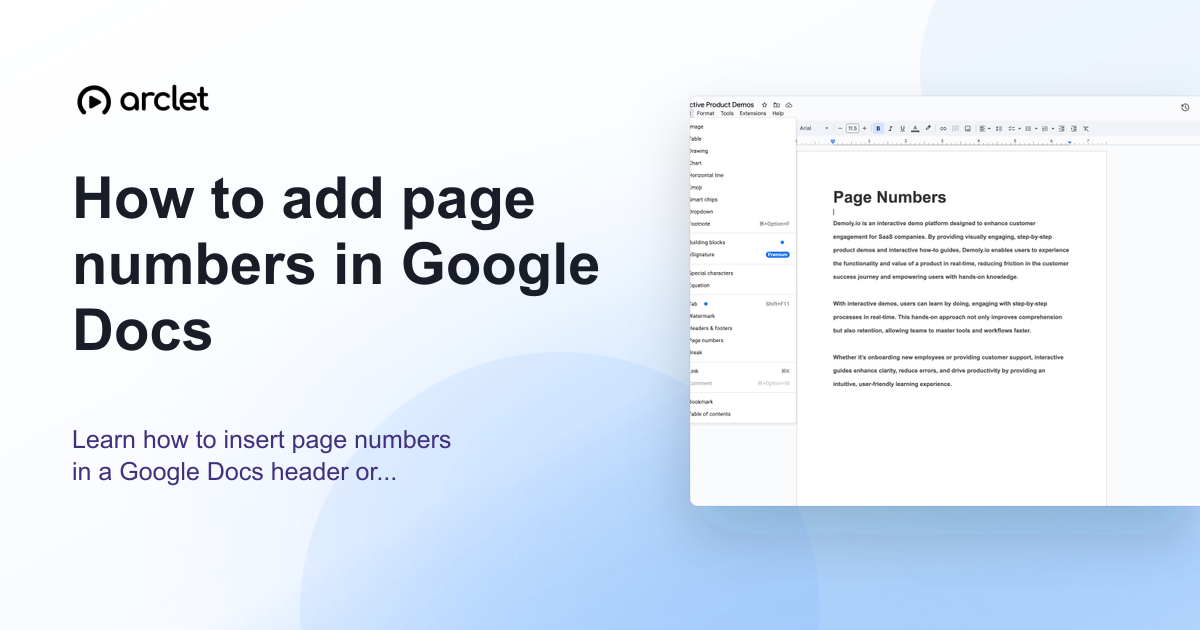 Google Docs4 steps3 min read
How to add page numbers in Google Docs
Learn how to insert page numbers in a Google Docs header or footer, and how to control the starting number and position.
Interactive demo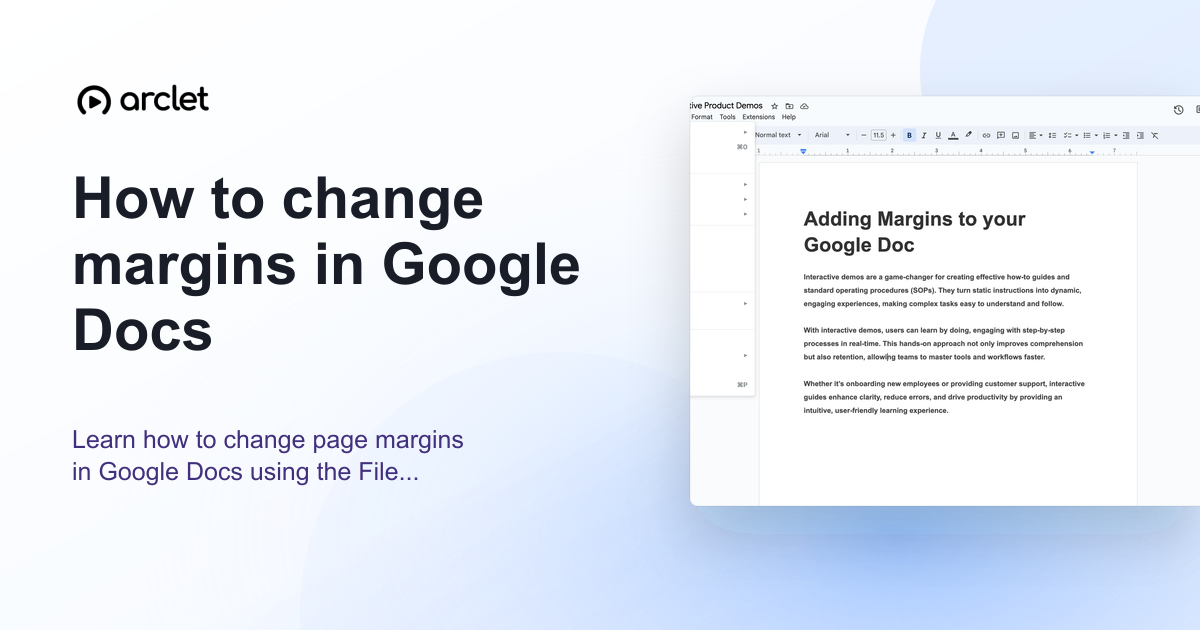 Google Docs5 steps4 min read
How to change margins in Google Docs
Learn how to change page margins in Google Docs using the File menu or the ruler — set custom margins in inches or centimetres.
Interactive demo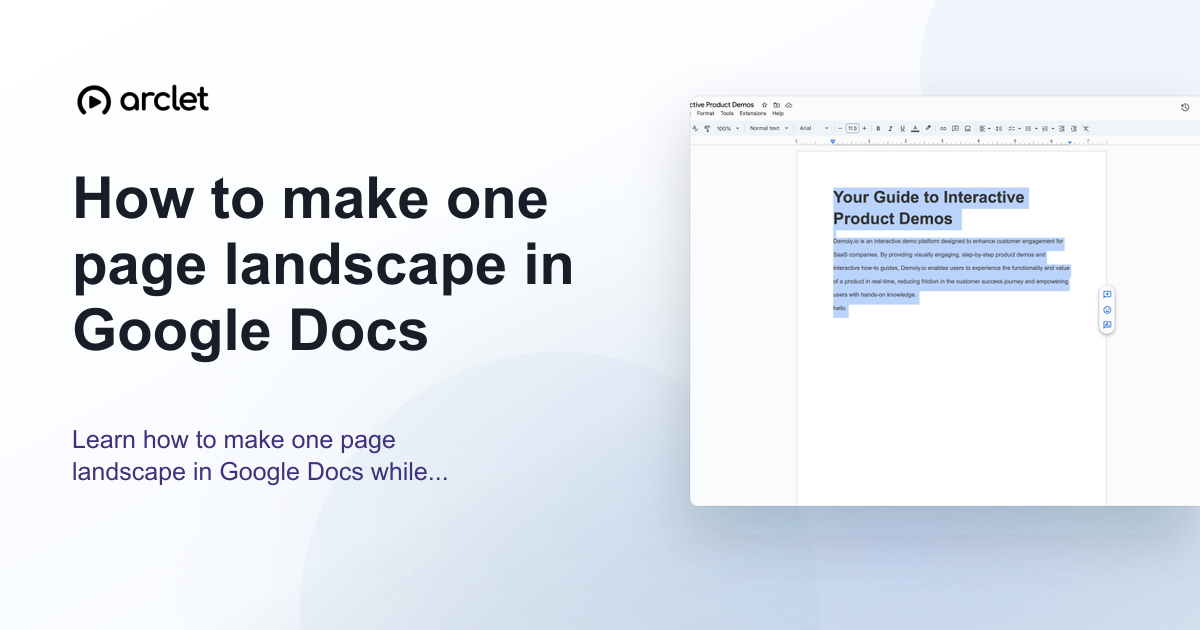 Google Docs5 steps4 min read
How to make one page landscape in Google Docs
Learn how to make one page landscape in Google Docs while keeping remaining pages in portrait — using section breaks and page setup.
Interactive demo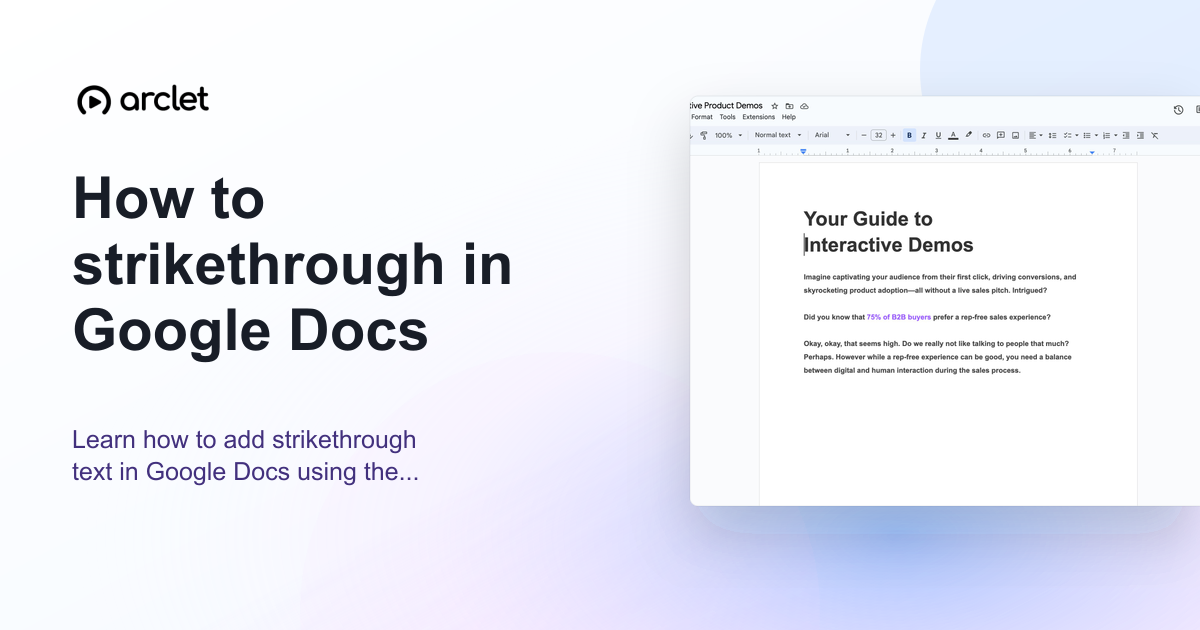 Google Docs3 steps3 min read
How to strikethrough in Google Docs
Learn how to add strikethrough text in Google Docs using the Format menu or keyboard shortcut, and how to remove it afterwards.
Interactive demo
Frequently asked questions
Is Google Docs free?
Yes. Google Docs is free for personal use with a Google account. It is also included in Google Workspace for teams and businesses.
Can I use Google Docs offline?
Yes. Enable offline mode in Google Drive settings. Your changes sync automatically when you reconnect.