How to double space in Google Docs
Learn how to double space in Google Docs on desktop, iPhone, iPad, or with a keyboard shortcut while keeping paragraph spacing consistent.
Quick answer
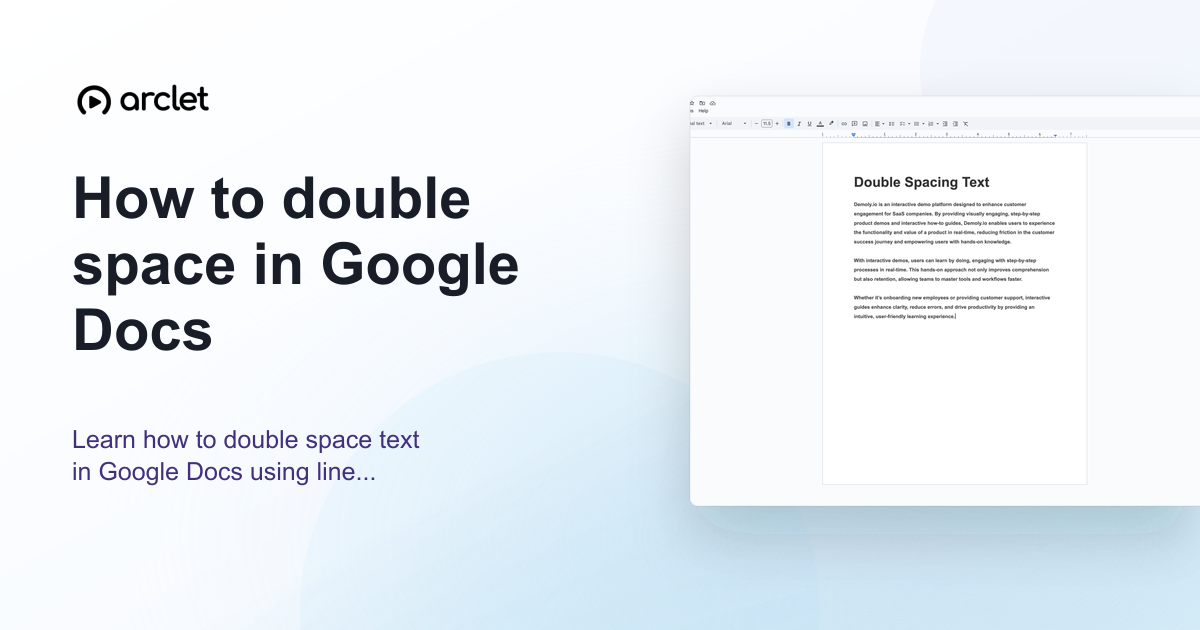
To double space in Google Docs, select the text you want to format, go to Format > Line & paragraph spacing, and choose Double. You can also use the line spacing button in the toolbar and select 2.0.
Steps at a glance
- Select all the text you want to double space, or press Ctrl+A to select everything.
- Click Format in the top menu.
- Choose Line & paragraph spacing.
- Click Double.
- Your document now uses double line spacing.
Interactive demo
This interactive demo was created free with Arclet in 2 minutes.
Create your own demo →Summary
Double spacing in Google Docs means setting the line spacing to 2.0, which adds one blank line of space between every line of text. This is the standard for most academic papers. You can apply double spacing through the Format menu, the toolbar line spacing button, or a keyboard shortcut.
What is Google Docs?
Google Docs defaults to 1.15 line spacing, not single (1.0). Most academic style guides such as APA and MLA require double spacing (2.0) for submitted papers. Double spacing makes papers easier for instructors to annotate with handwritten notes.
Step-by-step guide
Step 1
Select the text
Press Ctrl+A (Cmd+A on Mac) to select all text in the document, or click and drag to select specific paragraphs.
Step 2
Click Format
Click Format in the top menu bar.
Step 3
Choose Line & paragraph spacing
Hover over Line & paragraph spacing in the Format menu.
Step 4
Select Double
Click Double. The selected text immediately switches to 2.0 line spacing.
Why this matters
You've finished your essay and the submission instructions say double-spaced, 12pt font. You've been writing single-spaced the whole time and need to reformat it correctly before the deadline.
Troubleshooting
My document already has double spacing but it looks too wide
You may have extra space before or after paragraphs in addition to line spacing. Check Format > Line & paragraph spacing > Remove space before paragraph and Remove space after paragraph.
Only part of my document is double spaced
The selection may not have included all paragraphs. Press Ctrl+A to select everything and reapply double spacing.
Frequently asked questions
What is the keyboard shortcut for double spacing in Google Docs?
Press Ctrl+2 on Windows or Cmd+2 on Mac to apply double spacing to selected text.
Does Google Docs default to double spacing?
No. Google Docs defaults to 1.15 line spacing. You need to manually set it to 2.0 for double spacing.
How do I double space in Google Docs on mobile?
Tap the Format button (A with lines) while text is selected, then tap Paragraph and adjust the Line spacing value to 2.
How do I double space in Google Docs on an iPad?
Select the text, tap the Format button (A), open Paragraph, and choose a line spacing value of 2. The same controls are available in the Google Docs app on iPad.
Is there a shortcut to double space in Google Docs?
Yes. Select the text and press Ctrl+2 on Windows or Cmd+2 on Mac to apply double spacing without opening the Format menu.
Related guides
Continue with more step-by-step guides for getting work done.
 How to do a hanging indent in Google DocsLearn how to do a hanging indent in Google Docs for citations with the Format menu or ruler, including the correct 0.5-inch settings.
 How to check word count in Google DocsLearn how to see word count in Google Docs quickly using the Tools menu, keyboard shortcut, or live counter while you write.
Create interactive demos like this one — free, no coding required.
Start for free →