How to change Notion to dark mode
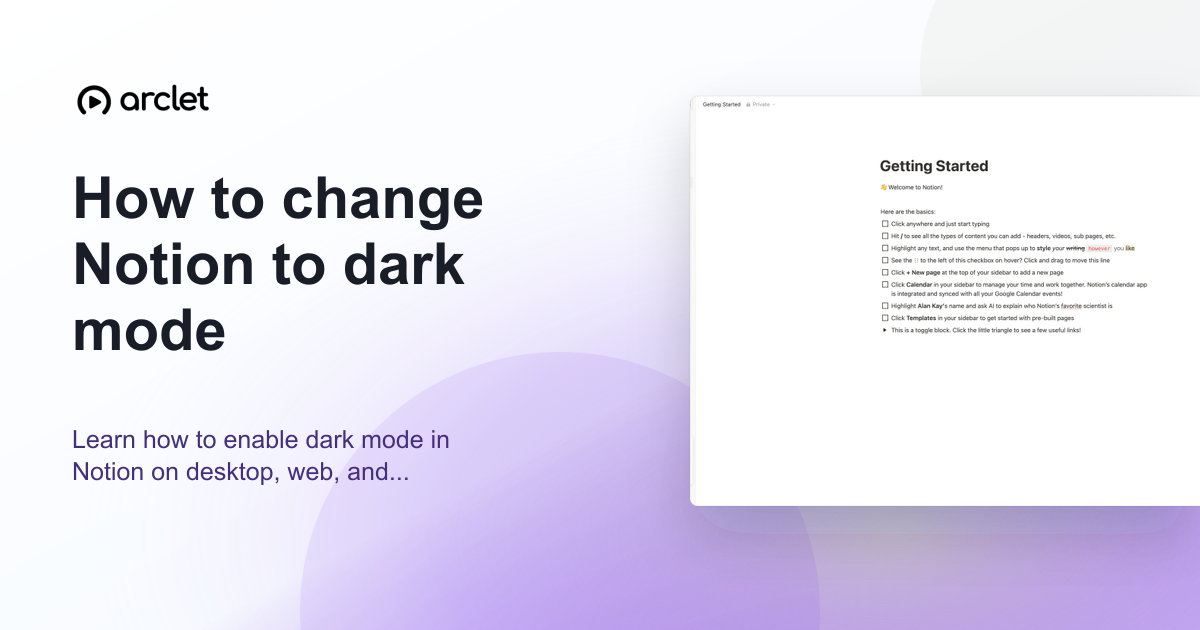
Learn how to enable dark mode in Notion on desktop, web, and mobile — adjust appearance settings to switch themes in a few clicks.
Quick answer
To enable dark mode in Notion, open Settings, select My settings, find Appearance, and choose Dark. You can also press Ctrl+Shift+L on Windows or Cmd+Shift+L on Mac. The change applies immediately and only affects your view.
Steps at a glance
- Click your workspace name or avatar in the top-left corner.
- Go to Settings > My settings.
- Find the Appearance section.
- Select Dark from the options.
- Or press Ctrl+Shift+L on Windows or Cmd+Shift+L on Mac.
Interactive demo
This interactive demo was created free with Arclet in 2 minutes.
Create your own demo →Summary
Dark mode in Notion reduces the brightness of the interface and uses a dark gray background. It is a personal setting, so enabling it only affects your view. If you prefer to follow your device's setting automatically, choose Use system setting instead.
Step-by-step guide
Step 1
Open Settings
Click your workspace name or avatar in the top-left corner of Notion. Click Settings at the bottom of the sidebar menu.
Step 2
Go to My settings
In the Settings panel, click My settings to open your personal preferences.
Step 3
Select Dark
Scroll to the Appearance section and click Dark. Notion immediately switches to a dark background across the entire interface.
Why this matters
You're working late and the white background of Notion is making your eyes work harder than they need to. You want to switch to dark mode so you can keep going comfortably.
Troubleshooting
The Dark option is not visible
Make sure you are in My settings (personal preferences) and not Workspace settings. Only My settings has the appearance controls.
Dark mode is not applying to some pages
Dark mode applies to the entire Notion interface. If some pages appear different, they may have page-level background colors set. Check the page cover and background settings.
Frequently asked questions
Is dark mode available on the Notion mobile app?
Yes. On the Notion mobile app, tap the three-dot menu or go to Settings > Appearance and choose Dark.
Can I use a custom background color instead of dark mode?
Not as an interface-level setting. You can set per-page background colors in Notion, but these are separate from the dark mode setting which controls the overall interface.
Does the dark mode shortcut work in the browser?
Yes. Press Ctrl+Shift+L on Windows or Cmd+Shift+L on Mac while Notion is active. If the browser has assigned that shortcut to an extension, change the extension shortcut or use Settings > My settings > Appearance instead.
Related guides
Continue with more step-by-step guides for getting work done.
 How to change Notion to light modeLearn how to switch Notion from dark mode to light mode on desktop, web, and mobile using the appearance settings panel.
 How to change font in NotionLearn how to change the font style in Notion — switch between Default, Serif, and Mono typefaces and toggle small text mode on.
 How to create a new page in NotionLearn how to create a new page in Notion from the sidebar, from a template, or as a sub-page nested inside an existing page.
Create interactive demos like this one — free, no coding required.
Start for free →