How to create a new page in Notion
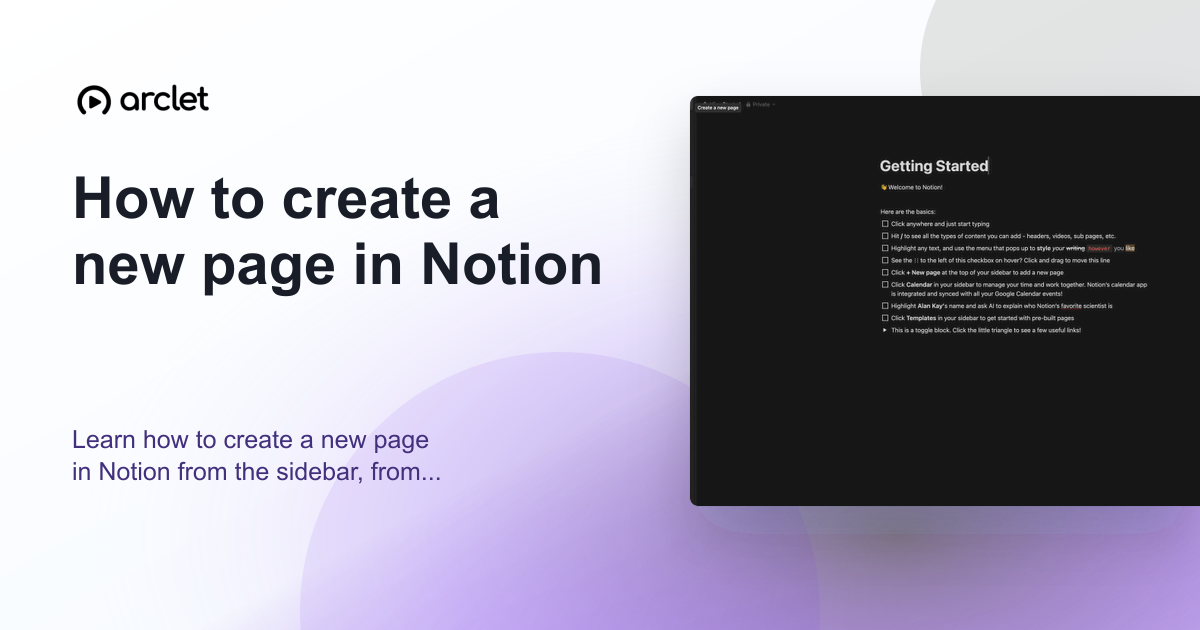
Learn how to create a new page in Notion from the sidebar, from a template, or as a sub-page nested inside an existing page.
Quick answer
To create a new page in Notion, click + New page at the bottom of the left sidebar, or press Ctrl+N (Cmd+N on Mac). You can also type /page inside an existing page to create a sub-page. A blank page opens where you can add a title, icon, cover, and content.
Steps at a glance
- Click + New page in the bottom-left sidebar.
- Type a title for the page.
- Click Add icon to add an emoji icon (optional).
- Start typing or use / to add blocks.
- The page is saved automatically as you type.
Interactive demo
This interactive demo was created free with Arclet in 2 minutes.
Create your own demo →Summary
Notion pages are the fundamental unit of content. They can exist at the top level of your workspace or as sub-pages nested inside other pages. Pages auto-save as you type — there is no save button. You can add a title, emoji icon, and cover image to each page, and organize them in the left sidebar by dragging.
Step-by-step guide
Step 1
Click New page in the sidebar
In the left sidebar, click + New page (or the pencil icon at the top of the sidebar). A blank page opens in the editor.
Step 2
Add a title
Type the page title in the large title field at the top. Press Enter or Tab to move to the body area and start adding content.
Step 3
Add an icon (optional)
Hover over the title area and click Add icon. An emoji picker opens. Search or browse to choose an icon that represents the page's content.
Step 4
Start adding content
Click in the body area below the title and start typing. Use / (slash) to insert blocks: headings, bullets, images, databases, and more.
Why this matters
You've just started using Notion — or joined a new workspace — and you need to create your first page. You're not sure whether to add it to the sidebar, nest it inside an existing page, or use a template.
Troubleshooting
I cannot find the New page button
The sidebar may be hidden. Move your cursor to the left edge of the screen to reveal the sidebar, or press Ctrl+\ (Cmd+\) to toggle it.
The page is not appearing in the sidebar
New pages appear at the bottom of the sidebar under Private or Teamspace depending on your workspace. Scroll down in the sidebar if you cannot see it.
Frequently asked questions
Can I create a sub-page inside another page?
Yes. Open the parent page, click in the body, and type /page to insert a sub-page block. A new nested page is created and linked from the parent.
Can other workspace members see my new page?
It depends on where you created the page. Pages in a private section are only visible to you. Pages in a shared teamspace are visible to team members based on their permissions.
Related guides
Continue with more step-by-step guides for getting work done.
 How to add blocks in NotionLearn how to add blocks in Notion using the slash command menu to insert text, headings, images, databases, and 50+ block types.
 How to change font in NotionLearn how to change the font style in Notion — switch between Default, Serif, and Mono typefaces and toggle small text mode on.
 How to change Notion to light modeLearn how to switch Notion from dark mode to light mode on desktop, web, and mobile using the appearance settings panel.
 How to import a document into NotionLearn how to import Word, PDF, CSV, Markdown, and HTML files into Notion using the built-in importer or slash command.
 How to undo changes in NotionLearn every way to undo changes in Notion, from keyboard shortcuts to Page History, on desktop, iOS, and Android.
Create interactive demos like this one — free, no coding required.
Start for free →