Trello How-to Guides
Step-by-step Trello guides covering boards, lists, cards, and custom fields. Follow interactive walkthroughs and create your own product demos.
Use these Trello guides to set a board up, move work across lists, and keep finished cards out of the way without losing them. Start with the task closest to your board, then follow the related guides to add custom fields, recover archived cards, and turn a repeatable Trello workflow into a clear Arclet demo.
Trello guides
 Trello4 steps2 min read
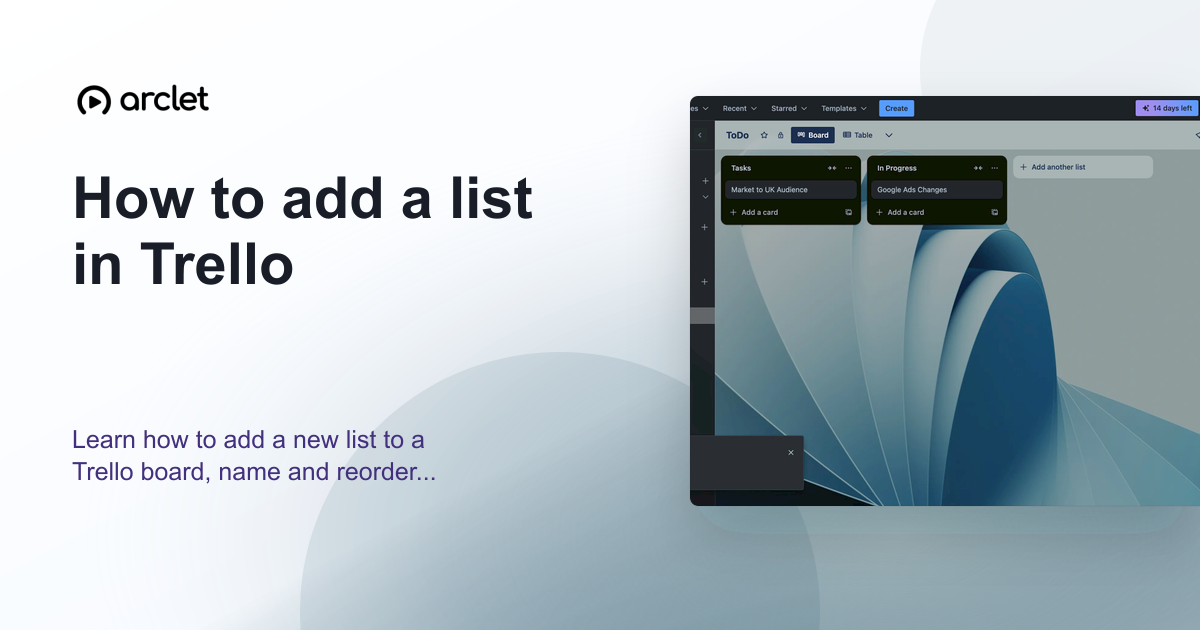
How to add a list in Trello
Learn how to add a new list to a Trello board, name and reorder lists, and use them to structure your project workflow stages.
Interactive demo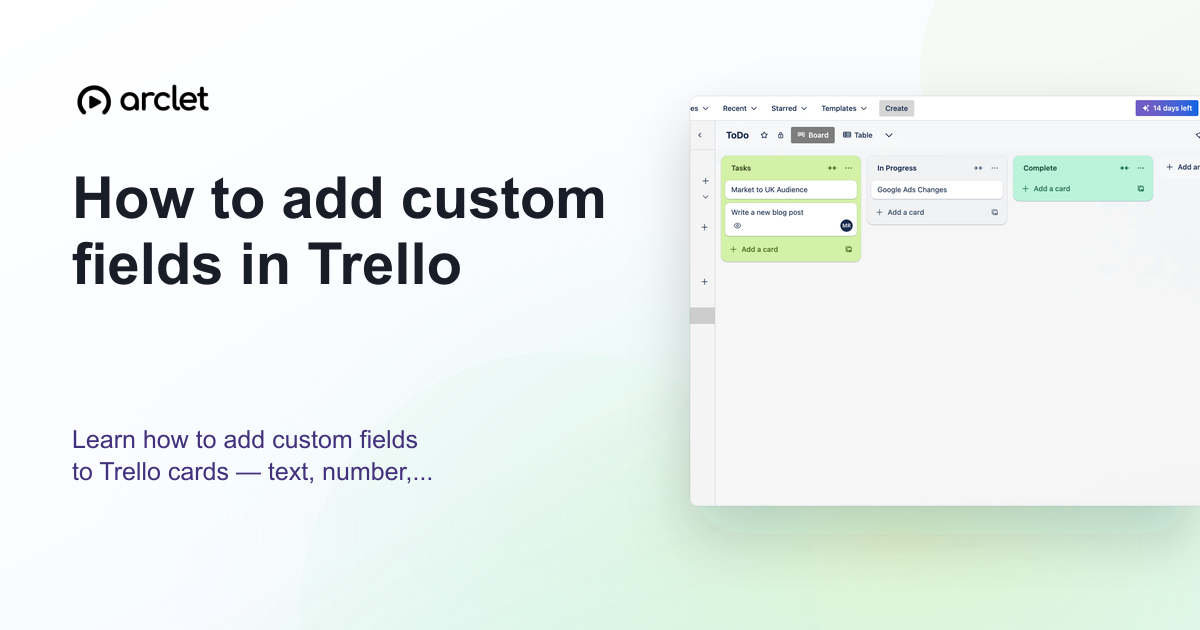 Trello5 steps4 min read
How to add custom fields in Trello
Learn how to add custom fields to Trello cards — text, number, date, checkbox, and dropdown types — to track extra card data.
Interactive demo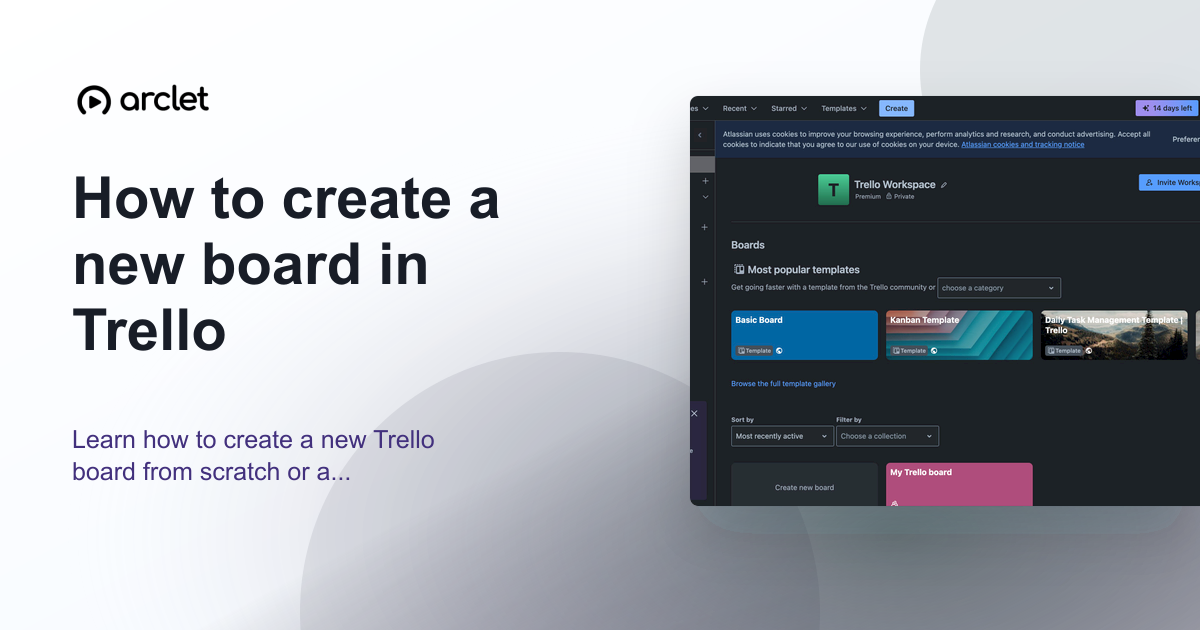 Trello5 steps3 min read
How to create a new board in Trello
Learn how to create a new Trello board from scratch or a template, set a background colour or image, and configure visibility.
Interactive demo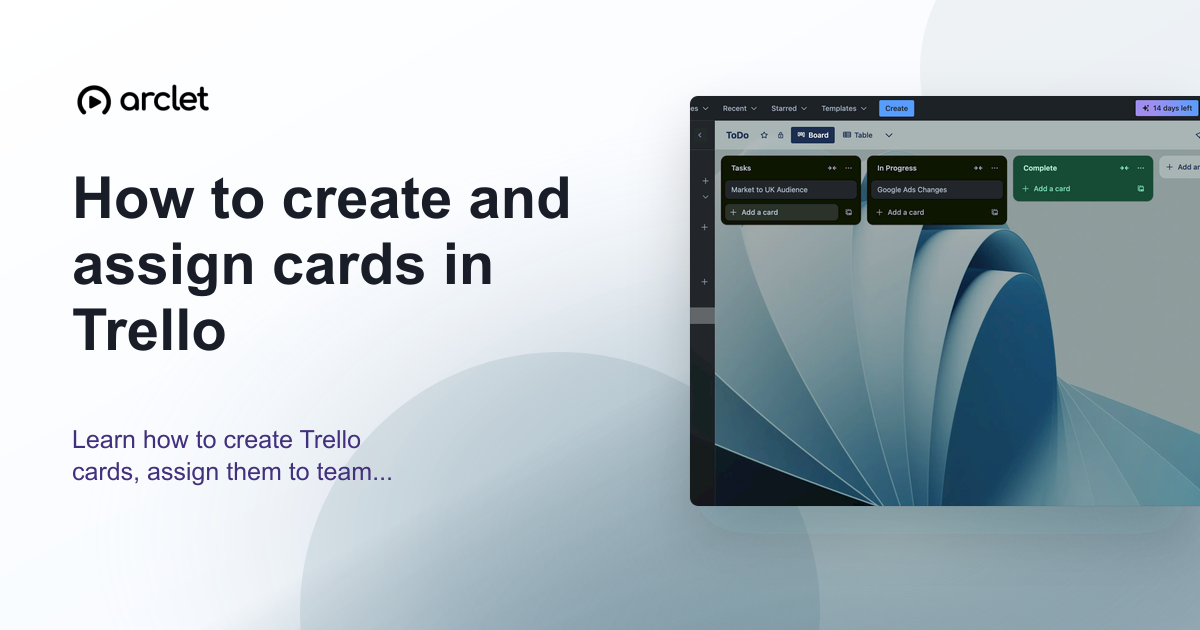 Trello5 steps4 min read
How to create and assign cards in Trello
Learn how to create Trello cards, assign them to team members, set due dates, and organise tasks across your board lists.
Interactive demo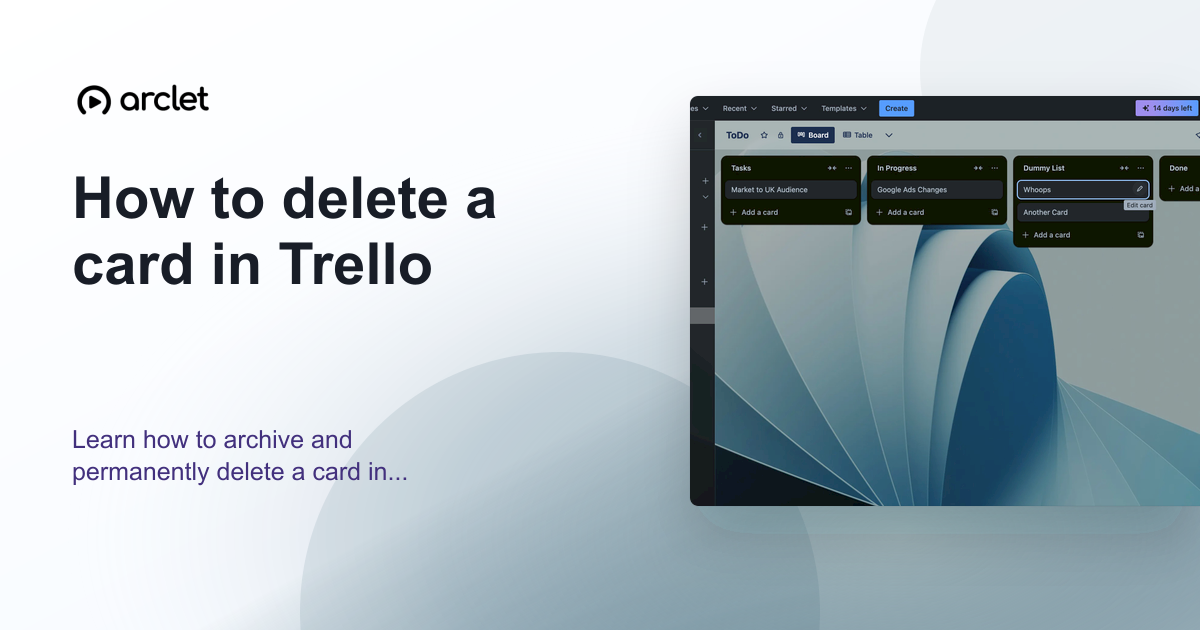 Trello3 steps3 min read
How to delete a card in Trello
Learn how to archive and permanently delete a card in Trello, and when to choose each option to keep your board organised.
Interactive demo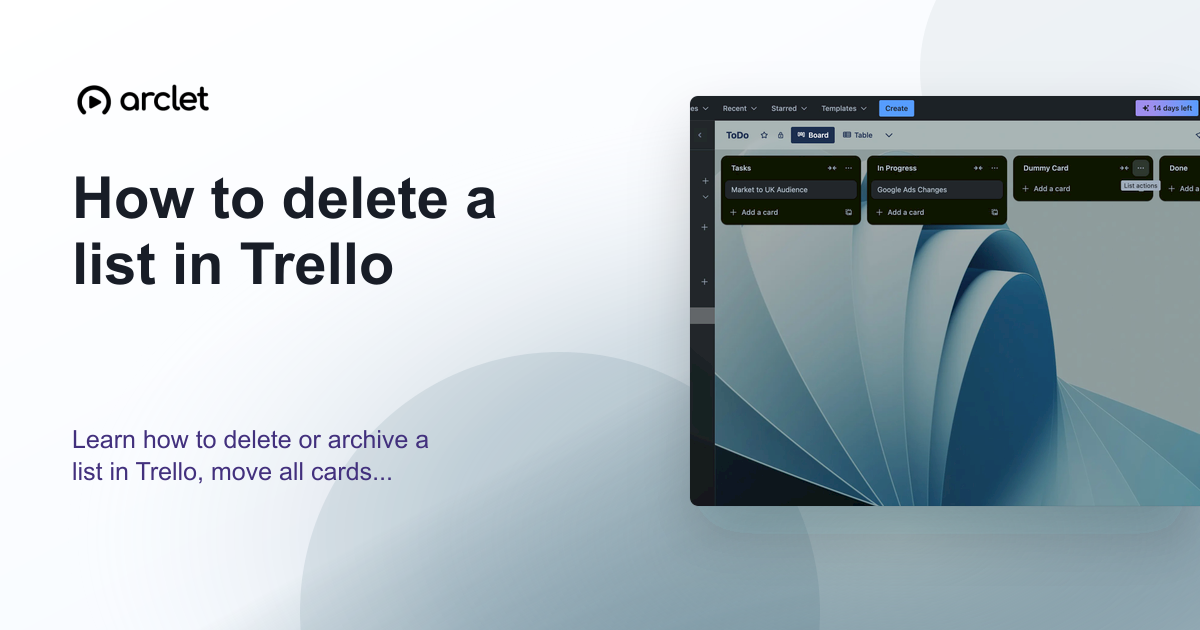 Trello4 steps3 min read
How to delete a list in Trello
Learn how to delete or archive a list in Trello, move all cards to another list first, and recover a list from the archive.
Interactive demo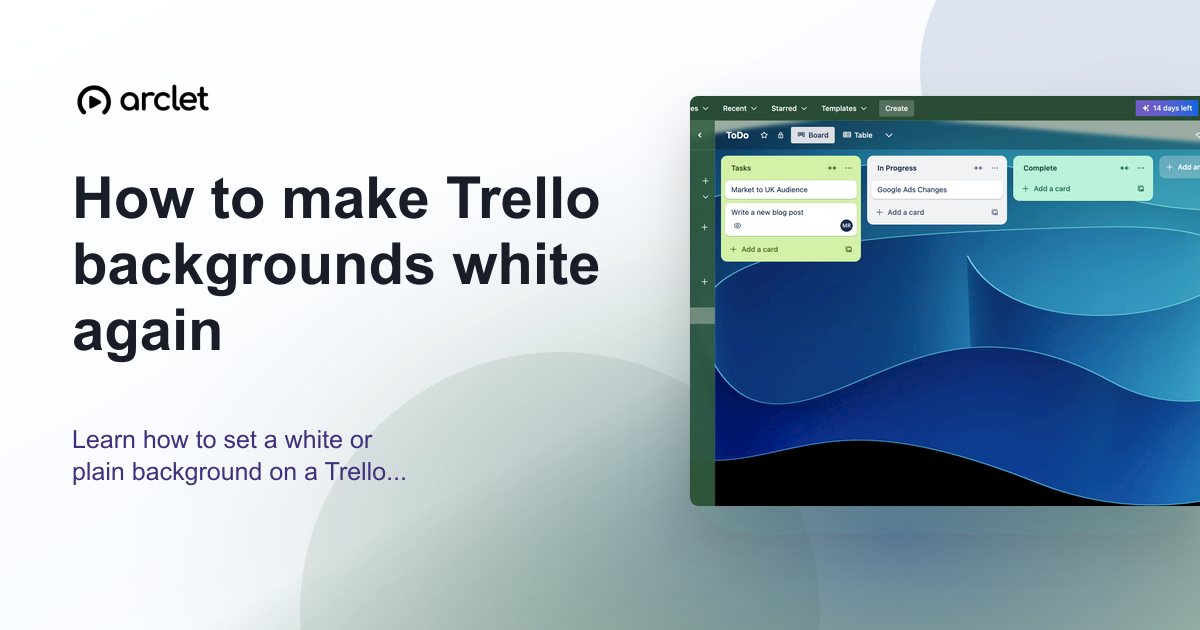 Trello4 steps3 min read
How to make Trello backgrounds white again
Learn how to set a white or plain background on a Trello board — remove the current colour or photo and restore the default.
Interactive demo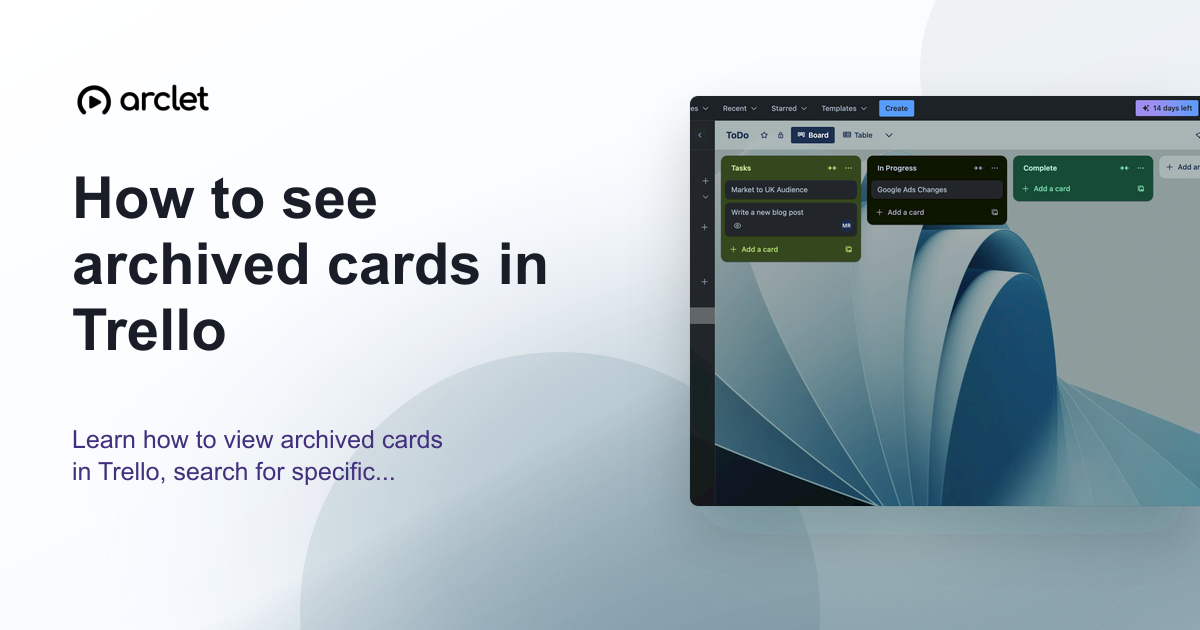 Trello5 steps3 min read
How to see archived cards in Trello
Learn how to view archived cards in Trello, search for specific ones, and restore or permanently delete them from the archive.
Interactive demo
Frequently asked questions
Is Trello free?
Trello has a free plan with unlimited cards and up to 10 boards per workspace. Standard, Premium, and Enterprise plans add more boards, Power-Ups, automations, and admin tools.
What are Trello Power-Ups?
Power-Ups are integrations and extensions that add features to Trello boards, such as calendar views, voting, custom fields, and connections to tools like Slack, Jira, and Google Drive.