How to make Trello backgrounds white again
Learn how to set a white or plain background on a Trello board — remove the current colour or photo and restore the default.
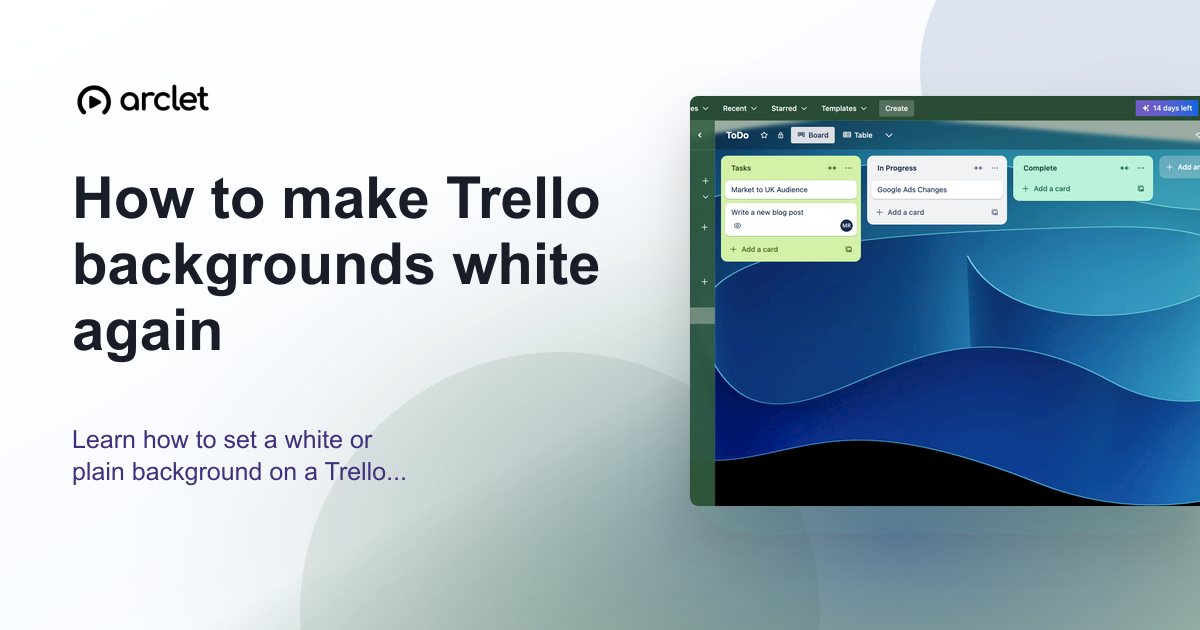
Quick answer
To change your Trello board background to a plain color, click the three-dot board menu at the top-right, choose Change background, and select a solid color. Trello does not have a pure white option, but light grey or the lightest available color gives the cleanest look.
Steps at a glance
- Click the three-dot menu at the top-right of the board.
- Click Change background.
- Click Colors.
- Select a light or neutral color.
- The board background updates immediately.
Interactive demo
This interactive demo was created free with Arclet in 2 minutes.
Create your own demo →Summary
Trello board backgrounds can be set to solid colors or photo images. To remove a busy photo background and return to a clean look, go to Change background and select a color. Trello does not offer a pure white background, but the lightest solid color options provide a minimal, distraction-free board. This setting is per-board and only affects your view if you have edit access.
Step-by-step guide
Step 1
Open the board menu
Click the three-dot (…) menu icon at the top-right of the board, to the right of the board title.
Step 2
Click Change background
In the board menu, click Change background. The background picker panel opens.
Step 3
Select Colors
At the top of the background picker, click Colors to switch from photo backgrounds to solid color options.
Step 4
Choose a light color
Click a light or neutral color swatch. The board background updates immediately. Light grey and light blue are the closest to a white, clean look.
Why this matters
You picked a colorful background when you set up the board, but now it's distracting during long work sessions or looks unprofessional when you share your screen. You want something plain and neutral.
Troubleshooting
Change background is not in the board menu
You need to be a board admin or have edit permissions to change the board background. If you only have commenting access, this option will not appear.
The background changed but reverted after refreshing
Background changes are saved immediately in Trello. If it reverted, try the change again — it may have been a temporary connectivity issue.
Frequently asked questions
Can I set a white background in Trello?
Trello does not offer a pure white color as a background option. The lightest available solid color is a very light grey, which gives a similar clean appearance.
Does changing the board background affect other members?
Yes. The board background is a shared setting — changing it affects how the board looks for all members.
Related guides
Continue with more step-by-step guides for getting work done.
 How to create a new board in TrelloLearn how to create a new Trello board from scratch or a template, set a background colour or image, and configure visibility.
 How to add a list in TrelloLearn how to add a new list to a Trello board, name and reorder lists, and use them to structure your project workflow stages.
 How to add custom fields in TrelloLearn how to add custom fields to Trello cards — text, number, date, checkbox, and dropdown types — to track extra card data.
Create interactive demos like this one — free, no coding required.
Start for free →