How to change the background in Trello
Change your Trello board background in four steps: open the board menu, choose Change background, then pick a gradient or solid color from Colors.
Quick answer
Open the board menu with the Show menu button at the top right of your Trello board, choose Change background, then open Colors and select a gradient such as Blue gradient. The Colors panel lists gradients and solid colors, so you can pick a look that suits the board.
Steps at a glance
- Click Show menu at the top right of the board.
- Choose Change background in the menu.
- Open Colors in the Change background panel.
- Pick a gradient such as Blue gradient.
- Choose a solid color instead if you prefer a flat look.
Interactive demo
Summary
Trello lets you set a background for each board from the board menu. The Change background panel offers Photos, Colors, and a Custom upload. A distinct background makes a board easy to recognize at a glance.
Step-by-step guide
Step 1
Open the board menu
Open the board you want to change. Click Show menu at the top right of the board to open the board menu.
Step 2
Choose Change background
In the Menu panel, click Change background. The panel switches to background options.
Step 3
Open Colors
The panel shows Photos and Colors, plus a Custom section with Choose File. Click Colors to browse color options.
Step 4
Pick a background color
The Colors panel lists gradients such as Blue gradient and Dark blue gradient, followed by solid colors such as Blue, Orange, and Green. Click the one you want, for example Blue gradient.
Why this matters
You keep several boards open and keep clicking the wrong one. Giving each board its own color makes the right one obvious the moment you switch, so you spend less time checking titles.
Frequently asked questions
Where do I change the background in Trello?
Click Show menu at the top right of the board, then choose Change background.
What background options does Trello offer?
The Change background panel shows Photos, Colors, and a Custom section with Choose File for your own image.
Related guides
Continue with more step-by-step guides for getting work done.
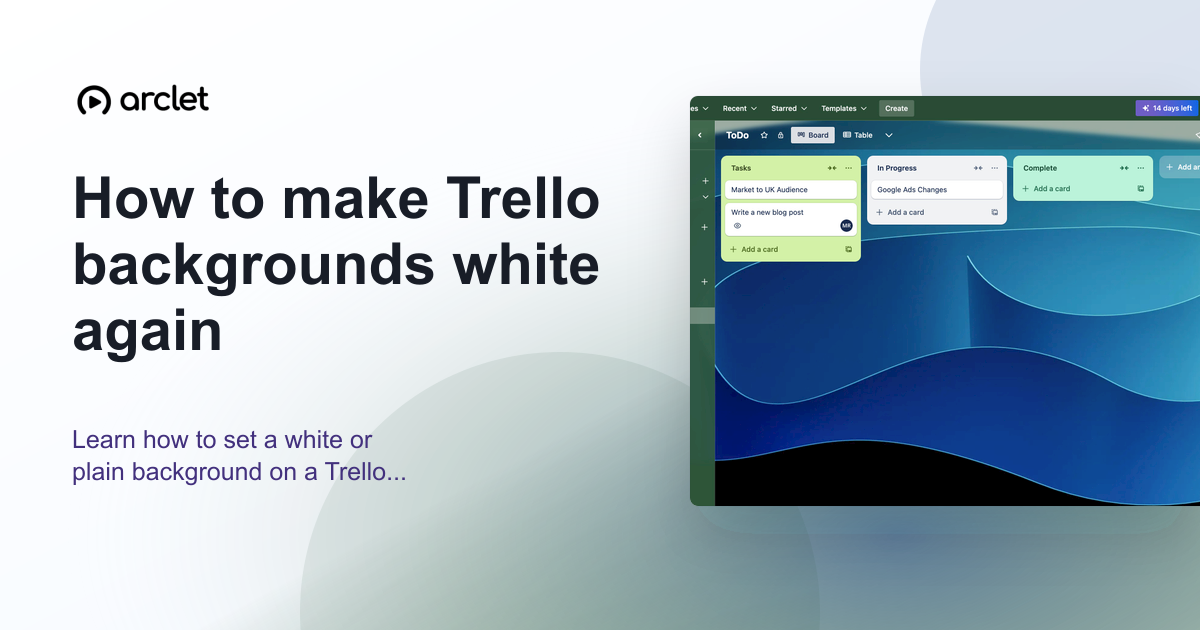 How to make Trello backgrounds white againLearn how to set a white or plain background on a Trello board — remove the current colour or photo and restore the default.
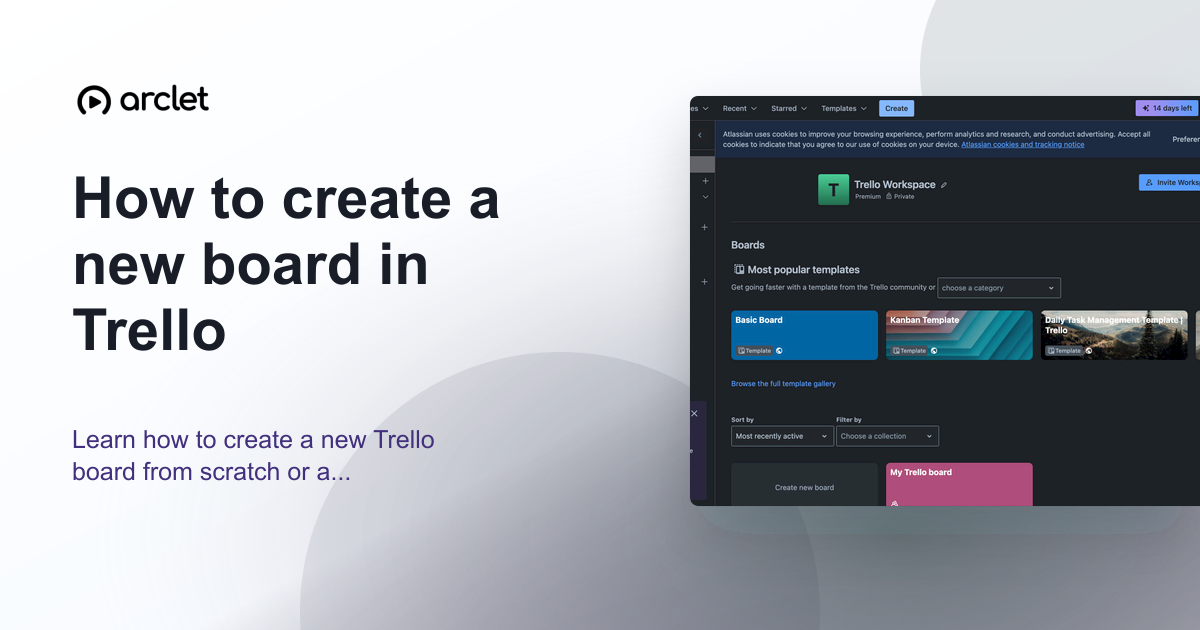 How to create a new board in TrelloLearn how to create a new Trello board from scratch or a template, set a background colour or image, and configure visibility.
 How to add a label in TrelloLearn how to add a label in Trello: open a card, create a new label with a title and colour, and see it appear on the card in a few clicks.
 How to close a board in TrelloClose a Trello board you no longer need: open the board menu, choose Close board, and confirm with Close. Closed boards can be reopened from your boards page.
 How to copy a board in TrelloLearn how to copy a Trello board from the board menu, keeping its lists and cards so you can reuse a setup without building it again from scratch.
 How to create an automation in TrelloCreate a Trello automation rule from the board menu: pick a trigger, add an action that creates a card in a list, and save it so the board does the work.
Create interactive demos like this one — free, no coding required.
Start for free →