How to delete a list in Trello
Learn how to delete or archive a list in Trello, move all cards to another list first, and recover a list from the archive.
Quick answer
Trello does not have a direct delete button for lists — you must archive a list first. Click the three-dot menu on the list header, choose Archive this list, then go to the board menu, open Archived items, find the list, and click Delete to permanently remove it.
Steps at a glance
- Click the three-dot menu at the top of the list.
- Click Archive this list.
- The list is archived and hidden from the board.
- To permanently delete it, open the board menu > Archived items.
- Find the list, click Delete, and confirm.
Interactive demo
This interactive demo was created free with Arclet in 2 minutes.
Create your own demo →Summary
Trello archives lists rather than deleting them immediately. Archiving hides the list and all its cards from the board view but preserves them so you can restore them later. Permanent deletion is done from the Archived items section and cannot be undone. All cards in the list are permanently deleted along with it.
Step-by-step guide
Step 1
Open the list menu
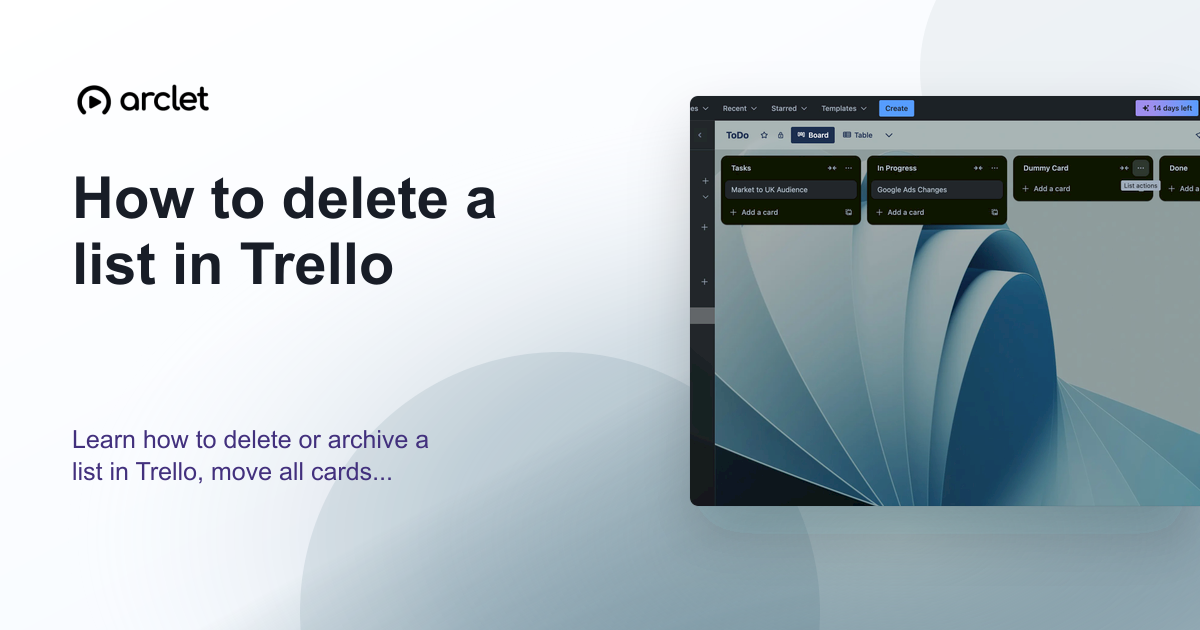
Click the three-dot menu icon (…) at the top-right corner of the list you want to delete.
Step 2
Archive the list
Click Archive this list from the dropdown. The list disappears from the board and is moved to the Archived items section.
Step 3
Open Archived items
To permanently delete the list, click the three-dot board menu (top-right of the board), then click More > Archived items.
Step 4
Delete the archived list
Find the list in the Archived items panel. Click Delete next to it. Confirm the deletion. The list and all its cards are permanently removed.
Why this matters
You've got a column that no longer belongs — a finished project phase, a workflow stage you've replaced, or a test column from setup. You want it gone, but Trello doesn't have an obvious delete button for lists.
Troubleshooting
Archive this list is not in the menu
You may only have commenting or view permissions on this board. List archiving requires edit access. Check your board permissions with the board owner.
I archived the list by mistake and need to restore it
Go to the board menu > More > Archived items. Find the list and click Send to board to restore it with all its cards intact.
Frequently asked questions
What happens to cards when I delete a list in Trello?
Cards in an archived list are also archived. If you permanently delete the list, all its cards are permanently deleted too. Move any cards you want to keep to another list before archiving.
Can I recover a permanently deleted list?
No. Permanent deletion cannot be undone. If you archived the list without permanently deleting it, you can restore it from Archived items.
Related guides
Continue with more step-by-step guides for getting work done.
 How to add a list in TrelloLearn how to add a new list to a Trello board, name and reorder lists, and use them to structure your project workflow stages.
 How to delete a card in TrelloLearn how to archive and permanently delete a card in Trello, and when to choose each option to keep your board organised.
 How to create a new board in TrelloLearn how to create a new Trello board from scratch or a template, set a background colour or image, and configure visibility.
Create interactive demos like this one — free, no coding required.
Start for free →