SurveyMonkey How-to Guides
SurveyMonkey how-tos for building surveys, adding question types and pages, sharing by link, QR code or embed, and closing or reopening collectors.
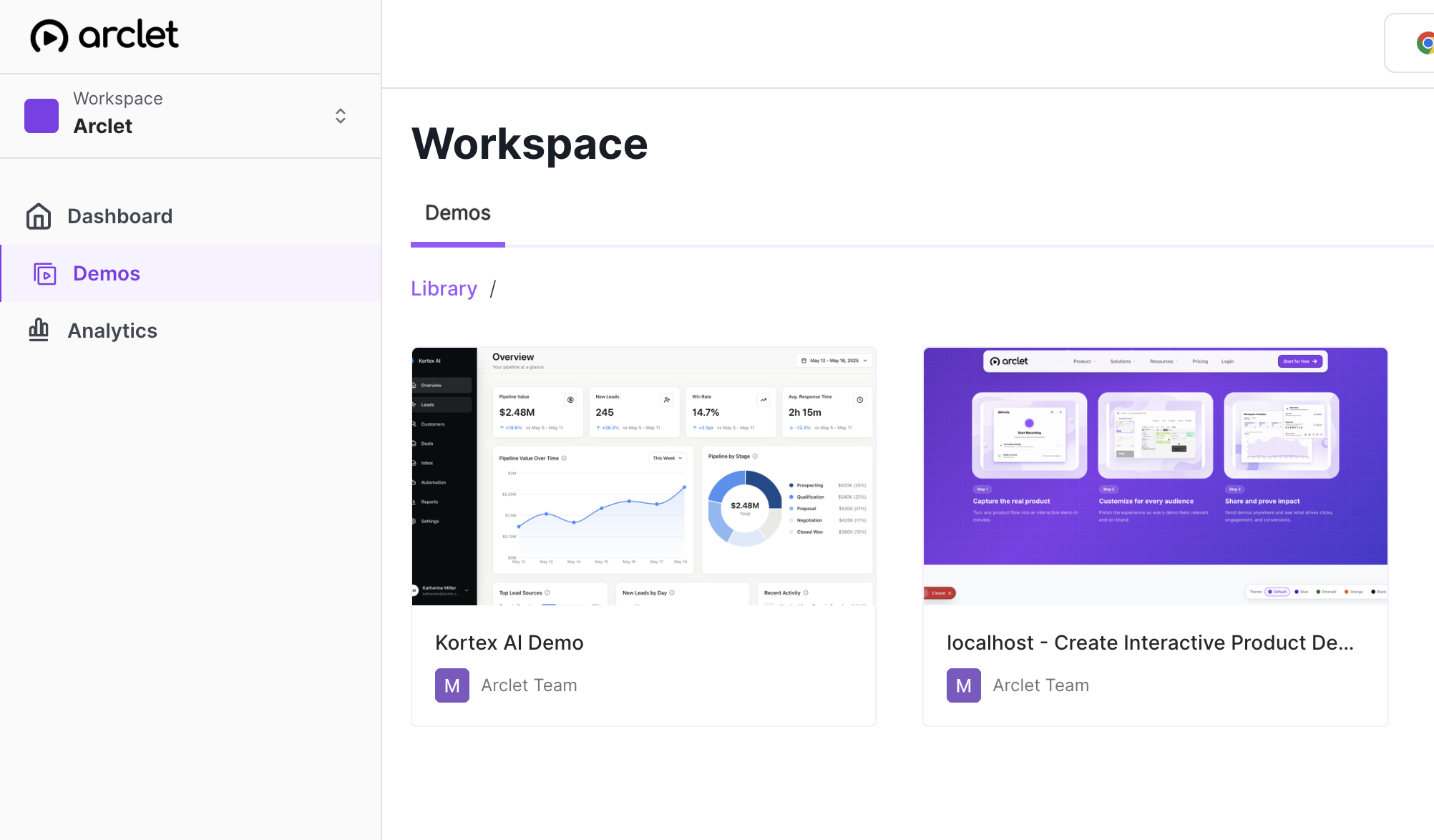
These guides are for people running their own customer, team or event surveys on SurveyMonkey's free plan. Each one was recorded on a live account, so the steps match the current editor, and every guide has an interactive demo you can click through.
Common SurveyMonkey workflows
Run a quick customer feedback survey
Start from a template, add a rating scale and a Net Promoter Score question, then share one web link with customers.
Collect responses at an event
Publish the survey, print a QR code for the room, and let the same device submit more than once at a kiosk.
Wrap up and reuse a survey
Close the collector once you have enough answers, copy the survey for next time, and reopen the old link if late responses matter.
SurveyMonkey guides
Build a survey
You are starting a survey, from a blank page or a template, and giving it a clear name.
How to create a survey in SurveyMonkey
Create a survey in SurveyMonkey from scratch: name it, type your first question, and save it. A step-by-step guide for the free plan editor.
How to use a template in SurveyMonkey
Start from a ready-made SurveyMonkey template: open Start with a template, pick one without a paid lock, and review its questions in the editor.
How to create a poll in SurveyMonkey
Create a poll in SurveyMonkey from scratch: write your question, save it, publish the survey and copy the link to share it with respondents.
How to copy a survey in SurveyMonkey
Copy an existing survey in SurveyMonkey from your survey list with Make a copy, then open the new draft in the editor to review it and edit.
How to change the name of a survey in SurveyMonkey
Rename a SurveyMonkey survey from the editor: open the draft, click the name in the header, type a new title in Survey title and save it.
How to change the language in SurveyMonkey
Change the language your SurveyMonkey survey shows respondents: open Options, pick a Default survey language, and check that the buttons are translated.
Questions and pages
The survey exists and you are shaping what respondents see: question types, text, and how it splits across pages.
How to add a multiple choice question in SurveyMonkey
Add a multiple choice question to a new SurveyMonkey survey: confirm the question type, type the question and answers, and save it to the draft.
How to add a Likert scale in SurveyMonkey
Add a Likert scale to a SurveyMonkey survey with the Matrix / Rating scale question type: enter a statement, add rows, label five columns, and save.
How to create a Net Promoter Score survey in SurveyMonkey
Learn how to add a Net Promoter Score question to a SurveyMonkey survey: open the editor, pick the question type from Build, and save it in minutes.
How to add a text box in SurveyMonkey
Add a text box question to a SurveyMonkey survey: open the Build menu, choose Single text box, type your question and save it in the editor.
How to add a new page in SurveyMonkey
Add a new page to a draft survey in SurveyMonkey: open it in the Design survey tab, select New page, and start a question on the new page.
How to delete a page in SurveyMonkey
Delete an empty page from a SurveyMonkey survey in the editor: open the page's More actions menu, choose Delete page, and confirm that only P1 remains.
How to edit a live survey in SurveyMonkey
Edit a survey that is already collecting responses in SurveyMonkey: open it in the editor, reword a question, and save the change without rebuilding.
Share and collect
The questions are ready and you need people to answer them, by link, QR code or an embed on your site.
How to publish a survey in SurveyMonkey
Publish a finished SurveyMonkey survey from the Publish survey tab, copy its link, and find the Share a link option for posting it online.
How to activate a survey in SurveyMonkey
Learn how to activate a SurveyMonkey survey by opening the Publish survey step, copying your survey link, and heading to Analyze results.
How to get a web link for a SurveyMonkey survey
Get a shareable web link for a SurveyMonkey survey from the Surveys list, then copy it to paste into an email, a website, or a social media post.
How to create a QR code for SurveyMonkey
Find the Download QR code link for a SurveyMonkey survey by opening its Send survey option and Web Link collector on the free plan, step by step.
How to embed a SurveyMonkey survey in a website
Embed a SurveyMonkey survey in your website: open Send survey, add a Website collector, pick an embed type and copy the embed code to paste.
How to allow multiple responses in SurveyMonkey
Learn how to let people take your SurveyMonkey survey more than once from one device by changing the Multiple responses setting on a Web Link collector.
Close and clean up
Responses are in, or the survey is finished, and you want to stop collecting or remove it.
How to close a survey in SurveyMonkey
Stop new responses to a SurveyMonkey survey by closing its collector: open Send survey, pick the web link, and confirm Close collector in a few clicks.
How to reopen a closed survey in SurveyMonkey
Reopen a closed SurveyMonkey survey so people can respond again: open Send survey, pick the closed collector, and confirm Open collector in a few clicks.
How to delete a survey in SurveyMonkey
Delete a SurveyMonkey survey from your dashboard: open the row menu, choose Delete, and confirm the warning. Covers what the dialog shows first.
Frequently asked questions
Do these guides work on SurveyMonkey's free plan?
Yes. Every guide here was recorded on a free account. Where a setting was upgrade-locked during recording, such as a custom thank-you message on a web link, it is left out.
What is a collector in SurveyMonkey?
A collector is one way of gathering responses, such as a web link or a survey embedded on a website. One survey can have several collectors, and each opens or closes on its own.
Can I change a survey after people start answering it?
Yes. Editing a live survey shows how to change question text on an open survey and save it.