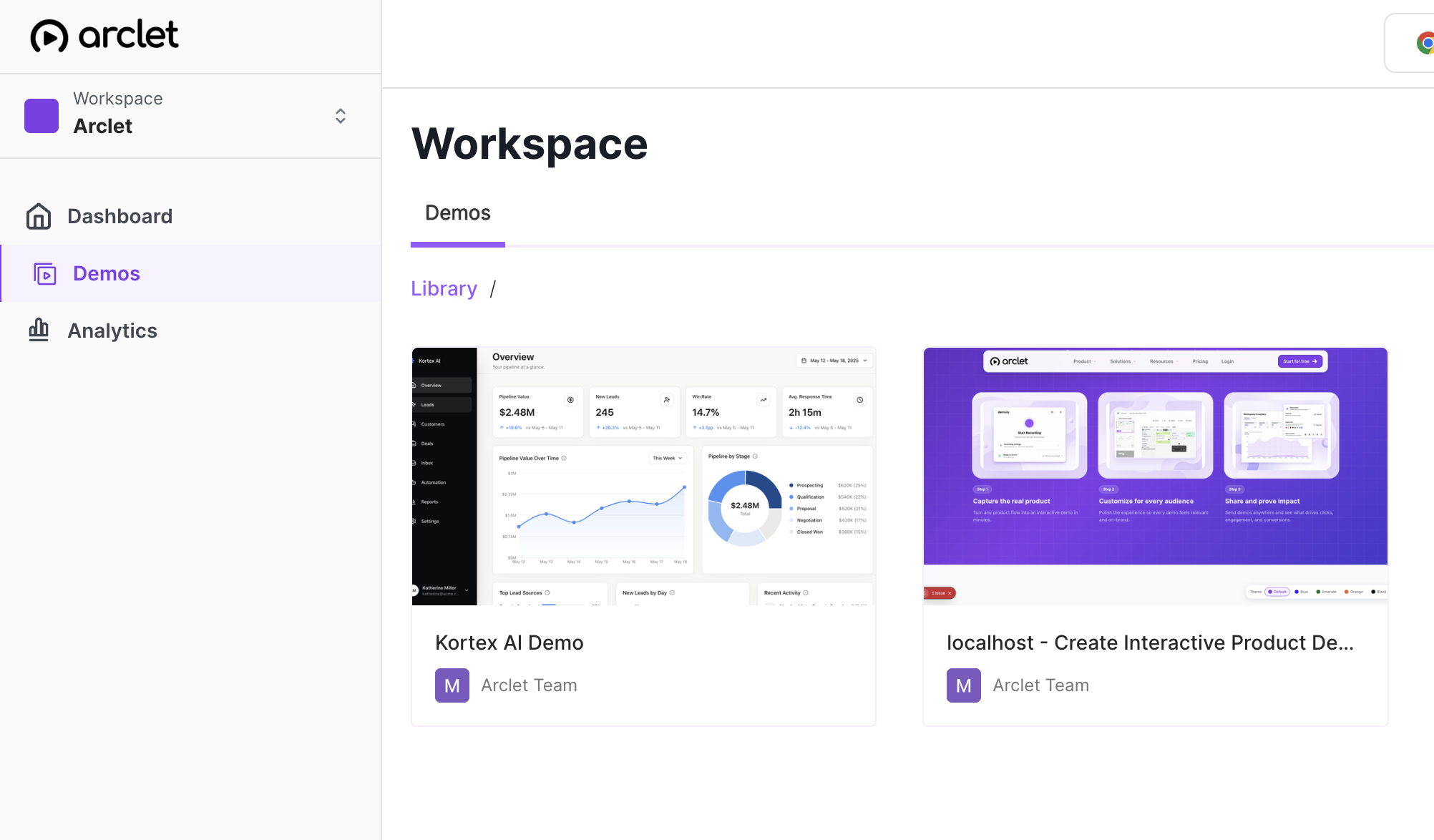
The new Arclet website is built around a simple idea: visitors should be able to understand the product before they commit to a meeting, a trial, or a long sales thread. That means fewer abstract claims and more concrete workflows.
Instead of treating demos as a final call to action, the site now puts interactive examples, role-specific use cases, and product answers closer to the first visit. A sales leader, support manager, marketer, product team, or trainer can scan the path that sounds like their day and click into a working example.
Why the site is organized around proof
Most product pages ask visitors to imagine the workflow. That creates extra work for the reader, especially when the product is about explaining another product. The new structure puts product proof beside the copy so each page can answer a different question.
- The demo gallery shows what a clickable product story can feel like.
- Use-case pages explain when a team would share that demo.
- Feature pages describe the platform jobs: record, edit, share, embed, and measure.
- Resource pages collect examples, guides, product answers, and editorial lessons.
The goal is not to make every page louder. It is to make every page more specific.
What visitors can do now
The most important change is that Arclet can now show more of the product story before signup. Feature pages, use-case pages, and editorial resources each explain a focused workflow moment and the job that moment is meant to do.
That matters because a good interactive demo should have a clear audience and a clear moment. A buyer follow-up demo should help a champion replay the product story. A support walkthrough should answer a repeated question. A training demo should help someone practice the workflow asynchronously.
How the resource pages fit together
The resource pages group patterns by intent, such as sales follow-up, support documentation, onboarding, campaign proof, and product handoff. Each path points visitors toward the relevant use case, feature, guide, or product answer when they want to go deeper.
The blog adds a more editorial layer. Posts can explain how to plan demo content, where to embed demos, and what teams should measure after publishing. They can link to live examples, but they do not need to force an iframe into every article.
A better starting point for teams
The site is still practical without signup. A visitor can browse examples, compare use cases, read product answers, and follow guides before creating an account. Signup CTAs are present, but they are not the only useful thing on the page.
That is the standard we want for Arclet itself: show the workflow, explain the moment, and give people enough clarity to take the next step with confidence.