Support teams often know exactly which workflows create confusion. The same questions appear in tickets, onboarding calls, internal notes, and help articles. Interactive demos are useful when the answer is easier to follow by doing than by reading alone.
The goal is not to replace written documentation. The goal is to make the workflow visible enough that the written explanation becomes clearer.
Start with repeated questions
Look for tickets where the answer includes several UI steps, a specific sequence, or a condition that is easy to miss. Those are strong candidates for an embedded or linked demo.
Good support demos usually cover:
- account setup moments that customers repeat once
- admin or permission workflows with several steps
- reporting and export paths
- feature setup steps that are hard to describe in text
- troubleshooting flows that require checking several screens
Keep the article readable
The written article still needs to stand on its own. Put the key answer near the top, then use the demo as a guided companion. That helps visitors who scan, visitors using assistive technology, and visitors on slower connections.
If the demo is embedded, give it a specific title and place it near the section where it helps most. If the article is already long, linking to a demo detail page may be cleaner than adding another large media block.
Use engagement data to improve the doc
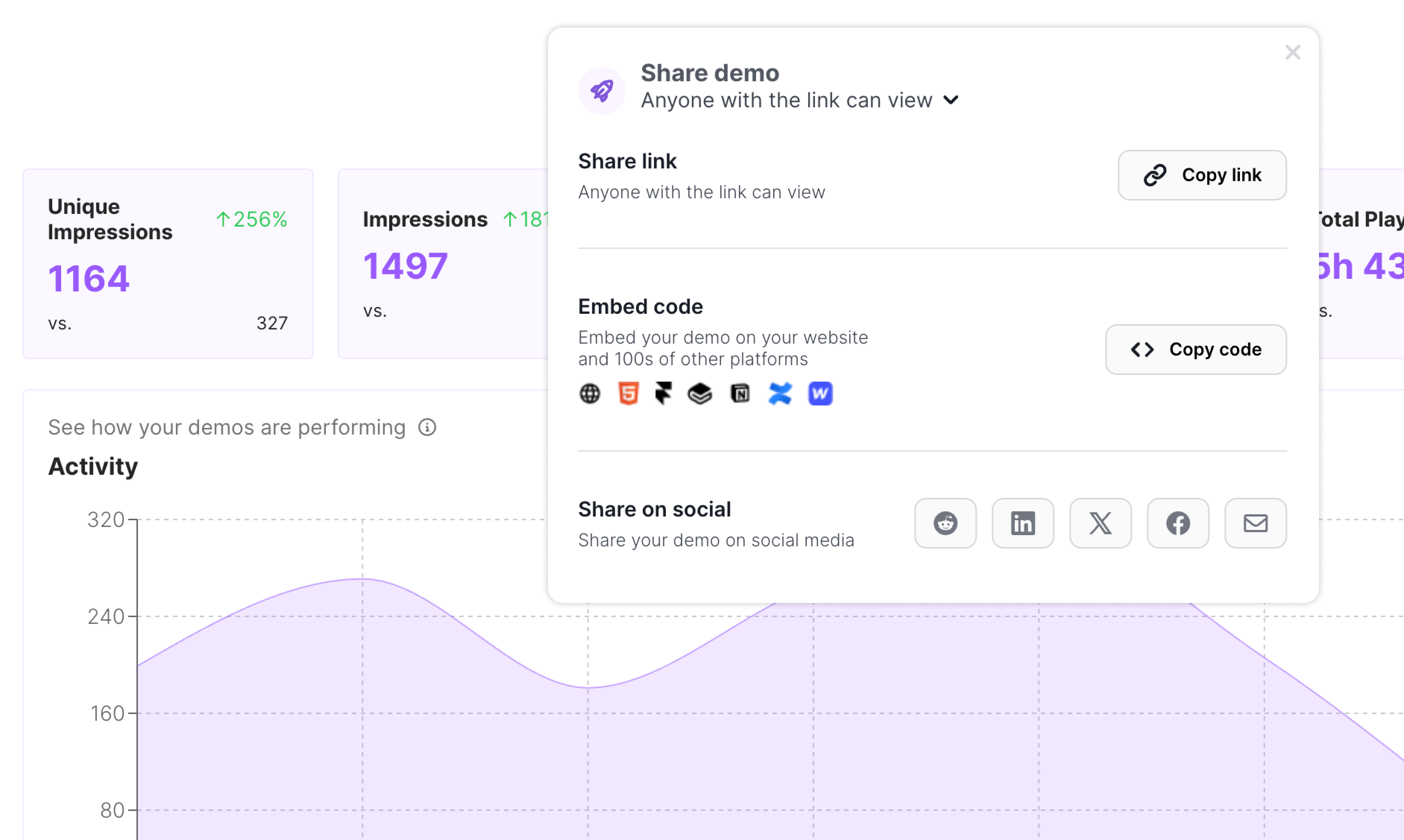
When a support demo is shared often, step engagement can show where customers pause or drop off. That does not automatically prove confusion, but it gives the team a useful signal.
If viewers repeatedly stop on one step, rewrite the surrounding help text. If they finish the walkthrough but still open tickets, the article might need prerequisites, screenshots, or clearer limits.
Build a small library
Support demo libraries work best when they are small and maintained. Start with the workflows that create the most repeated explanations. Review them when the product changes. Retire stale demos quickly.
That discipline keeps support content useful instead of turning it into another place customers have to search.