How to delete a board in Miro
Learn how to delete a Miro board permanently or archive it to free up your board limit without permanently losing the content.
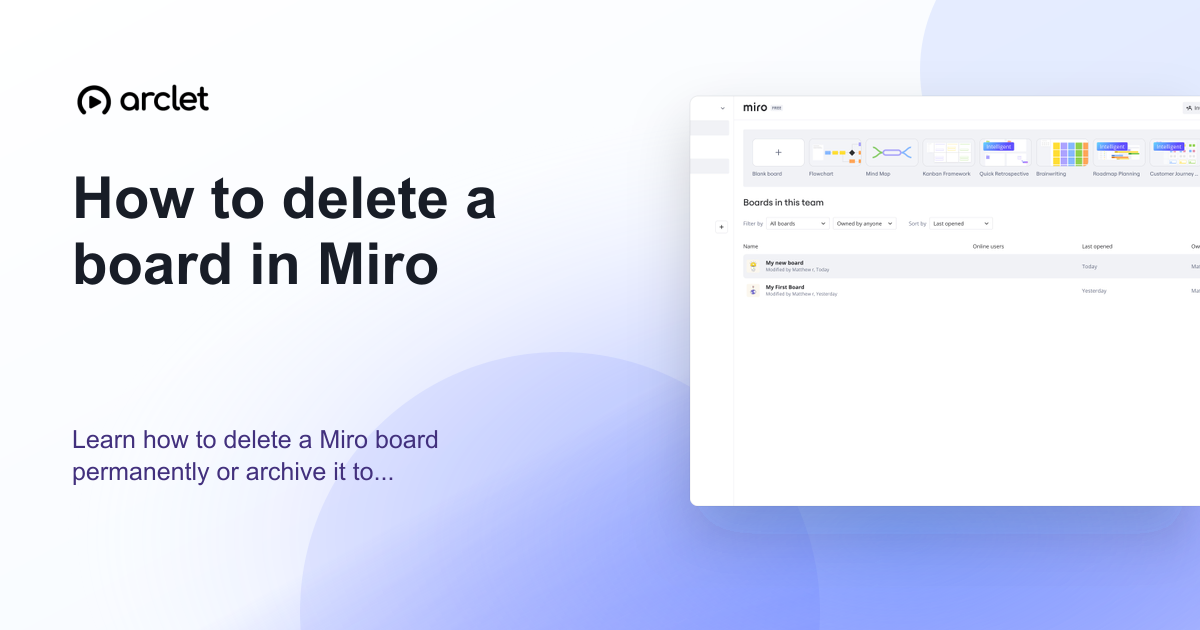
Quick answer
To delete a Miro board, right-click the board tile on the dashboard (or click the three-dot menu) and choose Delete. The board moves to the Trash and can be restored within 30 days. To permanently delete it, open the Trash and delete it from there.
Steps at a glance
- Go to your Miro dashboard.
- Find the board you want to delete.
- Click the three-dot menu on the board tile.
- Click Delete.
- Confirm the deletion — the board moves to Trash.
Interactive demo
This interactive demo was created free with Arclet in 2 minutes.
Create your own demo →Summary
Deleting a Miro board moves it to the Trash, where it stays for 30 days before permanent deletion. During this window you can restore the board. To free up a board slot on the free plan immediately, you can permanently delete from Trash or archive the board instead. Archiving does not use a board slot.
Step-by-step guide
Step 1
Find the board on the dashboard
Go to your Miro dashboard. Locate the board you want to delete in the board grid or list view.
Step 2
Open the board menu
Hover over the board tile to reveal the three-dot menu icon in the top-right corner of the tile. Click it.
Step 3
Click Delete
Click Delete from the dropdown menu. A confirmation dialog appears.
Step 4
Confirm the deletion
Click Delete in the confirmation dialog. The board moves to the Trash and disappears from your active boards.
Why this matters
Your Miro dashboard is full of boards from projects that finished months ago and you can't find the ones you're actively using. Time to clear out what's done.
Troubleshooting
Delete is not available in the board menu
Only board owners and team admins can delete boards. If you do not have edit access, the Delete option is not shown. Contact the board owner to delete it.
I deleted the board but it still counts toward my free plan limit
The board is in Trash and still occupies a slot until permanently deleted. Open Trash, find the board, and permanently delete it to free up the slot.
Frequently asked questions
Can I undo a board deletion in Miro?
Yes. Deleted boards stay in the Trash for 30 days. Go to Trash in the left sidebar and click Restore to bring the board back.
What is the difference between deleting and archiving a board?
Deleting moves the board to Trash (recoverable for 30 days, then permanent). Archiving keeps the board indefinitely but removes it from the active board list. Archived boards do not count toward the free plan board limit.
Related guides
Continue with more step-by-step guides for getting work done.
 How to restore a Miro boardLearn how to restore a deleted or archived Miro board from the trash or archive panel and recover any board you no longer see.
 How to create a board in MiroLearn how to create a new Miro board from scratch or from a template — name it, choose a team, and start collaborating instantly.
Create interactive demos like this one — free, no coding required.
Start for free →