How to restore a Miro board
Learn how to restore a deleted or archived Miro board from the trash or archive panel and recover any board you no longer see.
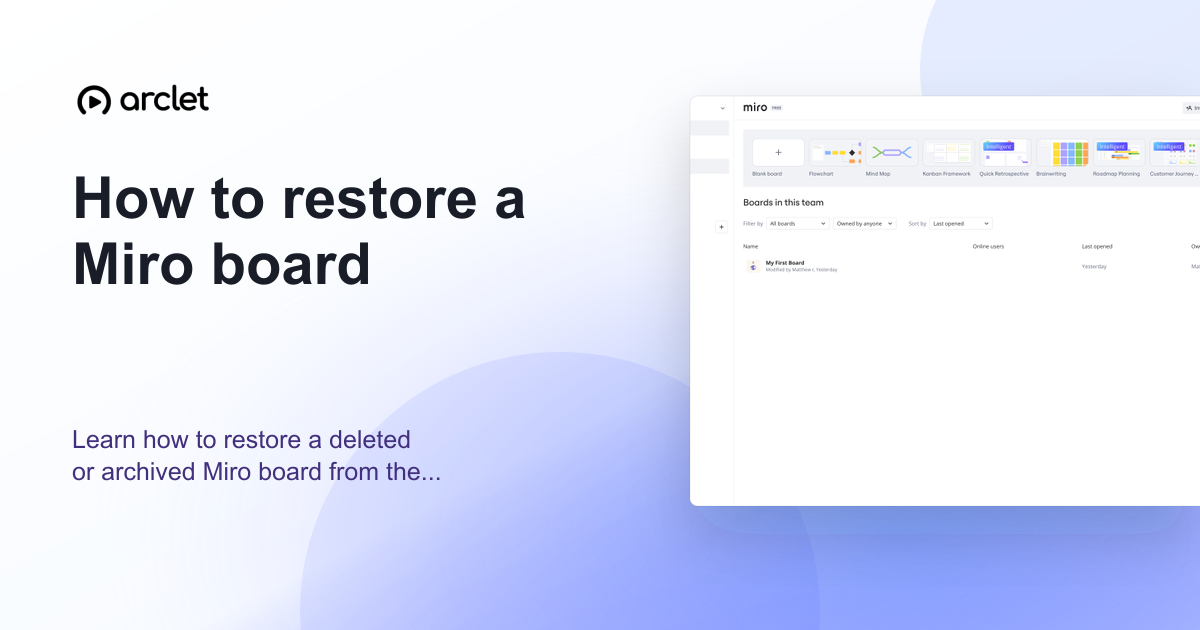
Quick answer
To restore a deleted Miro board, go to your dashboard, click the Trash icon in the left sidebar, find the board, and click Restore. For archived boards, go to the team settings, find the Archived boards section, and click Restore.
Steps at a glance
- Go to your Miro dashboard.
- Click Trash in the left sidebar.
- Find the board you want to restore.
- Click the three-dot menu on the board.
- Click Restore — the board moves back to your active boards.
Interactive demo
This interactive demo was created free with Arclet in 2 minutes.
Create your own demo →Summary
Miro keeps deleted boards in the Trash for 30 days before permanently deleting them. Archived boards are stored indefinitely in the team's archive. Both can be restored to an active state. Restoring a board brings back all content — frames, sticky notes, connectors, and images — exactly as they were.
Step-by-step guide
Step 1
Open the Trash
On the Miro dashboard, look for the Trash icon in the left sidebar panel. Click it to open the list of recently deleted boards.
Step 2
Find the board
Browse the Trash to find the board you want to restore. You can search by name using the search bar at the top.
Step 3
Restore the board
Click the three-dot menu on the board tile and choose Restore. The board moves out of Trash and back to your active boards.
Why this matters
You deleted or archived a Miro board and now you realize it had a diagram or a set of decisions that you need to reference. You're hoping it's not gone for good.
Troubleshooting
I cannot find the board in Trash
Boards are permanently deleted after 30 days in Trash. If the board is not visible, it may have been permanently deleted. Check with your team admin for recovery options.
The Restore option is not available
You may not have the permissions to restore boards in this team. Contact your Miro team admin to restore the board on your behalf.
Frequently asked questions
How long does Miro keep deleted boards?
Miro keeps deleted boards in the Trash for 30 days. After that, they are permanently deleted and cannot be recovered.
Can I restore a board that was archived instead of deleted?
Yes. Archived boards are in a separate section from the Trash. Go to the team page, find the archived boards section, and click Restore on the board you want.
Related guides
Continue with more step-by-step guides for getting work done.
 How to create a board in MiroLearn how to create a new Miro board from scratch or from a template — name it, choose a team, and start collaborating instantly.
 How to delete a board in MiroLearn how to delete a Miro board permanently or archive it to free up your board limit without permanently losing the content.
Create interactive demos like this one — free, no coding required.
Start for free →