Polish the story
Turn a first capture into a guided, click-through explanation.
You just tried an interactive demo
Install Arclet for Chrome, record a browser workflow, and share a first clickable demo in minutes.
Guest capture lets you judge the result on your own product first. The boundaries are clear: make a short, temporary public demo, then sign in only if you want to keep building.
How it works
Install the extension, record the moments people need to understand, then preview, share, or claim the result.
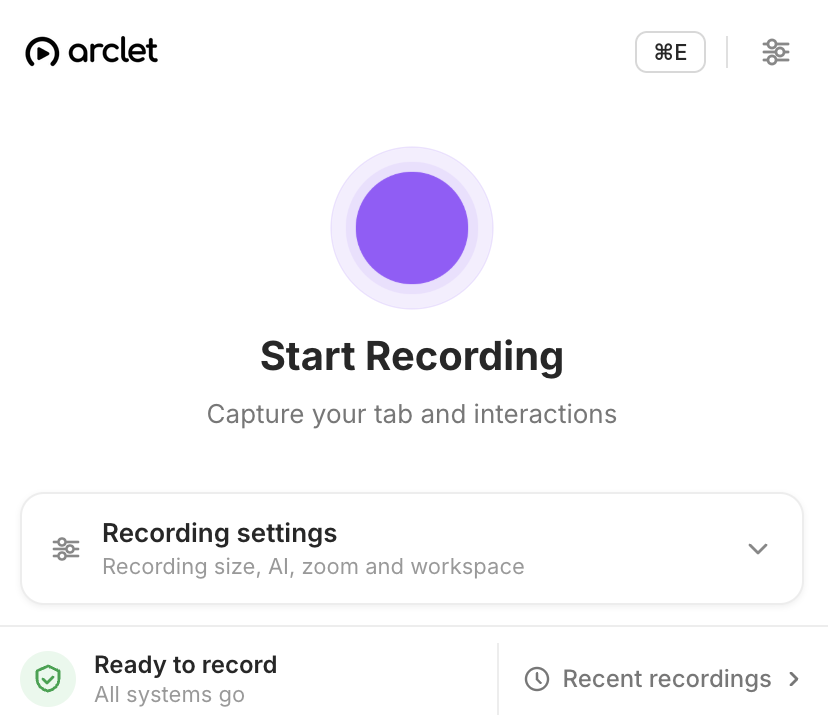
Step 1
Add the extension in one click. No account or card is required to start.
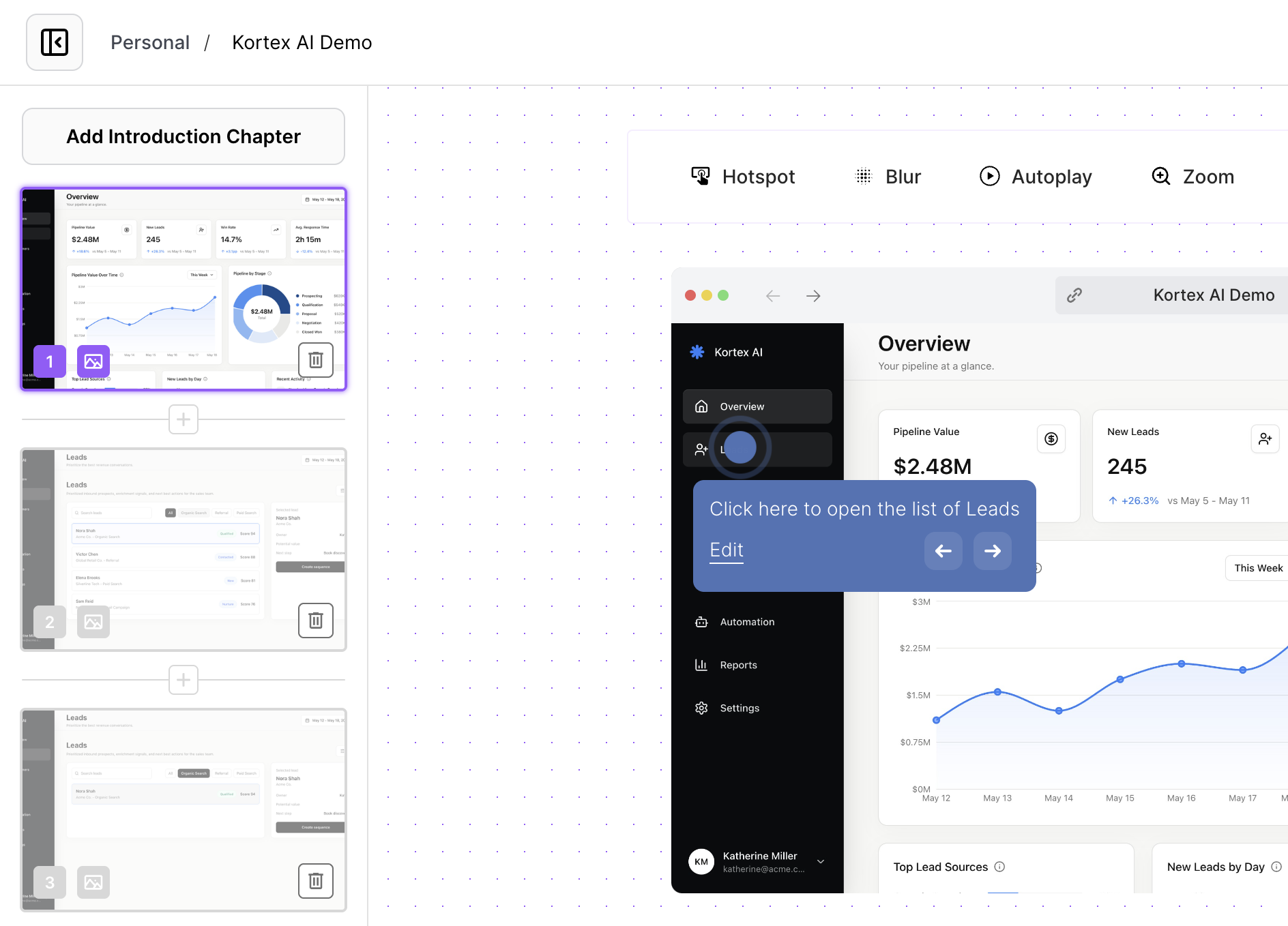
Step 2
Capture the steps people need to see, with the practical guest limits shown above.
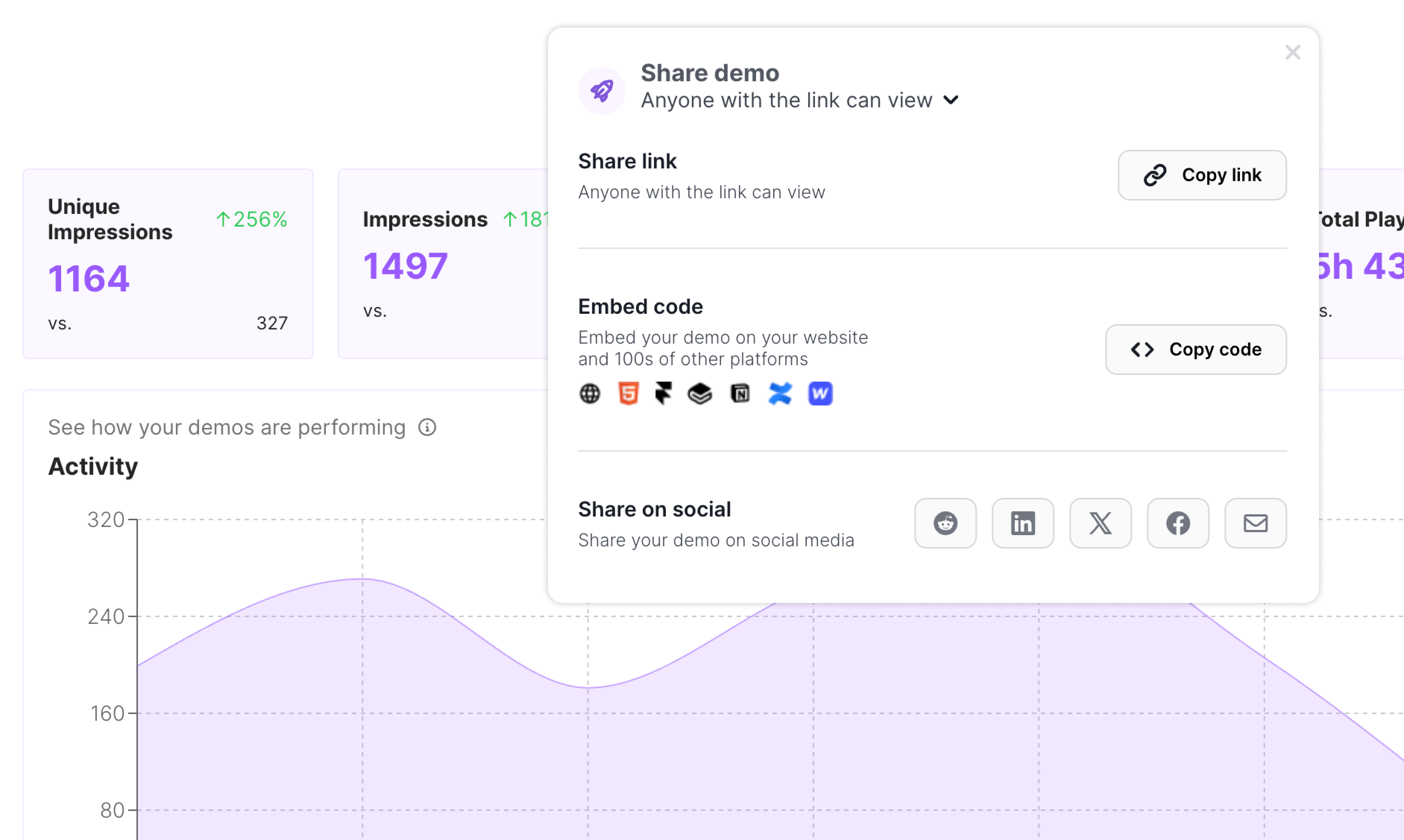
Step 3
Open your public demo right away, then sign in later to keep building on it.
This is the moment the page stops explaining and lets the product do the work.
A guest recording is a quick way to test the story. Once you claim it, that same product path can work wherever people need to understand what you do.
Turn a first capture into a guided, click-through explanation.
Share a link or embed the demo in the pages and docs your audience already uses.
See how people engage after you move beyond your first experiment.
Use the workflow you captured to help people understand before a meeting, after a handoff, or whenever static instructions leave too much unsaid.
Show a product moment before a meeting.
Give new teammates a workflow they can explore at their pace.
Answer repeat questions with an interactive walkthrough.
Make process handoffs clear without another live session.
Let customers experience a new flow as soon as it ships.
Everything you need to know to get started today.
Install Arclet, try a real browser flow, and decide what you want to build from there.
Install Arclet for Chrome