How to add a link in SurveyMonkey
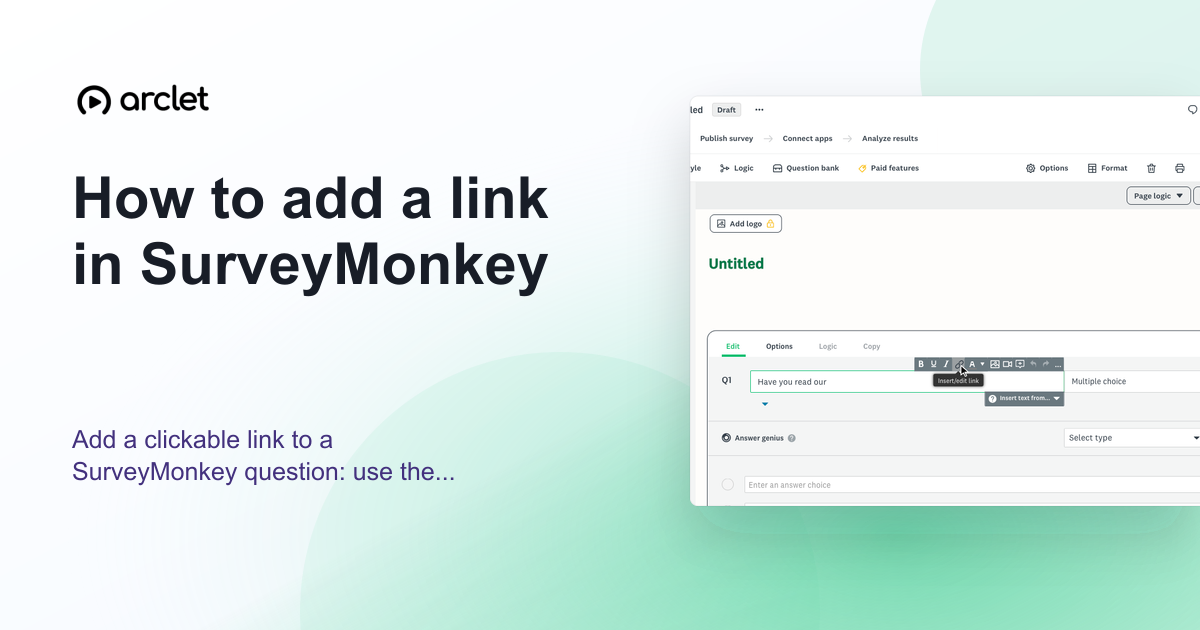
Add a clickable link to a SurveyMonkey question: use the text toolbar to insert a link, set the display text and address, then save the question.
Quick answer
Click into your question text in the survey editor, then click Insert/edit link in the text toolbar. In the Insert link dialog, enter the Url and the Text to display, click Ok to place the link in your question, and click Save so the question keeps the change.
Steps at a glance
- Open your question text in the survey editor
- Click Insert/edit link in the toolbar
- Enter the text to display
- Enter the link Url
- Click Ok to confirm
- Click Save to keep the question
Interactive demo
Summary
SurveyMonkey lets you turn part of a question into a clickable link, so respondents can open a policy, page or resource while they answer. You add it from the text toolbar that appears when you edit a question.
Step-by-step guide
Step 1
Click the Insert/edit link button
Click into the question text so the text toolbar appears above it. Click Insert/edit link in that toolbar. The Insert link dialog opens.
Step 2
Enter the text to display
In the Insert link dialog, click the Text to display field and type the words you want respondents to see as the link.
Step 3
Enter the link URL
Click the Url field and enter the full web address the link should open. The Target setting in the dialog controls where the link opens.
Step 4
Confirm the link
Click Ok. The dialog closes and the link text is added to the end of your question text.
Step 5
Save the question
Click Save below the question so SurveyMonkey keeps the question with its link.
Why this matters
You are asking respondents whether they have read a policy or document. Adding the link inside the question lets them open it without leaving to search for it, so their answers rest on the actual text.
Frequently asked questions
Do I need a paid plan to add a link to a question?
No. This capture was done on a free Basic account and the Insert/edit link button was available.
Can I choose what the link text says?
Yes. The Text to display field in the Insert link dialog sets the words shown in the question.
Related guides
Continue with more step-by-step guides for getting work done.
 How to create a survey in SurveyMonkeyCreate a survey in SurveyMonkey from scratch: name it, type your first question, and save it. A step-by-step guide for the free plan editor.
 How to add a text box in SurveyMonkeyAdd a text box question to a SurveyMonkey survey: open the Build menu, choose Single text box, type your question and save it in the editor.
 How to activate a survey in SurveyMonkeyLearn how to activate a SurveyMonkey survey by opening the Publish survey step, copying your survey link, and heading to Analyze results.
 How to add multiple choice in SurveyMonkeyAdd a multiple choice question to a new SurveyMonkey survey: confirm the question type, type the question and answers, and save it to the draft.
 How to add a new page in SurveyMonkeyAdd a new page to a draft survey in SurveyMonkey: open it in the Design survey tab, select New page, and start a question on the new page.
 How to add a page break in SurveyMonkeySplit a SurveyMonkey survey into separate pages with a page break. Add a new page after your questions, then build the next page's questions.
Create interactive demos like this one — free, no coding required.
Start for free →