How to add a rating scale in SurveyMonkey
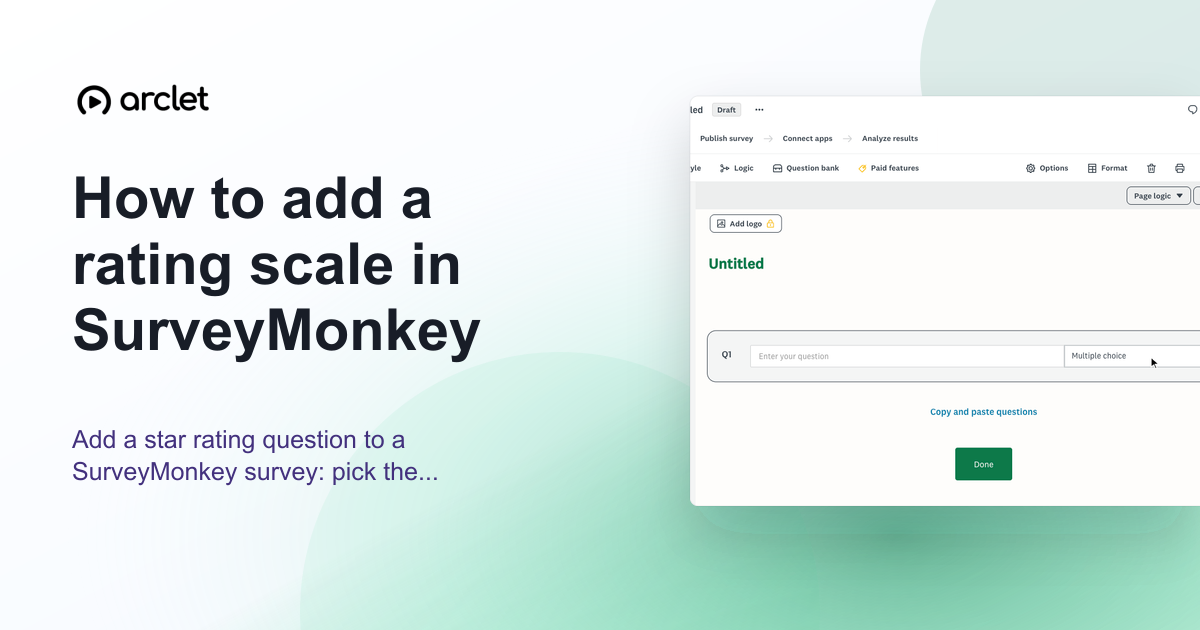
Add a star rating question to a SurveyMonkey survey: pick the Star rating type, write your question, review the scale and shape, then save it.
Quick answer
Open a new survey, click the Multiple choice question type menu on Q1, and choose Star rating. Type your question, check the Scale, Shape and Color options, then click Save. SurveyMonkey adds a five-star rating question that respondents can answer with one click, and it works on the free plan.
Steps at a glance
- Open the question type menu on Q1
- Choose Star rating
- Type your question
- Check the Scale setting
- Click Save
Interactive demo
Summary
A star rating question lets respondents score something with a row of stars instead of picking from a list. It gives you a quick, consistent score for service, content or products, and you set it up from the question type menu in the survey editor.
Step-by-step guide
Step 1
Open the question type menu
In the survey editor, find your question, Q1. Click the Multiple choice drop-down next to the question box to open the list of question types.
Step 2
Choose Star rating
In the list, click Star rating. Q1 switches to a star rating question and shows the rating settings below the question box.
Step 3
Type your question
Click the Enter your question box and write what you want respondents to rate, for example how they would rate your service.
Step 4
Check the number of stars
Look at the Scale setting, which shows 5 by default. The Shape and Color settings next to it change how the stars look.
Step 5
Save the question
Scroll down and click Save to keep the question. It stays in your survey as a star rating.
Why this matters
You want a fast satisfaction score from customers without asking them to read a list of answer choices. A star rating question gives respondents a one-click answer and gives you a number you can compare across responses.
Frequently asked questions
Does a star rating question need a paid plan?
No. In this capture the Star rating type was available in the editor on a free account.
How many stars does the rating start with?
The Scale setting shows 5 when you first choose Star rating.
Related guides
Continue with more step-by-step guides for getting work done.
 How to add a Likert scale in SurveyMonkeyAdd a Likert scale to a SurveyMonkey survey with the Matrix / Rating scale question type: enter a statement, add rows, label five columns, and save.
 How to add multiple choice in SurveyMonkeyAdd a multiple choice question to a new SurveyMonkey survey: confirm the question type, type the question and answers, and save it to the draft.
 How to create a survey in SurveyMonkeyCreate a survey in SurveyMonkey from scratch: name it, type your first question, and save it. A step-by-step guide for the free plan editor.
 How to add a text box in SurveyMonkeyAdd a text box question to a SurveyMonkey survey: open the Build menu, choose Single text box, type your question and save it in the editor.
 How to add section titles in SurveyMonkeyAdd a section title to a SurveyMonkey survey with the Text block. Open Build, choose Text, type your heading and save it to group your questions.
 How to allow multiple responses in SurveyMonkeyLearn how to let people take your SurveyMonkey survey more than once from one device by changing the Multiple responses setting on a Web Link collector.
Create interactive demos like this one — free, no coding required.
Start for free →