Free toolNo signup · Checks any public page
Open Graph preview: see your link card before you share
Enter a page address, paste its HTML or type the tags, and see a link card for LinkedIn, X, Facebook and Slack, plus every tag that is missing or the wrong size.
- 4 platforms at once
- Image size check
- Copy-ready tags
Try it now
Check a page. Fix the tags. Share it.
Show your product as an interactive demo people can click through, free to get started.
Start for freeHow it works
Preview your Open Graph tags
Enter a page address, paste its HTML or type the tags, and see a link card for LinkedIn, X, Facebook and Slack, plus every tag that is missing or the wrong size.
Step 1
Add your tags
On Check a URL, enter the page address and select Check page. Or paste the head of your page on the Paste HTML tab, or choose Enter fields and type the title, description, image URL, page URL and site name.
Step 2
Read the cards and the list
Each card updates as you type. Check these tags lists what is missing, and an image that is not an https: address is not loaded. You can also try an image from your computer to see how it sits in the cards.
Step 3
Copy the tags
Select Copy tags and paste the block into the head of your page. Then run the live URL through each platform's own preview tool.
The example the tool opens with
The tool opens with an example, so the cards show at once. Check your own page, or paste its HTML over the sample.
- og:title
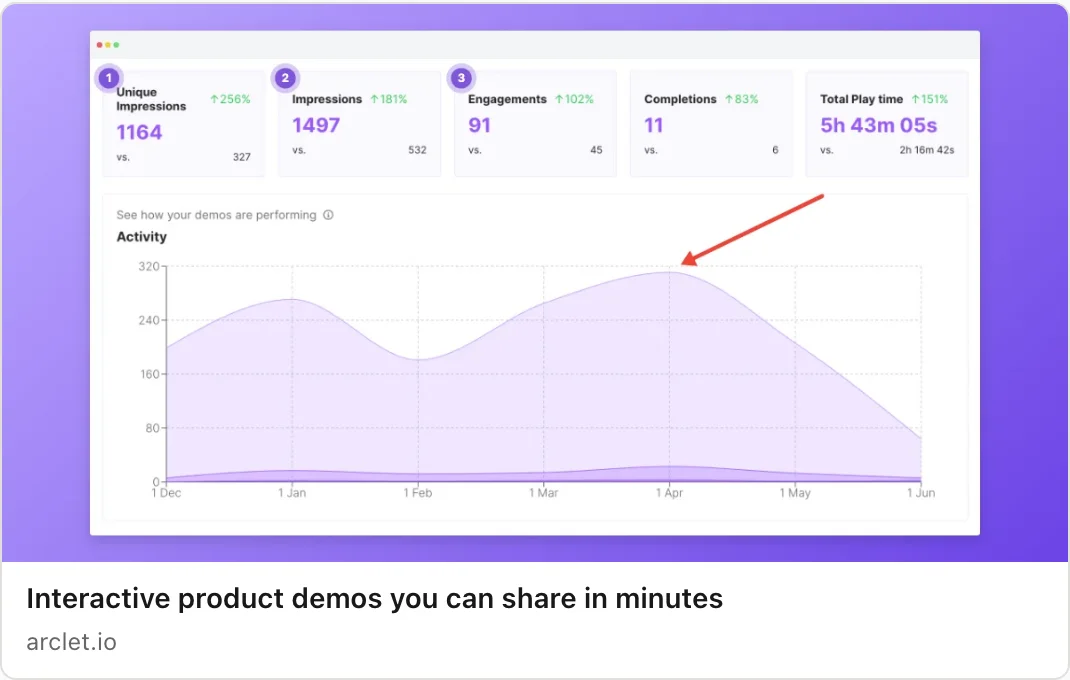
- Interactive product demos you can share in minutes
- og:description
- Record a workflow in your browser and send a demo people can click through.
- og:image
- An https: address to a 1200 × 630 image
- og:url
- https://arclet.io/
Open Graph tags: what each platform reads
What Open Graph tags do
Open Graph tags are meta tags in the head of a page. They tell a site that receives your link what to show for it: a title, a description, an image and an address. The protocol's own page lists four required properties, og:title, og:type, og:image and og:url (ogp.me, checked 2026-11-16).
It also lists optional properties that are generally recommended, including og:description and og:site_name, and image properties such as og:image:width, og:image:height and og:image:alt. The protocol sets no size, ratio or file limit for the image. Those come from each platform.
What each platform says it reads
The table shows what each publisher states on its own pages.
| Platform | Tags it names | Image guidance | Source and check date |
|---|---|---|---|
| og:url, og:title, og:description, og:image and fb:app_id as the basic set | At least 1200 × 630 pixels, close to 1.91:1, up to 8 MB | Facebook Sharing docs (developers.facebook.com), checked 2026-11-16 | |
| og:title, og:image, og:description and og:url | At least 1200 × 627 pixels, 1.91:1, up to 5 MB. Under 401 pixels wide shows as a thumbnail | LinkedIn Help (answer a521928), checked 2026-11-16 | |
| Slack | Open Graph and X Card metadata | No size given | Slack developer docs (docs.slack.dev), checked 2026-11-16 |
When a tag is missing
Facebook says that without Open Graph tags its crawler "uses internal heuristics to make a best guess about the title, description, and preview image" (developers.facebook.com/docs/sharing/webmasters, checked 2026-11-16). A guess is not a preview you chose.
The other sources describe no fallback order. This tool fills a missing og:title from the title tag and a missing og:description from the meta description, and says so in the Check these tags list, so you can see the effect. A platform may choose differently. The safe move is to set every tag the platforms name.
Reading the four cards
Each card is a simplified mock-up built from your tags: an image area, a title and, where the layout calls for it, a description and a site name. Their layout and colours approximate each platform's card so you can judge yours, simplified and with no logos. Real cards crop images, shorten text and change over time, so use these to catch missing or wrong tags, not to judge exact wrapping.
X appears as a label on one card. This page gives no X size or length figure, so check X's own documentation for its card types. If your pasted HTML has a twitter:card tag, the copied block keeps it.
Images
Use an https: address for og:image. The cards load an image only from an https: URL, and your browser fetches it from your own host, not from Arclet. A relative path, an http: address or a data: URL is not loaded, and the list says so. If the address is right but the image does not appear, the host may be blocking the request.
Size the file for the strictest source above. A 1200 × 630 image matches Facebook's stated figure and clears LinkedIn's stated minimum width of 1200 pixels. The OG image size tool on this site makes that file from a screenshot.
Check the live link
A preview here confirms your tags. It cannot show how a platform's crawler reaches your server. After you publish, run the page through the platform's own tool. Facebook's Sharing Debugger shows which meta tags its crawler scrapes, lists errors and warnings, and triggers a new scrape (developers.facebook.com/docs/sharing/webmasters, checked 2026-11-16).
If a preview still shows old content, confirm the tags are in the HTML your server returns, not only added by a script after the page loads. A crawler may not run your scripts.
Frequently asked questions
Everything you need to know to get started today.
Screenshots show a moment. Demos show the whole flow.
Record a workflow once in your browser and share a demo people can click through.