Before signup, or after sign-in
These two get used interchangeably, and the confusion is expensive because it leads to buying for
the wrong moment.
An interactive product demo runs before signup. The viewer has no account, no data, and no
obligation. Everything they see is a replica.
An in-product tour runs after sign-in. The viewer is inside the real software, looking at their
own empty workspace, and every click has consequences.
The overlay technology is similar enough that vendors sell both, which is where the terminology
blurs. The audiences are not similar at all.
If the word "demo" itself is still doing too much work, the
category definition draws the wider boundary first.
The same task, twice
Take annotating a metric after a release: someone spots a jump in a chart and leaves a note
explaining that a deploy caused it.
As a pre-signup demo, that task is an argument. The viewer does not have metrics or releases in
your product yet. What they are evaluating is whether the annotation flow is quick and whether the
note ends up somewhere their team would find it. The fictional data is fine, because nobody believes
it is theirs. The demo has about ninety seconds and one job: make the workflow legible.
As an in-product tour, the same task is instruction. The user has signed up, has connected
something, and is looking at a chart that is genuinely theirs. They do not need convincing that
annotation is useful; they need to find the button. Fictional data would now be a problem, because
it would sit next to real data and confuse the two.
Same five steps. Completely different job.
A pre-signup demo may assume the viewer is sceptical, in a hurry, comparing you against two other
tabs, and entirely willing to leave. It may not assume they know your vocabulary, care about edge
cases, or will come back.
A tour may assume the viewer has already decided to try, will tolerate more steps, and has real
context on screen. It may not assume they remember anything from the marketing site, and it must
cope with an empty workspace, which is the state tours are least often designed for.
Side by side
Scroll to see every column.
Side by side comparison
|
Interactive product demo |
In-product tour |
| When it runs |
Before signup |
After sign-in |
| Viewer commitment |
None |
Has an account, often has data |
| What they see |
A replica, fictional data |
Real software, their own data |
| Primary job |
Show that the workflow works |
Show where the control is |
| Consequence of a click |
None |
Real, sometimes irreversible |
| Failure mode |
Viewer leaves without understanding |
User dismisses it and stays stuck |
| Maintenance trigger |
Any UI change to recorded screens |
Any UI change, plus new empty states |
| Measured by |
Completion, and what happens next |
Activation, and whether the step gets done |
The row that decides most arguments is the last one. If success is someone signing up, you want a
demo. If success is someone who already signed up doing something, you want a tour. Instrumenting
against the wrong one produces numbers that look fine and mean nothing.
When a tour is right and a demo is not
Onboarding a new user through their first real configuration. The value is in their own workspace,
with their own data, and a replica cannot show it.
Introducing a feature to existing customers. They do not need persuading that your product exists;
they need to find one new control.
Anything where the user must actually complete the action. A demo can only show completion. A tour
can accompany it.
Anything gated behind permissions or setup. A replica that skips the setup is misleading about what
the user is about to face. If this is the moment you are solving for,
customer success use cases is the more directly relevant page.
When a demo is right and a tour is not
Anyone who has not signed up. A tour cannot reach them. This is the whole category and it is easy
to lose sight of.
Anything on a marketing page, in an email, or in a sales follow-up. Those readers have no account
and will not create one to see what you meant.
Anything where signup is the friction you are trying to remove. Requiring an account to see whether
the product is worth an account is the loop worth breaking, and it is close to the reason I started
building Arclet.
When both are correct
Often, and this is the unglamorous conclusion.
A demo answers "does this do the thing" for a stranger. A tour answers "where is the thing" for a
new user. They serve consecutive moments, and a team that has one usually discovers the gap where
the other should be.
The mistake worth avoiding is reusing one as the other. A pre-signup demo dropped into onboarding
patronises someone who already bought. A tour exported as a marketing demo shows an empty workspace
to a stranger, which is the least persuasive screen you own.
Whether a demo is worth building at all is a separate question, with its own conditions and its own
reasons to say no:
benefits and limitations. And if
your real choice is between letting someone explore and narrating for them, that is
interactive demos versus video demos.
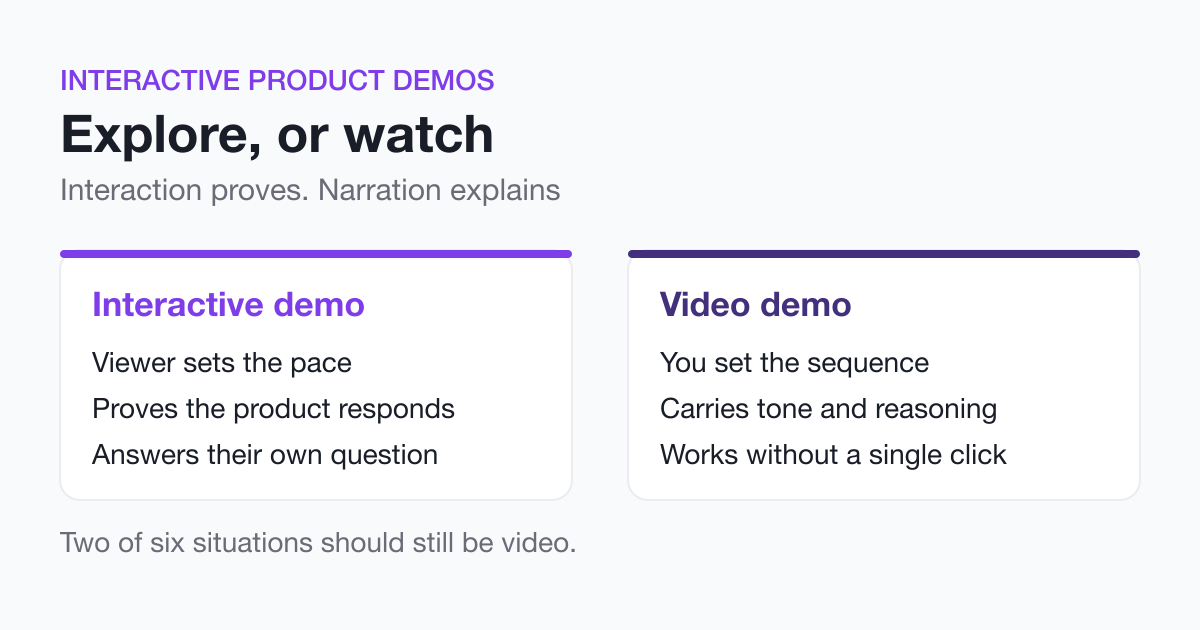 Interactive Demos vs Video DemosLearn when to choose interaction over narration. Interaction proves the product responds, video controls the story. Includes when video still wins.
 Interactive Product Demo Examples: What 600 Demos RevealArclet analyzed 600 public interactive product demos for length, guidance, interaction and format. See what the first-party data shows.
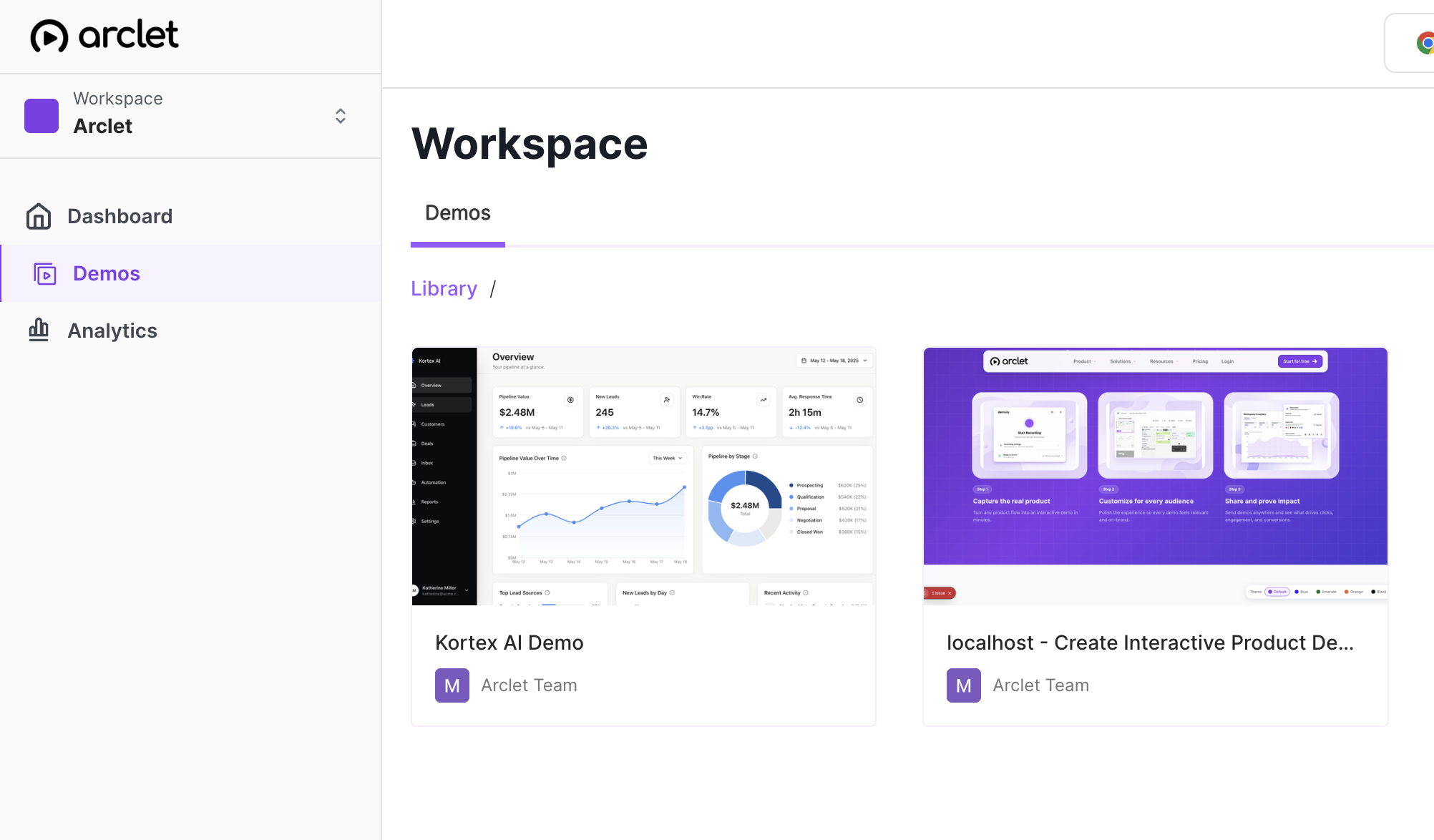 Interactive Demos for Customer Success AdoptionHelp customer success teams guide onboarding, adoption, and expansion with interactive demos customers can revisit between conversations.