A release doesn't break your demos evenly. It breaks the ones that depended on the thing you changed — and the repair cost depends on which format you built them in.
The format decision gets made once, at build time, usually on fidelity and effort. This is the bill that arrives afterward, every time the product ships.
Here's how to sort it quickly.
Sort the damage by change type, not by demo
Don't open every demo. Start from what you actually changed, because change types have very different blast radii.
Cosmetic changes — color, spacing, an icon. Nothing functional breaks. Your demo is now slightly dated, and a stranger won't notice. Repair when you're next in there anyway.
Copy changes — a renamed button or menu item. Your step instructions now say "click Publish" over a button that says "Share." This is the most common break and the cheapest to fix: it's a text edit, not a re-record.
Layout changes — an element moved, a panel collapsed. Now it matters. A guided demo points at coordinates on a captured screen. Move the element and the pointer sits on empty space. You need the affected screens again.
Flow changes — a step added, removed, or reordered. This is the expensive one. The demo now teaches a sequence that no longer exists, which is worse than being out of date. It's actively wrong, and a viewer who follows it will fail in the real product.
Permission or plan changes — the feature moved behind a different tier. The demo still works and now shows something the viewer can't do. Nothing is technically broken. The demo is misleading anyway.
Only the last three need urgent attention. Two of them need someone to look at the product, not just the demo.
Then sort by format
Same release, same change, three different repair bills.
| Change | Guided screenshot walkthrough | DOM replica | Sandbox |
|---|---|---|---|
| Renamed button | Edit the step text | Edit the text in the copy | Follows the product automatically |
| Element moved | Re-capture that screen | Re-capture, re-check the interaction | Follows automatically |
| Step added or removed | Re-record the affected sequence | Re-record, re-wire the path | Usually follows; the script may not |
| Feature moved behind a tier | Manual review — nothing looks broken | Manual review | Manual review |
The pattern: the closer a format sits to your live product, the less it costs to repair and the more it costs to build and run. Sandboxes largely maintain themselves and are the heaviest thing on this list to stand up. Screenshot walkthroughs are the fastest to publish and the ones that quietly drift.
There's no free option in that table. There's a choice about when you pay.
The failure mode is silence
Broken demos don't page anyone. There's no error, no alert, no failing test. A demo can be wrong for two quarters while continuing to serve traffic, and the only signal is a support ticket from someone who followed it and got stuck.
Two cheap habits close most of that gap:
Keep a list of what each demo depends on. Not a document — a line per demo, naming the screens and the flow it covers. When you change one of those screens, you already know which demos to open. Five minutes when you publish, and it turns a search into a lookup.
Put a review date on the demo, not on a calendar. The trigger that matters is "we shipped something in that area," not "it's been 90 days." Tie the check to the release, and hook it into whatever you already do at release time.
If you only do one, do the first. Most stale demos are stale because nobody knew they were affected.
What to actually do after a release
- Take the release notes and mark which product areas moved. Areas, not tickets.
- Look up which demos touch those areas. From the dependency list above.
- Sort those by change type. Flow and permission changes first — they mislead. Copy changes next. Cosmetic last, or never.
- Repair, then check the whole demo once. A demo you edited in the middle can end up with two steps that no longer read as a sequence. Click it through from the start.
- Check the highest-traffic demo first if you're short on time. A wrong demo on your pricing page costs more than a wrong demo in an old blog post.
Steps 1 and 2 take minutes if you kept the list. They take an afternoon if you didn't.
When to retire instead of repair
Not every broken demo deserves fixing. Retire it when:
- It covers a workflow the product no longer leads with.
- It's a duplicate — you have three demos of the same flow because three teams built one.
- Nobody's opened it this quarter and you can't name the page it belongs on.
- The flow change is large enough that repairing it is re-recording it, and no one has asked for it.
Deleting a demo is a legitimate outcome of a release review. A smaller library that's accurate beats a large one you can't vouch for.
How Arclet fits
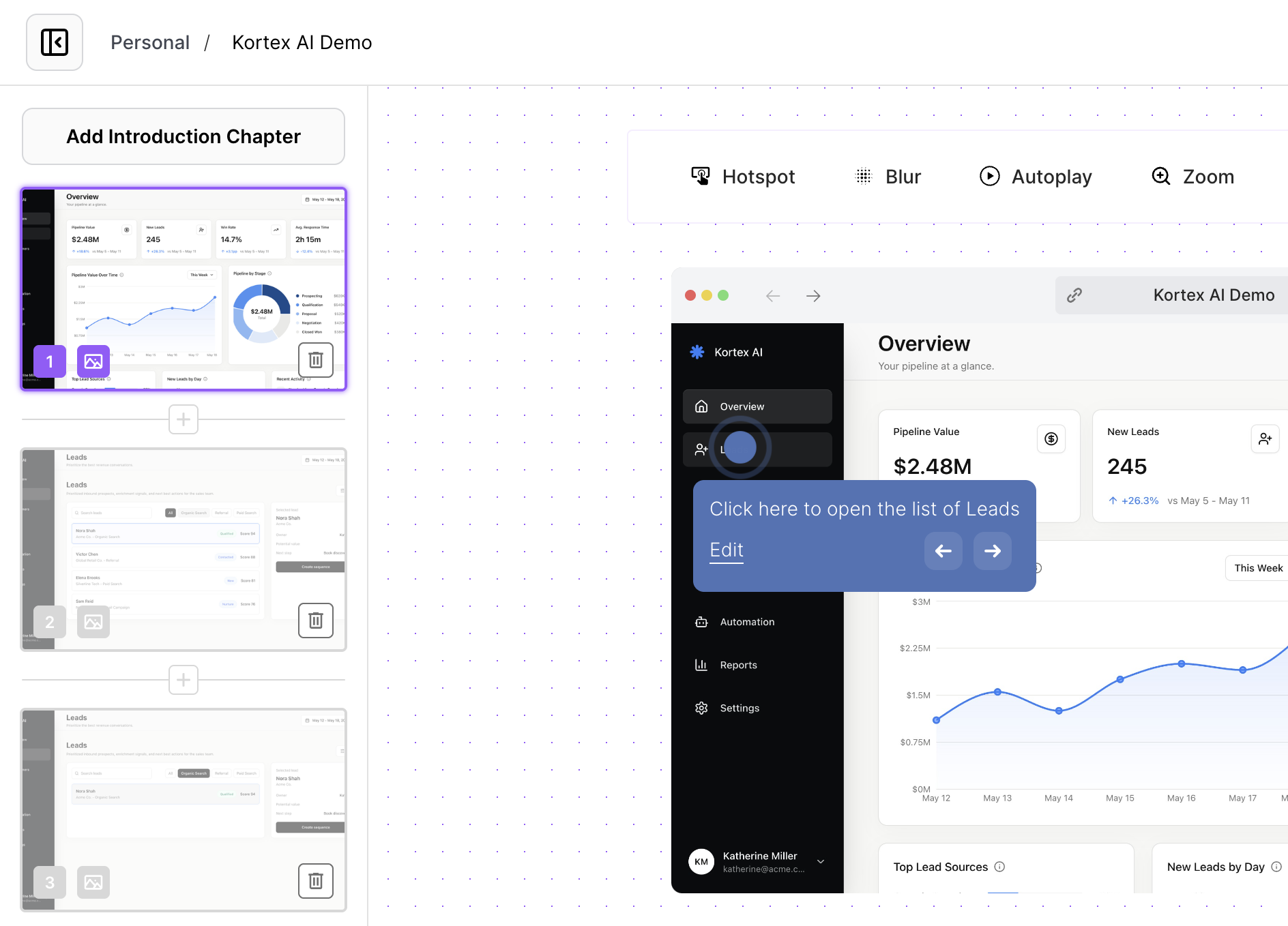
Arclet demos are captured from your real product with the browser extension, then edited as steps. That shapes the repair path: text changes are edits in the editor, and a moved element means re-capturing the screens that changed rather than rebuilding the demo.
The demo library shows what you've published, so the "which demos touch this area" lookup starts from one place rather than a shared drive.
What Arclet doesn't do is notice for you. Nothing tells you your product changed — that trigger comes from your release process, which is why the dependency list is worth the five minutes.
If you're still choosing a format, the types breakdown compares them at build time. This page is the other half of that decision.