How to add music to a Canva Instagram post
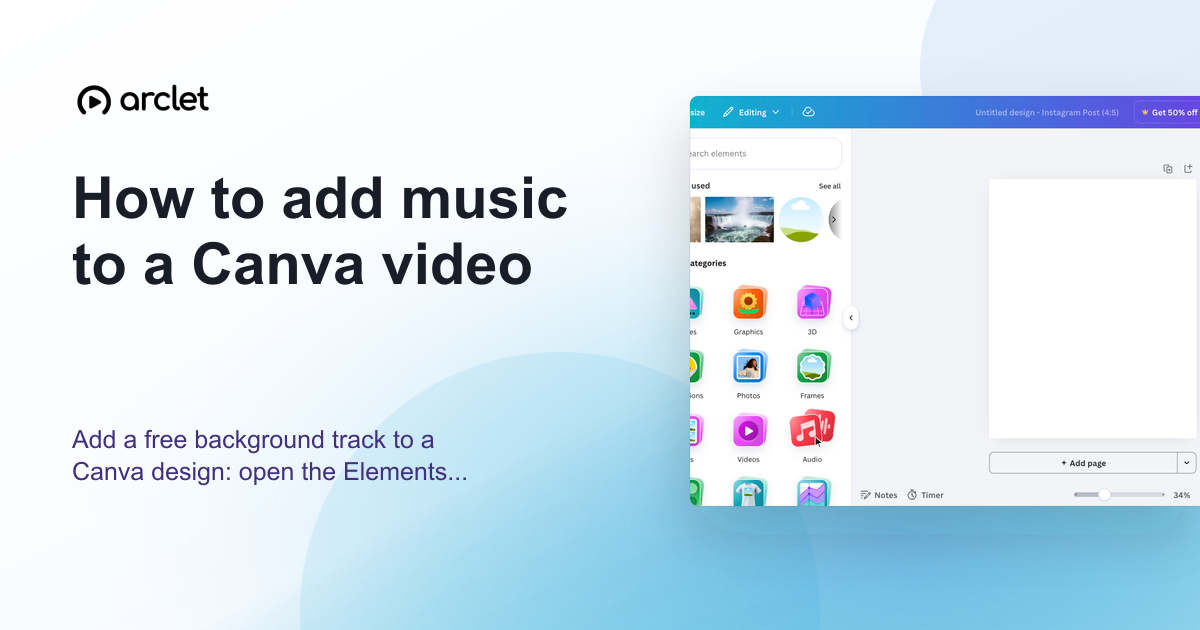
Add a free music track to a Canva Instagram post: open the Elements tab, choose Audio, click a track without a crown, and find it on the timeline.
Quick answer
To add music to a Canva Instagram post, open the Elements tab, click Audio, and click a track to add it to your page. Choose one without a crown badge, because the crown marks Pro tracks. The track then appears as a purple audio bar under the page, which you can select to adjust.
Steps at a glance
- Open the Elements tab in the left sidebar
- Click Audio to open the music library
- Click a free track without a crown badge
- Find the audio bar under the page
- Click the audio bar to select it
Interactive demo
Summary
Canva's Audio library lets you add background music to a social post, such as an Instagram post, in one click. The track shows up on the timeline beneath the page, where you can select it and adjust it.
Step-by-step guide
Step 1
Open the Audio category
Click the Elements tab in the left sidebar, then click Audio. The panel lists tracks under Recently used, Recommended for you, and Trending.
Step 2
Add a free track to the design
Click a track name, such as Background Music. Tracks with a crown badge are Pro, so choose one without it. The track is added, and a purple audio bar appears under the page.
Step 3
Select the track on the timeline
Click the audio bar under the page. It is labelled Background Music, audio track. The track is selected and the editor shows trimming handles at its start and end.
Why this matters
Your Instagram post feels flat without sound, and you do not have a music file to upload. Picking a track from Canva's own library adds background audio in seconds and keeps everything inside the editor.
Frequently asked questions
Can I add music to a Canva Instagram post on the free plan?
Yes. Tracks without a crown badge could be added from the Audio panel without a paid plan.
Where does the music appear after I add it?
It appears as an audio bar on the timeline under the page, labelled with the track name.
Related guides
Continue with more step-by-step guides for getting work done.
 How to add audio to a Canva presentationAdd a free audio track to a Canva design: open the Elements tab, choose Audio, pick a track and select it on the timeline to adjust it.
 How to add a video to a Canva designAdd a free stock video to your Canva design from the Elements tab, then trim the clip with the toolbar so only the part you want plays in your page.
 How to add animations in CanvaAnimate elements or whole pages in Canva: select, click Animate, pick an entrance, exit or continuous effect, then set speed. Includes an interactive demo.
 How to add shapes in CanvaAdd a free shape to your Canva design from the Elements tab, then change its colour from the toolbar and resize it with the corner handles on the canvas.
 How to add a table in CanvaAdd a table to a Canva design from the Elements tab, type text into a cell, then use the cell menu to add a row. Free, step-by-step guide.
 How to add text to a design in CanvaAdd text to a Canva design: open a blank design, use the Text panel to insert a heading, type your own words, and style them with the toolbar.
Create interactive demos like this one — free, no coding required.
Start for free →