How to add a Likert scale in SurveyMonkey
Add a Likert scale to a SurveyMonkey survey with the Matrix / Rating scale question type, from strongly disagree to strongly agree, step by step.
Quick answer
Open a new survey, click the question type menu and choose Matrix / Rating scale, which is free on the Basic plan. Type your statement, fill in the column labels from Strongly disagree to Strongly agree, add a row label, and click Save. Respondents then rate each row on a five-point agreement scale.
Steps at a glance
- Open the question type menu on Q1
- Choose Matrix / Rating scale
- Type the statement people will rate
- Fill in the column labels
- Click Save
Interactive demo
Summary
A Likert scale asks people how much they agree with a statement. SurveyMonkey builds one with the Matrix / Rating scale question type, where rows hold the statements and columns hold the agreement choices. It gives you answers you can compare across respondents.
Step-by-step guide
Step 1
Open the question type menu
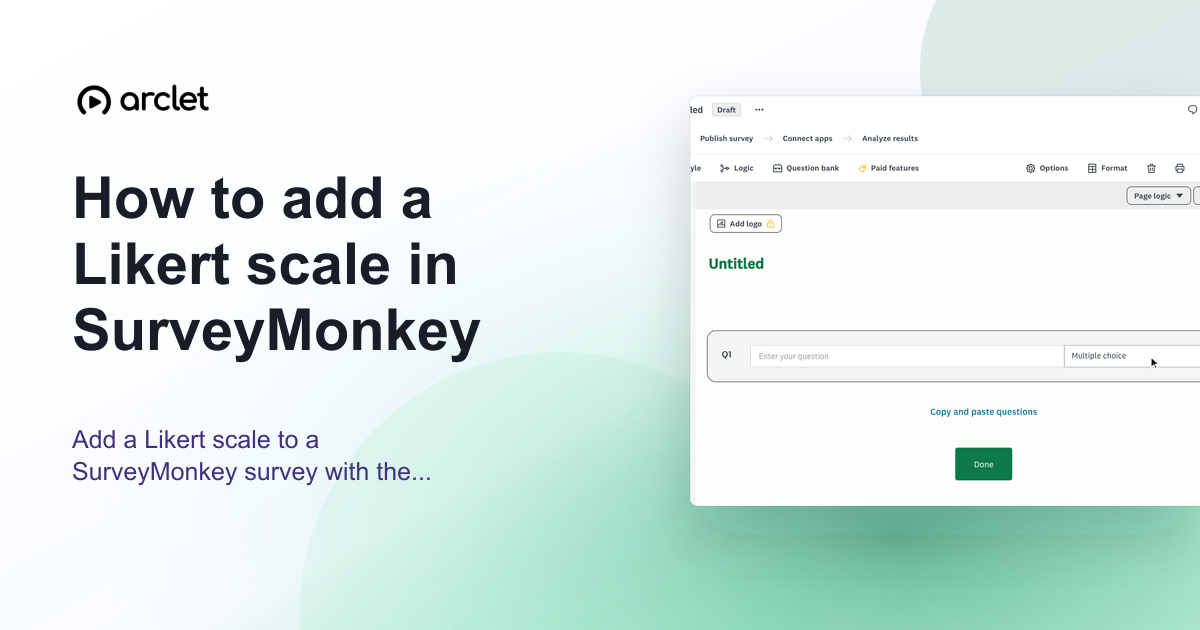
In your survey, find Q1 and click the question type dropdown, which shows Multiple choice by default. The list of question types opens below it.
Step 2
Choose Matrix / Rating scale
Click Matrix / Rating scale in the list. Q1 switches to a grid layout with row labels and a Columns section, which is the structure a Likert scale needs.
Step 3
Type your statement
Click the Enter your question field and type the statement you want people to rate, for example "The support team resolved my issue quickly." Then add a row label under it, such as Response time.
Step 4
Label the scale columns
Scroll to Columns and type one label in each Enter a column label field: Strongly disagree, Disagree, Neutral, Agree, and Strongly agree. The Weight boxes number them 1 to 5.
Step 5
Save the question
Click Save at the bottom of the question. The question closes and shows your row label with the five agreement columns, ready for respondents.
Why this matters
You want to know how customers feel about your support, onboarding, or product, and a yes or no answer is too blunt. A Likert scale gives you graded answers you can compare across questions and over time.
Frequently asked questions
Which question type makes a Likert scale?
Matrix / Rating scale. Rows hold your statements and columns hold the agreement choices.
How many columns does the scale start with?
It starts with five column label fields, weighted 1 to 5, which fits a five-point agreement scale.
Related guides
Continue with more step-by-step guides for getting work done.
 How to add a rating scale in SurveyMonkeyAdd a star rating question to a SurveyMonkey survey: pick the Star rating type, write your question, review the scale and shape, then save it.
 How to add multiple choice in SurveyMonkeyAdd a multiple choice question to a new SurveyMonkey survey: confirm the question type, type the question and answers, and save it to the draft.
 How to activate a survey in SurveyMonkeyLearn how to activate a SurveyMonkey survey by opening the Publish survey step, copying your survey link, and heading to Analyze results.
 How to add a link in SurveyMonkeyAdd a clickable link to a SurveyMonkey question: use the text toolbar to insert a link, set the display text and address, then save the question.
 How to add a new page in SurveyMonkeyAdd a new page to a draft survey in SurveyMonkey: open it in the Design survey tab, select New page, and start a question on the new page.
 How to add a page break in SurveyMonkeySplit a SurveyMonkey survey into separate pages with a page break. Add a new page after your questions, then build the next page's questions.
Create interactive demos like this one — free, no coding required.
Start for free →