How to align objects in Figma
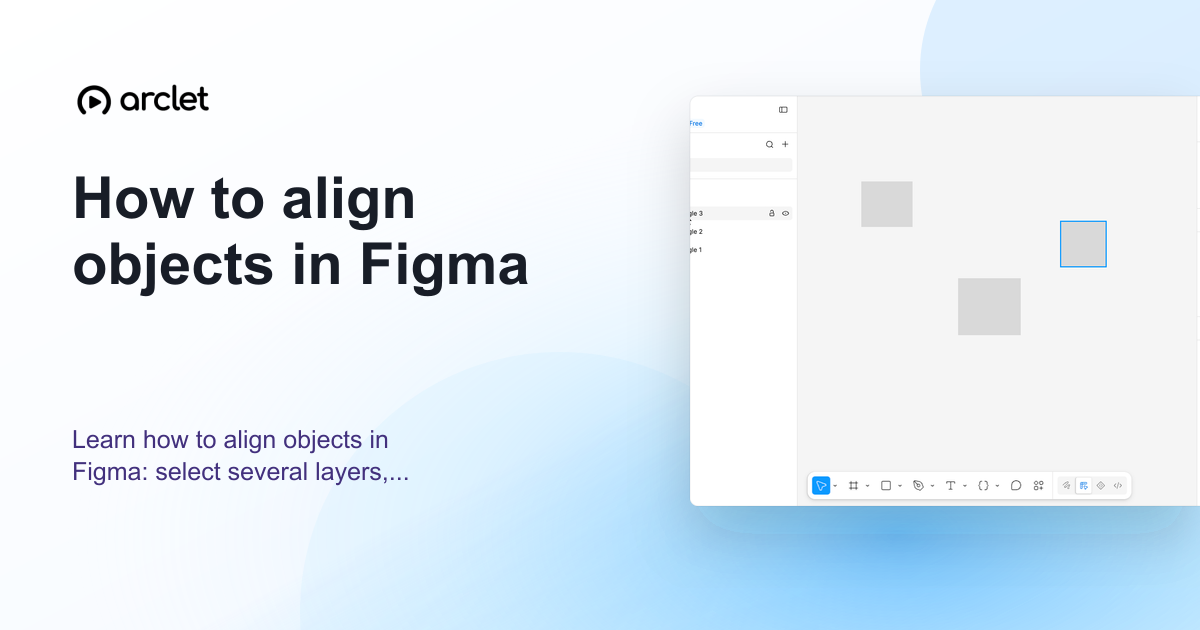
Learn how to align objects in Figma: select several layers, then use the Alignment controls in the Design panel to line up tops and centers.
Quick answer
To align objects in Figma, select two or more layers on the canvas, then open the Alignment row at the top of the Design panel. Click Align top to line up the tops, or Align horizontal centers to center the objects on one vertical axis. Figma moves every selected object to match.
Steps at a glance
- Open your design file and find the objects in Layers.
- Select all the objects you want to line up.
- Find the Alignment row in the Design panel.
- Click Align top to line up the tops.
- Click Align horizontal centers to center the objects.
- Check that the objects sit in a neat line.
Interactive demo
Summary
Figma's Alignment controls snap several selected objects to a shared edge or center in one click. They replace nudging shapes by eye, so layouts stay tidy.
Step-by-step guide
Step 1
Select all the objects
Open your design file and find the shapes in Layers, for example Rectangle 1, Rectangle 2 and Rectangle 3. Click a layer, then select all the objects so every shape is highlighted. The Design panel then shows 3 selected.
Step 2
Align the tops
In the Design panel, find the Alignment row under Position. Click Align top. Every selected object moves up to the same top edge as the highest one.
Step 3
Center the objects horizontally
With the objects still selected, click Align horizontal centers in the same Alignment row. The objects now share one vertical center line. Use Align left, Align right, Align vertical centers or Align bottom in the same row for other layouts.
Why this matters
You have three shapes scattered across the canvas and need them to read as one tidy row before you share the design. Aligning them in two clicks beats nudging each one by eye and keeps the layout consistent.
Frequently asked questions
Which Alignment options does Figma offer?
The Alignment row has Align left, Align horizontal centers, Align right, Align top, Align vertical centers and Align bottom.
Do I need a paid plan to align objects?
No. The Alignment controls were available in the Design panel on a free account.
Related guides
Continue with more step-by-step guides for getting work done.
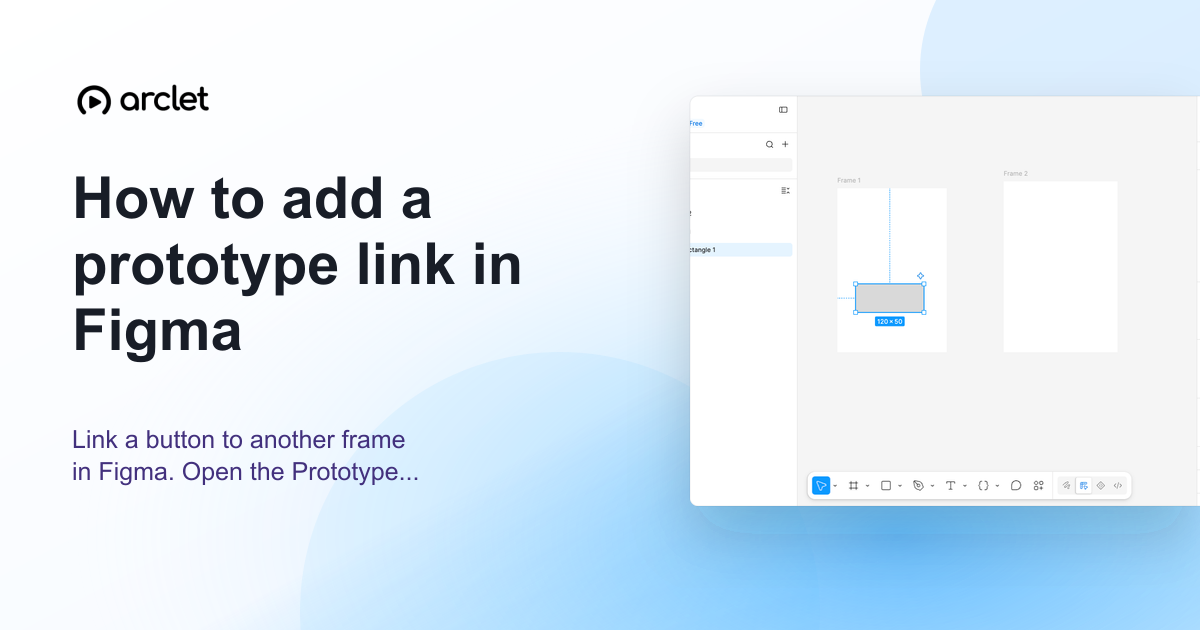 How to add a prototype link in FigmaLink a button to another frame in Figma. Open the Prototype tab, drag a connection to your destination frame, and set up a click interaction.
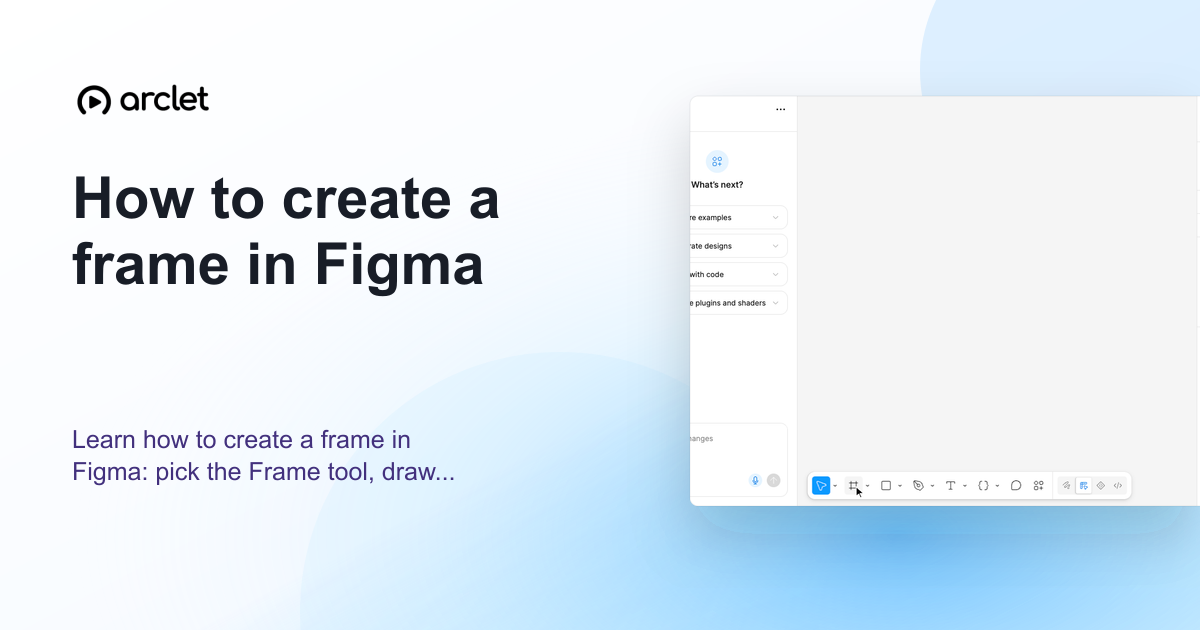 How to create a frame in FigmaLearn how to create a frame in Figma: pick the Frame tool, draw it on the canvas, and set its width in the Design panel on a free account.
 How to duplicate objects in FigmaLearn how to duplicate objects in Figma from the Edit menu, then drag the copy aside, using a simple rectangle you can follow on the free plan.
 How to create a component in FigmaTurn any shape into a reusable component in a Figma design file: select the layer, click Create component, then find it listed under Assets.
 How to create a local variable in FigmaLearn how to create a local variable in Figma: open the Variables panel, pick a type like Color, name it, set a value, and see it in the table.
 How to create a section in FigmaCreate a section in Figma to group frames on the canvas: pick the Section tool, drag around your frames, rename it, and confirm it in Layers.
Create interactive demos like this one — free, no coding required.
Start for free →