Figma How-to Guides
Figma how-tos for laying out frames and sections, editing and organising layers, building reusable components and styles, and prototyping, presenting and exporting designs.
These guides are for designers, product managers and founders who build screens in a Figma design file. They cover laying out a canvas, keeping layers tidy, turning repeated pieces into components, styles and variables, and getting the result in front of people as a clickable prototype or exported files.
Common Figma workflows
Build a button you can reuse
Draw the button, let auto layout size it to its label, then turn it into a component so every copy updates together.
Set up styles before a project grows
Define colours, type and variables once so every new screen pulls from the same values.
Turn screens into a clickable demo
Lay the screens out as frames in a section, link them with prototype connections, then present the flow.
Hand a design off
Name the layers so they make sense to someone else, then export the assets and a PDF of the file.
Figma guides
Lay out the canvas
You are starting a screen or a set of screens and need containers to design inside.
How to create a frame in Figma
Learn how to create a frame in Figma: pick the Frame tool, draw it on the canvas, and set its width in the Design panel on a free account.
How to create a section in Figma
Create a section in Figma to group frames on the canvas: pick the Section tool, drag around your frames, rename it, and confirm it in Layers.
How to use auto layout in Figma
Learn how to turn several layers into one auto layout frame in Figma, then change the gap and direction so the layers stay evenly spaced as they change.
Draw and edit shapes
The frame is in place and you are drawing, copying and lining up the pieces inside it.
How to use the pen tool in Figma
Learn how to use the pen tool in Figma: pick Pen, click points on the canvas, close the path, and find the finished vector in the Layers panel.
How to make a button in Figma
Learn how to make a button in Figma: draw a rectangle, round its corners, add a text label, and group both layers into a frame in a free file.
How to duplicate objects in Figma
Learn how to duplicate objects in Figma from the Edit menu, then drag the copy aside, using a simple rectangle you can follow on the free plan.
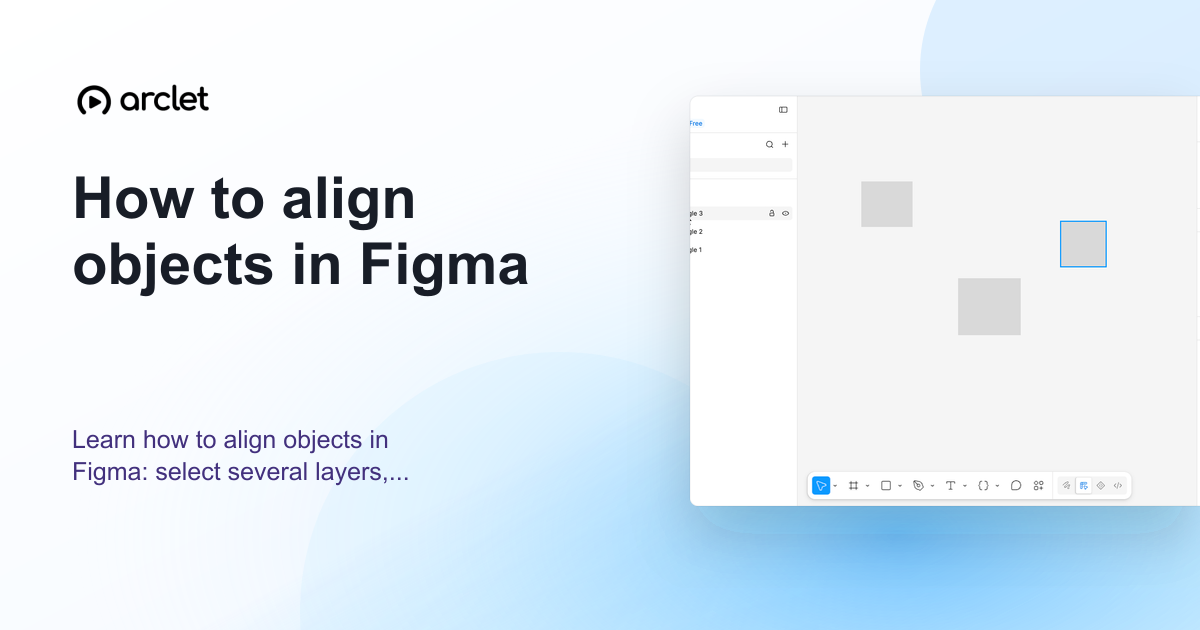
How to align objects in Figma
Learn how to align objects in Figma: select several layers, then use the Alignment controls in the Design panel to line up tops and centers.
How to use a mask in Figma
Learn how to use a mask in Figma: select two overlapping shapes, choose Use as mask, and clip the top shape to the one below it in the Layers panel.
Organise layers
The Layers panel has grown messy. Name, group and ungroup things so others can find their way around.
How to rename layers in Figma
Rename layers in Figma from the Layers panel: double-click a layer name, type a new name, and press Enter so your design file stays easy to scan.
How to group elements in Figma
Group elements in Figma by selecting several shapes, right-clicking, and choosing Group selection, then check the new group in the Layers panel.
How to ungroup elements in Figma
Learn how to ungroup elements in Figma: select a group in Layers, right-click, choose Ungroup, and get each object back as its own editable layer.
Build a reusable system
The same colour, type or element shows up again and again, and you want one place to change it.
How to create a component in Figma
Turn any shape into a reusable component in a Figma design file: select the layer, click Create component, then find it listed under Assets.
How to remove a component in Figma
Learn how to remove a component in Figma by detaching an instance into a plain frame, then deleting the main component if you no longer need it.
How to add a color style in Figma
Learn how to add a color style in Figma: open Styles in the Design panel, create a new color style, name it, set a hex value, and find it listed.
How to add text styles in Figma
Learn how to add a text style in Figma: open Create text style, name it, set the font size, and save it so you can reuse it across your design file.
How to create a local variable in Figma
Learn how to create a local variable in Figma: open the Variables panel, pick a type like Color, name it, set a value, and see it in the table.
Prototype, present, and export
The design is ready to leave the canvas, as a clickable flow or as files for someone else.
How to add a prototype link in Figma
Link a button to another frame in Figma. Open the Prototype tab, drag a connection to your destination frame, and set up a click interaction.
How to present a prototype in Figma
Learn how to present a prototype in Figma: open the Prototype tab, click Present, step through your frames, and close the preview when you finish.
How to export assets from Figma
Learn how to export a Figma layer as PNG and SVG assets by adding export settings, setting a 2x scale, and exporting every format in one click.
How to export a Figma file as PDF
Export a Figma design file as a PDF in four steps: add export settings, open the file type menu, choose PDF, then click Export. Works on a free plan.
Frequently asked questions
What is the difference between a frame, a group, and a section in Figma?
A frame is a container with its own size, like a screen. A group just bundles layers so they move together. A section organises several frames on the canvas.
How do I stop a copy following its main component?
Detach the instance. See how to remove a component, which turns the instance back into plain layers.
Can I export a Figma design as a PDF?
Yes. See how to export to PDF. For single layers as PNG or SVG files, see how to export assets.
How do I make a Figma design clickable?
Add a prototype connection from a layer to another frame, then present the prototype to click through it.


