Zoom How-to Guides
Zoom how-tos for scheduling and securing meetings in the web portal, joining and hosting from the browser, and setting up your camera, name and reactions.
These guides are for anyone who runs or joins Zoom meetings from a browser: team leads booking recurring syncs, people hosting calls with outside guests, and attendees who want to look and sound right on camera. They cover the Zoom web portal and the browser meeting window, so you can follow them without the desktop app.
Common Zoom workflows
Set up a weekly team sync
Book it once as a recurring meeting, then send the invite so the series lands on everyone's calendar.
Host a call with outside guests
Schedule the meeting, lock it with a passcode and a waiting room, then start it from the browser and admit people yourself.
Get ready before you join
Fix the name people will see, join from the browser, then tidy what is behind you.
Zoom guides
Schedule meetings
You need a meeting on the calendar, once or on a repeat, with the details people need to join it.
How to schedule a meeting in Zoom
Learn how to schedule a Zoom meeting from the web portal: open Schedule a Meeting, name it, pick a date, and save it so it is ready to share.
How to set up a Zoom meeting
Set up a Zoom meeting from the web portal: name it, choose a duration, turn on the Waiting Room, save, and check the settings on the meeting page.
How to create a recurring meeting in Zoom
Learn how to create a recurring meeting in the Zoom web portal: schedule it, set a weekly repeat, save it and check every occurrence on the details page.
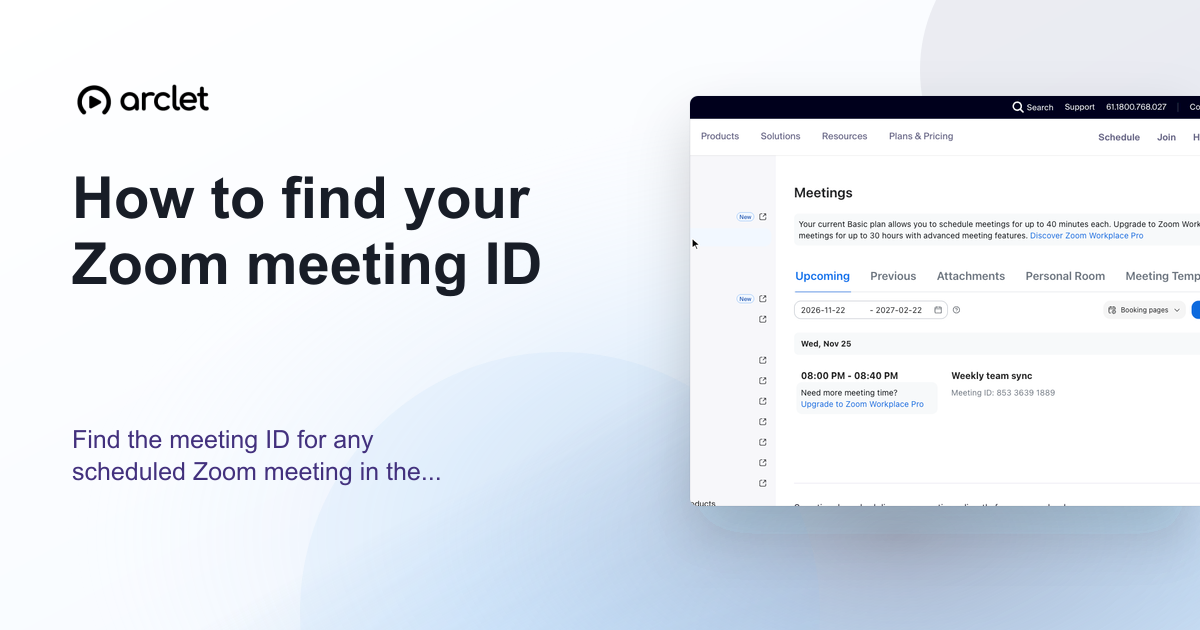
How to find your Zoom meeting ID
Find the meeting ID for any scheduled Zoom meeting in the web portal. Open Meetings, read the ID under the title, then open the meeting for its details page.
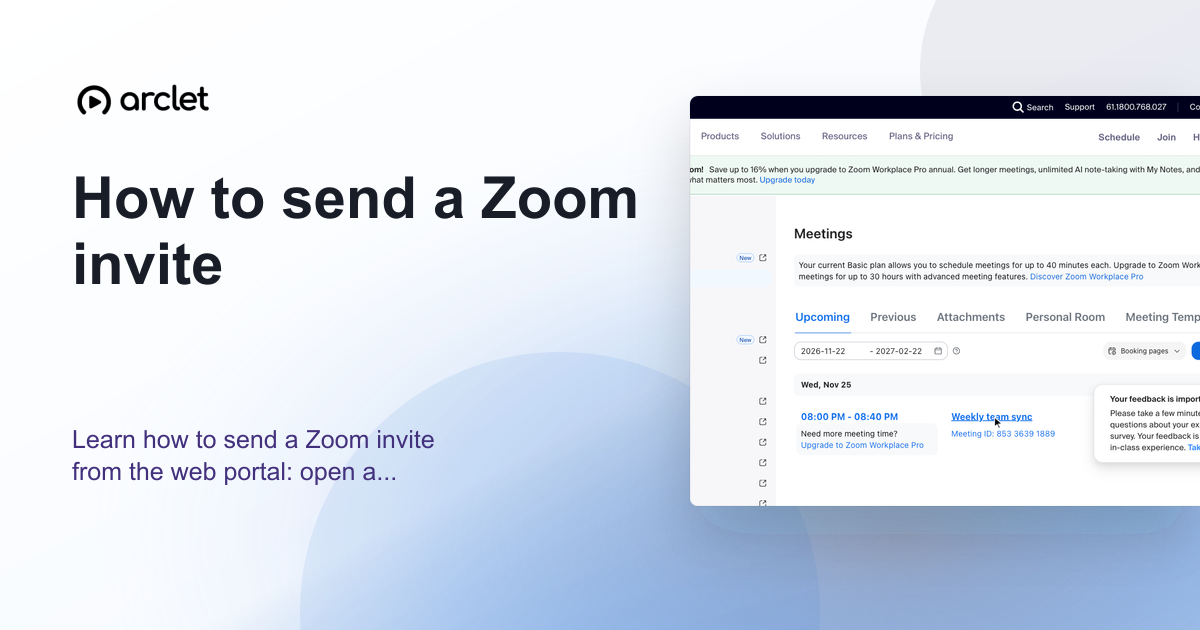
How to send a Zoom invite
Learn how to send a Zoom invite from the web portal: open a scheduled meeting, copy its invite link, and use Copy Invitation to share the details.
Secure a meeting
Outside guests or a public link mean you want control over who gets in and when.
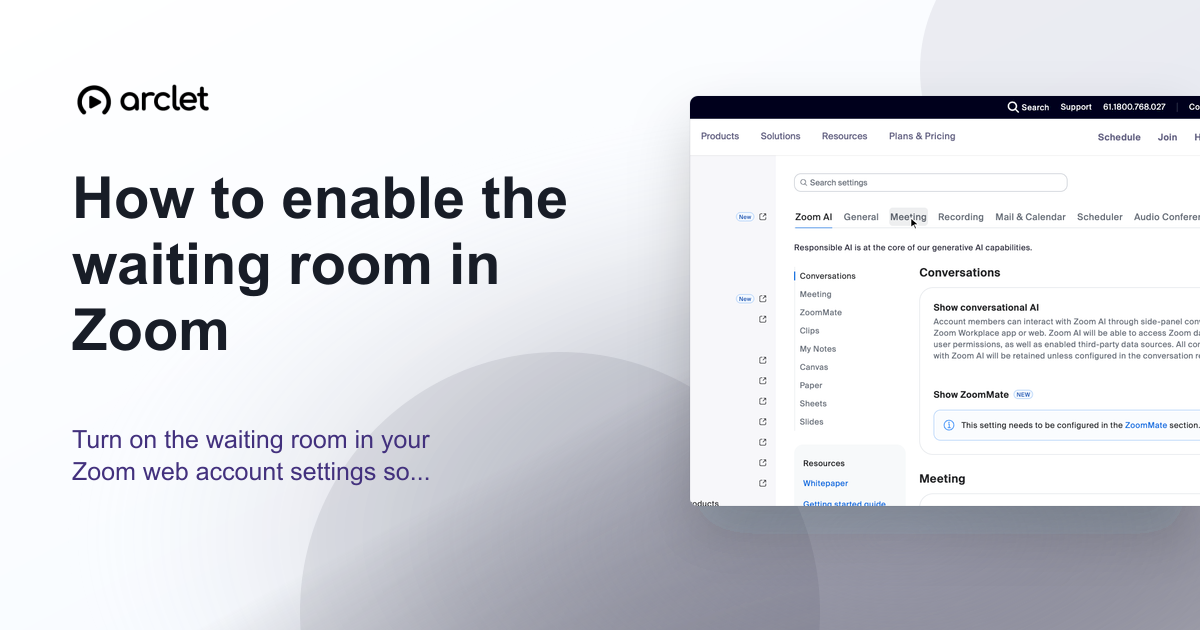
How to enable the waiting room in Zoom
Turn on the waiting room in your Zoom web account settings so every participant waits for you to admit them before they join your meetings.
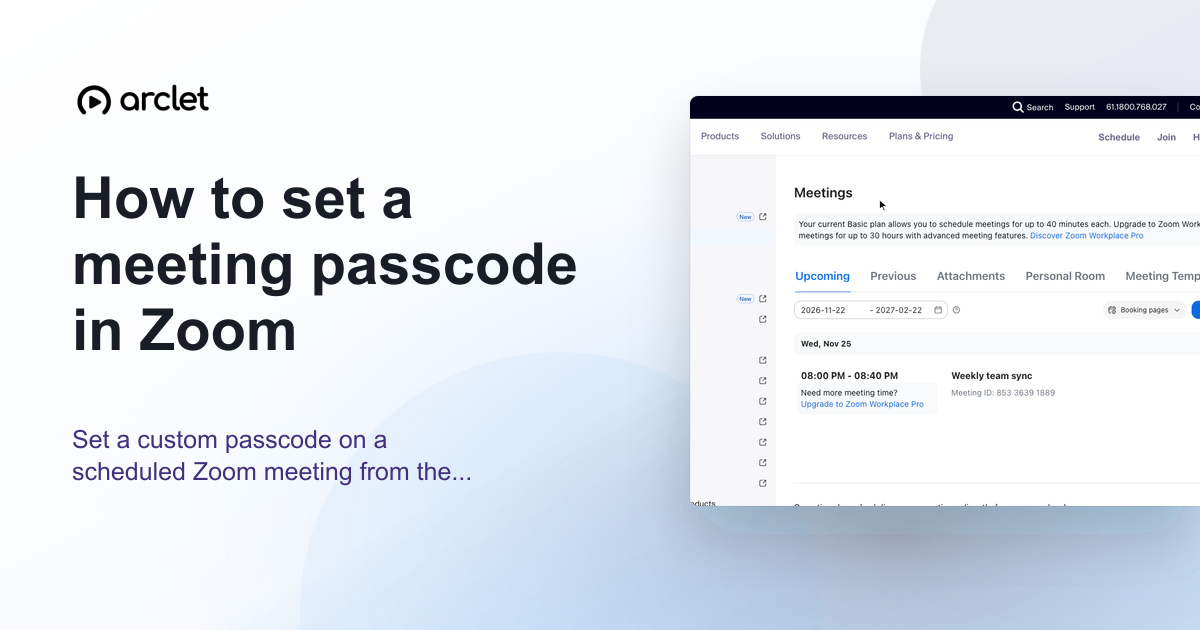
How to set a meeting passcode in Zoom
Set a custom passcode on a scheduled Zoom meeting from the web portal: open the meeting, edit its Security settings, and save the change.
Host and join meetings
It is time for the call. Start it as host or join someone else's, straight from the browser.
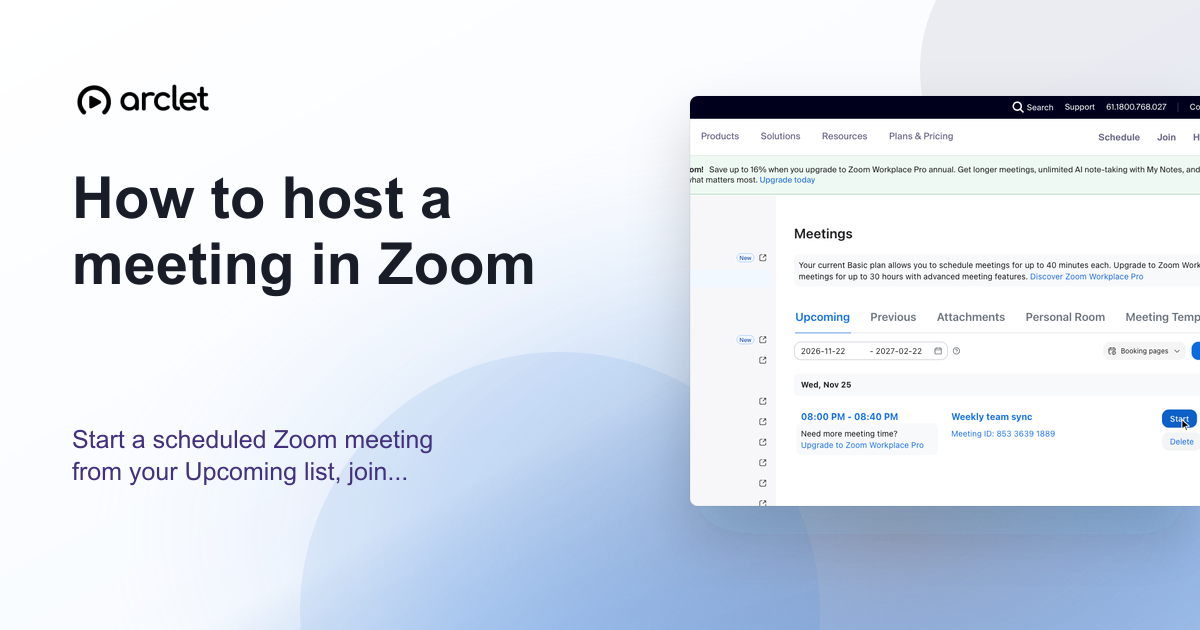
How to host a meeting in Zoom
Start a scheduled Zoom meeting from your Upcoming list, join from your browser, then open the participants list to invite people and use host controls.
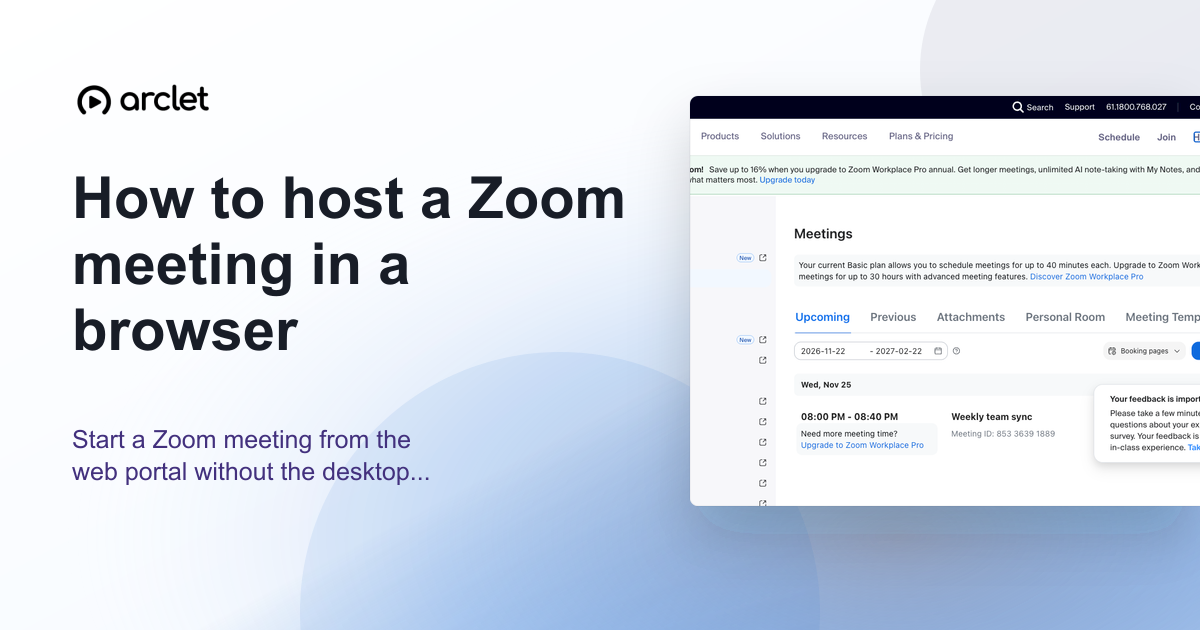
How to host a Zoom meeting in a browser
Start a Zoom meeting from the web portal without the desktop app. Pick Host, join from your browser, and skip the microphone and camera.
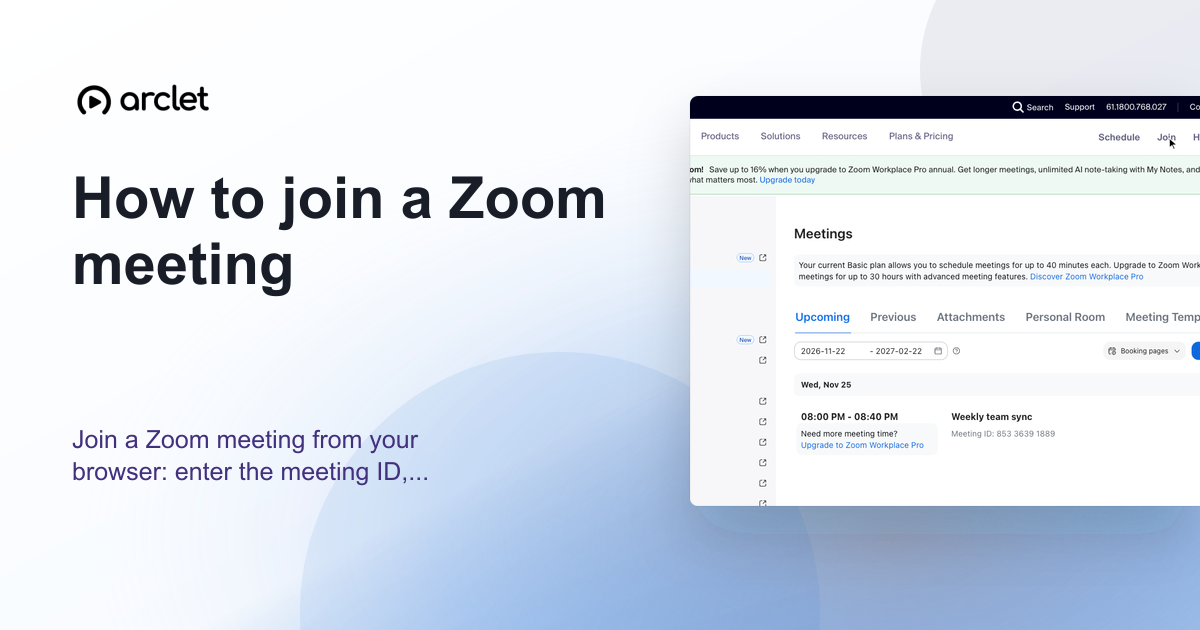
How to join a Zoom meeting
Join a Zoom meeting from your browser: enter the meeting ID, choose Join from browser, and continue without a microphone or camera on a free account.
Look and act right in a meeting
You are in the meeting and want a cleaner background, the right name on screen, or a way to speak up without interrupting.
How to blur your background in Zoom
Learn how to blur your background in Zoom from the browser: start a meeting, open the video options, and pick the Blur tile in the background picker.
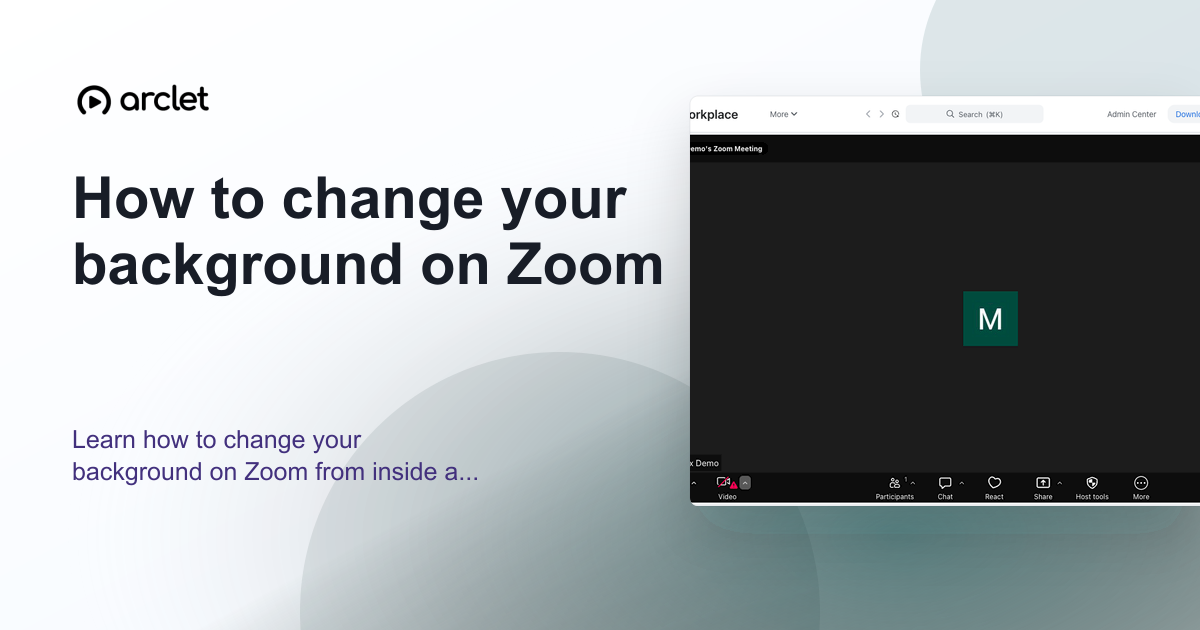
How to change your background on Zoom
Learn how to change your background on Zoom from inside a meeting: open the camera menu, pick a preset virtual background, and close the settings.
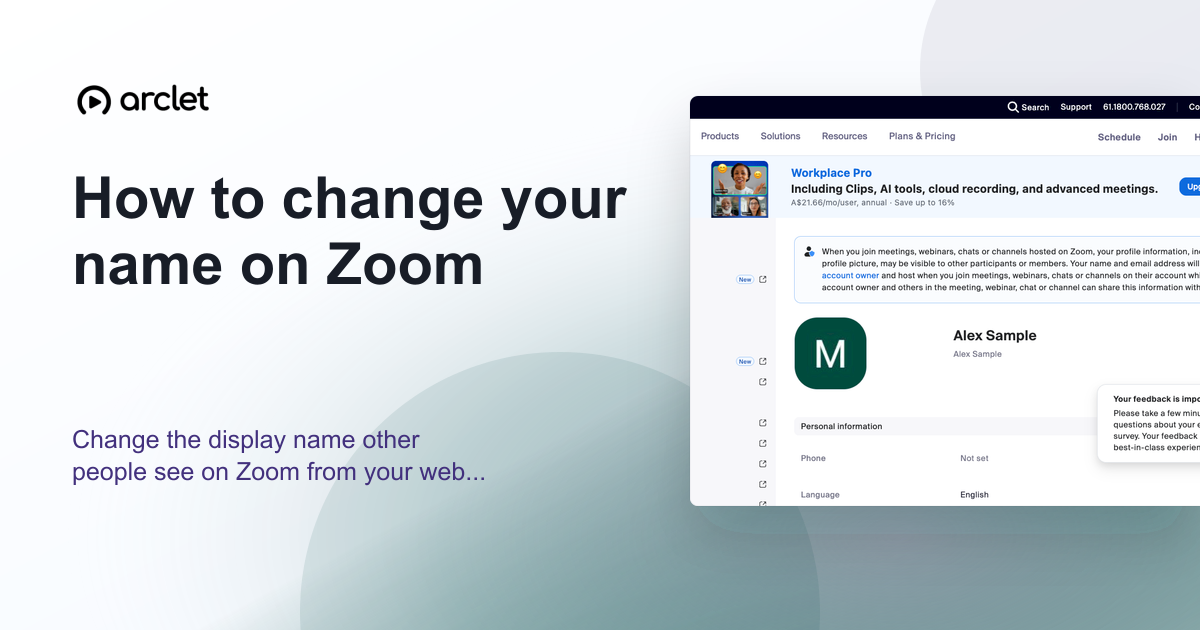
How to change your name on Zoom
Change the display name other people see on Zoom from your web profile page. Open Profile, choose Edit, update the Display Name field, and save the change.
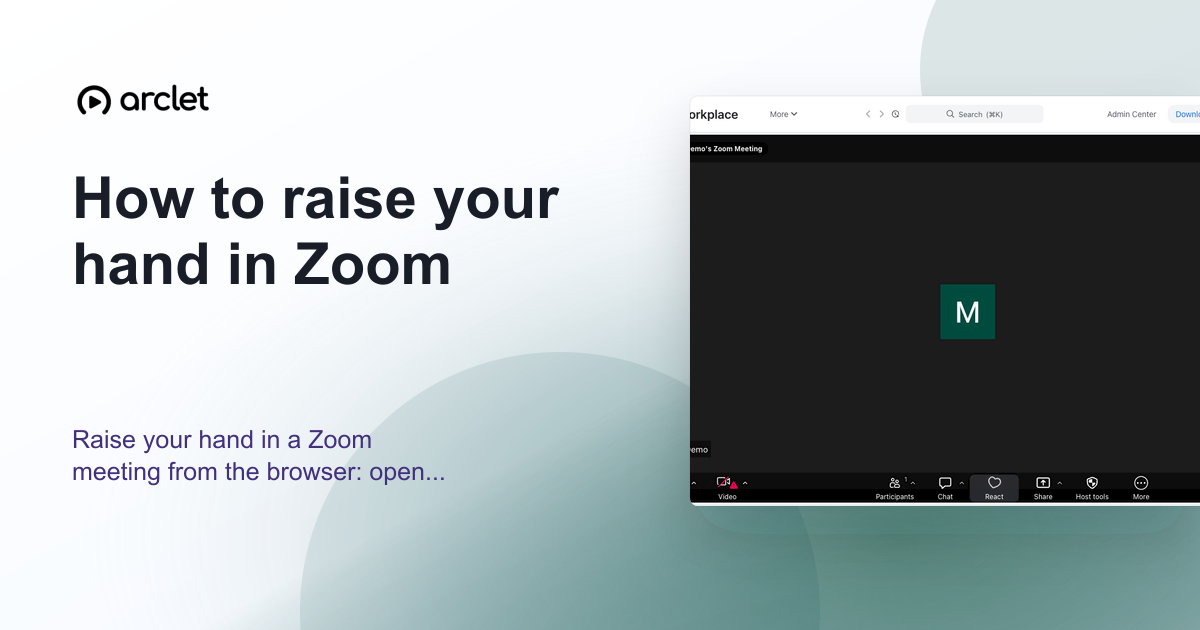
How to raise your hand in Zoom
Raise your hand in a Zoom meeting from the browser: open the reactions menu, pick the raise hand option, then lower it again once you have been heard.
Frequently asked questions
Can I use Zoom without installing the desktop app?
Yes. You can host a meeting in your browser from the web portal and join a meeting by choosing to join from your browser.
Where do I find my Zoom meeting ID?
Open the meeting in the web portal's meeting list. See how to find your meeting ID for where it appears.
How do I stop uninvited people joining my meeting?
Set a meeting passcode and turn on the waiting room, so guests need the code and you admit each one.
What is the difference between blurring and changing my background?
Blur keeps your real surroundings but out of focus. A virtual background replaces them with an image. See blur your background and change your background.


