How to find your Zoom meeting ID
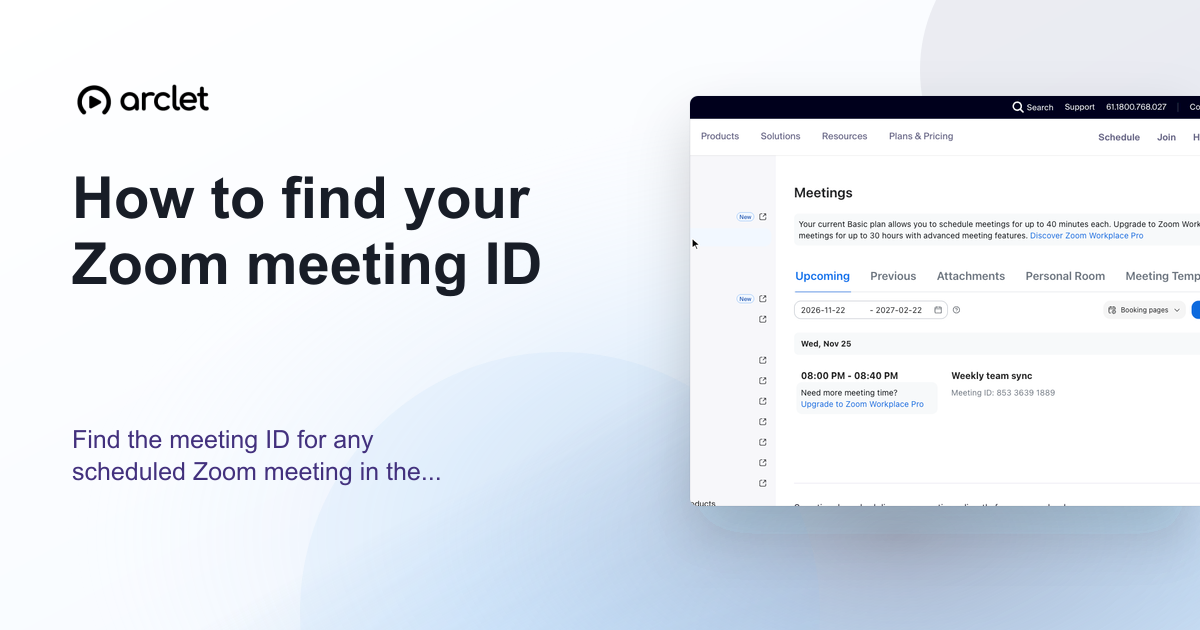
Find the meeting ID for any scheduled Zoom meeting in the web portal. Open Meetings, read the ID under the title, then open the meeting for its details page.
Quick answer
Sign in to the Zoom web portal and click Meetings in the left sidebar. On the Upcoming tab, each scheduled meeting shows its meeting ID directly under the title, so you can read it without opening anything. Click the meeting title if you want to open the meeting and manage it.
Steps at a glance
- Sign in to the Zoom web portal.
- Click Meetings in the left sidebar.
- Stay on the Upcoming tab.
- Read the ID under the meeting title.
- Click the meeting title to open it.
Interactive demo
Summary
Every scheduled Zoom meeting has a numeric meeting ID that guests use to join. The web portal lists it beside each upcoming meeting, so you can copy it into a message or calendar note without starting the meeting.
Step-by-step guide
Step 1
Open Meetings
Sign in to the Zoom web portal. In the left sidebar, click "Meetings" to open your meetings page.
Step 2
Read the ID under the meeting title
The Upcoming tab lists your scheduled meetings. Find the meeting you want and look under its title for the line that starts with "Meeting ID:". The number after it is the meeting ID.
Step 3
Open the meeting
Click the meeting title, such as "Weekly team sync", to open it. From there you can manage the meeting.
Why this matters
You promised a colleague the meeting details and they are waiting on the number. Finding the ID in the portal takes seconds, and you can send it without starting the meeting or digging through old emails.
Frequently asked questions
Where does the Zoom web portal show the meeting ID?
On the Meetings page, the Upcoming tab shows the meeting ID directly under each meeting title.
Do I need to start the meeting to see its ID?
No. Scheduled meetings show their ID in the Upcoming list before they start.
Related guides
Continue with more step-by-step guides for getting work done.
 How to blur your background in ZoomLearn how to blur your background in Zoom from the browser: start a meeting, open the video options, and pick the Blur tile in the background picker.
 How to change your background on ZoomLearn how to change your background on Zoom from inside a meeting: open the camera menu, pick a preset virtual background, and close the settings.
 How to change your name on ZoomChange the display name other people see on Zoom from your web profile page. Open Profile, choose Edit, update the Display Name field, and save the change.
 How to host a meeting in ZoomStart a scheduled Zoom meeting from your Upcoming list, join from your browser, then open the participants list to invite people and use host controls.
 How to host a Zoom meeting in a browserStart a Zoom meeting from the web portal without the desktop app. Pick Host, join from your browser, and skip the microphone and camera.
 How to join a Zoom meetingJoin a Zoom meeting from your browser: enter the meeting ID, choose Join from browser, and continue without a microphone or camera on a free account.
Create interactive demos like this one — free, no coding required.
Start for free →