How to manage notifications for a channel in Slack
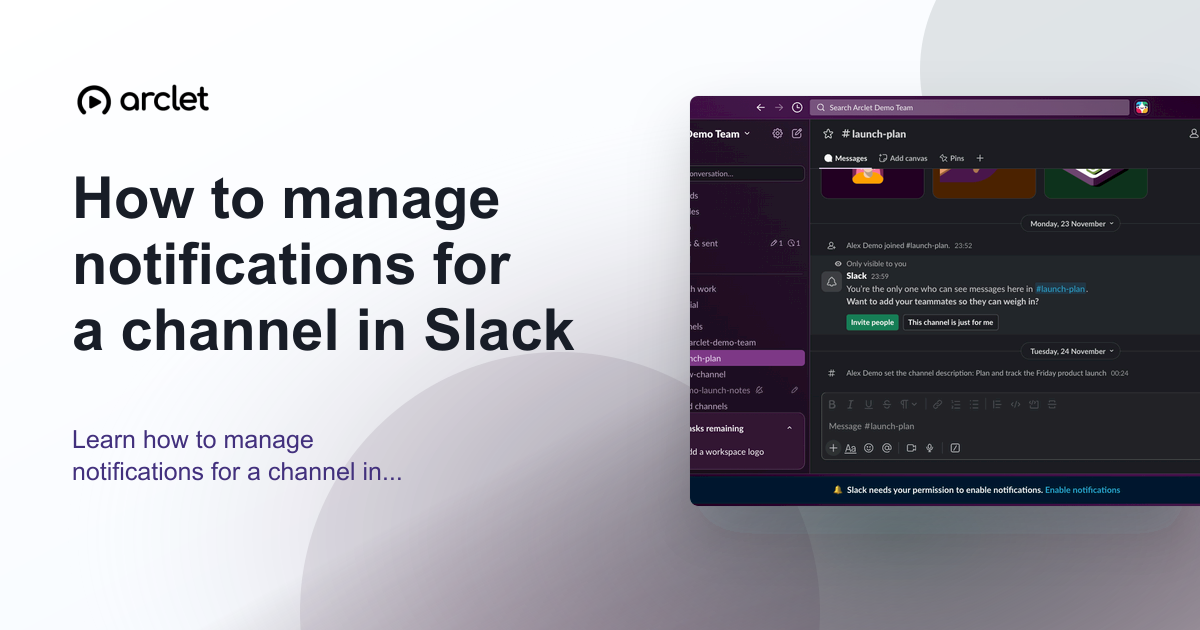
Learn how to manage notifications for a channel in Slack: open Edit notifications in the channel header and choose All new posts, Just mentions or Mute and hide.
Quick answer
To manage notifications for a channel in Slack, open the channel and click the bell icon labelled Edit notifications in the channel header. Pick All new posts for messages and threads you follow, Just mentions for @you, @channel and @here, or Mute and hide to only badge the channel when someone mentions you.
Steps at a glance
- Open the channel you want to change.
- Click Edit notifications in the channel header.
- Choose All new posts, Just mentions or Mute and hide.
- Reopen the menu to check your choice.
- Switch back whenever you want different alerts.
Interactive demo
Summary
Each Slack channel has its own notification setting, so you decide how loud it is. A busy channel can send you only mentions while a key channel keeps notifying you about new posts.
Step-by-step guide
Step 1
Open the channel notification menu
Open the channel you want to change. In the channel header, click the bell icon labelled Edit notifications to open the menu.
Step 2
Choose Just mentions
The menu offers All new posts, Just mentions and Mute and hide. Click Just mentions to be notified only about @you, @channel and @here.
Step 3
Reopen the menu to check your choice
Click Edit notifications again. The menu opens with the same options so you can confirm which one is selected.
Step 4
Switch back to All new posts
To be notified about messages and threads that you follow again, click All new posts. You can change the setting any time using the same bell icon.
Why this matters
One busy channel keeps pulling your attention while a quiet one holds the updates that matter. Setting notifications per channel lets you hear only the mentions from the noisy one, and keep full alerts where you need them.
Frequently asked questions
What does Just mentions do?
It notifies you about @you, @channel and @here mentions in that channel.
What does Mute and hide do?
It only badges the channel when someone mentions you.
Related guides
Continue with more step-by-step guides for getting work done.
 How to add a description to a Slack channelAdd a description to a Slack channel so everyone knows what it is for. Open channel details, edit the Description on the About tab, and save it.
 How to archive a channel in SlackLearn how to archive a Slack channel from its details panel: open the Settings tab, choose Archive channel for everyone and confirm the prompt.
 How to create a Slack channelLearn how to create a Slack channel: open Add channels, name it, choose Public visibility, and select Create so your team has a focused place to talk.
 How to mark a message as unread in SlackMark a Slack message as unread so you remember to come back to it. Open the message menu, choose Mark unread, and look for the New marker in the channel.
 How to mute a channel in SlackMute a Slack channel from the sidebar so it stops competing for your attention. Right-click the channel and pick Mute and hide, then check the icon.
 How to pin a message in SlackPin a message in Slack so important info stays easy to find. Open More actions on the message, choose Organise, then select Pin to channel.
Create interactive demos like this one — free, no coding required.
Start for free →